
To-Do List Template
To-Do List Template: Start Organized, Not From Scratch
Build your to-do list once and skip the setup next time. TasksBoard lets you duplicate any list in one click, so weekly reviews, project launches, and recurring checklists start from a proven structure, all stored in Google Tasks and available on any device.
2M+ kişiler tarafından kullanılır. Başlamak ücretsiz.
TasksBoard'teki yeniden kullanılabilir listeler neden elektronik tablodan daha iyi çalışır?
Tek tıklamayla herhangi bir listeyi çoğaltın
Found a structure that works? Duplicate the list for the next sprint, project, or week. All tasks, subtasks, and due dates copy instantly.
Listeleriniz Google Tasks'te yayınlanıyor
Yeniden kullandığınız her liste gerçek bir Google Tasks listesidir. Son tarihleri Google Calendar ile senkronize edilir, Google Tasks uygulamalarında gösterilir ve halihazırda kullanmakta olduğunuz her şeyle çalışır.
Listeleri ekibinizle paylaşın
Bir listeyi tek bir bağlantıyla ekip arkadaşlarınızla paylaşın veya herkesin kendi kopyasını alması için listeyi çoğaltın.
Yinelenen listeleri yeniden kullanın
Haftalık incelemeler, aylık kapanışlar, işe alım kontrol listeleri. Asla kontrol etmeyeceğiniz bir ana liste tutun ve her döngüde onu kopyalayın, sıfırdan yeniden oluşturma yok.
Yeniden kullanılabilir listeler
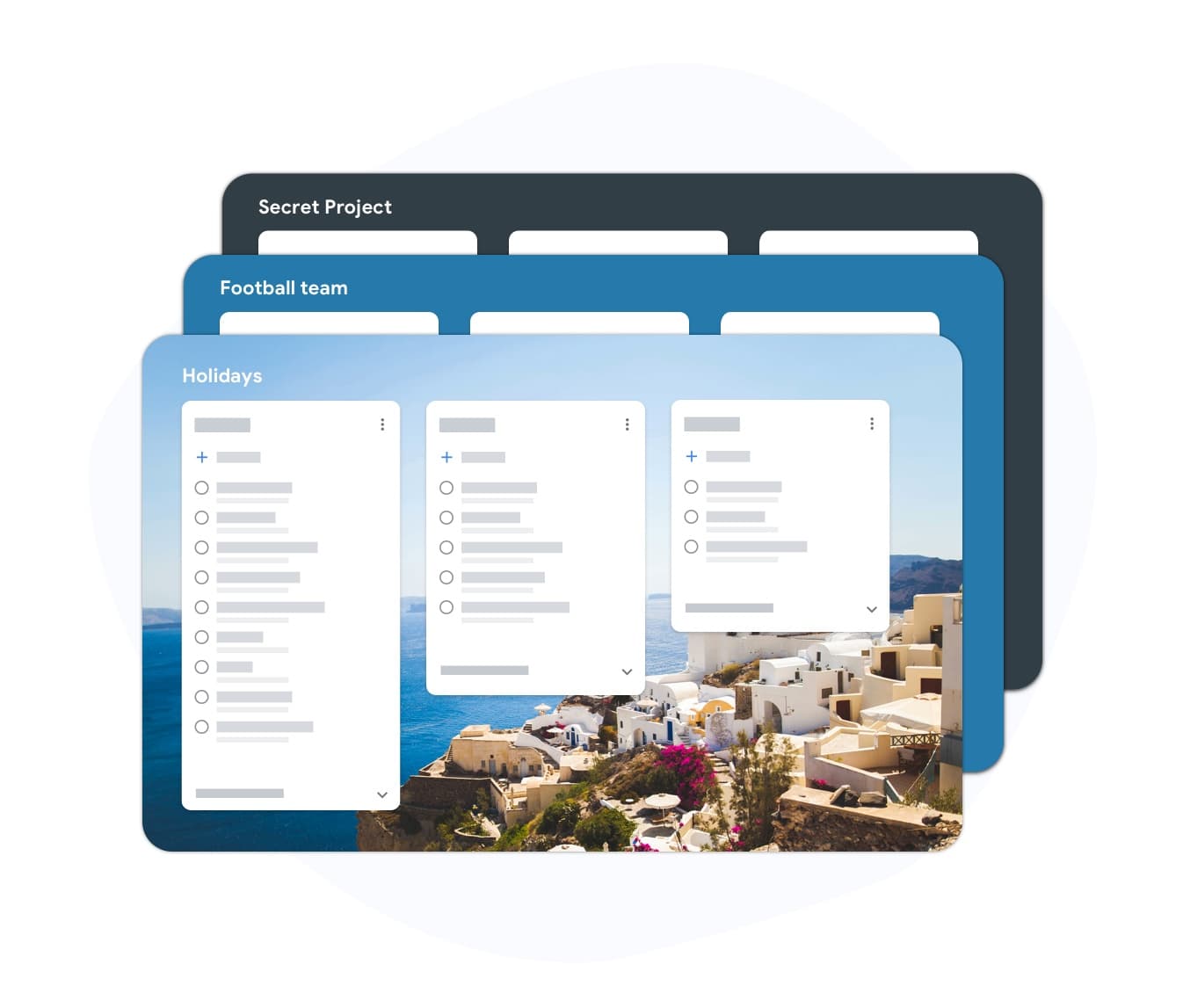
Start your to-do list in seconds, not minutes
Yeniden kullanılabilir listeler
Start your to-do list in seconds, not minutes
Create a list for a workflow you repeat: daily planning, project kickoff, sprint tracking. Add the items once, personalize them, and duplicate the list whenever you need a fresh copy. You can also import a list from a CSV or spreadsheet. No blank-page anxiety, the structure is already there.
- Günlük, haftalık ve proje iş akışları için listeler oluşturun
- Herhangi bir öğeyi yeniden adlandırın ve özelleştirin
- Herhangi bir girişe alt görevler ve son tarihler ekleyin
Tekrarlanan listeler
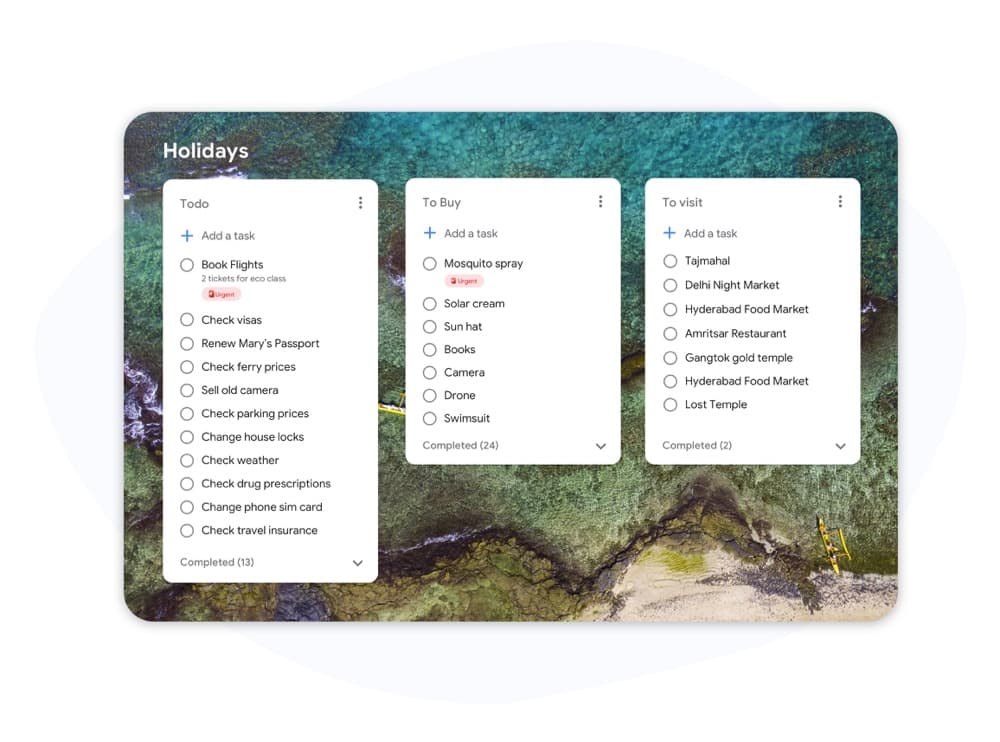
Reuse your best to-do list every week
Tekrarlanan listeler
Reuse your best to-do list every week
Keep a master list and duplicate it in one click. Your next sprint, review cycle, or onboarding session starts with a clean copy of the same proven structure. No re-typing. No forgetting steps you added last month.
- Herhangi bir listeyi tek tıklamayla çoğaltın
- Görevler, notlar ve son tarihler kopyayla birlikte gelir
- Keep notes and subtask structure intact
How to use a to-do list template in TasksBoard
-
Google ile oturum aç
TasksBoard'i açın ve Google hesabınızla oturum açın. Mevcut Google Tasks listeleriniz otomatik olarak yüklenir, içe aktarmaya gerek yoktur.
-
Ana listenizi oluşturun
Yeni bir liste oluşturun ve yinelenen görevlerinizi ekleyin veya bunları bir CSV veya elektronik tablodan içe aktarın. Bir sonraki döngüde bulabilmek için açıkça adlandırın.
-
Çoğalt ve yeniden kullan
When the cycle starts, duplicate the master list. You start fresh with the same structure every time, no rebuilding.
Binlerce kullanıcı tarafından seviliyor
Chrome Web Mağazası’nda 1.000’den fazla değerlendirmede 4,8 / 5
"Always have 101 things to do and this helps me organize and prioritize like no other app can. It syncs to my phone and laptop, and when I add dates to tasks, they automatically integrate into my Google Calendar, which is immensely convenient. I can look at my daily, weekly, and monthly overview in Google Calendar and clearly see how much I was able to accomplish! Great tool indeed. Excited to see how it will evolve over time."

"Seriously, makes my tasks easier to share with the team, and the free version is quite nice for our little office. Eventually, we will expand, and this is definitely a great tool to do that! Syncs with my Workspace and Calendar."

"I love the simple, intuitive interface and the Add to Tasks feature, especially as I work through my emails! Sharing my tasks is also easy. Overall, outstanding and simple to use, and that means a lot with too many complex tasks out there!"

"Great too for managing daily routine and plan tasks. Would be perfect if it was updated for generating reports for statistics. For google tasks and google calendar"





Sıkça sorulan sorular
What is a to-do list template?
A to-do list template is a pre-built list structure you can reuse for recurring tasks. Instead of building a new list from scratch every sprint or week, you copy the template and start working immediately.
TasksBoard'te listeleri kopyalamak ücretsiz mi?
Evet. Listeleri oluşturmak, kopyalamak ve paylaşmak ücretsiz planda mevcuttur. Özel renkler, toplu içe aktarma ve genişletilmiş ekip paylaşımı gibi gelişmiş özellikler premium planda yer alıyor.
Can I share a to-do list template with my team?
Yes. Share any list with a link. Teammates can collaborate on the shared list, or duplicate it to use the same structure for their own tasks.
Şablonlar Google Tasks ve Takvim ile senkronize ediliyor mu?
Evet. TasksBoard'te oluşturduğunuz her liste, yinelenenler dahil, bir Google Tasks listesi olarak saklanır. Son tarihleri olan görevler Google Calendar'te otomatik olarak görünür.
How do I create a recurring to-do list template?
Listenizi yinelenen tüm öğelerle bir kez oluşturun ve onu hiçbir zaman işaretlemeyeceğiniz bir ana kopya olarak saklayın. Bir döngü başladığında listeyi TasksBoard'te çoğaltın. Bu size saniyeler içinde yeni bir kopya verir.
What types of to-do list templates work best in TasksBoard?
TasksBoard haftalık incelemeler, proje başlatma kontrol listeleri, sprint planlama, işe alım süreçleri ve günlük planlama için iyi çalışır. Düzenli bir programda tekrarladığınız herhangi bir liste, kopyalanmaya iyi bir adaydır.
Başlayın
Start with a to-do list template: not a blank page
Google ile oturum açın ve ilk yeniden kullanılabilir listenizi iki dakikadan kısa sürede oluşturun. Bireyler için sonsuza kadar ücretsiz.
Kredi kartı gerekmez. Mevcut Google Tasks'inizle çalışır.