
Blog
Tips, guides, and updates to help you get the most out of Google Tasks with TasksBoard.
Category
Productivity & Planning
Tips, techniques, and tools to plan your day and stay focused.
See all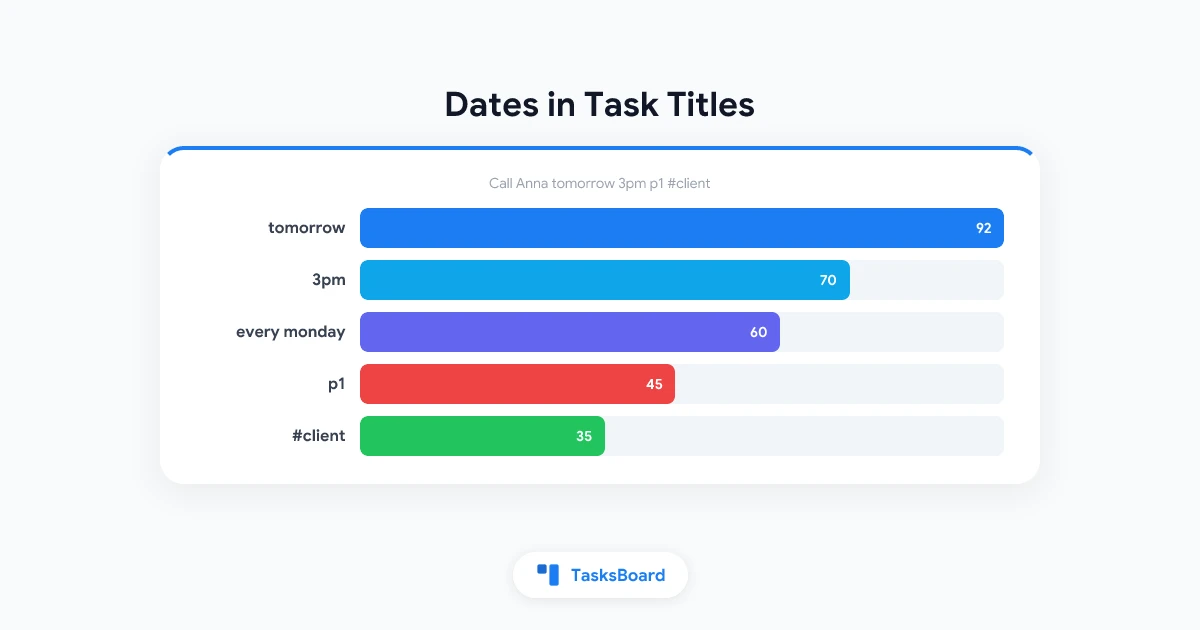
Google Tasks Natural Language Dates: Type 'Tomorrow 3pm' in the Title
Type dates, times, repeats, priorities and labels straight into a Google Tasks title in TasksBoard. The full quick add syntax and what gets written to the task.
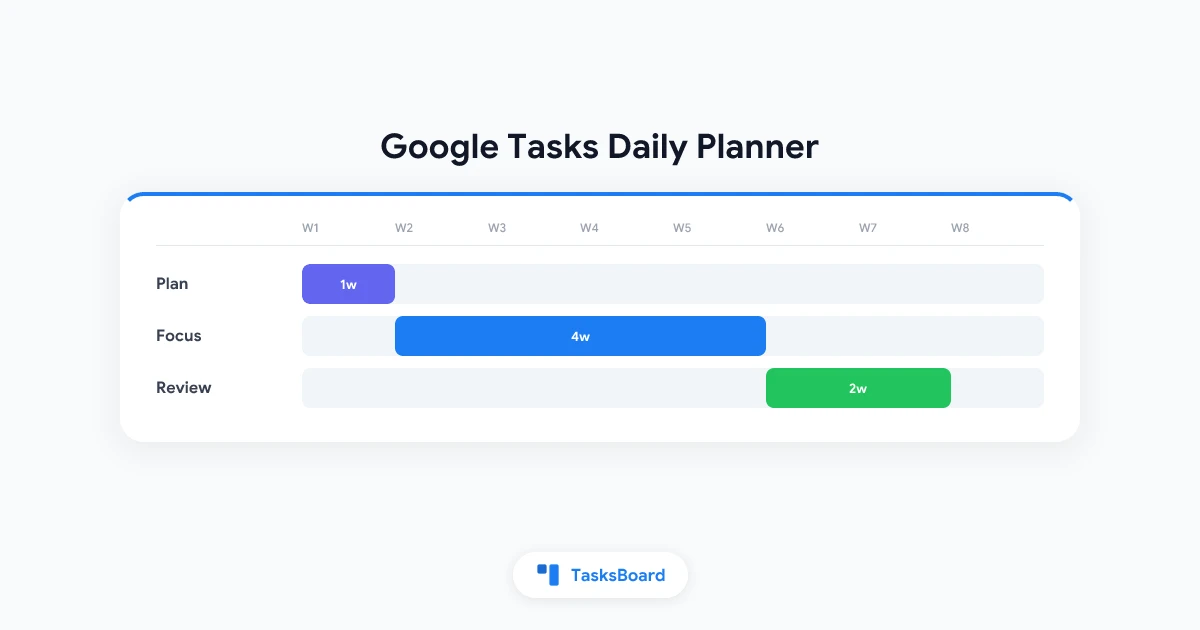
Google Tasks Daily Planner: Plan Your Day Step by Step
Turn Google Tasks into a daily planner with due dates, Calendar and a Today view. Follow a simple morning routine to plan, focus, and review every day.
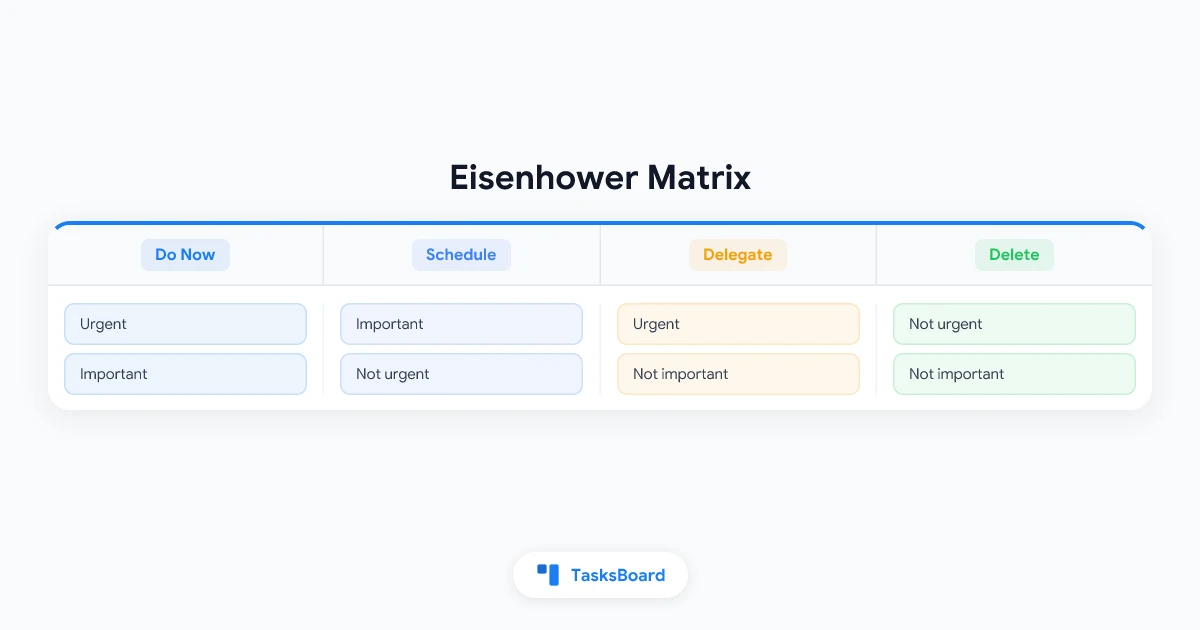
Eisenhower Matrix: How to Prioritize Tasks (Free Template + Google Tasks Guide)
Learn how the Eisenhower Matrix works, see a free template for the four quadrants, and find out how to build one with Google Tasks and TasksBoard.
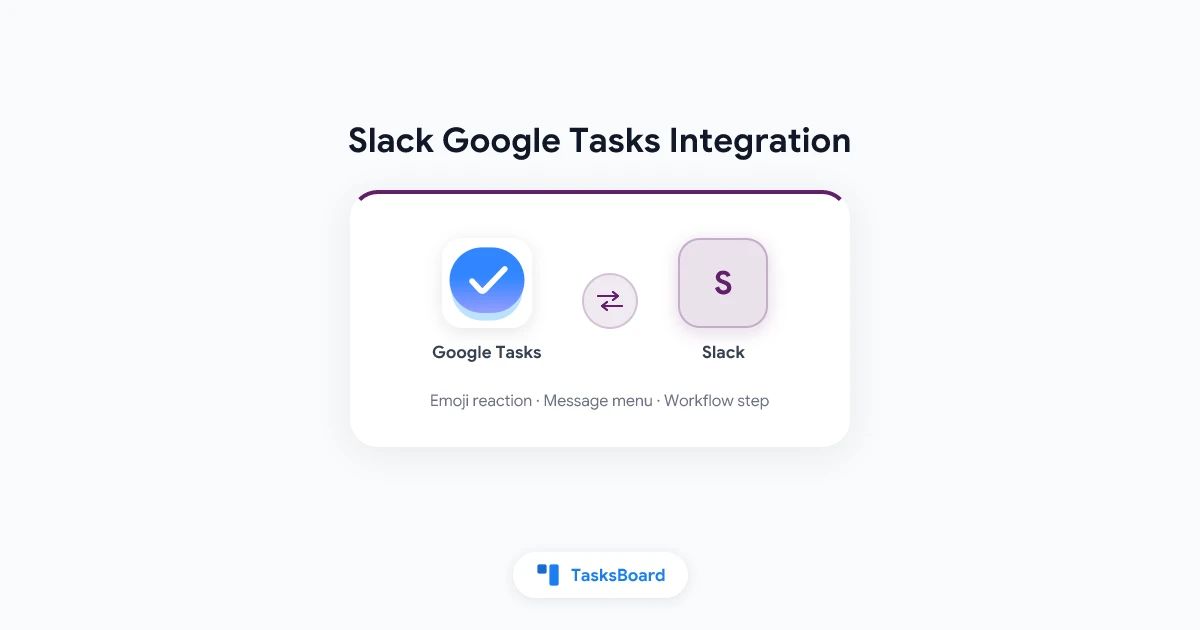
Slack Google Tasks Integration: Turn Messages into Tasks
Slack Google Tasks integration guide: turn a Slack message into a Google task with a Zapier reaction, the message menu, Slack Workflow Builder or TasksBoard.
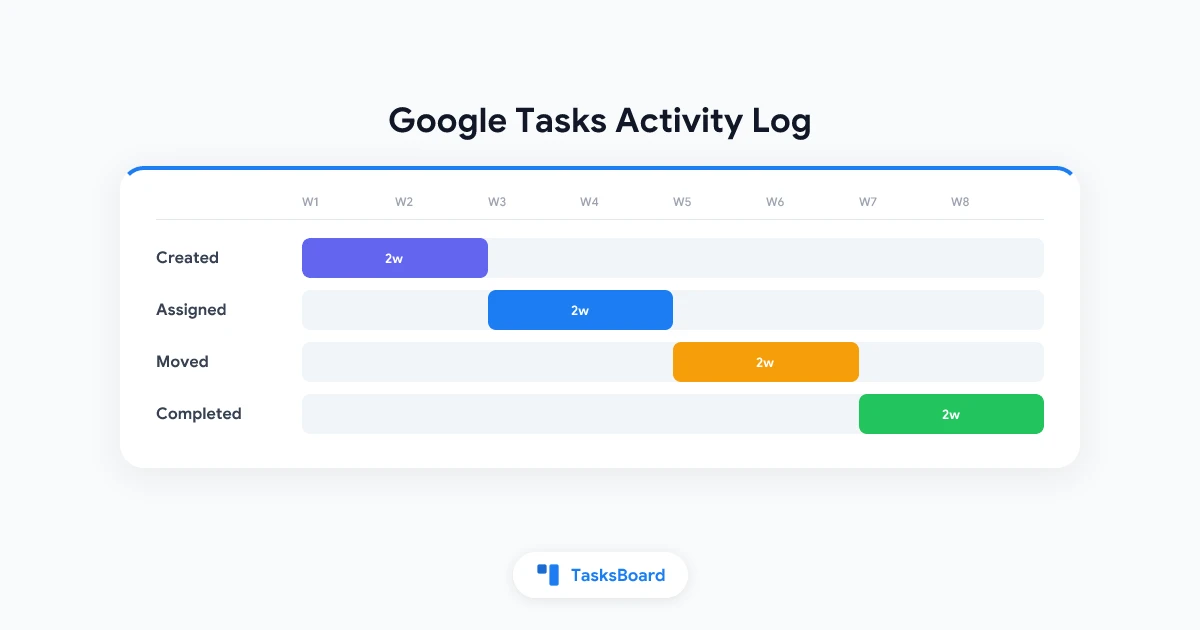
Google Tasks Activity Log: See Who Did What on a Shared List
Google Tasks keeps no record of who completed, assigned or moved a task. How to get an activity log, per-task history and a weekly summary on a shared list.
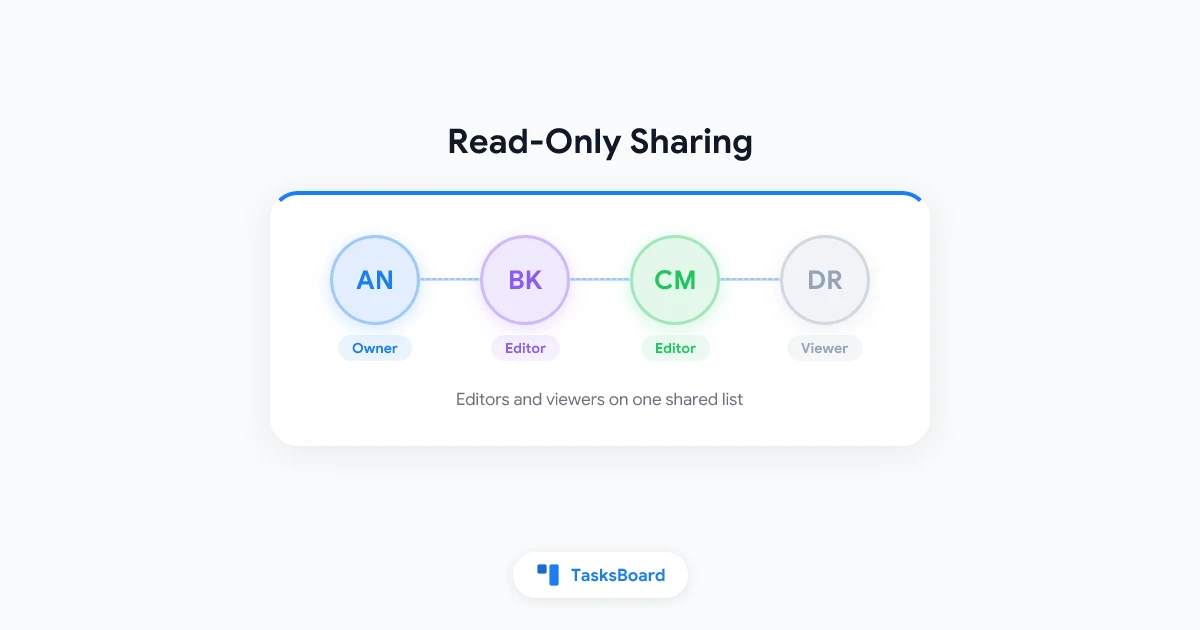
Google Tasks Read-Only Sharing: Give Someone View-Only Access to a List
Google Tasks has no permissions. Learn how to share a list as view-only with the Viewer role, filter a board by person, and send a link to one person's tasks.
Category
Project Management & Agile
Frameworks, methodologies, and strategies to ship projects on time.
See all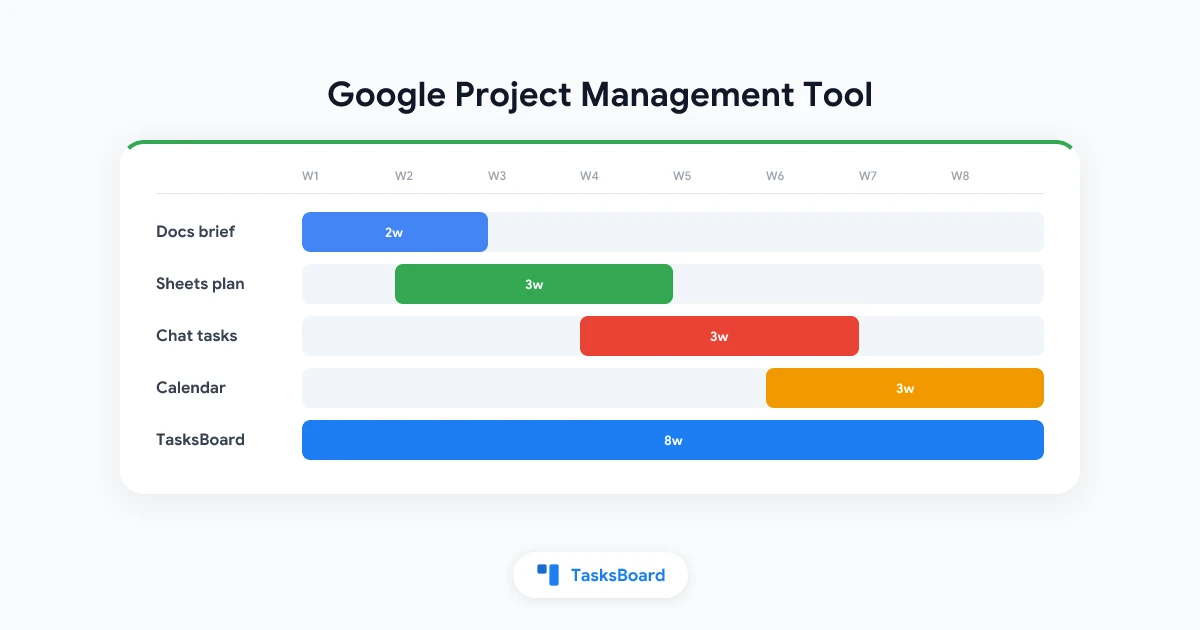
Does Google Have a Project Management Tool? What Workspace Offers
Does Google have a project management tool? No single app. See how Sheets, Tasks, Chat and Calendar cover a project, what is missing, and how to add a board.
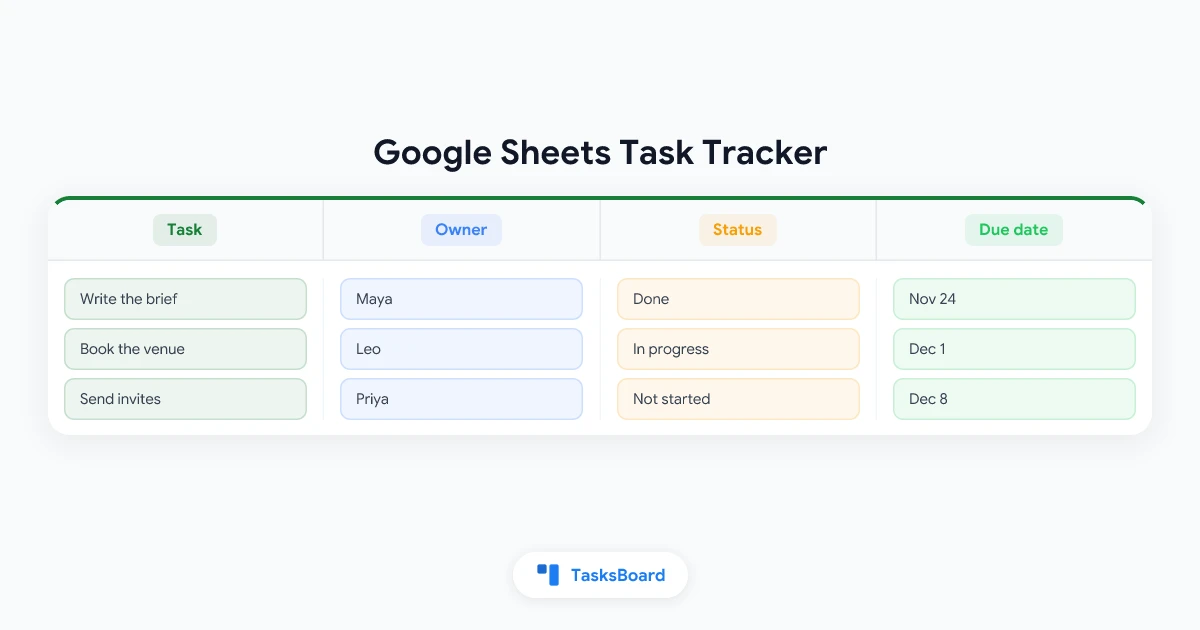
Google Sheets Task Tracker: Build One in 6 Steps (and Its Limits)
Build a Google Sheets task tracker in 6 steps with a pre-built table, status dropdowns and an overdue rule. See its limits and how to move it to Google Tasks.
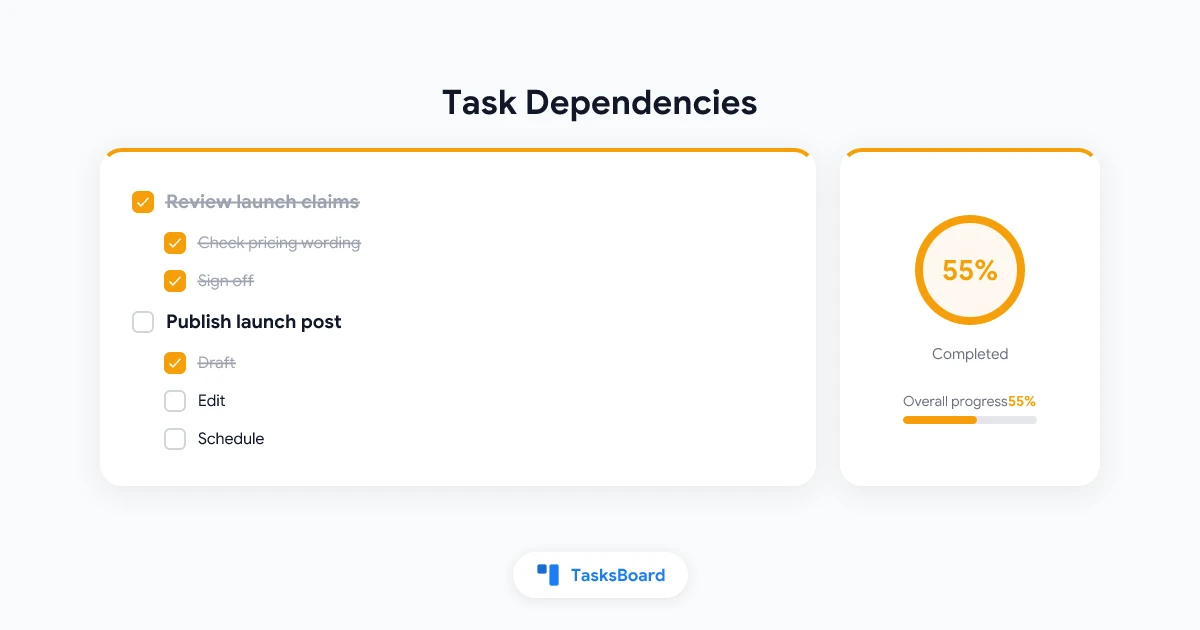
Google Tasks Dependencies: Mark a Task as Blocked by Another
Google Tasks has no dependencies. TasksBoard adds 'blocked by' links across lists, a lock icon, unblock notices and three levels of subtasks. How it works and syncs.
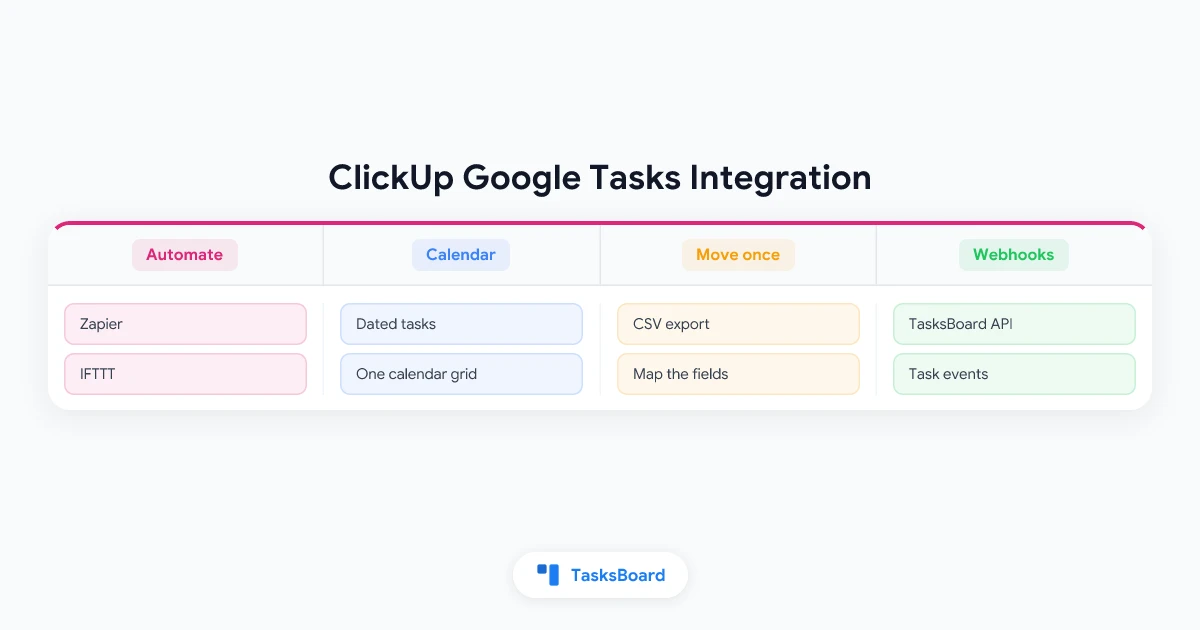
ClickUp Google Tasks Integration: 4 Ways to Connect Them (2026)
ClickUp Google Tasks integration is not built in. Compare 4 working routes: Zapier or IFTTT, the Google Calendar sync, a one-time CSV move and webhooks.
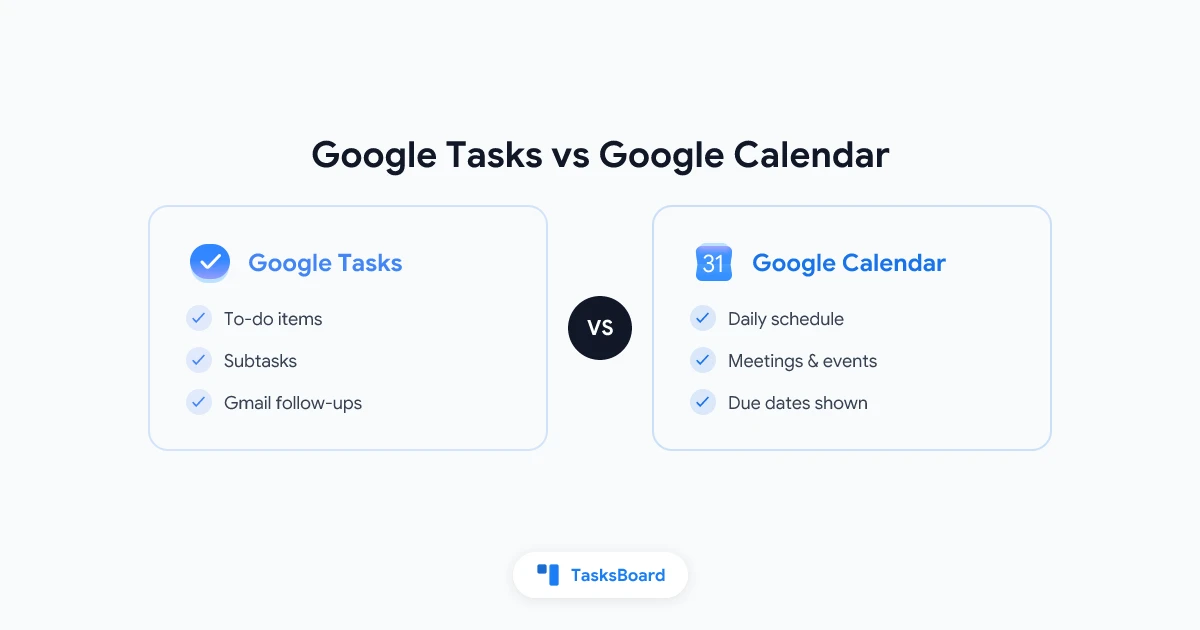
Google Tasks vs Google Calendar: Which Should Hold Your To-Do List in 2026?
Google Tasks vs Google Calendar compared: how the built-in Tasks list works, where due dates show up, and which one to trust for your daily to-dos.
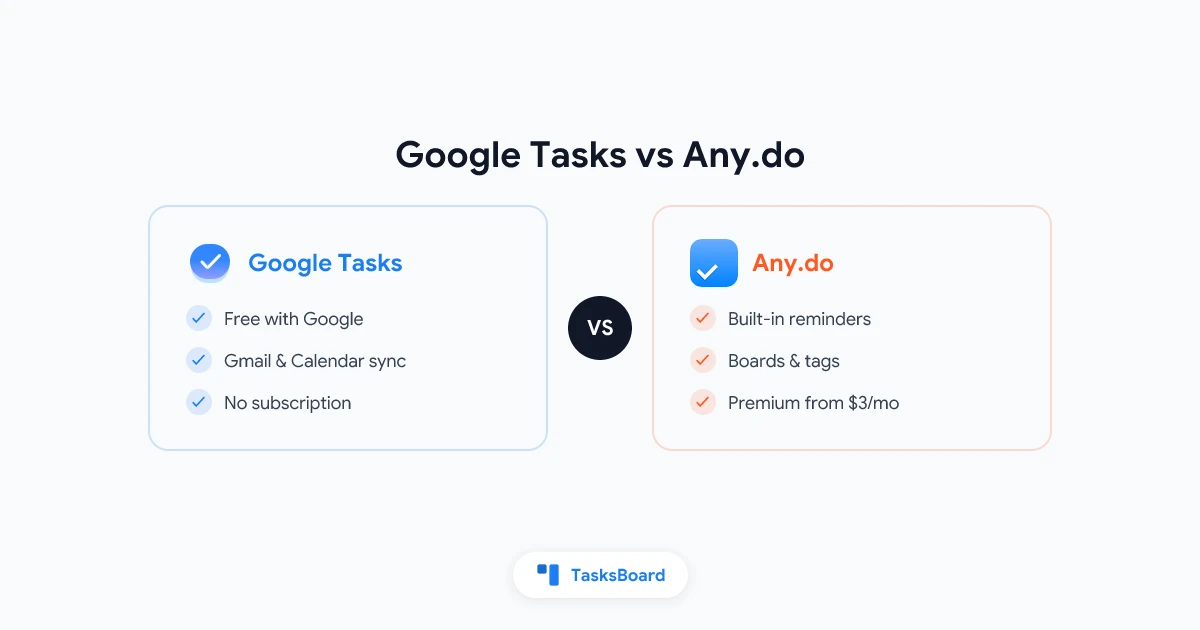
Google Tasks vs Any.do: Which To-Do App Should You Use in 2026?
Google Tasks vs Any.do compared on price, reminders, recurring tasks, and collaboration so you can pick the better to-do app for your workflow in 2026.
Category
AI & Future of Work
How artificial intelligence is reshaping how we work and collaborate.
See all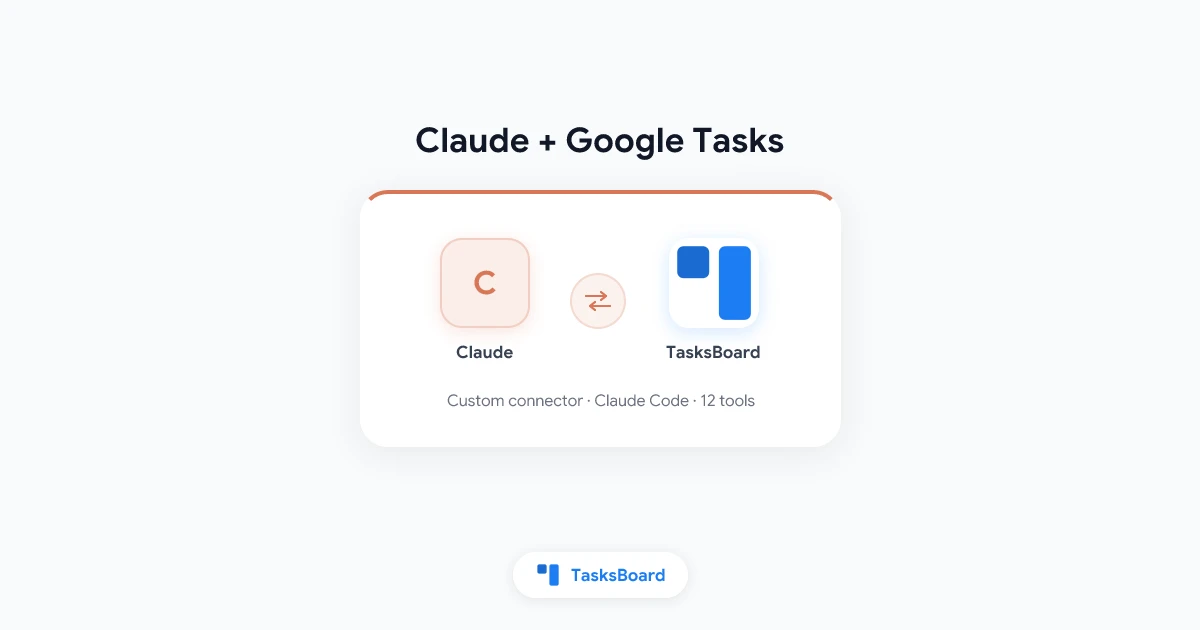
Claude Google Tasks Integration: Setup, Prompts and Limits
Connect Google Tasks to Claude with the free TasksBoard MCP connector. Steps for Claude on the web, Claude Desktop and Claude Code, plus prompts and limits.
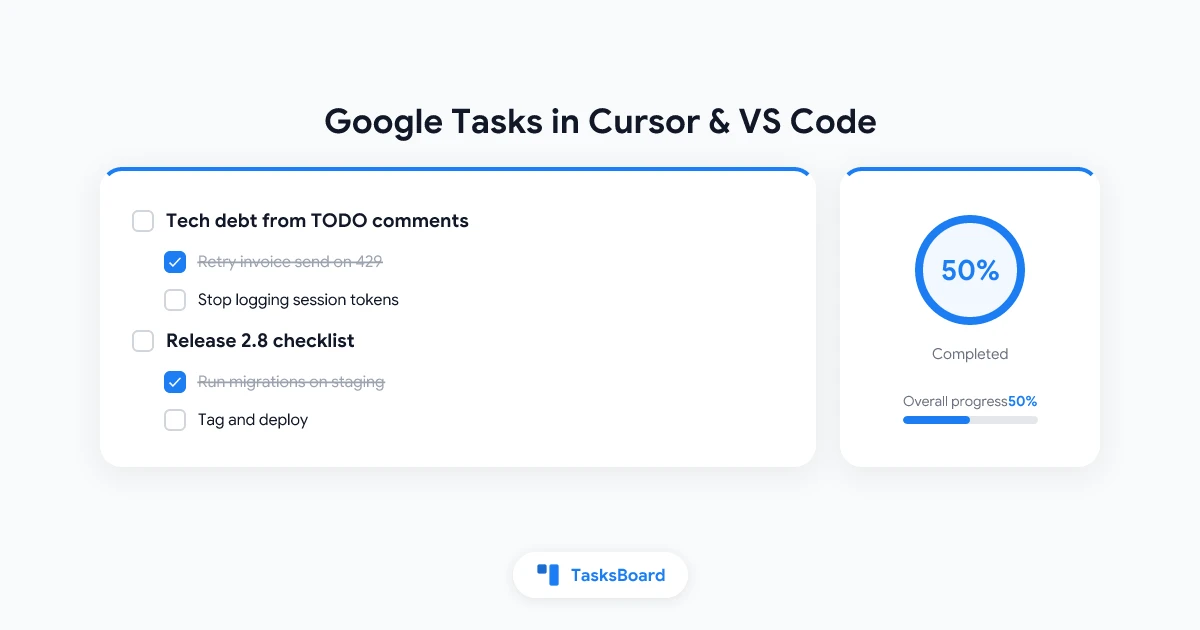
Google Tasks in Cursor and VS Code: MCP Setup for Coding Agents
Use Google Tasks in Cursor, VS Code, Codex and Antigravity through the TasksBoard MCP server: exact config, OAuth sign-in and prompts for developer workflows.
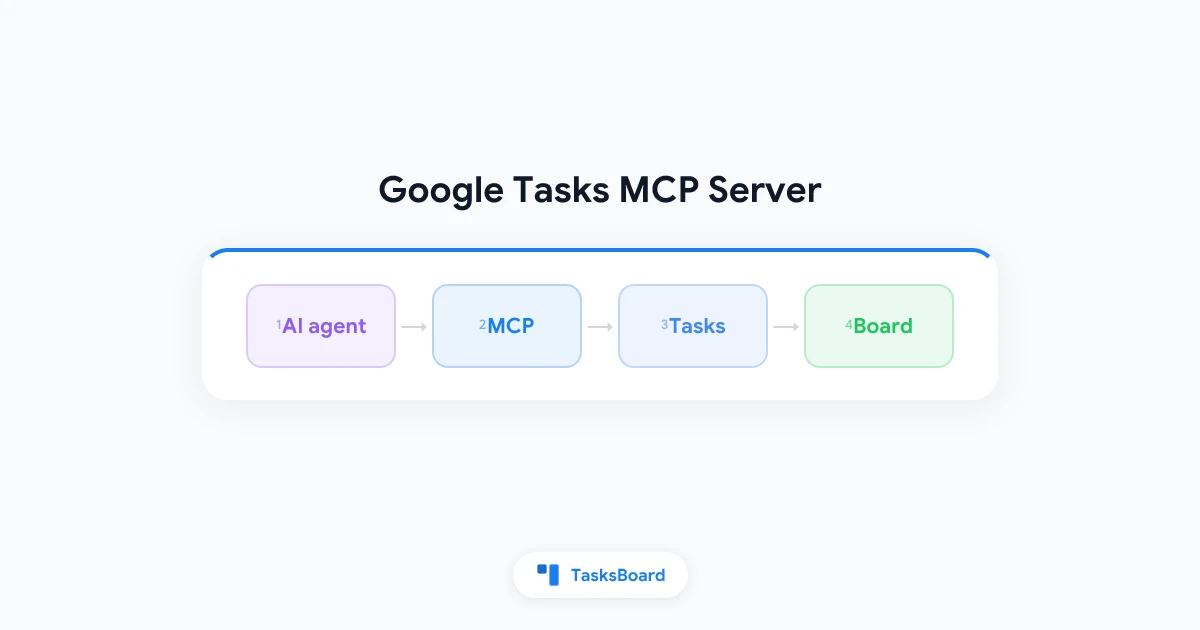
Google Tasks MCP Server: Connect Claude, Cursor and More
Google Tasks MCP server from TasksBoard: connect Claude, Cursor, VS Code, Codex or Antigravity to your real tasks with one URL and a Google sign-in. Free.
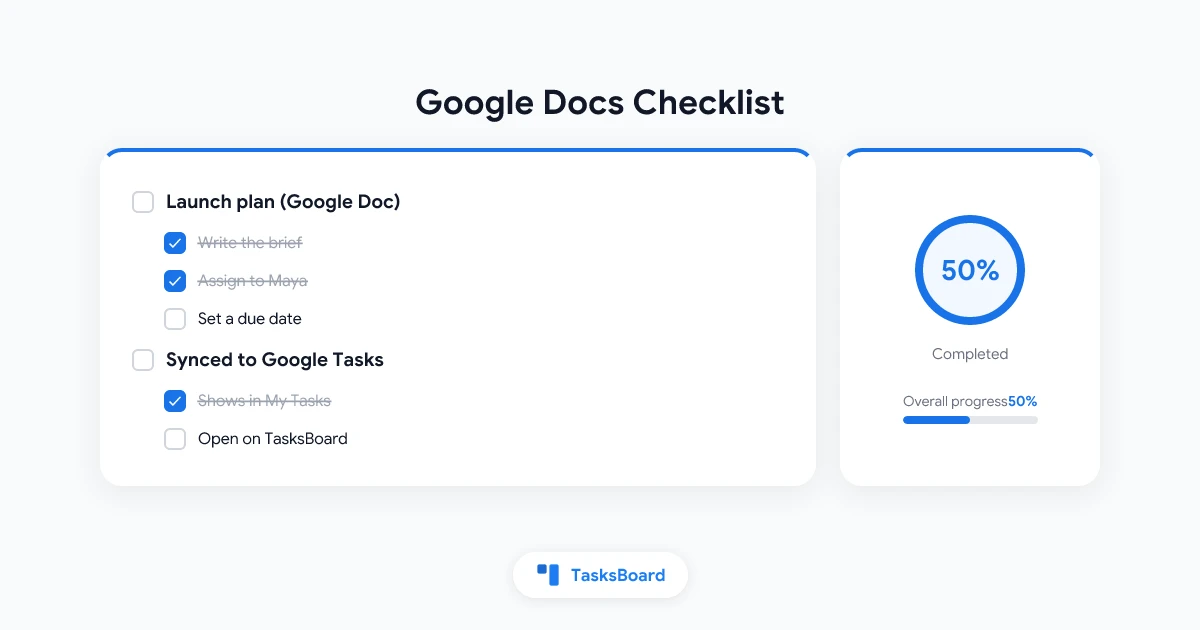
Google Docs Checklist: Create One and Turn Items into Google Tasks
Google Docs checklist guide: make a checklist in Google Docs, drop the strikethrough, reuse it as a template, and assign items so they appear in Google Tasks.
Google Tasks Multiple Accounts: Switch, Share or Merge Your Lists
Google Tasks multiple accounts: how Gmail, Calendar and the Tasks app pick an account, how to switch fast, and how to share or merge work and personal lists.
Google Tasks Chrome Extension: Open Your Tasks in Any Tab
Google Tasks Chrome extension guide: install the TasksBoard side panel extension, pin it, use it in any tab, and compare the top Chrome Web Store options.