
Google Tasks + Kalender
See Your Google Tasks in Calendar: Plan Your Day Without Switching Apps
Google Tasks hidup langsung di dalam Google Calendar. TasksBoard membuat integrasi itu bahkan lebih baik, papan layar penuh, sinkronisasi waktu nyata, dan tampilan hari ini yang menggabungkan pertemuan dan tugas Anda.
Digunakan oleh 2M+ orang. Gratis untuk memulai.
Mengapa TasksBoard untuk Google Tasks + Kalender
Tugas muncul di sidebar Kalender
Tidak perlu beralih tab. Tugas Anda terlihat langsung di sebelah acara Anda sehingga Anda dapat merencanakan hari Anda dalam satu tempat.
Tanggal jatuh tempo menjadi jangkar kalender
Tetapkan tanggal jatuh tempo pada tugas apa pun dan itu muncul pada hari yang tepat di Google Calendar, tanpa entri manual.
Rencanakan minggu Anda secara visual
TasksBoard memberi Anda papan Kanban layar penuh sehingga Anda dapat melihat semua tugas oleh daftar, menariknya ke kolom baru, dan melihat tugas yang terlambat secara instan.
Sinkronisasi dua arah waktu nyata
Semua yang Anda lakukan di TasksBoard disinkronkan kembali ke Google Tasks dan Kalender secara langsung. Tidak ada ekspor, tidak ada plugin.
Tampilan hari ini
Semua yang jatuh tempo hari ini: dalam satu tempat
Tampilan hari ini
Semua yang jatuh tempo hari ini: dalam satu tempat
TasksBoard mengumpulkan setiap Tugas Google yang jatuh tempo hari ini pada papan cerdas "Jatuh tempo hari ini". Tetapkan tanggal jatuh tempo dan tugas itu juga muncul di Google Calendar, sehingga pertemuan dan tenggat waktu Anda tetap sejalan.
- Tugas dengan tanggal jatuh tempo hari ini muncul di atas
- Tanggal jatuh tempo disinkronkan ke Google Calendar secara otomatis
- Tugas yang terlambat ditandai dengan merah, tidak ada yang terlewat
Kanban layar penuh
Berhenti bekerja di sidebar yang kecil
Kanban layar penuh
Berhenti bekerja di sidebar yang kecil
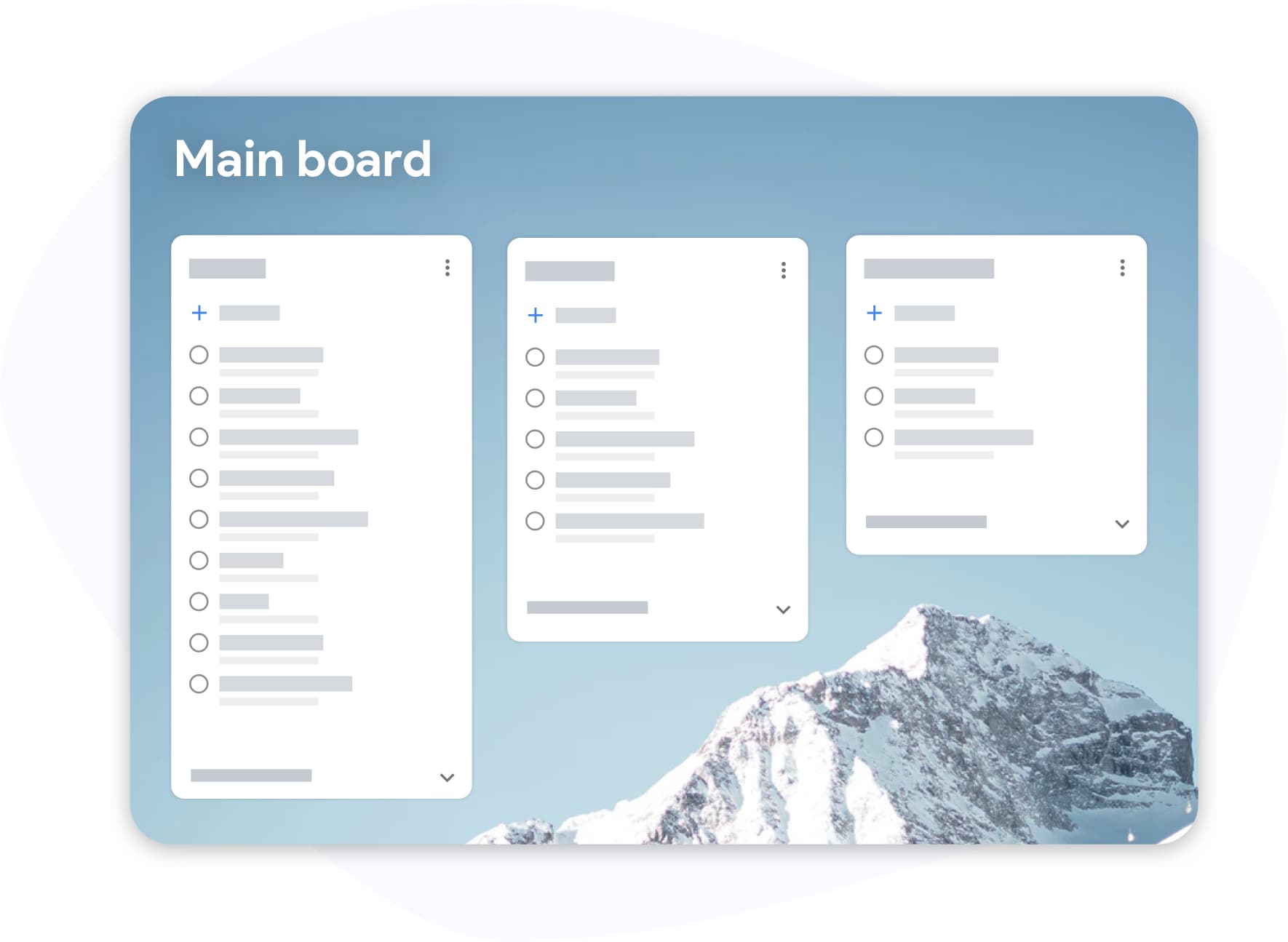
Google Tasks in the Calendar sidebar is useful but cramped. TasksBoard opens your tasks to full screen, see all your lists, drag cards between columns, and work without squinting.
- Beberapa daftar terlihat pada saat yang sama
- Drag & drop di seluruh kolom dan daftar
- Pintasan keyboard untuk entri tugas cepat
Bagaimana Google Tasks dan Kalender bekerja bersama
-
Tambahkan tugas dengan tanggal jatuh tempo
In TasksBoard or Google Tasks, create a task and set a due date. It will appear in your Google Calendar on that day.
-
Open Google Calendar
Click the Tasks icon in the right sidebar of Google Calendar. Your tasks appear in a panel next to your events.
-
Rencanakan hari Anda dari papan
Gunakan papan layar penuh TasksBoard untuk menarik tugas ke urutan yang benar, tandai selesai, dan mulai hari dengan rencana yang jelas.
Dicintai oleh ribuan pengguna
4,8 / 5 dari lebih dari 1.000 ulasan di Chrome Web Store
"Always have 101 things to do and this helps me organize and prioritize like no other app can. It syncs to my phone and laptop, and when I add dates to tasks, they automatically integrate into my Google Calendar, which is immensely convenient. I can look at my daily, weekly, and monthly overview in Google Calendar and clearly see how much I was able to accomplish! Great tool indeed. Excited to see how it will evolve over time."

"Seriously, makes my tasks easier to share with the team, and the free version is quite nice for our little office. Eventually, we will expand, and this is definitely a great tool to do that! Syncs with my Workspace and Calendar."

"I love the simple, intuitive interface and the Add to Tasks feature, especially as I work through my emails! Sharing my tasks is also easy. Overall, outstanding and simple to use, and that means a lot with too many complex tasks out there!"

"Great too for managing daily routine and plan tasks. Would be perfect if it was updated for generating reports for statistics. For google tasks and google calendar"





Pertanyaan yang sering diajukan
How do I see Google Tasks in Google Calendar?
Open Google Calendar in a browser and click the Tasks icon (checkmark) in the right sidebar. Your Google Tasks lists will appear there. Tasks with due dates show up on the calendar day they're due.
Do Google Tasks show up on the calendar as events?
Tasks with due dates appear on the correct day in Google Calendar, but they are shown differently from events, they don't occupy a time slot unless you also set a time. They appear in the day column as a task item.
Can I add a task directly from Google Calendar?
Yes. Click any empty time slot in Google Calendar and choose "Task" instead of "Event". The task will be added to your Google Tasks list with the date you selected.
What does TasksBoard add that Google Calendar doesn't have?
TasksBoard gives you a full-screen Kanban board for your Google Tasks, the ability to share boards with teammates, a "Due today" smart board, and bulk actions like drag-and-drop reordering, things the Calendar sidebar doesn't support.
Apakah TasksBoard gratis?
Yes. TasksBoard's free plan includes unlimited tasks, Kanban boards, Google Tasks sync, and mobile apps. A premium plan adds team sharing and advanced features.
Does TasksBoard sync with Google Calendar in real time?
Yes. Any task you create or update in TasksBoard is immediately reflected in Google Tasks, which in turn syncs to Google Calendar. There is no manual export step.
Mulai
Rencanakan hari Anda dengan Google Tasks dan Kalender: bersama
Masuk dengan akun Google Anda dan lihat tugas Anda di papan layar penuh. Gratis selamanya, tidak perlu kartu kredit.
Tidak perlu kartu kredit. Bekerja dengan Google Tasks yang sudah ada.