
















Scrum 看板
免费在线 Scrum 看板 - 使用 Google Tasks 管理 Sprint
TasksBoard 将您的 Google Tasks 变成全屏 Scrum 看板。将工作组织成 Sprint 列,跟踪积压工作,并在无需安装任何软件的情况下通过流水线移动卡片。
超过 200 万人使用。免费开始。
为什么使用 TasksBoard 作为您的 Scrum 看板
全屏 Sprint 看板
一次查看整个 Sprint。没有拥挤的侧边栏——每一列都清晰可见,卡片易于阅读和拖动。
与 Google Tasks 同步
每张卡片都是一个真实的 Google Task。更改会在 Gmail、Google Calendar 以及您团队使用的任何 Google Workspace 应用中即时同步。
与整个团队共享
与队友共享您的 Scrum 看板。每个人都能看到相同的实时看板,并能实时移动卡片、添加任务和标记完成事项。
截止日期链接到日历
设置 Sprint 截止日期或任务截止日期,它会自动出现在 Google Calendar 中。无需重复输入,不会错过截止日期。
Sprint 列
像真正的 Scrum Sprint 一样构建您的看板
Sprint 列
像真正的 Scrum Sprint 一样构建您的看板
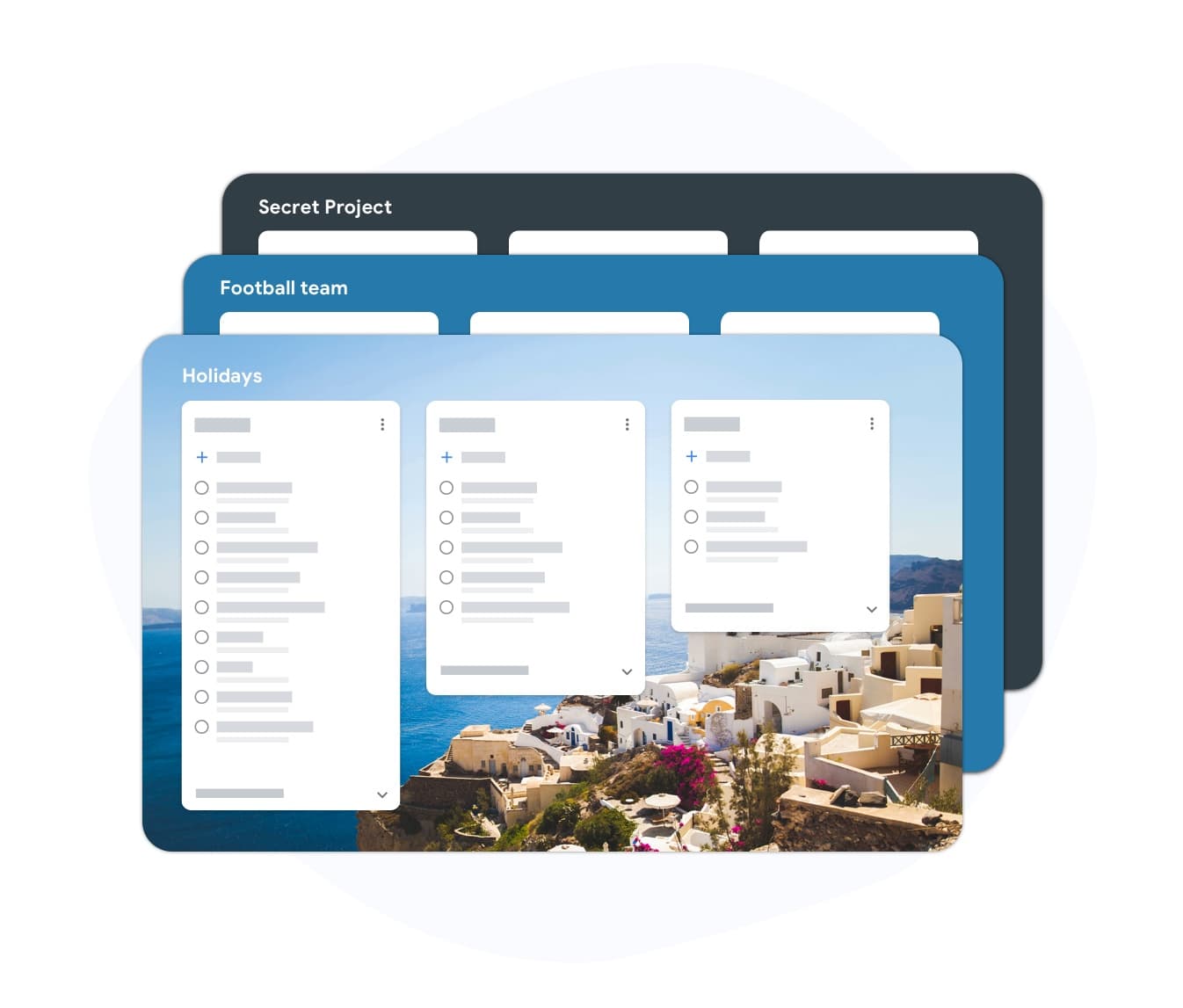
在 TasksBoard 中创建列表以映射典型的 Sprint 工作流:积压工作 (Backlog)、Sprint 积压工作、进行中、审核中和完成。随着 Sprint 工作的推进,卡片从左向右移动。 您可以调整列名以匹配您的团队惯例,而无需更改底层的 Google Tasks 结构。
- 在几秒钟内为每个 Sprint 阶段创建一个列表
- 在站会期间在列之间拖动卡片
- 在每个 Sprint 结束时归档“完成”列
积压工作管理
在同一个工具中整理您的积压工作
积压工作管理
在同一个工具中整理您的积压工作
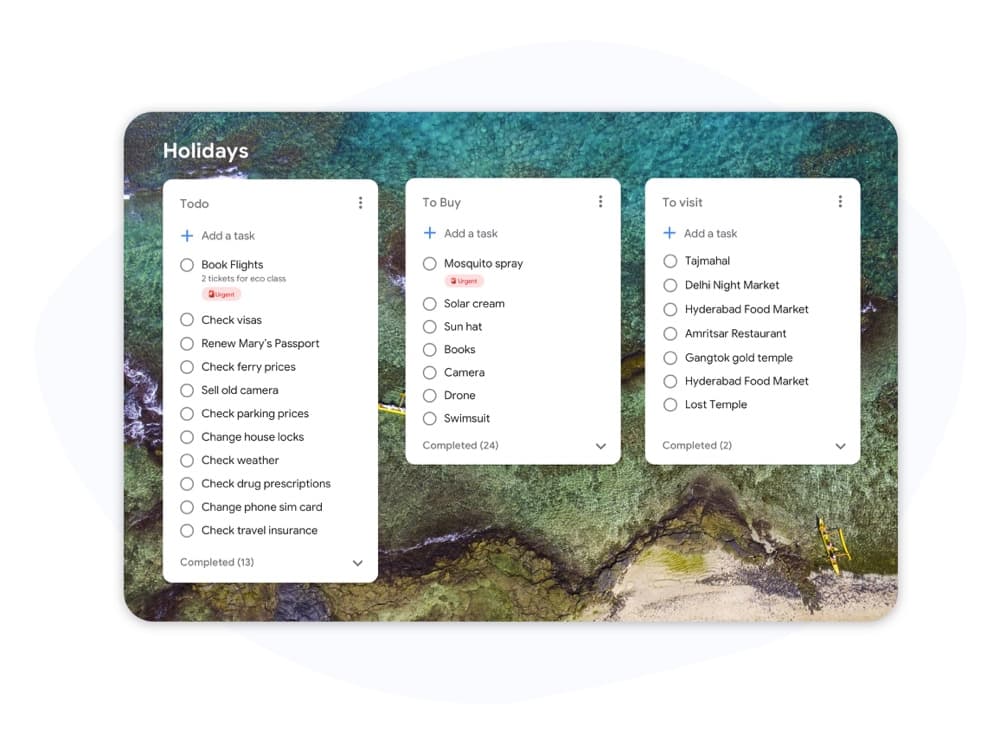
将产品积压工作作为 TasksBoard 中的一个独立列表。在 Sprint 规划期间,将项目从积压工作拖到 Sprint 列中。无需在工具之间复制粘贴。 截止日期让您可以标记高优先级项目,并确保它们进入正确的 Sprint。
- 独立的积压工作列表,始终与 Sprint 并排显示
- 拖动即可将项目从积压工作移动到当前 Sprint
- 子任务让您可以将故事拆分为可检查的步骤
如何在 TasksBoard 中设置 Scrum 看板
-
使用 Google 账号登录
TasksBoard 直接连接到您的 Google 账号。您现有的 Google Tasks 会自动导入——无需迁移。
-
创建 Sprint 列
添加名为“积压工作”、“Sprint”、“进行中”、“审核”和“完成”的列表。每个列表都成为看板上的一列。重命名它们以匹配您的团队惯例。
-
运行您的 Sprint
在每日站会期间移动各列中的卡片。随着空位的出现,从积压工作中添加新任务。标记项目完成,它们会同步回 Google Tasks。
深受数千名用户喜爱
在 Chrome Web Store 上获得 1,000+ 条评价,评分 4.8 / 5
"Always have 101 things to do and this helps me organize and prioritize like no other app can. It syncs to my phone and laptop, and when I add dates to tasks, they automatically integrate into my Google Calendar, which is immensely convenient. I can look at my daily, weekly, and monthly overview in Google Calendar and clearly see how much I was able to accomplish! Great tool indeed. Excited to see how it will evolve over time."

"Seriously, makes my tasks easier to share with the team, and the free version is quite nice for our little office. Eventually, we will expand, and this is definitely a great tool to do that! Syncs with my Workspace and Calendar."

"I love the simple, intuitive interface and the Add to Tasks feature, especially as I work through my emails! Sharing my tasks is also easy. Overall, outstanding and simple to use, and that means a lot with too many complex tasks out there!"

"Great too for managing daily routine and plan tasks. Would be perfect if it was updated for generating reports for statistics. For google tasks and google calendar"





常见问题解答
什么是 Scrum 看板?
Scrum 看板是一种可视化工具,显示 Sprint 期间的工作状态。列通常代表积压工作、进行中、审核中和完成。卡片代表用户故事或任务,并随着工作的推进在各列之间移动。
Scrum 看板和 Kanban 看板有什么区别?
Scrum 看板在每个 Sprint 开始时重置,并在固定的时间盒内跟踪工作。Kanban 看板代表一个没有 Sprint 界限的连续工作流。Scrum 看板侧重于 Sprint 承诺;Kanban 看板侧重于流程和在制品 (WIP) 限制。
我可以将 TasksBoard 用作免费的 Scrum 看板吗?
是的。TasksBoard 可免费使用,当您将 Google Tasks 列表组织为 Sprint 列时,它即可作为 Scrum 看板使用。您可以与团队共享看板、分配任务、设置截止日期并实时跟踪进度。
TasksBoard 支持 Sprint 规划吗?
TasksBoard 没有专门的 Sprint 规划功能,如速率图或燃尽图。但是,您可以通过保留一个“积压工作”列表并在每个 Sprint 开始前将项目拖入“Sprint”列表来复制 Sprint 规划过程。
Sprint 期间由谁更新 Scrum 看板?
在 Scrum 团队中,每个开发人员在工作推进时移动自己的卡片。Scrum Master 监控看板以发现障碍。TasksBoard 支持多用户实时更新,因此任何有看板访问权限的人都可以移动和更新卡片。
我可以将 Scrum 看板用于非软件项目吗?
是的。市场营销、内容和运营团队都在成功使用 Scrum 看板。Sprint 结构(规划、执行、评审、回顾)适用于任何可以将工作拆分为交付成果并在固定时间盒内完成的项目。
开始使用
立即在 TasksBoard 中启动您的 Scrum 看板
使用 Google 账号登录,并在几分钟内设置 Sprint 看板。免费计划包括无限任务、看板共享和 Google Calendar 同步。
无需信用卡。可与您现有的 Google Tasks 配合使用。