
Google Tasks
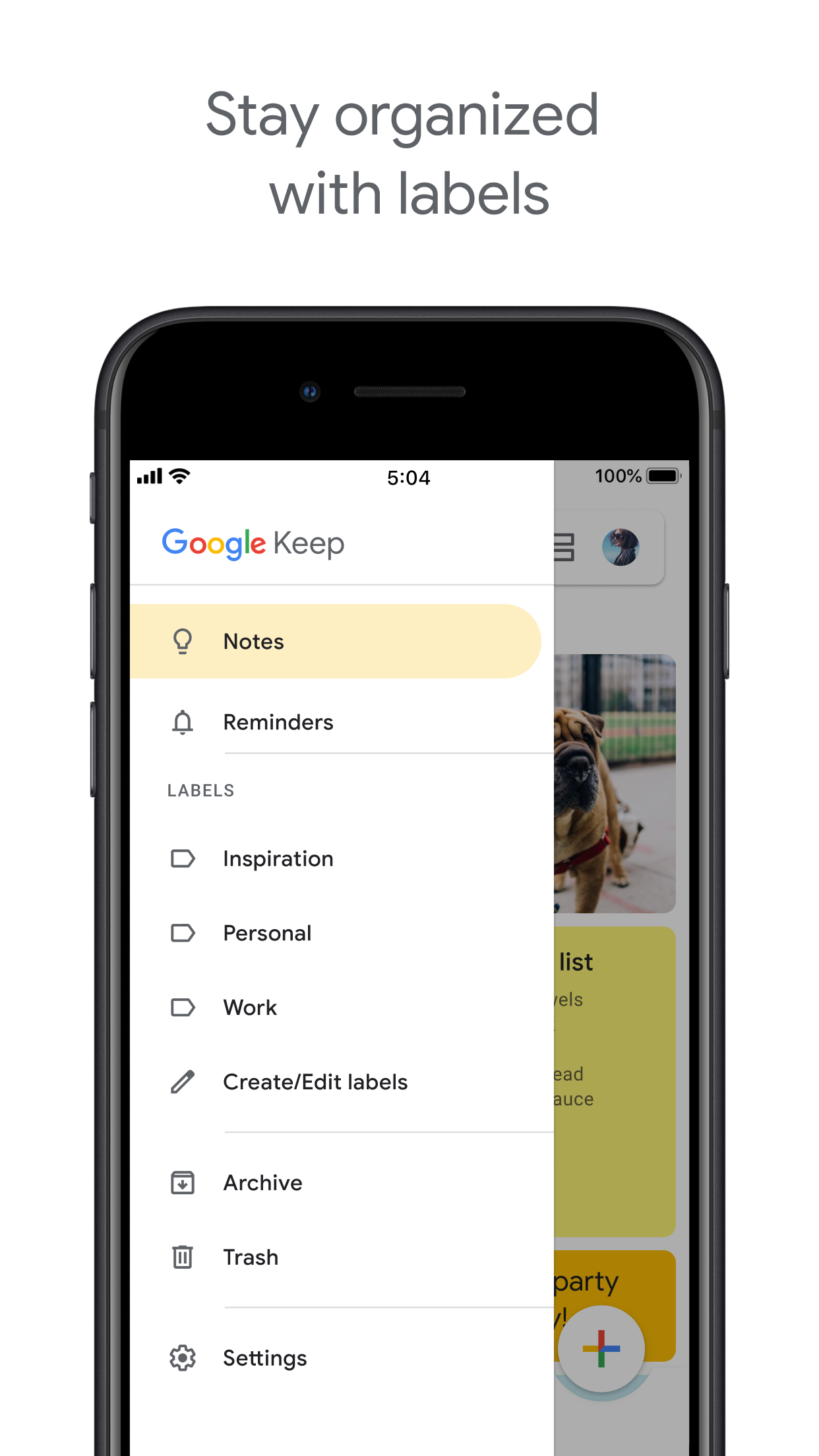
Google Keep

Google Tasks مقابل Google Keep

Google Tasks مقابل Google Keep: ما الفرق وأيهما يناسب سير عملك؟

كلا الأداتين تأتيان مجاناً مع حساب Google الخاص بك، لكنهما تحلان مشاكل مختلفة جداً. يوضح هذا الدليل بالضبط متى تستخدم كل منهما, وكيف يجعل TasksBoard من Google Tasks الفائز الواضح للعمل المنظم.

يستخدمه أكثر من 2 مليون شخص. ابدأ مجاناً.


Google Tasks مقابل Google Keep: مقارنة الميزات

Feature
Google Tasks
Google Keep
تواريخ الاستحقاق والتذكيرات Due dates and reminders تذكيرات فقط (عبر تذكيرات Keep)
المهام الفرعية Subtasks
التنظيم حسب المشروع / القائمة Organize by project/list تسميات فقط
تكامل Google Calendar Google Calendar integration
ملاحظات حرة Freeform notes
التقاط الصور Image capture
المذكرات الصوتية Voice memos
عرض لوحة Kanban Kanban board view عبر TasksBoard
مشاركة لوحة الفريق Team board sharing عبر TasksBoard ملاحظات تعاونية فقط
تكامل Gmail Gmail integration

Feature-by-feature comparison

Google Tasks is for actionable to-dos; Google Keep is for notes and capture. See how each tool handles reminders, lists, and collaboration.

Google Tasks 6 Google Keep 3 It's a tie 1

Due dates and reminders

Winner: Google Tasks

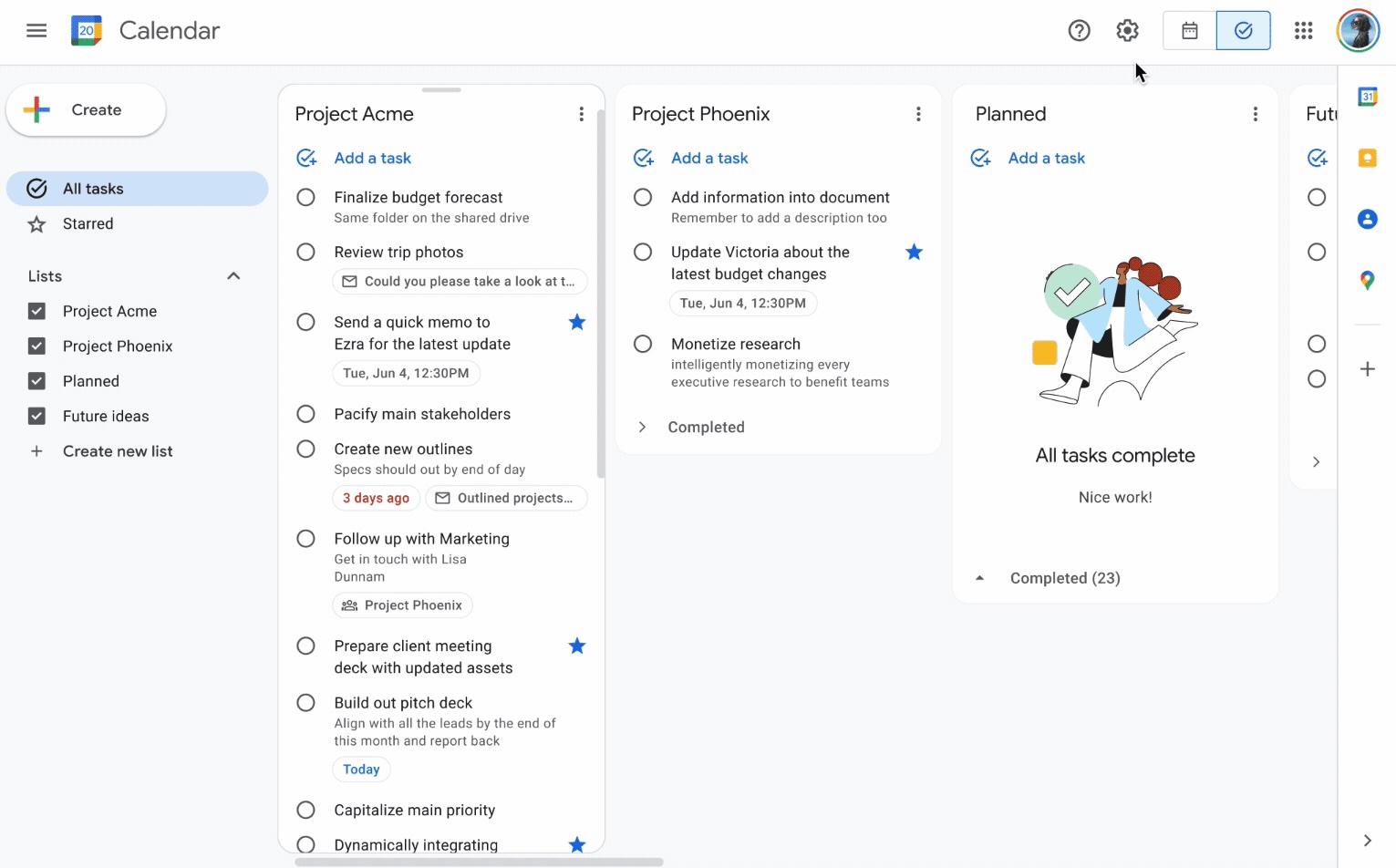
Google Tasks is built around due dates, deadlines, and notifications synced through Google Calendar.

Google Keep supports note reminders; newer flows save reminders in Google Tasks and surface them in Calendar.

Google Tasks Winner
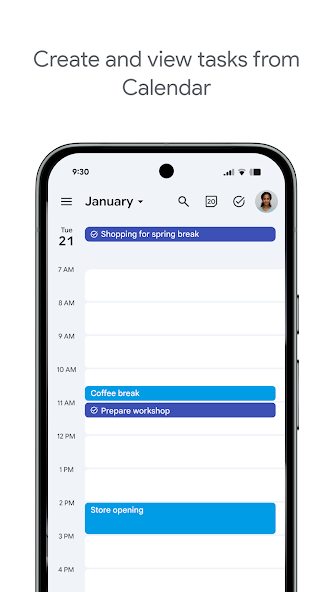
Due dates and reminders — left column screenshot
Task due dates in Calendar.
Google Keep
Due dates and reminders — right column screenshot
Note reminders linked to Tasks.

Winner: Google Tasks

Google Tasks is purpose-built for due dates, deadlines, and Calendar-synced reminders.
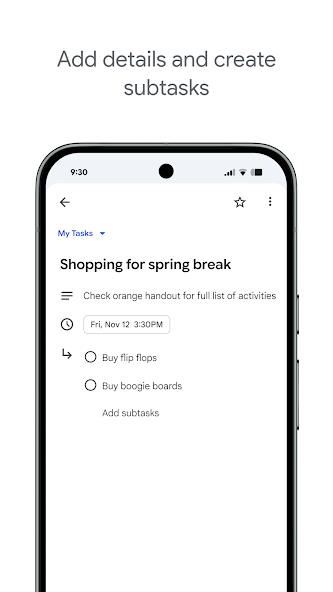

Subtasks

Winner: Google Tasks

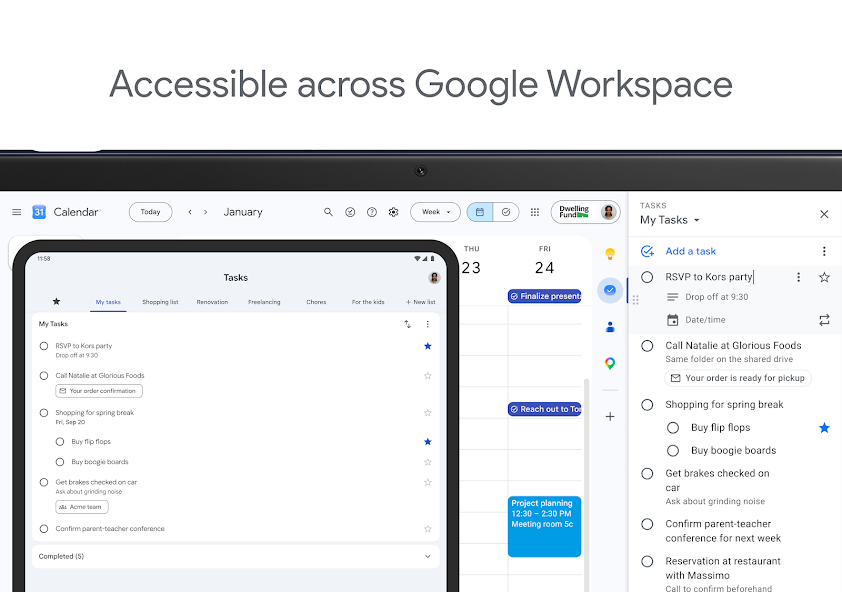
Google Tasks nests true subtasks under a parent task for step-by-step execution.

Keep supports checklists inside a note, but not dedicated parent-child task entities.

Google Tasks Winner
Subtasks — left column screenshot
Parent task with subtasks.
Google Keep
Subtasks — right column screenshot
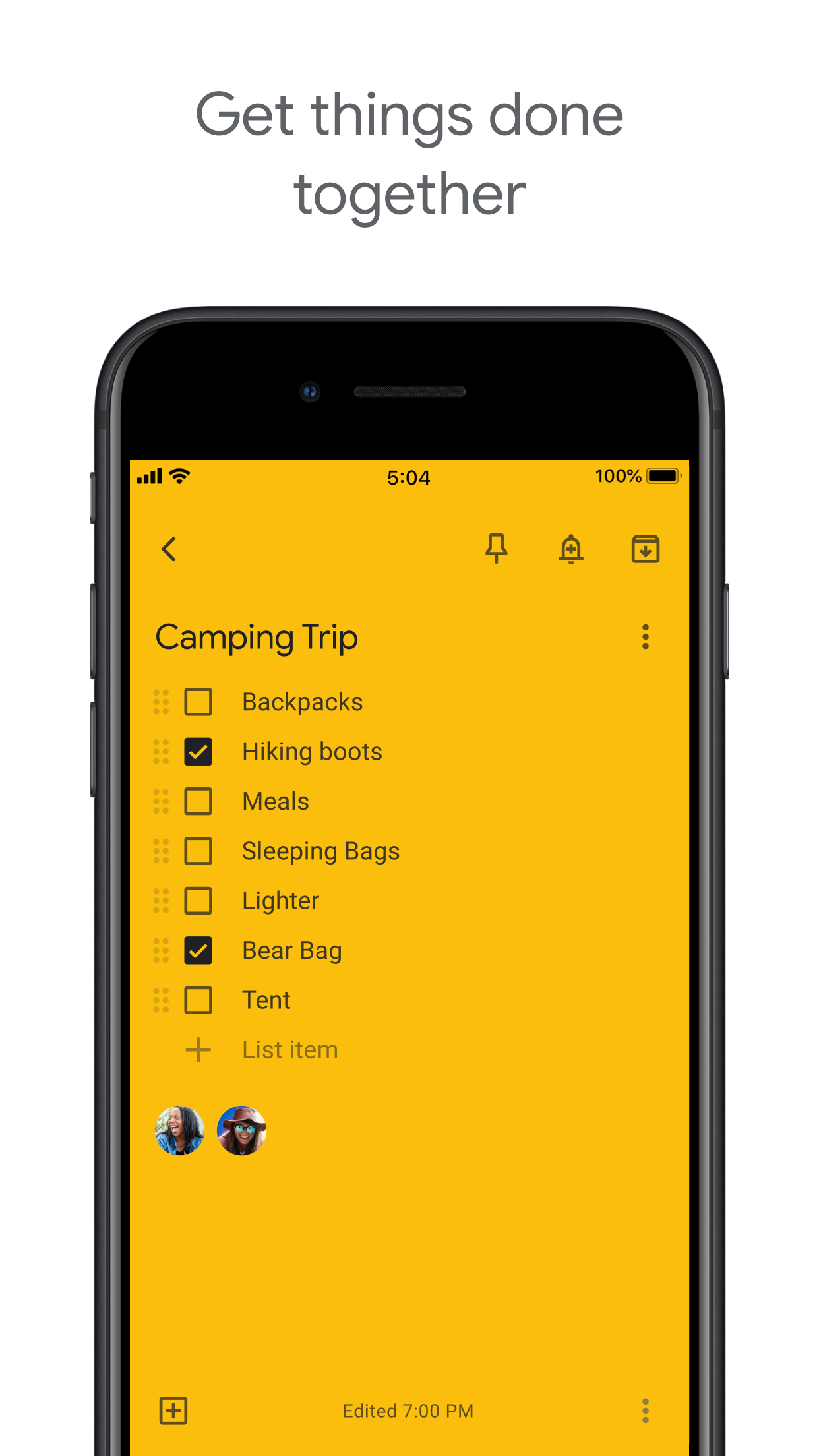
Checklist items in a note.

Winner: Google Tasks

True parent-child subtask entities beat checklist items inside a note for step-by-step execution.


Organize by project or list

Winner: Google Tasks

Google Tasks uses multiple named lists with drag-and-drop reordering and sorting.

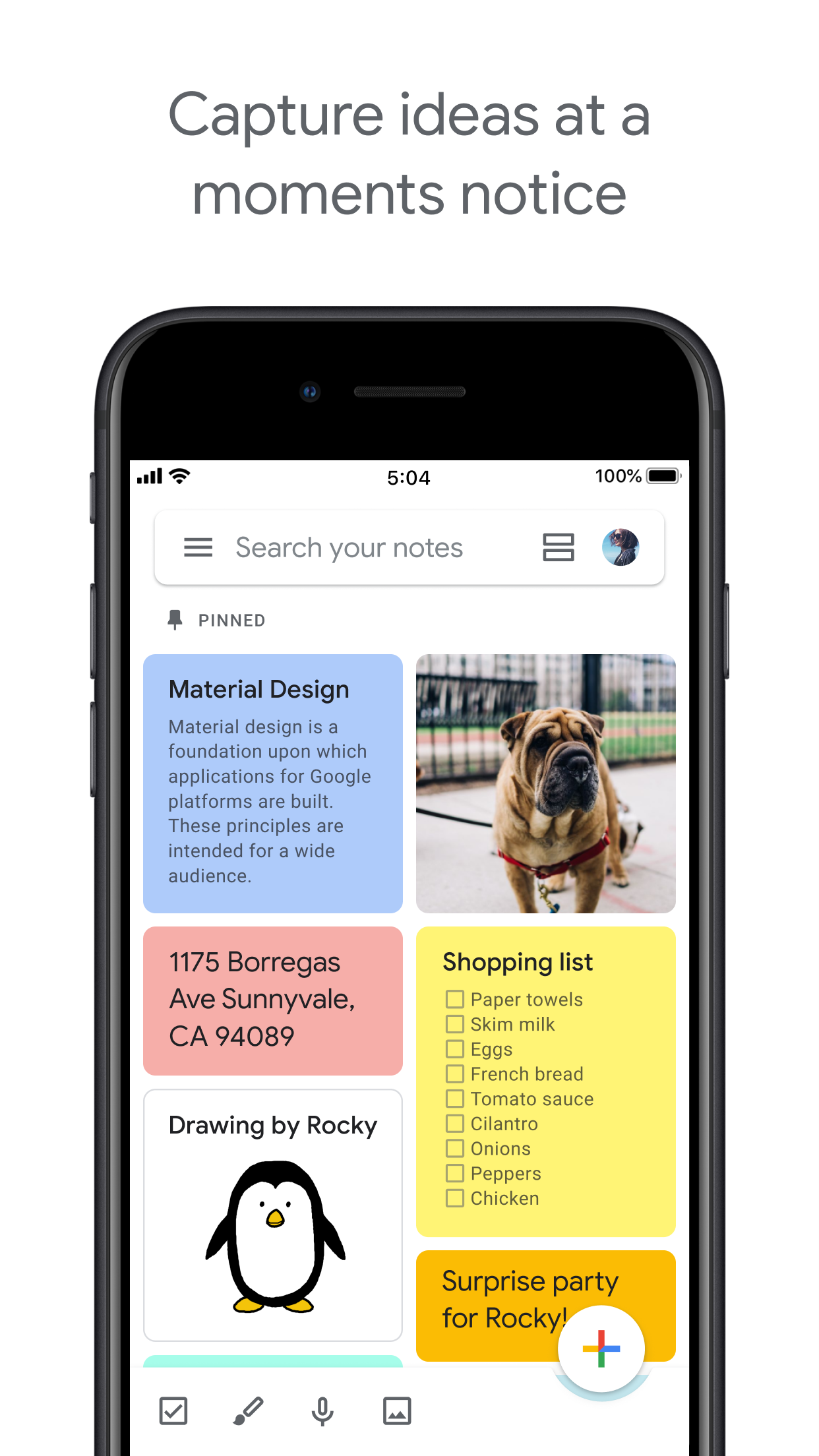
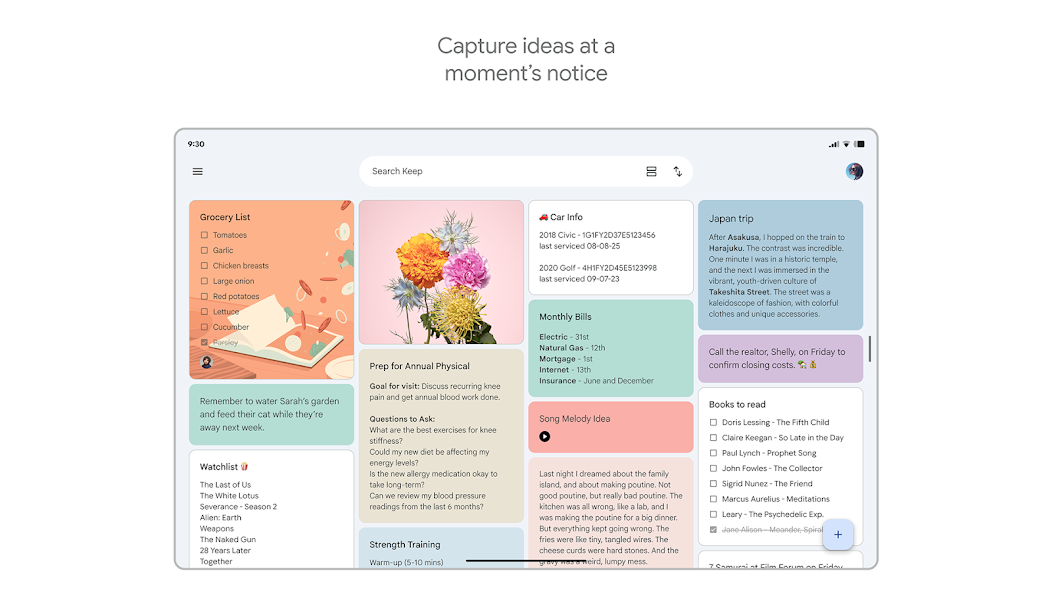
Keep organizes by labels, colors, and pinned notes in a card grid.

Google Tasks Winner
Organize by project or list — left column screenshot
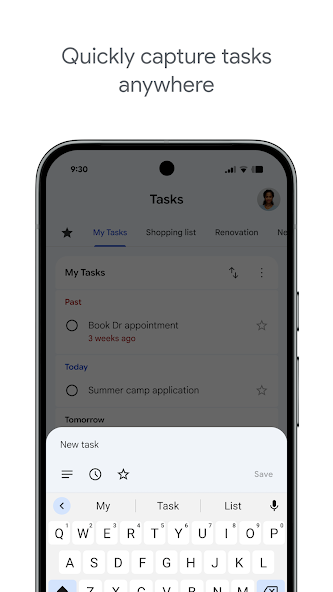
Named task lists.
Google Keep
Organize by project or list — right column screenshot
Labels and pinned notes.

Winner: Google Tasks

Named task lists with drag-and-drop ordering suit project workflows better than a note card grid.


Google Calendar integration

Winner: Google Tasks

Dated tasks appear in Google Calendar natively. Plan events and to-dos together.

Keep reminders can appear in Calendar when saved through the Google Tasks integration.

Google Tasks Winner
Google Calendar integration — left column screenshot
Tasks on your Calendar grid.
Google Keep
Google Calendar integration — right column screenshot
Reminders via Tasks bridge.

Winner: Google Tasks

Dated tasks appear on your Google Calendar grid natively — the core planning integration for to-dos.


Freeform notes

Winner: Google Keep

Google Tasks has lightweight detail fields optimized for completion, not long-form writing.

Keep is purpose-built for freeform notes, brainstorming, and quick capture.

Google Tasks
Freeform notes — left column screenshot
Task detail fields.
Google Keep Winner
Freeform notes — right column screenshot
Freeform note editor.

Winner: Google Keep

Keep is purpose-built for freeform notes, brainstorming, and quick unstructured capture.


Image capture

Winner: Google Keep

Google Tasks does not support image attachments on tasks.

Keep lets you snap photos, attach images from your library, or scan documents directly into a note.

Google Tasks
Image capture — left column screenshot
Text-based tasks only.
Google Keep Winner
Image capture — right column screenshot
Image notes and scans.

Winner: Google Keep

Keep lets you snap photos, attach images, and scan documents — Google Tasks is text-only.


Voice memos

Winner: Google Keep

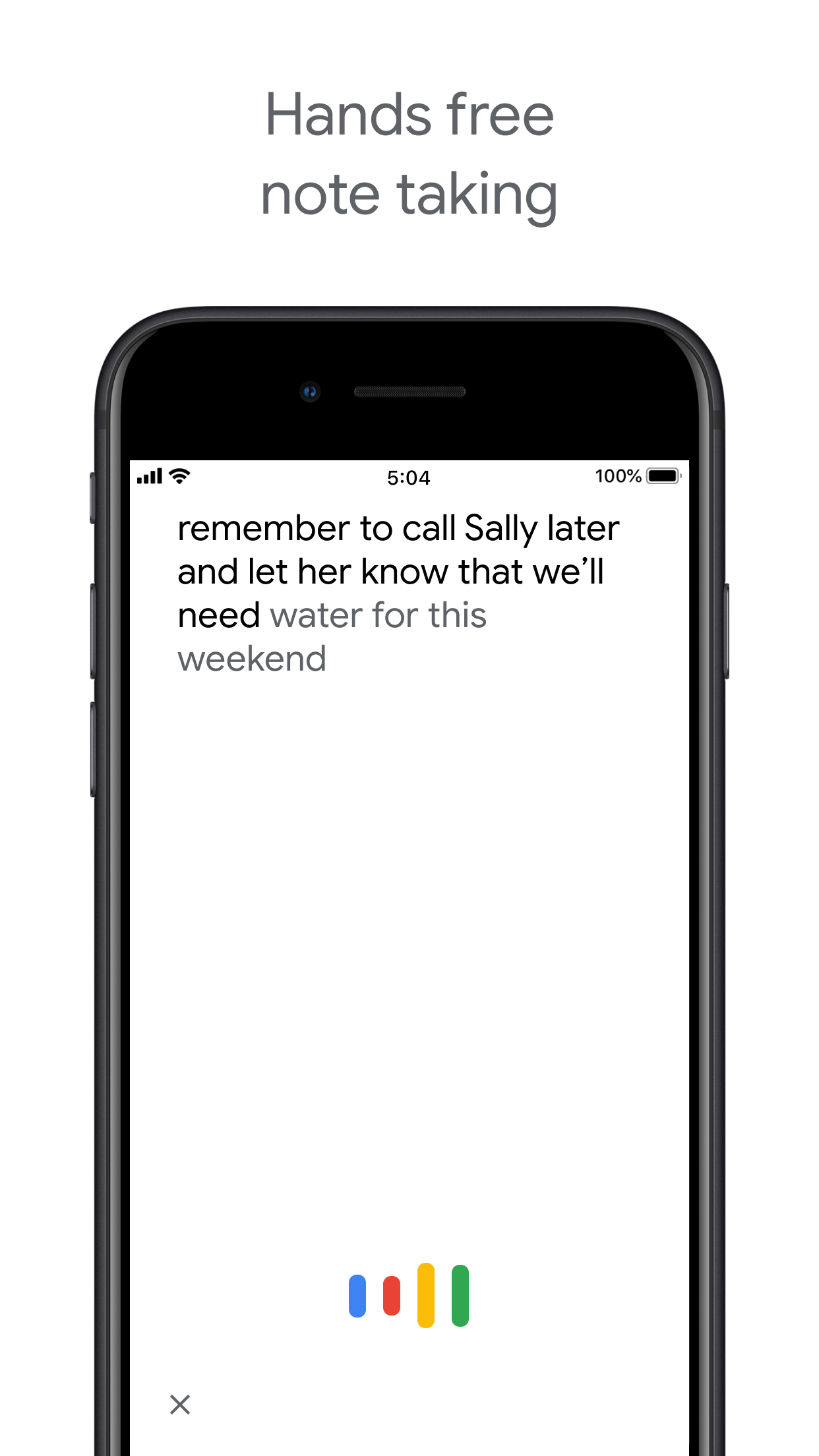
Google Tasks focuses on typed task entry with optional Assistant on Android.

Keep records audio notes you can play back and transcribe later.

Google Tasks
Voice memos — left column screenshot
Typed task capture.
Google Keep Winner
Voice memos — right column screenshot
Audio note recording.

Winner: Google Keep

Keep records audio notes you can play back; Google Tasks focuses on typed task entry.


Kanban board view

Winner: Google Tasks

Google Tasks is list-based. TasksBoard adds kanban columns for project-stage visibility.

Keep shows notes in a grid or list — no column-based workflow board.

Google Tasks Winner
Kanban board view — left column screenshot
Kanban via TasksBoard.
Google Keep
Kanban board view — right column screenshot
Grid and list note views.

Winner: Google Tasks

TasksBoard adds kanban columns for project-stage visibility; Keep has no workflow board.


Team board sharing

It's a tie

TasksBoard enables shared kanban boards on Google Tasks for cross-platform teams.

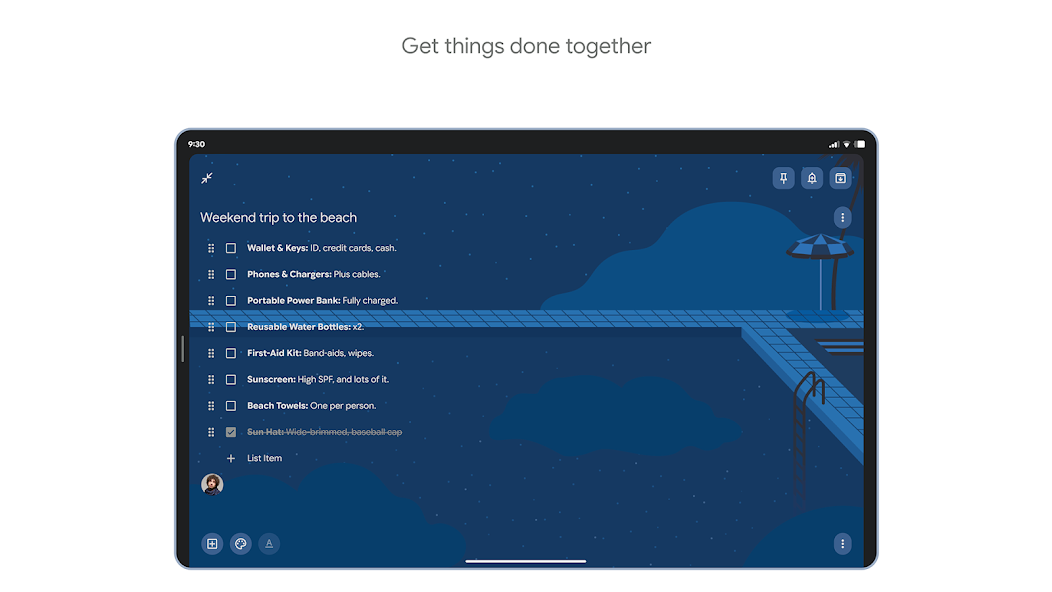
Keep supports real-time collaborative notes and checklists with other Google accounts.

Google Tasks
Team board sharing — left column screenshot
Shared boards via TasksBoard.
Google Keep
Team board sharing — right column screenshot
Collaborative Keep notes.

It's a tie

Both support collaboration — TasksBoard for shared task boards, Keep for real-time collaborative notes. Different jobs.


Gmail integration

Winner: Google Tasks

Turn any email into a Google Task with one click. The task links back to the original message.

Keep is available in the Gmail side panel for note-taking, but not for structured task workflows.

Google Tasks Winner
Gmail integration — left column screenshot
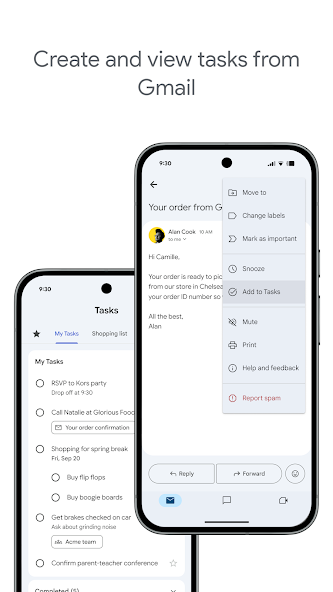
Add to Tasks from Gmail.
Google Keep
Gmail integration — right column screenshot
Keep side panel in Gmail.

Winner: Google Tasks

Turn any Gmail message into a linked Google Task in one click — structured task workflows from email.


محبوب من قبل آلاف المستخدمين

4.8 / 5 من أكثر من 1,000 مراجعة على متجر Chrome الإلكتروني

"Always have 101 things to do and this helps me organize and prioritize like no other app can. It syncs to my phone and laptop, and when I add dates to tasks, they automatically integrate into my Google Calendar, which is immensely convenient. I can look at my daily, weekly, and monthly overview in Google Calendar and clearly see how much I was able to accomplish! Great tool indeed. Excited to see how it will evolve over time."

PR Parina Ramjee avatar
Parina Ramjee

"Seriously, makes my tasks easier to share with the team, and the free version is quite nice for our little office. Eventually, we will expand, and this is definitely a great tool to do that! Syncs with my Workspace and Calendar."

CC Chase Cattrall avatar
Chase Cattrall

"I love the simple, intuitive interface and the Add to Tasks feature, especially as I work through my emails! Sharing my tasks is also easy. Overall, outstanding and simple to use, and that means a lot with too many complex tasks out there!"

GC Greg Cantori avatar
Greg Cantori

"Great too for managing daily routine and plan tasks. Would be perfect if it was updated for generating reports for statistics. For google tasks and google calendar"

NV Nick Vlasov avatar
Nick Vlasov

الأسئلة الشائعة

ما هو الفرق الرئيسي بين Google Tasks وGoogle Keep؟

Google Tasks هي أداة قائمة مهام منظمة مع تواريخ استحقاق، ومهام فرعية، وتكامل مع Google Calendar. Google Keep هو تطبيق تدوين ملاحظات حر مع دعم للنصوص، والصور، والمذكرات الصوتية، والتسميات الملونة. المهام للإجراءات؛ Keep للالتقاط.

أيهما أفضل لمهام العمل, Google Tasks أم Google Keep؟

Google Tasks أفضل لمهام العمل. فهي تدعم المواعيد النهائية، والمهام الفرعية، وتكامل Gmail، وتتزامن مع Google Calendar. Keep أفضل لالتقاط الملاحظات والأفكار بسرعة، لكنها لا توفر الهيكل اللازم لإدارة العمل بشكل موثوق.

هل يمكنني تحويل ملاحظة Google Keep إلى مهمة Google Task؟

ليس مباشرة في التطبيقات. سير العمل الموصى به هو إنشاء مهمة يدوياً في Google Tasks بناءً على المعلومات الموجودة في ملاحظة Keep الخاصة بك. يقوم بعض المستخدمين بنسخ محتوى ملاحظة Keep في وصف المهمة أو حقل الملاحظات.

هل تدعم Google Tasks التذكيرات مثل Google Keep؟

تدعم Google Tasks تواريخ الاستحقاق، التي تطلق تذكيرات في Google Calendar. لدى Google Keep نظام تذكير خاص بها مع تذكيرات قائمة على الموقع. بالنسبة للتذكيرات القائمة على الوقت والمرتبطة بتقويم، فإن Google Tasks مع تواريخ الاستحقاق هي الخيار الأكثر موثوقية.

هل يمكنك مشاركة المهام في Google Tasks مثل الملاحظات في Google Keep؟

لا تدعم Google Tasks الأصلية المشاركة. يسمح Google Keep بمشاركة الملاحظات مع مستخدمي Google الآخرين. ومع ذلك، يضيف TasksBoard مشاركة الفريق في الوقت الفعلي إلى Google Tasks, يمكنك مشاركة لوحة كاملة مع زملائك في الفريق وتعيين المهام.

ما الذي يضيفه TasksBoard إلى Google Tasks ويجعله أفضل من Keep؟

يمنح TasksBoard لـ Google Tasks لوحة Kanban بملء الشاشة، ومشاركة الفريق، وإدارة المهام بالسحب والإفلات، وعرض اليوم الذي يجمع بين المهام وأحداث Google Calendar. هذا يحول الطبيعة المنظمة للمهام إلى نظام إنتاجية كامل لا يمكن لـ Keep مطابقته.

هل يوجد تطبيق يجمع بين Google Tasks وGoogle Keep؟

لا يوجد تطبيق واحد يدمج كلاهما بشكل أصلي. سير العمل العملي الذي يتبعه معظم المستخدمين المتقدمين هو: الالتقاط في Keep، والمعالجة في المهام، ثم استخدام TasksBoard لإدارة المهام بواجهة Kanban بملء الشاشة ومشاركة الفريق.


ابدأ الآن

اجعل Google Tasks أداة الإنتاجية الأساسية الخاصة بك

سجل الدخول باستخدام Google واحصل على لوحة Kanban بملء الشاشة لمهام Google Tasks الخاصة بك. تتضمن الخطة المجانية مهام غير محدودة، وعرض لوحة، ومزامنة التقويم.

لا يتطلب بطاقة ائتمان. بيانات Google Tasks الخاصة بك تبقى في Google.