
قالب قائمة التحقق
قالب قائمة التحقق: ابنِ مرة واحدة، وأعد الاستخدام في كل مرة
Stop rebuilding the same checklist from scratch. TasksBoard lets you build a checklist once, duplicate it in one click, and share it with your team, all backed by Google Tasks so it syncs everywhere.
يستخدمه أكثر من 2 مليون شخص. ابدأ مجانًا.
لماذا تتفوق قوالب قوائم التحقق في TasksBoard على جداول البيانات الثابتة
تكرار بنقرة واحدة
Keep a master checklist you never check off and duplicate it in one click. Your next onboarding, sprint, or review cycle starts clean in seconds.
شارك مع زملائك في الفريق فورًا
Share a checklist with your whole team via a single link, or duplicate it so each member can run their own copy.
أرفق ملفات بأي عنصر
اربط مستند Google Doc أو Sheet أو ملف Drive مباشرة بعنصر في قائمة التحقق. المرجع الصحيح دائمًا على بعد نقرة واحدة عند تنفيذ قائمة التحقق.
مزامنة عبر جميع الأجهزة
Every checklist lives in Google Tasks. Open it on the web or in the Google Tasks apps for iOS and Android and it is always up to date, no manual sync, no file sharing.
إنشاء القالب
ابنِ قائمة تحقق قابلة لإعادة الاستخدام في أقل من دقيقتين
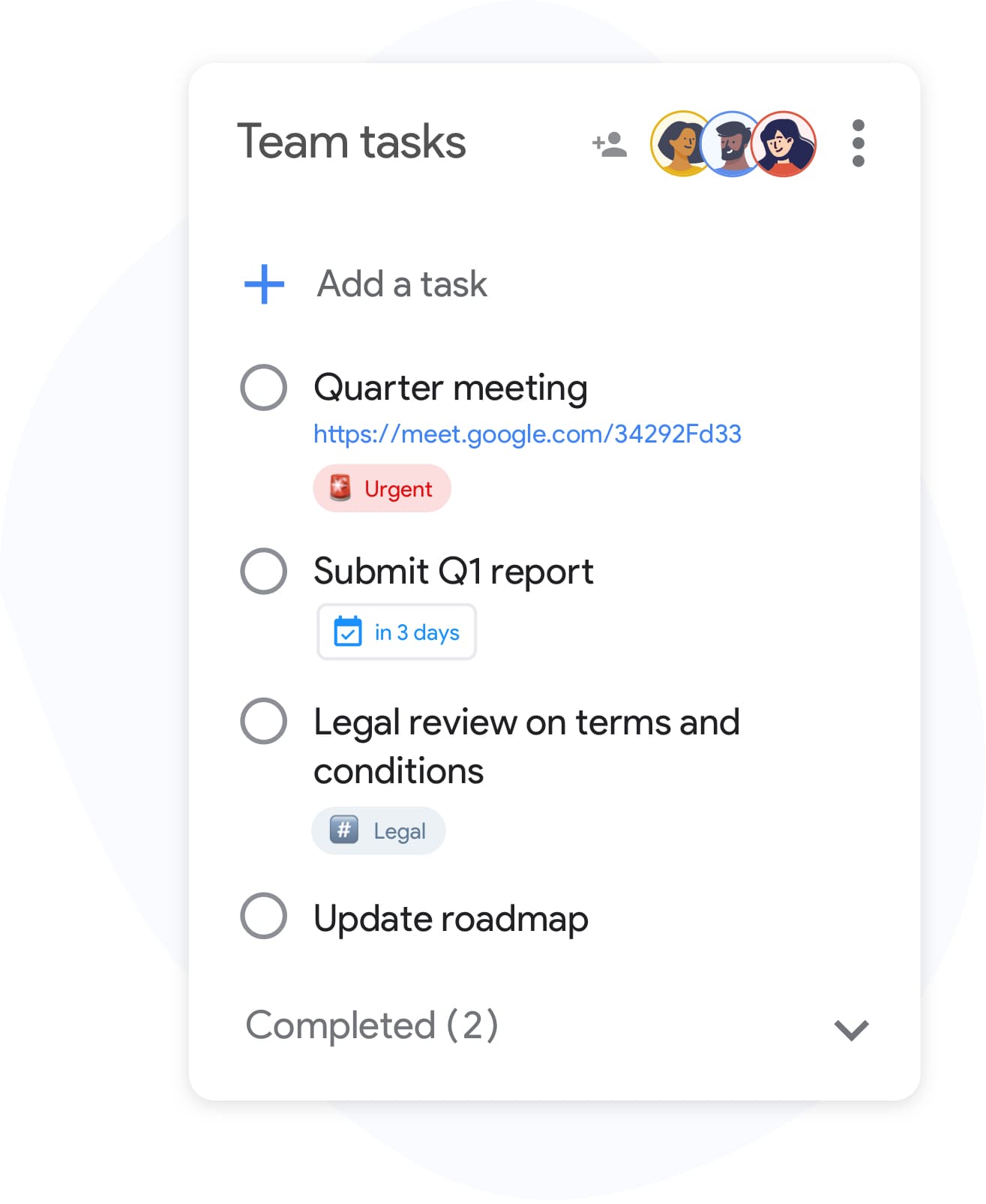
إنشاء القالب
ابنِ قائمة تحقق قابلة لإعادة الاستخدام في أقل من دقيقتين
أنشئ قائمة في TasksBoard وأضف كل خطوة تتطلبها عمليتك. قم بتضمين مهام فرعية للعناصر المعقدة وأرفق ملفات مرجعية بصفوف فردية. عندما تكون جاهزة، سمِّها بوضوح, "قالب إعداد العميل" أو "مراجعة أسبوعية", بحيث يسهل العثور عليها وتكرارها.
- أضف العناصر بسرعة باستخدام مفتاح Enter, لا حاجة للنقر بالماوس
- ضع مهامًا فرعية تحت أي عنصر في قائمة التحقق للخطوات متعددة المراحل
- أرفق ملفات Google Drive بعناصر فردية للرجوع إليها
قوائم تحقق الفريق
شغّل نفس قائمة التحقق عبر فريقك بالكامل
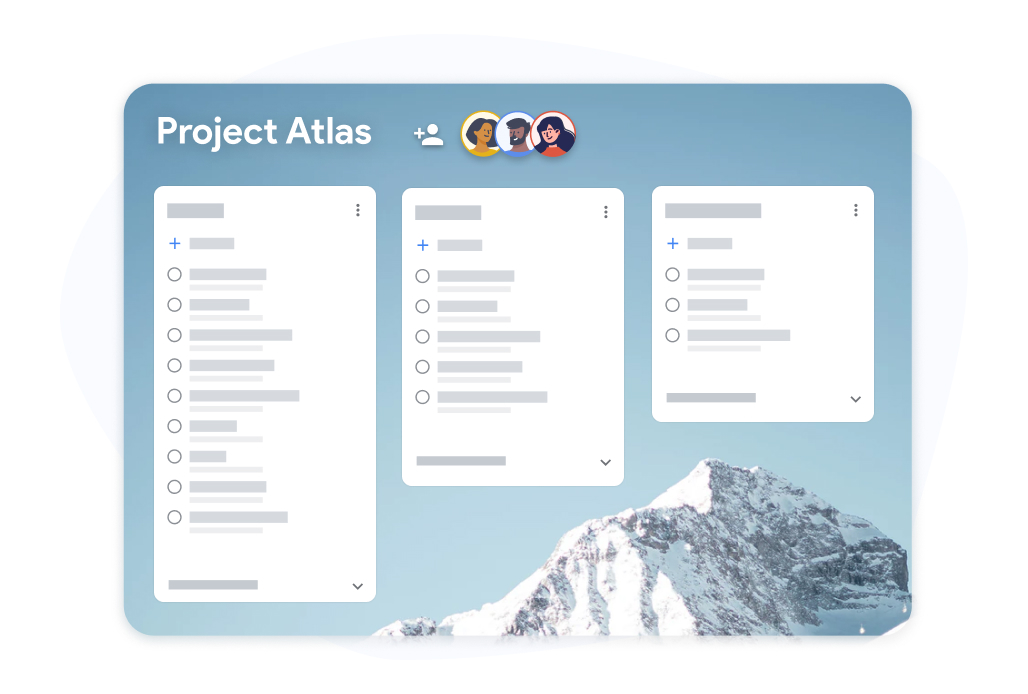
قوائم تحقق الفريق
شغّل نفس قائمة التحقق عبر فريقك بالكامل
شارك لوحة قالب قائمة تحقق مع زملائك في الفريق. يضع كل شخص علامة على العناصر المخصصة له ويكون التقدم مرئيًا للجميع في الوقت الفعلي. لا مزيد من إرسال جداول البيانات ذهابًا وإيابًا لتتبع من فعل ماذا.
- تقدم في الوقت الفعلي مرئي لجميع المتعاونين
- يمكن لكل زميل في الفريق وضع علامة على العناصر المخصصة له
- تصدير قوائم التحقق المكتملة إلى Google Sheets للسجلات
كيفية إنشاء وإعادة استخدام قالب قائمة تحقق في TasksBoard
-
ابنِ قالب قائمة تحقق
Open TasksBoard and create a new list. Add every step, attach any reference files, and set due dates where needed. This becomes your master checklist: keep it unchecked.
-
كرر لكل تشغيل
When you need to run the checklist again, duplicate the master list. You get a fresh copy with every step and you are ready to start.
-
شارك وتتبع التقدم
ادعُ زملائك في الفريق إلى قائمة التحقق المكررة. تتبع التقدم في الوقت الفعلي وقم بالتصدير إلى Google Sheets عندما تحتاج إلى سجل إكمال.
محبوب من قبل آلاف المستخدمين
4.8 / 5 من أكثر من 1,000 مراجعة على متجر Chrome الإلكتروني
"Always have 101 things to do and this helps me organize and prioritize like no other app can. It syncs to my phone and laptop, and when I add dates to tasks, they automatically integrate into my Google Calendar, which is immensely convenient. I can look at my daily, weekly, and monthly overview in Google Calendar and clearly see how much I was able to accomplish! Great tool indeed. Excited to see how it will evolve over time."

"Seriously, makes my tasks easier to share with the team, and the free version is quite nice for our little office. Eventually, we will expand, and this is definitely a great tool to do that! Syncs with my Workspace and Calendar."

"I love the simple, intuitive interface and the Add to Tasks feature, especially as I work through my emails! Sharing my tasks is also easy. Overall, outstanding and simple to use, and that means a lot with too many complex tasks out there!"

"Great too for managing daily routine and plan tasks. Would be perfect if it was updated for generating reports for statistics. For google tasks and google calendar"





الأسئلة الشائعة
ما هو قالب قائمة التحقق؟
قالب قائمة التحقق هو قائمة تحقق مبنية مسبقًا تعيد استخدامها للعمليات المتكررة. بدلًا من بناء نفس القائمة في كل مرة، تقوم بنسخ القالب والبدء في التنفيذ على الفور.
Are reusable checklists free in TasksBoard?
Yes. Creating, duplicating, and sharing checklists is included in the free plan. Advanced team features, bulk import, and expanded sharing are available on the premium plan.
كيف أعيد استخدام قالب قائمة تحقق في TasksBoard؟
Keep a master checklist you never check off and duplicate it in TasksBoard. All items copy over, so you get a clean copy of the same checklist ready to use in under ten seconds.
هل يمكنني مشاركة قالب قائمة تحقق مع شخص ليس لديه TasksBoard؟
Collaborators need a Google account to edit a shared checklist so changes sync back to Google Tasks. Everyone you share with can edit the list; to give someone a read-only snapshot, export the list to Google Sheets.
هل يمكنني إرفاق ملفات بعناصر قالب قائمة التحقق؟
نعم. يمكنك ربط ملفات Google Drive (المستندات، الجداول، العروض التقديمية، ملفات PDF) بأي عنصر فردي في قائمة التحقق. يضمن هذا أن المادة المرجعية الصحيحة مرفقة دائمًا عندما يقوم شخص ما بتنفيذ قائمة التحقق.
ما أنواع قوائم التحقق التي تعمل جيدًا كقوالب؟
قوائم تحقق الإعداد، وقوالب مراجعة السباق، وقوائم تحقق تخطيط الأحداث، وخطوات إطلاق المنتج، وقوائم المراجعة الأسبوعية كلها مرشحة رائعة. أي عملية تقوم بتشغيلها أكثر من مرة تستفيد من قالب قائمة تحقق قابل لإعادة الاستخدام.
هل تقوم TasksBoard بمزامنة قوالب قوائم التحقق مع Google Calendar؟
Yes. Items in a checklist that have due dates appear in Google Calendar, including in the copies you duplicate. This keeps deadlines visible without any manual calendar entries.
ابدأ
أنشئ أول قالب قائمة تحقق لك في TasksBoard اليوم
سجّل الدخول باستخدام Google وابنِ قائمة تحقق يمكنك إعادة استخدامها إلى الأبد. مجانية للأفراد، لا تتطلب بطاقة ائتمان.
لا تتطلب بطاقة ائتمان. تعمل مع Google Tasks الحالية الخاصة بك.