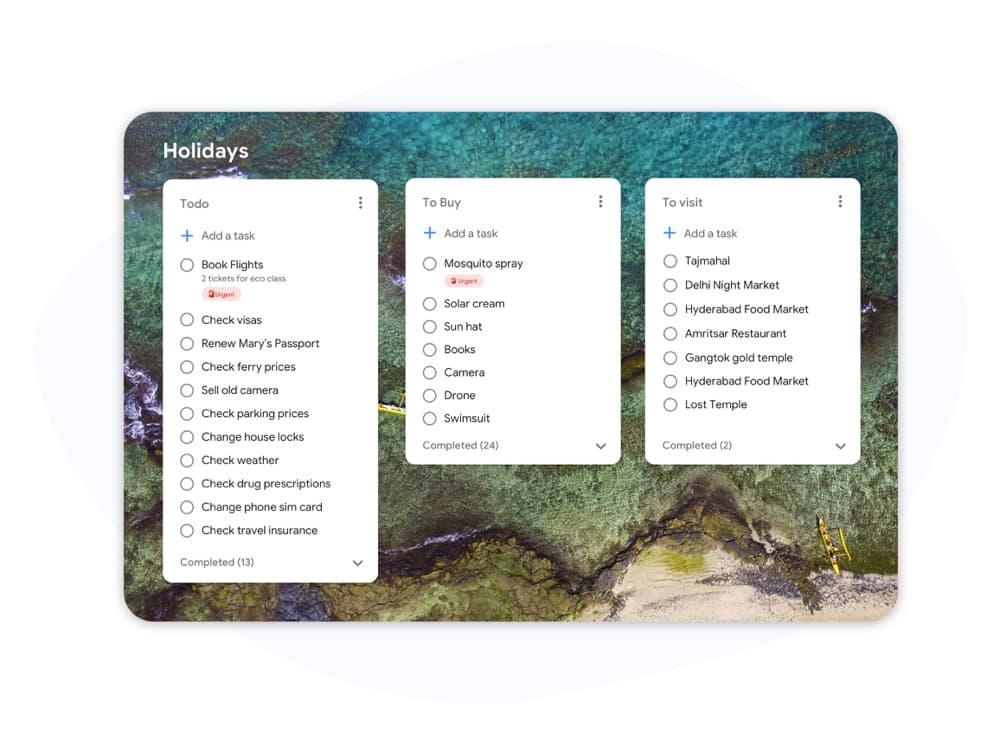
Kanban مقابل Scrum

Kanban مقابل Scrum: أي إطار عمل يناسب فريقك؟

يستخدم كل من Kanban وScrum لوحات مرئية، لكنهما يعملان بشكل مختلف تماماً. يوضح هذا الدليل الاختلافات الرئيسية حتى تتمكن من اختيار النهج الصحيح والبدء في إنجاز العمل اليوم.

يستخدمه أكثر من 2 مليون شخص. البدء مجاني.


Kanban مقابل Scrum: مقارنة الميزات

Feature Kanban سكرم
تكرارات ثابتة (Sprints)
Fixed iterations (sprints)
اختياري
حدود العمل قيد التنفيذ (WIP)
WIP limits
أدوار محددة (Scrum Master, PO)
Defined roles (Scrum Master, PO)
مراسم تنظيم قائمة المهام المتراكمة
Backlog grooming ceremonies
تسليم مستمر
Continuous delivery
بين الـ Sprints
مقاييس التدفق (وقت الدورة، الإنتاجية)
Flow metrics (cycle time, throughput)
تتبع السرعة (Velocity)
Velocity tracking
تخصيص اللوحة
Board customization
أعمدة Sprint فقط
يعمل لفرق الدعم / العمليات
Works for support / ops teams
يعمل لتطوير ميزات المنتج
Works for product feature dev

Feature-by-feature comparison

Kanban optimizes flow; Scrum optimizes predictable delivery. Compare each practice with screenshots and sourced references.

Feature 1

Fixed iterations (sprints)

Kanban has no required sprint cadence. Work flows continuously through columns as capacity allows.

Scrum organizes work into time-boxed Sprints, typically 1–4 weeks, with a committed Sprint Goal.

Kanban
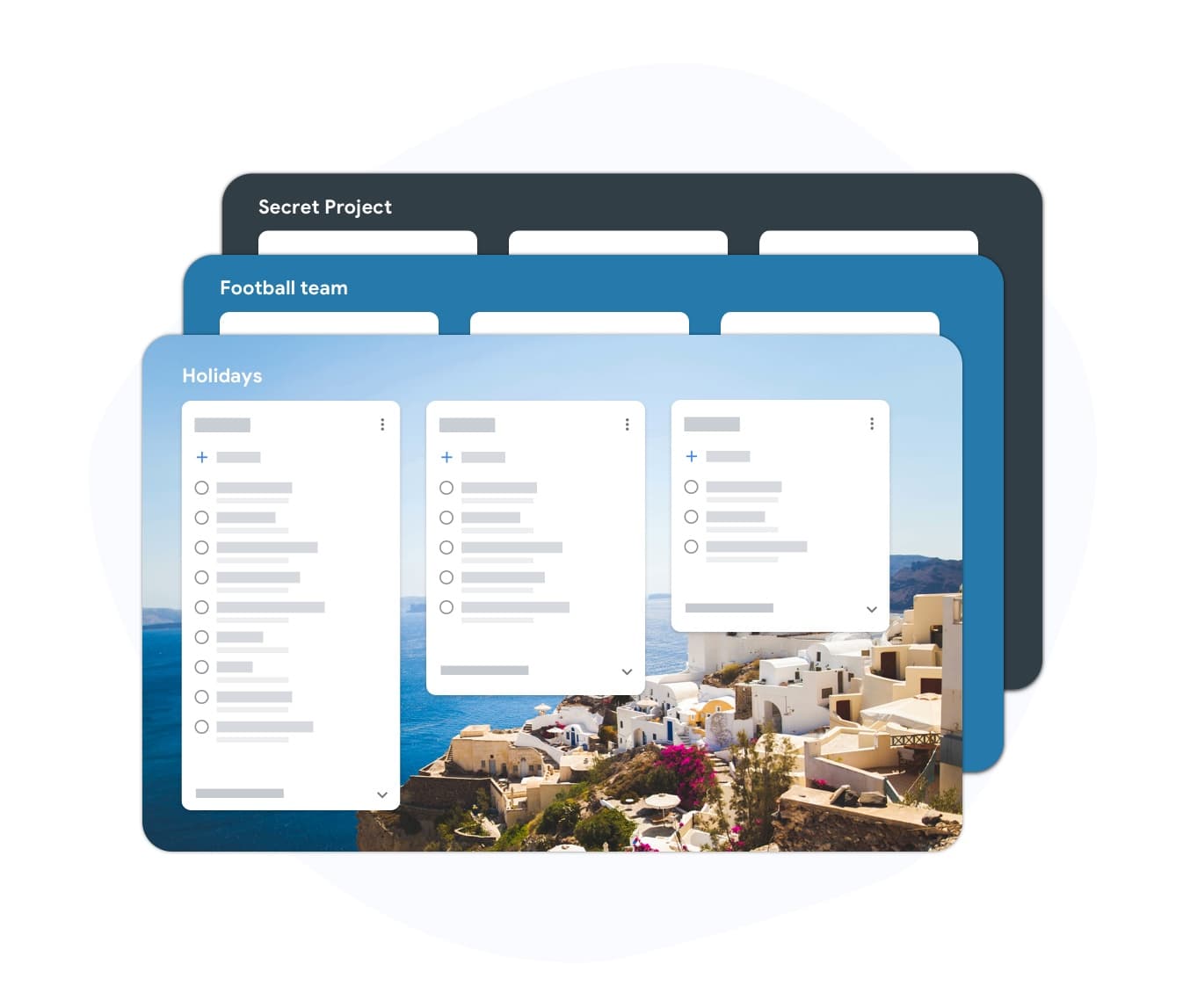
Fixed iterations (sprints) — left column screenshot
Continuous flow, no sprint boundary.
سكرم
Fixed iterations (sprints) — right column screenshot
Sprint planning and time boxes.

It's a tie

Neither is universally better — Kanban suits continuous flow; Scrum suits time-boxed, predictable delivery.
Feature 2

WIP limits

Kanban uses Work-In-Progress limits per column to prevent overload and surface bottlenecks.

Scrum limits work indirectly through Sprint capacity planning rather than per-column WIP caps.

Kanban
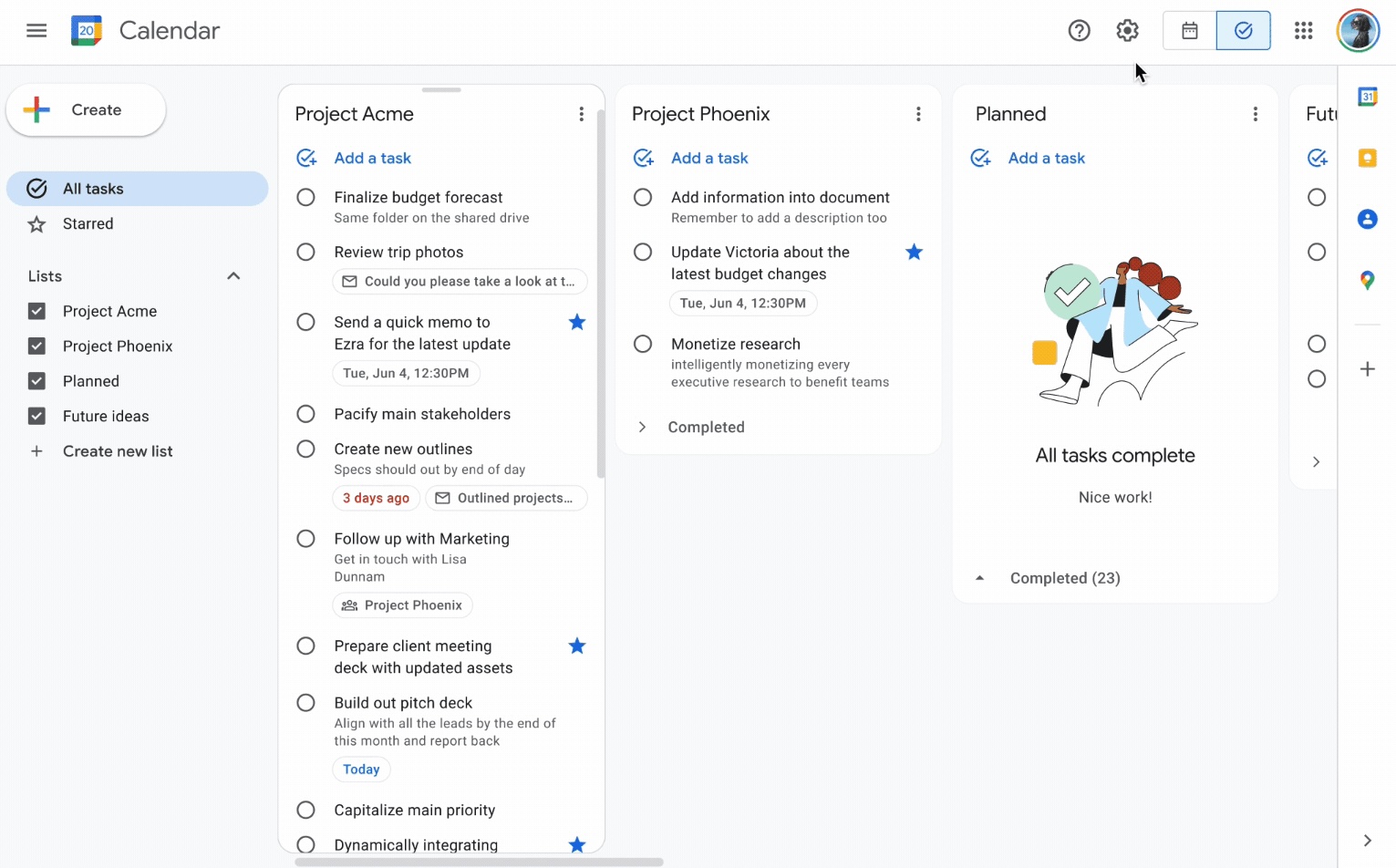
WIP limits — left column screenshot
Column WIP limits on TasksBoard.
سكرم
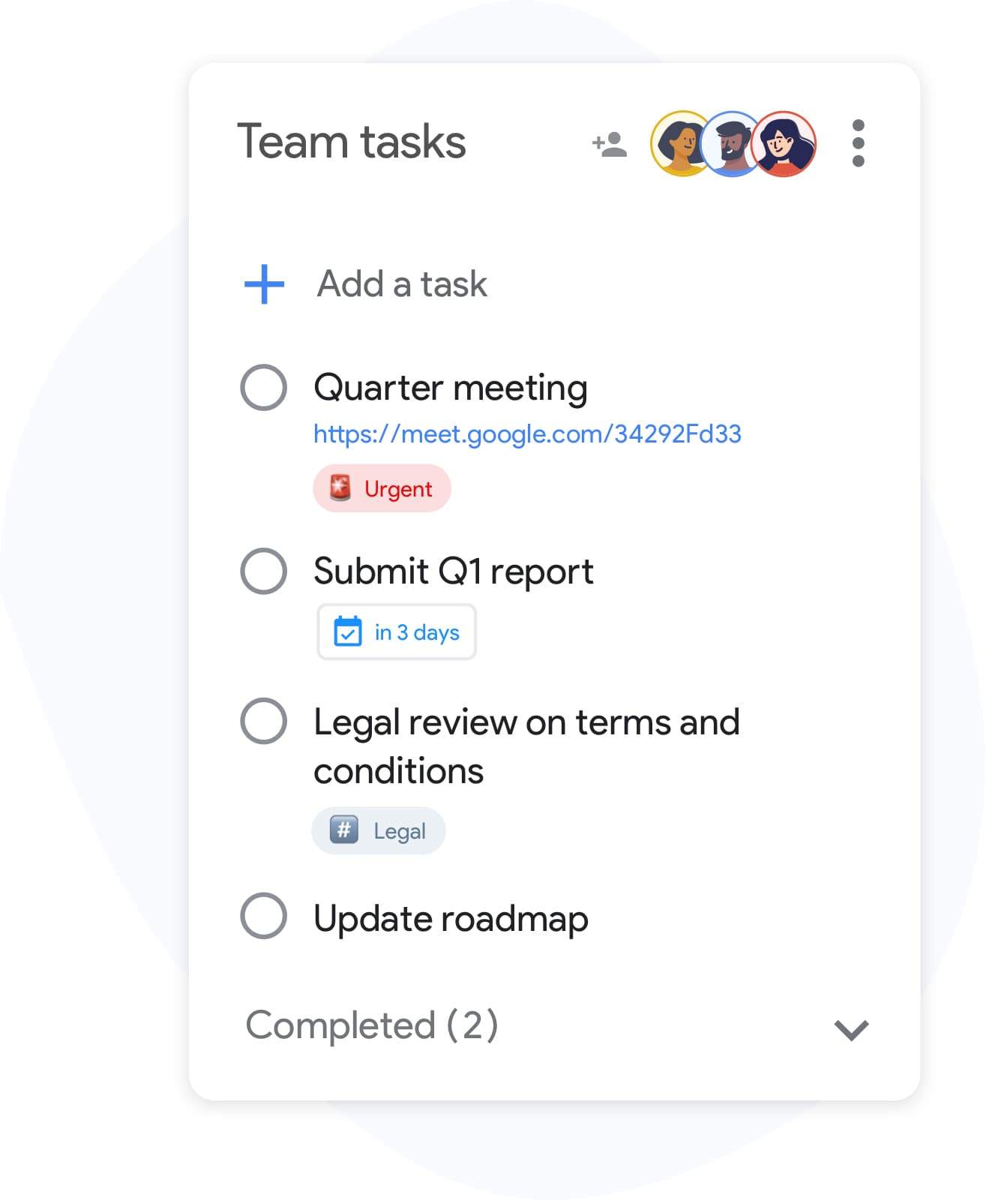
WIP limits — right column screenshot
Sprint capacity as the limit.

Winner: Kanban

Explicit per-column WIP limits are a core Kanban practice for preventing overload and surfacing bottlenecks.


Feature 3

Defined roles

Kanban has no mandated roles. The team owns the board and pull-based workflow.

Scrum defines Scrum Master, Product Owner, and Developers with distinct accountabilities.

Kanban
Defined roles — left column screenshot
Self-organizing team, no fixed roles.
سكرم
Defined roles — right column screenshot
Scrum Master, PO, Developers.

It's a tie

Kanban needs no fixed roles; Scrum's defined accountabilities help larger teams that want clear structure.


Feature 4

Backlog grooming ceremonies

Kanban refines work just-in-time as items approach the top of the backlog column.

Scrum holds regular backlog refinement sessions to prepare items for upcoming Sprints.

Kanban
Backlog grooming ceremonies — left column screenshot
Just-in-time refinement.
سكرم
Backlog grooming ceremonies — right column screenshot
Scheduled refinement ceremonies.

It's a tie

Kanban refines just-in-time; Scrum schedules backlog refinement ceremonies — both work, different rhythms.


Feature 5

Continuous delivery

Kanban teams release whenever an item is done — no waiting for a sprint boundary.

Scrum typically delivers at the end of each Sprint during the Sprint Review.

Kanban
Continuous delivery — left column screenshot
Ship when ready.
سكرم
Continuous delivery — right column screenshot
Deliver at Sprint Review.

Winner: Kanban

Kanban teams ship whenever an item is done; Scrum typically batches delivery at the Sprint Review.


Feature 6

Flow metrics

Kanban tracks cycle time, throughput, and lead time to optimize flow efficiency.

Scrum primarily measures velocity — story points completed per Sprint.

Kanban
Flow metrics — left column screenshot
Cycle time and throughput.
سكرم
Flow metrics — right column screenshot
Velocity per Sprint.

Winner: Kanban

Cycle time, throughput, and lead time give Kanban teams direct flow-efficiency signals.


Feature 7

Velocity tracking

Kanban does not use velocity. Flow metrics replace point-based tracking.

Scrum teams track velocity to forecast Sprint capacity and release planning.

Kanban
Velocity tracking — left column screenshot
Flow-based forecasting.
سكرم
Velocity tracking — right column screenshot
Story-point velocity charts.

Winner: سكرم

Story-point velocity is Scrum's primary forecasting tool — Kanban deliberately avoids velocity tracking.


Feature 8

Board customization

Kanban boards are fully customizable — add columns, swim lanes, and WIP limits per team.

Scrum boards follow a standard To Do → In Progress → Done pattern tied to Sprint scope.

Kanban
Board customization — left column screenshot
Custom columns on TasksBoard.
سكرم
Board customization — right column screenshot
Sprint-scoped standard columns.

Winner: Kanban

Kanban boards are fully customizable — columns, swim lanes, and WIP limits per team.


Feature 9

Support and ops teams

Kanban excels for interrupt-driven work — support tickets, incidents, and ops queues flow continuously.

Scrum's sprint commitment model fits poorly when urgent items arrive mid-Sprint.

Kanban
Support and ops teams — left column screenshot
Continuous intake for ops work.
سكرم
Support and ops teams — right column screenshot
Sprint commitment conflicts with interrupts.

Winner: Kanban

Interrupt-driven support and ops queues flow continuously on Kanban; Scrum's sprint commitment fights mid-sprint urgency.


Feature 10

Product feature development

Kanban works for feature dev when continuous flow is preferred over batch planning.

Scrum is widely adopted for product teams building features in predictable increments.

Kanban
Product feature development — left column screenshot
Feature cards flowing through columns.
سكرم
Product feature development — right column screenshot
Sprint-planned feature increments.

Winner: سكرم

Scrum is widely adopted for product teams building features in predictable sprint increments.


محبوب من قبل آلاف المستخدمين

4.8 / 5 من أكثر من 1,000 مراجعة على متجر Chrome الإلكتروني

"Always have 101 things to do and this helps me organize and prioritize like no other app can. It syncs to my phone and laptop, and when I add dates to tasks, they automatically integrate into my Google Calendar, which is immensely convenient. I can look at my daily, weekly, and monthly overview in Google Calendar and clearly see how much I was able to accomplish! Great tool indeed. Excited to see how it will evolve over time."

PR Parina Ramjee avatar
Parina Ramjee

"Seriously, makes my tasks easier to share with the team, and the free version is quite nice for our little office. Eventually, we will expand, and this is definitely a great tool to do that! Syncs with my Workspace and Calendar."

CC Chase Cattrall avatar
Chase Cattrall

"I love the simple, intuitive interface and the Add to Tasks feature, especially as I work through my emails! Sharing my tasks is also easy. Overall, outstanding and simple to use, and that means a lot with too many complex tasks out there!"

GC Greg Cantori avatar
Greg Cantori

"Great too for managing daily routine and plan tasks. Would be perfect if it was updated for generating reports for statistics. For google tasks and google calendar"

NV Nick Vlasov avatar
Nick Vlasov

الأسئلة الشائعة

ما هو الاختلاف الرئيسي بين Kanban وScrum؟

يستخدم Scrum Sprints ذات طول ثابت مع أدوار ومراسم محددة. يستخدم Kanban نموذج تدفق مستمر بدون Sprints إلزامية. Scrum أكثر تنظيماً؛ بينما Kanban أكثر مرونة.

هل يمكن للفريق استخدام Kanban وScrum معاً؟

نعم. "Scrumban" هو نهج هجين حيث تستخدم الفرق مراسم Scrum ولكن تدير سير العمل باستخدام لوحة Kanban وحدود العمل قيد التنفيذ (WIP). إنه شائع في الفرق التي تريد إمكانية التنبؤ بالـ Sprint جنباً إلى جنب مع رؤية التدفق.

هل Kanban أم Scrum أفضل للفرق الصغيرة؟

يعتبر Kanban عموماً أبسط للفرق الصغيرة لأنه لا يحتوي على أدوار أو مراسم إلزامية. يمكن لفريق مكون من شخصين إلى خمسة أشخاص بدء لوحة Kanban على الفور دون تدريب. من الصعب تبرير نفقات Scrum لأقل من خمسة أشخاص تقريباً.

هل يحتوي Kanban على نقاط قصة (story points)؟

لا يتطلب Kanban نقاط قصة. بدلاً من ذلك، يستخدم مقاييس التدفق: وقت الدورة (كم يستغرق إكمال المهمة)، الإنتاجية (كم عدد المهام التي يتم إكمالها أسبوعياً)، ووقت التسليم. غالباً ما تكون هذه المقاييس أكثر قابلية للتنفيذ من السرعة.

هل يمكنني تشغيل Kanban في TasksBoard؟

نعم. يمنحك TasksBoard لوحة Kanban بملء الشاشة مدعومة من Google Tasks. يمكنك إنشاء أعمدة لأي سير عمل (المهام المطلوبة، قيد التنفيذ، تم، أو مراحل مخصصة)، وسحب المهام بينها، وإضافة تواريخ استحقاق تتزامن مع Google Calendar.

ما هي الأدوار التي يتطلبها Kanban؟

لا يحتوي Kanban على أدوار مطلوبة. على عكس Scrum، لا يوجد Scrum Master أو Product Owner مفروض من قبل الطريقة. غالباً ما تعين الفرق مديراً للتدفق أو مديراً لتقديم الخدمة، لكن هذه الأدوار اختيارية وغير رسمية.

هل Scrum مخصص فقط لفرق البرمجيات؟

تم تصميم Scrum في الأصل لتطوير البرمجيات، لكن فرق التسويق والموارد البشرية والعمليات تكيفت معه بنجاح. يتكيف Kanban بسهولة أكبر مع سير العمل غير البرمجي لأنه يفرض قيوداً أقل.


ابدأ الآن

شغّل لوحات بنمط Kanban أو Scrum في TasksBoard

سجّل الدخول باستخدام حساب Google الخاص بك وقم ببناء سير عمل مرئي في دقائق. اسحب المهام عبر الأعمدة، وحدد تواريخ الاستحقاق، وشارك اللوحات مع فريقك.

لا حاجة لبطاقة ائتمان. يعمل مع مهام Google Tasks الحالية الخاصة بك.