Kanban vs Scrum

Kanban vs Scrum: Quel cadre convient à votre équipe ?

Kanban et Scrum utilisent tous deux des tableaux visuels, mais ils fonctionnent très différemment. Ce guide détaille les différences clés afin que vous puissiez choisir la bonne approche et commencer à livrer du travail dès aujourd'hui.

Utilisé par plus de 2 millions de personnes. Gratuit pour commencer.


Kanban vs Scrum: Comparaison des fonctionnalités

Feature
Kanban
Scrum
Itérations fixes (sprints) Fixed iterations (sprints) Optionnel
Limites de WIP WIP limits
Rôles définis (Scrum Master, PO) Defined roles (Scrum Master, PO)
Cérémonies de gestion du backlog Backlog grooming ceremonies
Livraison continue Continuous delivery Entre les sprints
Mesures de flux (temps de cycle, débit) Flow metrics (cycle time, throughput)
Suivi de la vélocité Velocity tracking
Personnalisation du tableau Board customization Colonnes de sprint uniquement
Fonctionne pour les équipes de support / ops Works for support / ops teams
Fonctionne pour le développement de fonctionnalités produit Works for product feature dev

Feature-by-feature comparison

Kanban optimizes flow; Scrum optimizes predictable delivery. Compare each practice with screenshots and sourced references.

Kanban 5 Scrum 2 It's a tie 3

Fixed iterations (sprints)

It's a tie

Kanban has no required sprint cadence. Work flows continuously through columns as capacity allows.

Scrum organizes work into time-boxed Sprints, typically 1–4 weeks, with a committed Sprint Goal.

Kanban
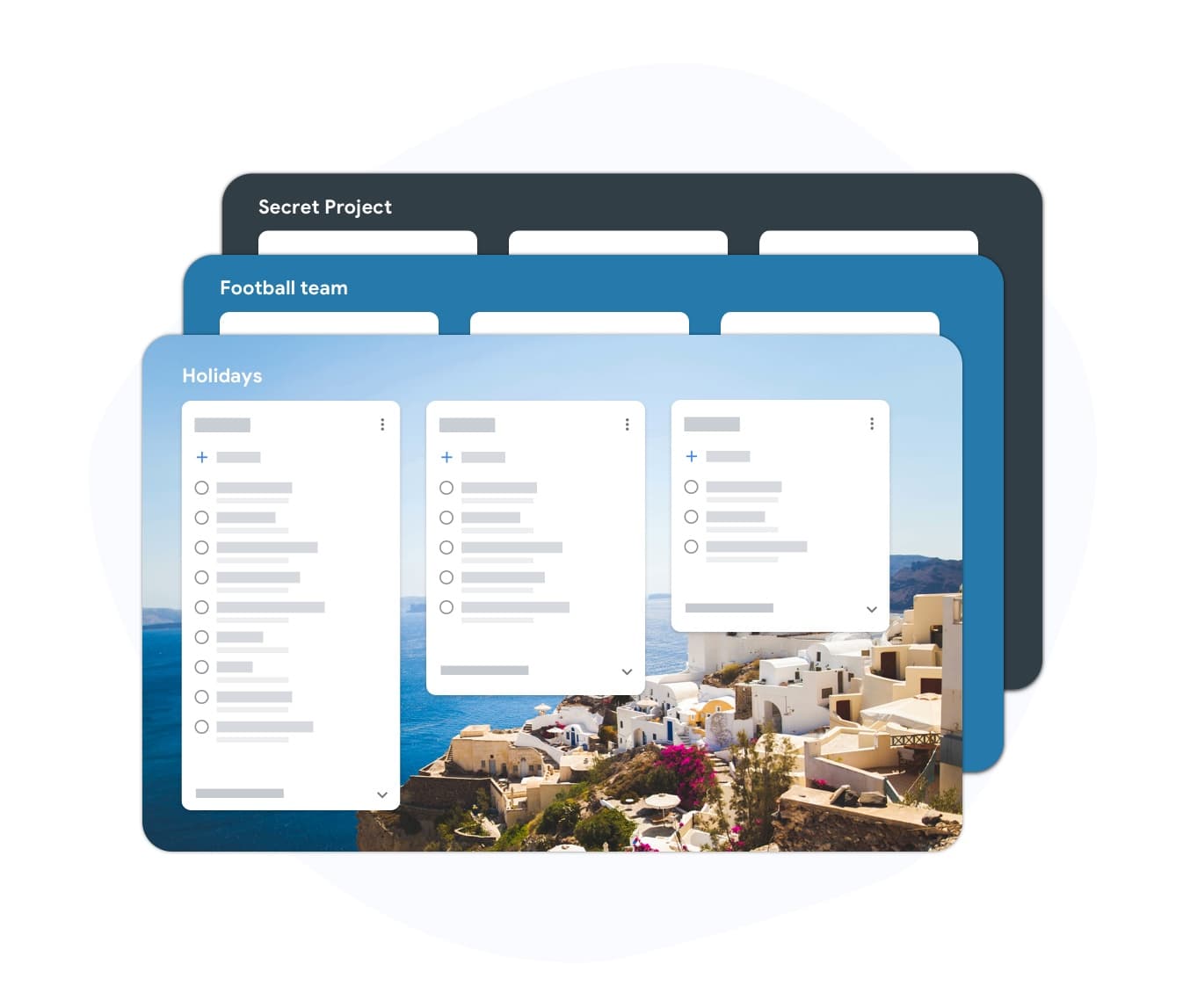
Fixed iterations (sprints) — left column screenshot
Continuous flow, no sprint boundary.
Scrum
Fixed iterations (sprints) — right column screenshot
Sprint planning and time boxes.

It's a tie

Neither is universally better — Kanban suits continuous flow; Scrum suits time-boxed, predictable delivery.
WIP limits

Winner: Kanban

Kanban uses Work-In-Progress limits per column to prevent overload and surface bottlenecks.

Scrum limits work indirectly through Sprint capacity planning rather than per-column WIP caps.

Kanban Winner
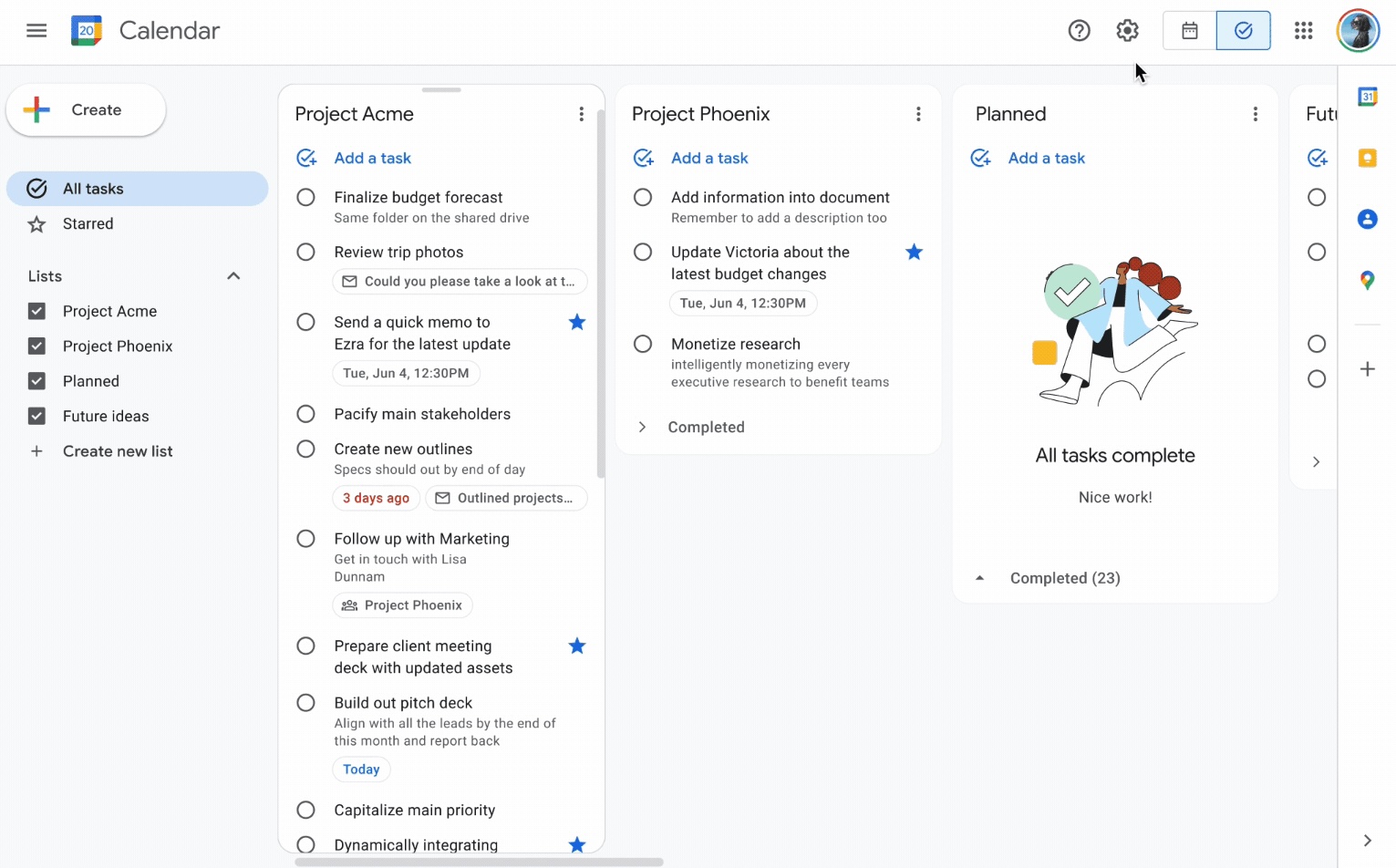
WIP limits — left column screenshot
Column WIP limits on TasksBoard.
Scrum
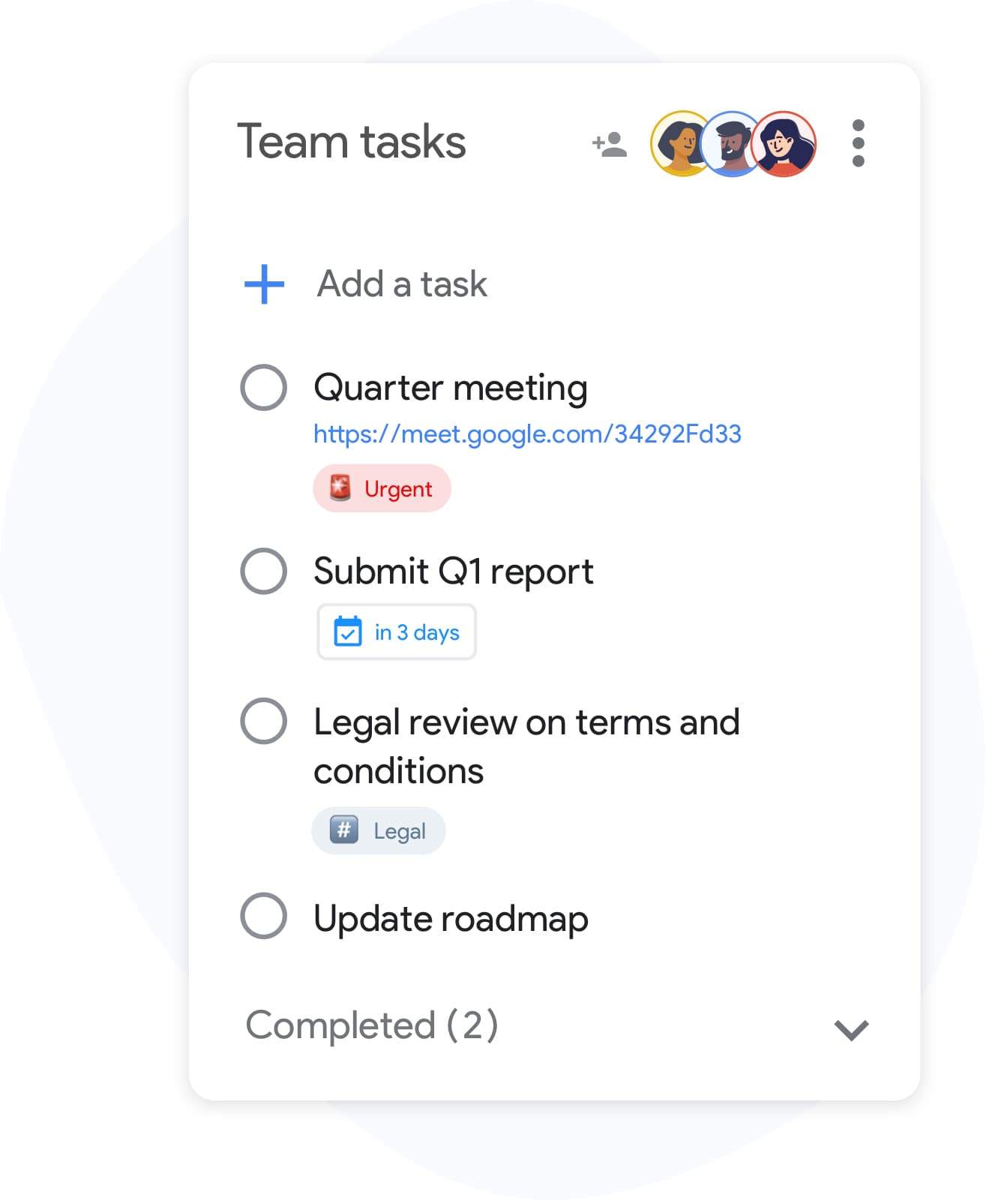
WIP limits — right column screenshot
Sprint capacity as the limit.

Winner: Kanban

Explicit per-column WIP limits are a core Kanban practice for preventing overload and surfacing bottlenecks.


Defined roles

It's a tie

Kanban has no mandated roles. The team owns the board and pull-based workflow.

Scrum defines Scrum Master, Product Owner, and Developers with distinct accountabilities.

Kanban
Defined roles — left column screenshot
Self-organizing team, no fixed roles.
Scrum
Defined roles — right column screenshot
Scrum Master, PO, Developers.

It's a tie

Kanban needs no fixed roles; Scrum's defined accountabilities help larger teams that want clear structure.


Backlog grooming ceremonies

It's a tie

Kanban refines work just-in-time as items approach the top of the backlog column.

Scrum holds regular backlog refinement sessions to prepare items for upcoming Sprints.

Kanban
Backlog grooming ceremonies — left column screenshot
Just-in-time refinement.
Scrum
Backlog grooming ceremonies — right column screenshot
Scheduled refinement ceremonies.

It's a tie

Kanban refines just-in-time; Scrum schedules backlog refinement ceremonies — both work, different rhythms.


Continuous delivery

Winner: Kanban

Kanban teams release whenever an item is done — no waiting for a sprint boundary.

Scrum typically delivers at the end of each Sprint during the Sprint Review.

Kanban Winner
Continuous delivery — left column screenshot
Ship when ready.
Scrum
Continuous delivery — right column screenshot
Deliver at Sprint Review.

Winner: Kanban

Kanban teams ship whenever an item is done; Scrum typically batches delivery at the Sprint Review.


Flow metrics

Winner: Kanban

Kanban tracks cycle time, throughput, and lead time to optimize flow efficiency.

Scrum primarily measures velocity — story points completed per Sprint.

Kanban Winner
Flow metrics — left column screenshot
Cycle time and throughput.
Scrum
Flow metrics — right column screenshot
Velocity per Sprint.

Winner: Kanban

Cycle time, throughput, and lead time give Kanban teams direct flow-efficiency signals.


Velocity tracking

Winner: Scrum

Kanban does not use velocity. Flow metrics replace point-based tracking.

Scrum teams track velocity to forecast Sprint capacity and release planning.

Kanban
Velocity tracking — left column screenshot
Flow-based forecasting.
Scrum Winner
Velocity tracking — right column screenshot
Story-point velocity charts.

Winner: Scrum

Story-point velocity is Scrum's primary forecasting tool — Kanban deliberately avoids velocity tracking.


Board customization

Winner: Kanban

Kanban boards are fully customizable — add columns, swim lanes, and WIP limits per team.

Scrum boards follow a standard To Do → In Progress → Done pattern tied to Sprint scope.

Kanban Winner
Board customization — left column screenshot
Custom columns on TasksBoard.
Scrum
Board customization — right column screenshot
Sprint-scoped standard columns.

Winner: Kanban

Kanban boards are fully customizable — columns, swim lanes, and WIP limits per team.


Support and ops teams

Winner: Kanban

Kanban excels for interrupt-driven work — support tickets, incidents, and ops queues flow continuously.

Scrum's sprint commitment model fits poorly when urgent items arrive mid-Sprint.

Kanban Winner
Support and ops teams — left column screenshot
Continuous intake for ops work.
Scrum
Support and ops teams — right column screenshot
Sprint commitment conflicts with interrupts.

Winner: Kanban

Interrupt-driven support and ops queues flow continuously on Kanban; Scrum's sprint commitment fights mid-sprint urgency.


Product feature development

Winner: Scrum

Kanban works for feature dev when continuous flow is preferred over batch planning.

Scrum is widely adopted for product teams building features in predictable increments.

Kanban
Product feature development — left column screenshot
Feature cards flowing through columns.
Scrum Winner
Product feature development — right column screenshot
Sprint-planned feature increments.

Winner: Scrum

Scrum is widely adopted for product teams building features in predictable sprint increments.


Adoré par des milliers d'utilisateurs

4.8 / 5 sur plus de 1 000 avis sur le Chrome Web Store

"Always have 101 things to do and this helps me organize and prioritize like no other app can. It syncs to my phone and laptop, and when I add dates to tasks, they automatically integrate into my Google Calendar, which is immensely convenient. I can look at my daily, weekly, and monthly overview in Google Calendar and clearly see how much I was able to accomplish! Great tool indeed. Excited to see how it will evolve over time."

PR Parina Ramjee avatar
Parina Ramjee

"Seriously, makes my tasks easier to share with the team, and the free version is quite nice for our little office. Eventually, we will expand, and this is definitely a great tool to do that! Syncs with my Workspace and Calendar."

CC Chase Cattrall avatar
Chase Cattrall

"I love the simple, intuitive interface and the Add to Tasks feature, especially as I work through my emails! Sharing my tasks is also easy. Overall, outstanding and simple to use, and that means a lot with too many complex tasks out there!"

GC Greg Cantori avatar
Greg Cantori

"Great too for managing daily routine and plan tasks. Would be perfect if it was updated for generating reports for statistics. For google tasks and google calendar"

NV Nick Vlasov avatar
Nick Vlasov

Questions fréquentes

Quelle est la principale différence entre Kanban et Scrum ?

Scrum utilise des sprints de durée fixe avec des rôles et des cérémonies définis. Kanban utilise un modèle de flux continu sans sprints obligatoires. Scrum est plus structuré ; Kanban est plus flexible.

Une équipe peut-elle utiliser Kanban et Scrum ensemble ?

Oui. "Scrumban" est une approche hybride où les équipes utilisent les cérémonies Scrum mais gèrent le flux de travail avec un tableau Kanban et des limites de WIP. C'est courant dans les équipes qui souhaitent la prévisibilité du sprint parallèlement à la visibilité du flux.

Kanban ou Scrum est-il meilleur pour les petites équipes ?

Kanban est généralement plus simple pour les petites équipes car il n'a pas de rôles ou de cérémonies obligatoires. Une équipe de deux à cinq personnes peut démarrer un tableau Kanban immédiatement sans formation. La surcharge de Scrum est plus difficile à justifier en dessous d'environ cinq personnes.

Le Kanban a-t-il des points d'histoire ?

Kanban ne nécessite pas de points d'histoire. Au lieu de cela, il utilise des mesures de flux : temps de cycle (combien de temps prend une tâche pour être terminée), débit (combien de tâches sont terminées par semaine) et temps de livraison. Ces mesures sont souvent plus exploitables que la vélocité.

Puis-je exécuter Kanban dans TasksBoard ?

Oui. TasksBoard vous offre un tableau Kanban plein écran basé sur Google Tasks. Vous pouvez créer des colonnes pour n'importe quel flux de travail (À faire, En cours, Terminé, ou des étapes personnalisées), faire glisser des tâches entre elles et ajouter des dates d'échéance qui se synchronisent avec Google Calendar.

Quels rôles le Kanban exige-t-il ?

Kanban n'a aucun rôle requis. Contrairement à Scrum, il n'y a pas de Scrum Master ou de Product Owner mandaté par la méthode. Les équipes désignent souvent un gestionnaire de flux ou un gestionnaire de prestation de services, mais ces rôles sont optionnels et informels.

Scrum est-il réservé aux équipes logicielles ?

Scrum a été conçu à l'origine pour le développement de logiciels, mais les équipes marketing, RH et opérations l'ont adapté avec succès. Kanban s'adapte encore plus facilement aux flux de travail non logiciels car il impose moins de contraintes.


Commencer

Exécutez des tableaux de style Kanban ou Scrum dans TasksBoard

Connectez-vous avec votre compte Google et construisez un flux de travail visuel en quelques minutes. Déplacez les tâches à travers les colonnes, définissez des dates d'échéance et partagez les tableaux avec votre équipe.

Aucune carte de crédit requise. Fonctionne avec vos Google Tasks existants.