
Google Tasks
Google Keep

Google Tasks vs Google Keep

Google Tasks vs Google Keep: 차이점과 나에게 맞는 워크플로우는?

두 도구 모두 Google 계정에서 무료로 제공되지만, 해결하는 문제는 매우 다릅니다. 이 가이드는 각각을 언제 사용해야 하는지, 그리고 TasksBoard가 어떻게 Google Tasks를 구조화된 업무를 위한 확실한 승자로 만드는지 설명합니다.

200만 명 이상이 사용 중입니다. 무료로 시작하세요.


Google Tasks vs Google Keep: 기능 비교

Feature
Google Tasks
Google Keep
마감일 및 알림 Due dates and reminders 알림만 가능 (Keep 알림을 통해)
하위 작업 Subtasks
프로젝트/목록별 구성 Organize by project/list 라벨만 가능
Google Calendar 통합 Google Calendar integration
자유 형식 메모 Freeform notes
이미지 캡처 Image capture
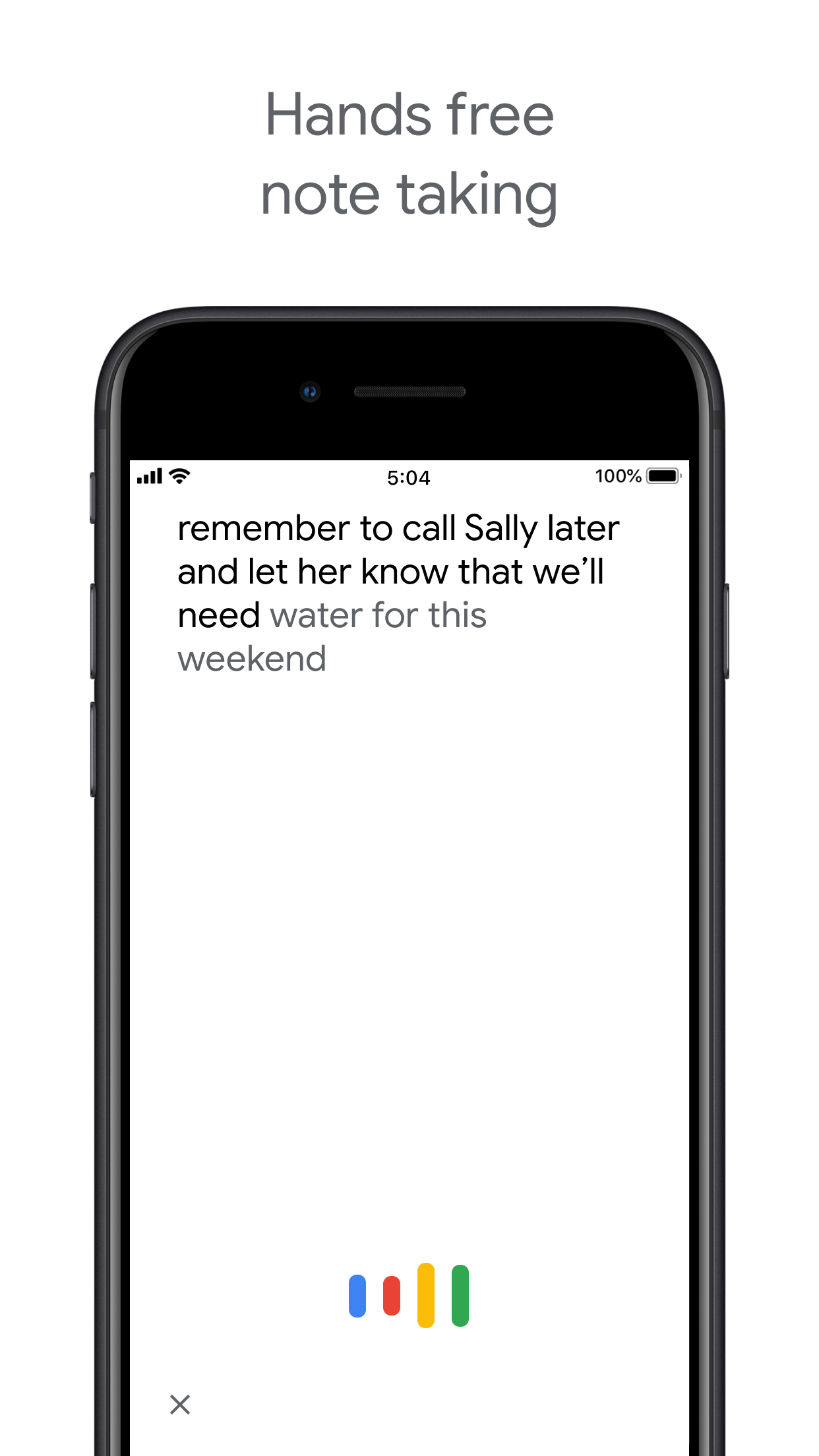
음성 메모 Voice memos
Kanban 보드 보기 Kanban board view TasksBoard를 통해
팀 보드 공유 Team board sharing TasksBoard를 통해 공동 메모만 가능
Gmail 통합 Gmail integration

Feature-by-feature comparison

Google Tasks is for actionable to-dos; Google Keep is for notes and capture. See how each tool handles reminders, lists, and collaboration.

Google Tasks 6 Google Keep 3 It's a tie 1

Due dates and reminders

Winner: Google Tasks

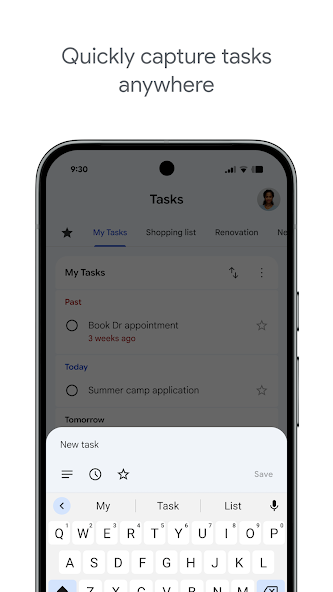
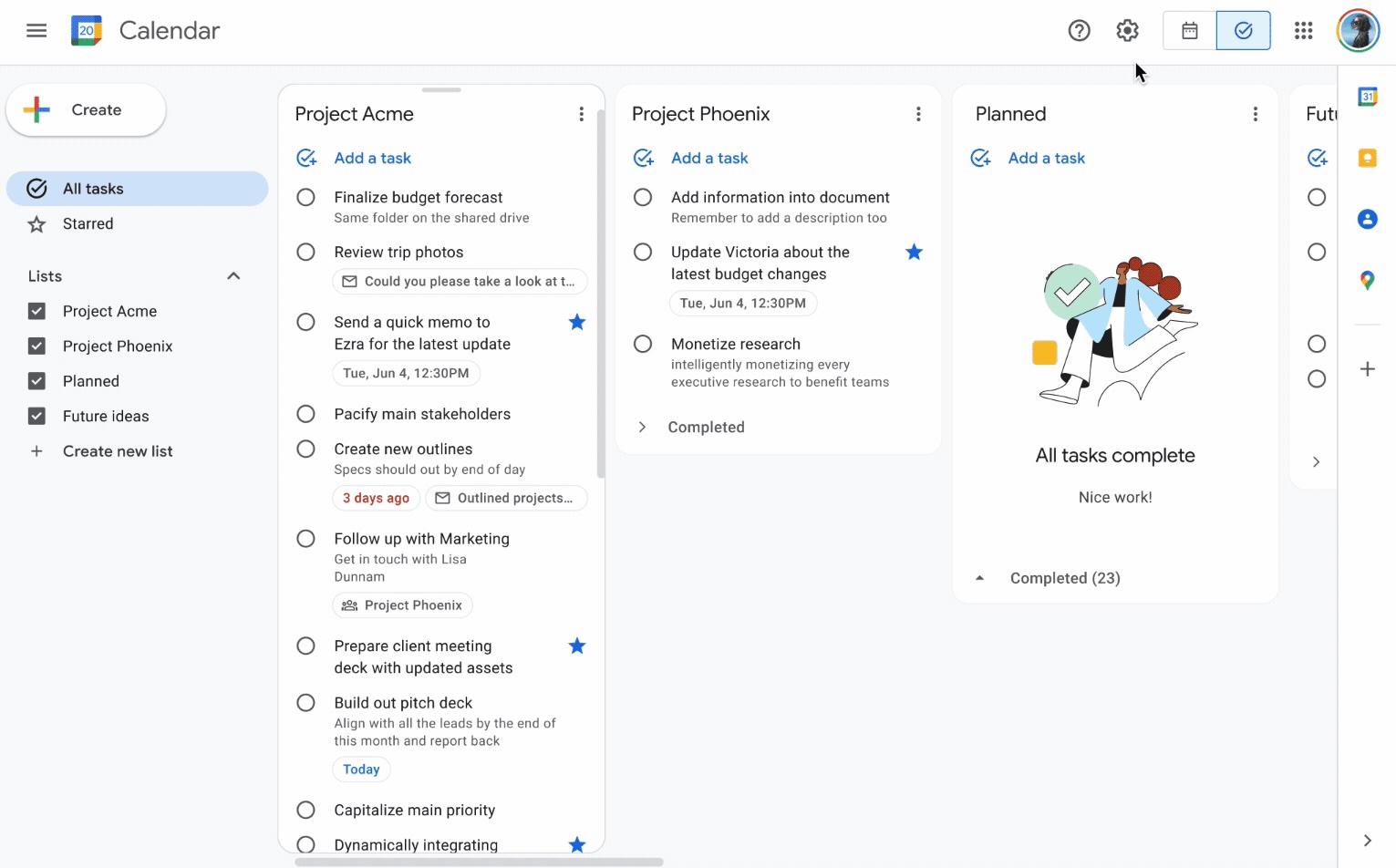
Google Tasks is built around due dates, deadlines, and notifications synced through Google Calendar.

Google Keep supports note reminders; newer flows save reminders in Google Tasks and surface them in Calendar.

Google Tasks Winner
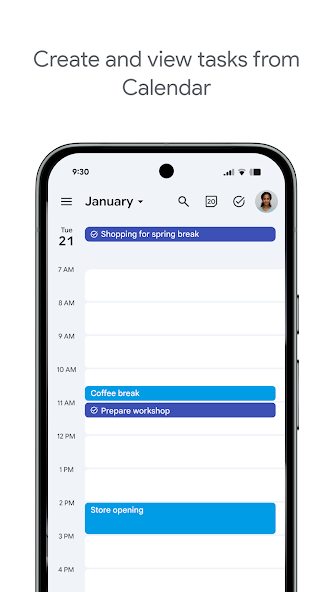
Due dates and reminders — left column screenshot
Task due dates in Calendar.
Google Keep
Due dates and reminders — right column screenshot
Note reminders linked to Tasks.

Winner: Google Tasks

Google Tasks is purpose-built for due dates, deadlines, and Calendar-synced reminders.
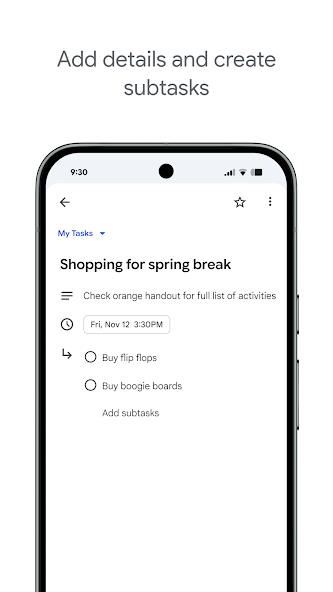

Subtasks

Winner: Google Tasks

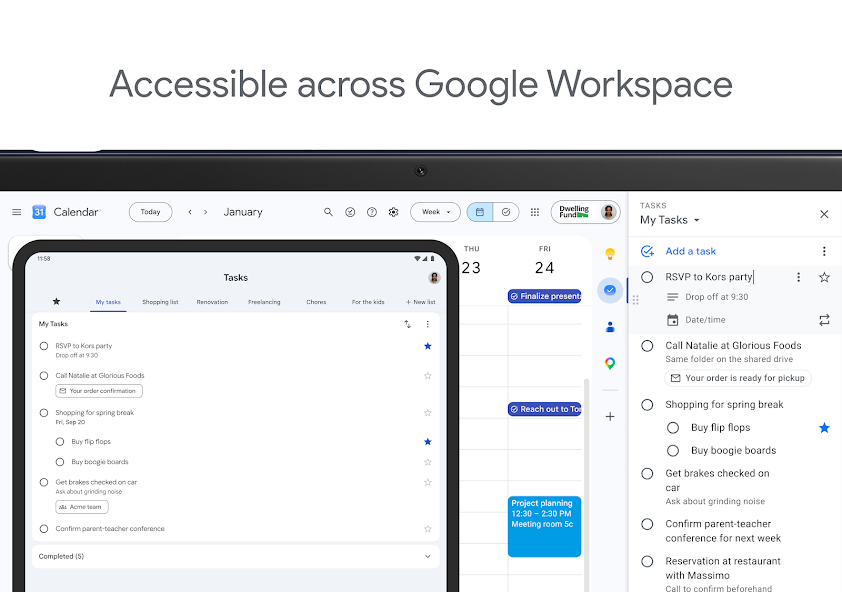
Google Tasks nests true subtasks under a parent task for step-by-step execution.

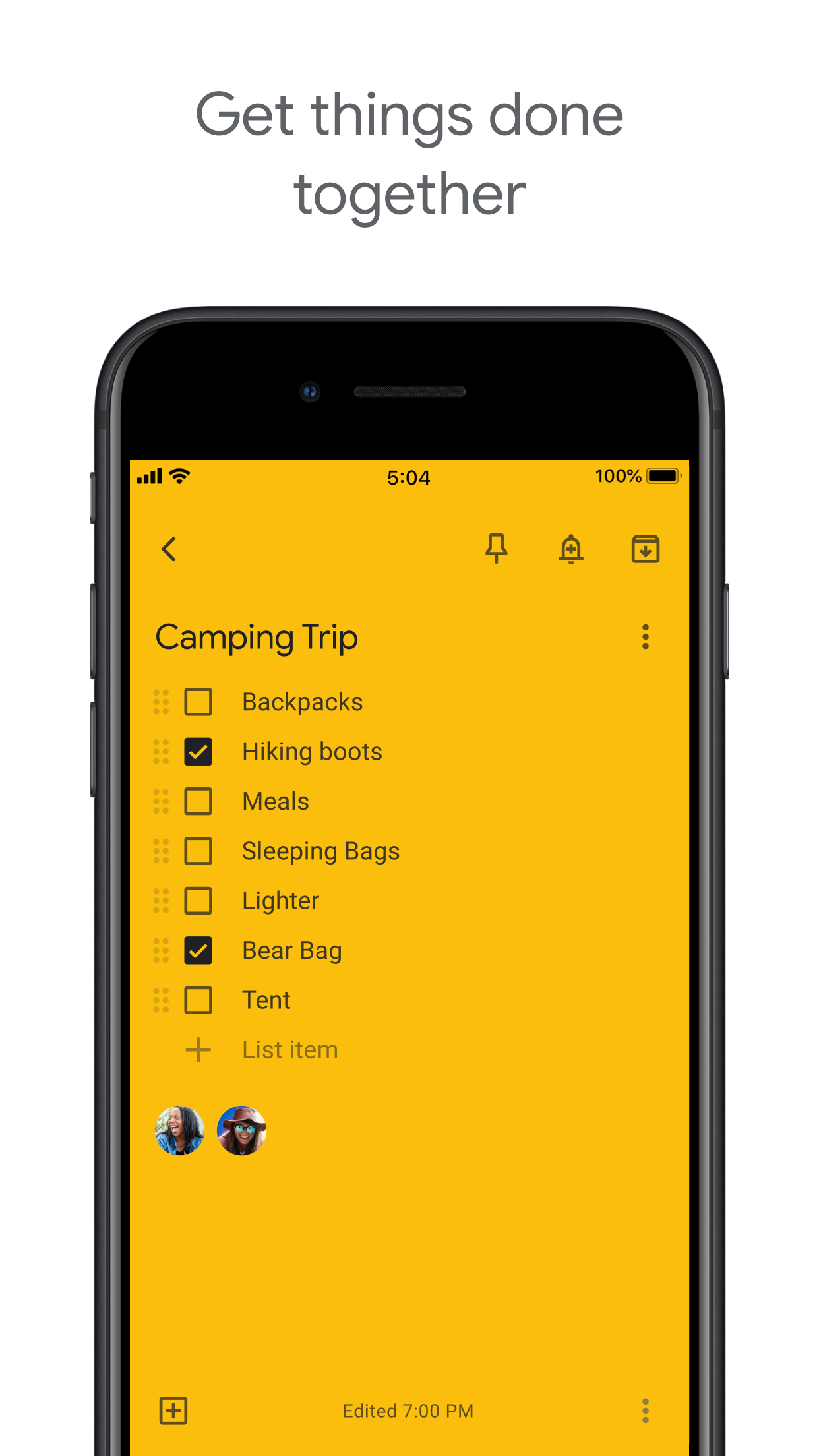
Keep supports checklists inside a note, but not dedicated parent-child task entities.

Google Tasks Winner
Subtasks — left column screenshot
Parent task with subtasks.
Google Keep
Subtasks — right column screenshot
Checklist items in a note.

Winner: Google Tasks

True parent-child subtask entities beat checklist items inside a note for step-by-step execution.


Organize by project or list

Winner: Google Tasks

Google Tasks uses multiple named lists with drag-and-drop reordering and sorting.

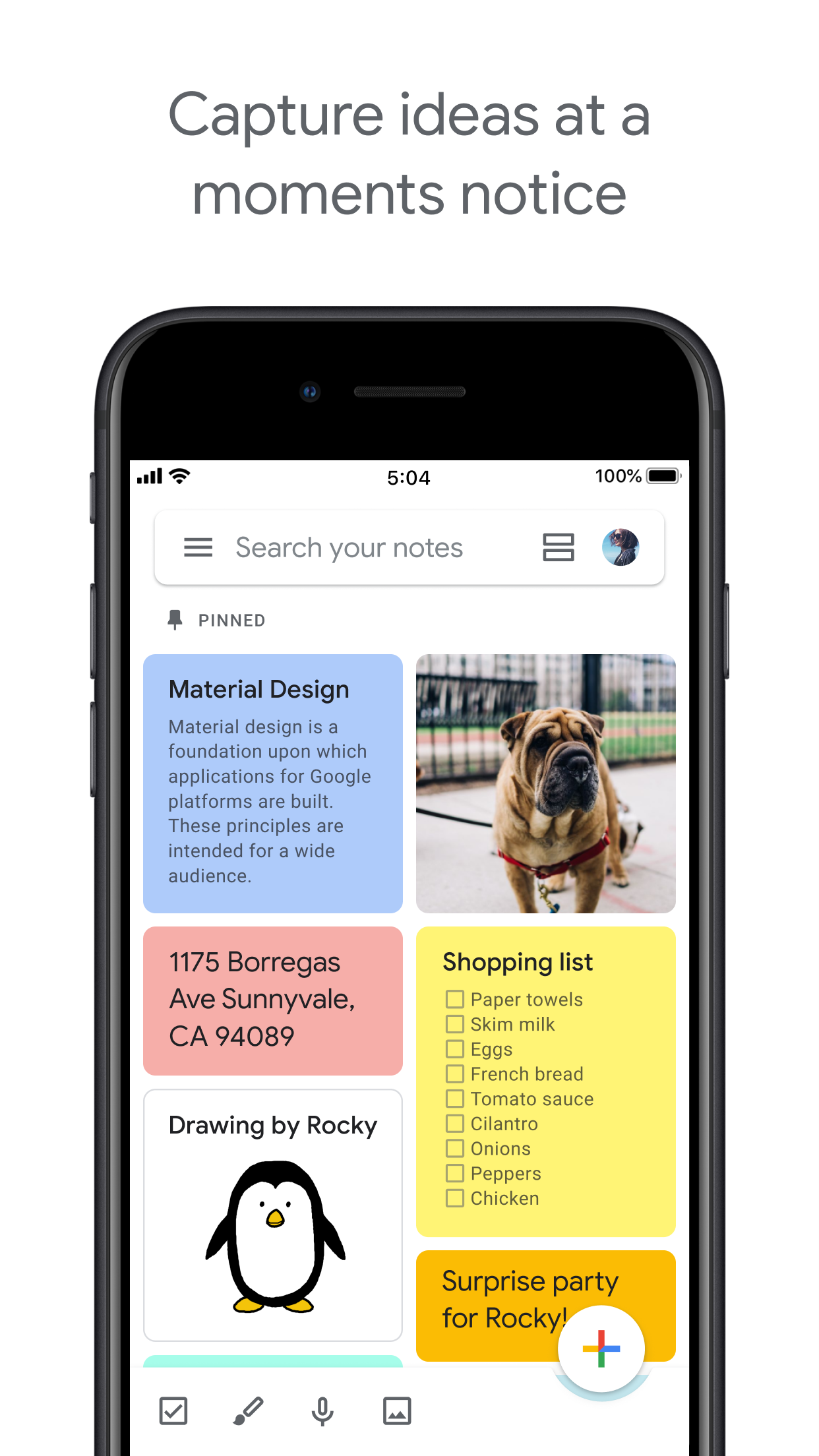
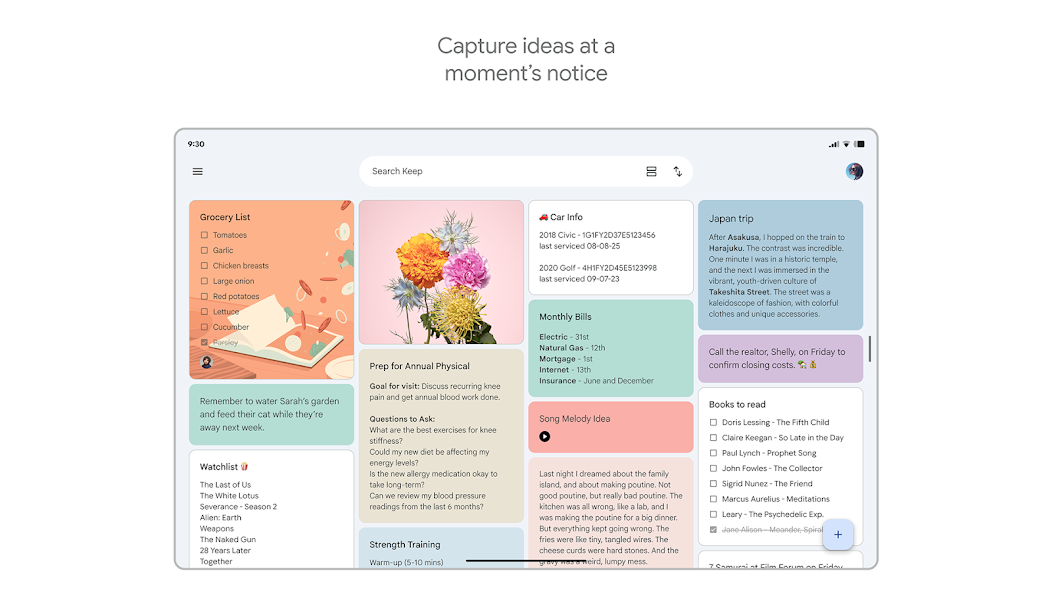
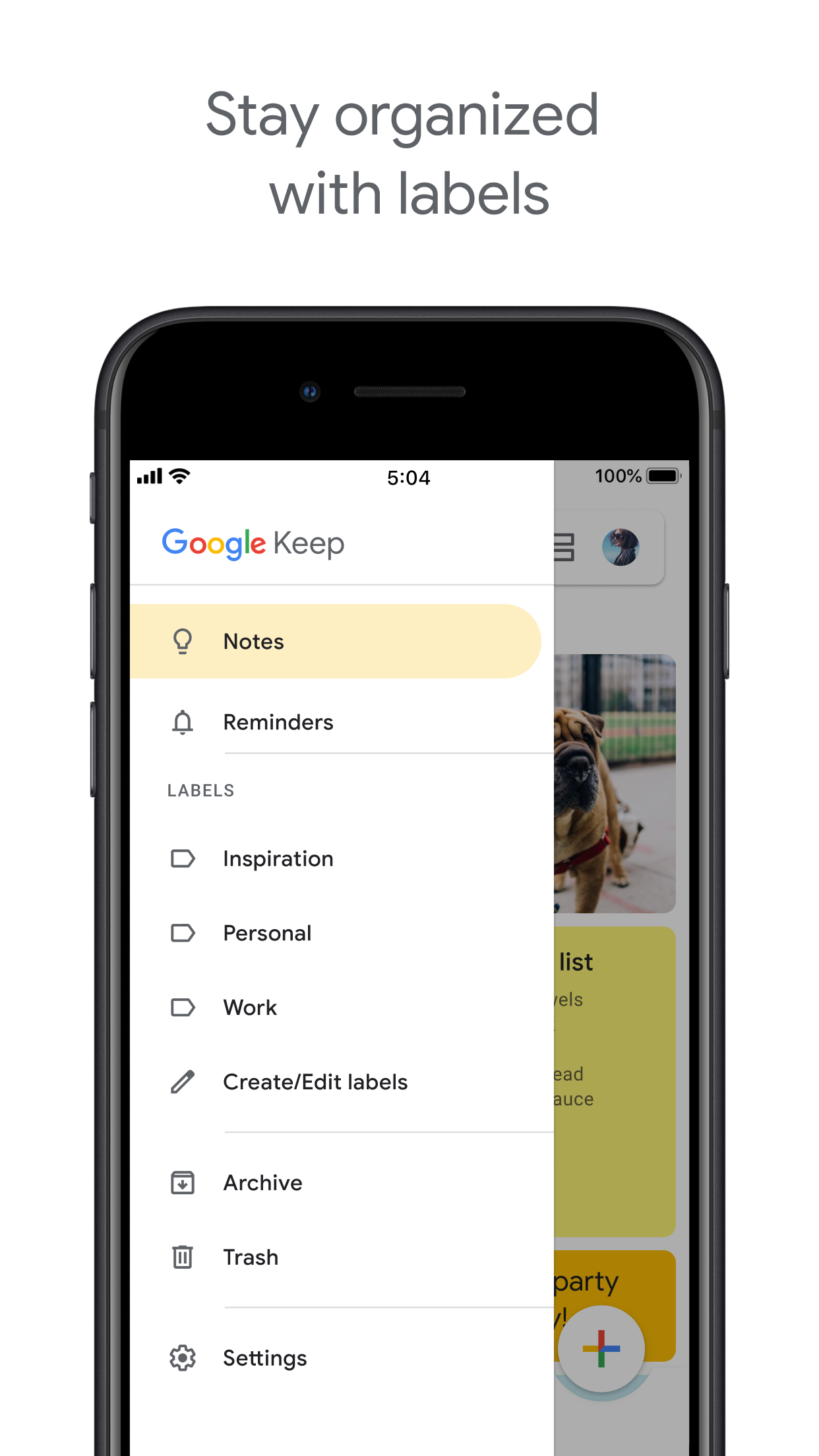
Keep organizes by labels, colors, and pinned notes in a card grid.

Google Tasks Winner
Organize by project or list — left column screenshot
Named task lists.
Google Keep
Organize by project or list — right column screenshot
Labels and pinned notes.

Winner: Google Tasks

Named task lists with drag-and-drop ordering suit project workflows better than a note card grid.


Google Calendar integration

Winner: Google Tasks

Dated tasks appear in Google Calendar natively. Plan events and to-dos together.

Keep reminders can appear in Calendar when saved through the Google Tasks integration.

Google Tasks Winner
Google Calendar integration — left column screenshot
Tasks on your Calendar grid.
Google Keep
Google Calendar integration — right column screenshot
Reminders via Tasks bridge.

Winner: Google Tasks

Dated tasks appear on your Google Calendar grid natively — the core planning integration for to-dos.


Freeform notes

Winner: Google Keep

Google Tasks has lightweight detail fields optimized for completion, not long-form writing.

Keep is purpose-built for freeform notes, brainstorming, and quick capture.

Google Tasks
Freeform notes — left column screenshot
Task detail fields.
Google Keep Winner
Freeform notes — right column screenshot
Freeform note editor.

Winner: Google Keep

Keep is purpose-built for freeform notes, brainstorming, and quick unstructured capture.


Image capture

Winner: Google Keep

Google Tasks does not support image attachments on tasks.

Keep lets you snap photos, attach images from your library, or scan documents directly into a note.

Google Tasks
Image capture — left column screenshot
Text-based tasks only.
Google Keep Winner
Image capture — right column screenshot
Image notes and scans.

Winner: Google Keep

Keep lets you snap photos, attach images, and scan documents — Google Tasks is text-only.


Voice memos

Winner: Google Keep

Google Tasks focuses on typed task entry with optional Assistant on Android.

Keep records audio notes you can play back and transcribe later.

Google Tasks
Voice memos — left column screenshot
Typed task capture.
Google Keep Winner
Voice memos — right column screenshot
Audio note recording.

Winner: Google Keep

Keep records audio notes you can play back; Google Tasks focuses on typed task entry.


Kanban board view

Winner: Google Tasks

Google Tasks is list-based. TasksBoard adds kanban columns for project-stage visibility.

Keep shows notes in a grid or list — no column-based workflow board.

Google Tasks Winner
Kanban board view — left column screenshot
Kanban via TasksBoard.
Google Keep
Kanban board view — right column screenshot
Grid and list note views.

Winner: Google Tasks

TasksBoard adds kanban columns for project-stage visibility; Keep has no workflow board.


Team board sharing

It's a tie

TasksBoard enables shared kanban boards on Google Tasks for cross-platform teams.

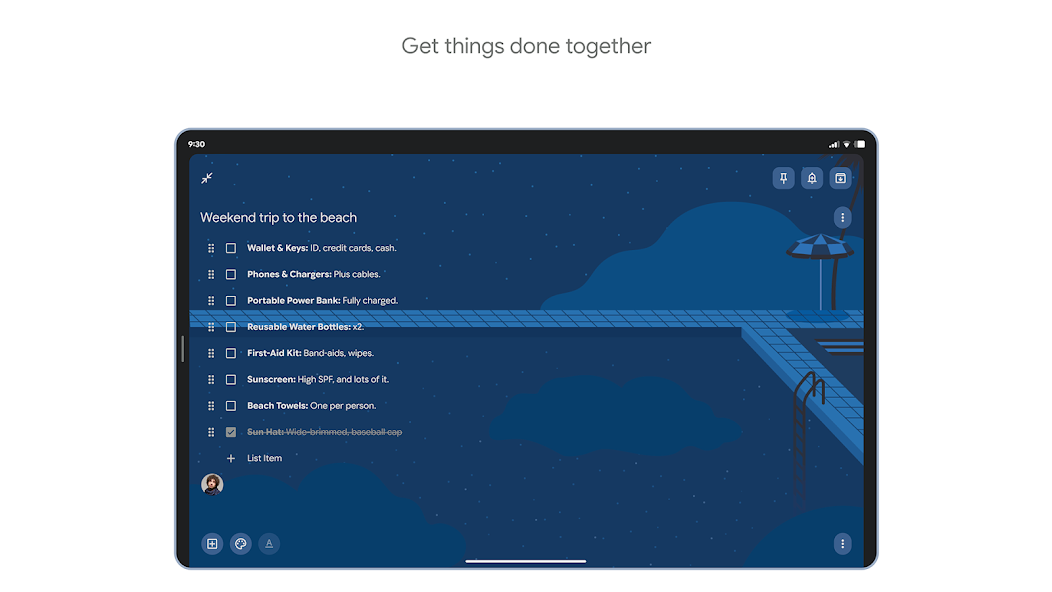
Keep supports real-time collaborative notes and checklists with other Google accounts.

Google Tasks
Team board sharing — left column screenshot
Shared boards via TasksBoard.
Google Keep
Team board sharing — right column screenshot
Collaborative Keep notes.

It's a tie

Both support collaboration — TasksBoard for shared task boards, Keep for real-time collaborative notes. Different jobs.


Gmail integration

Winner: Google Tasks

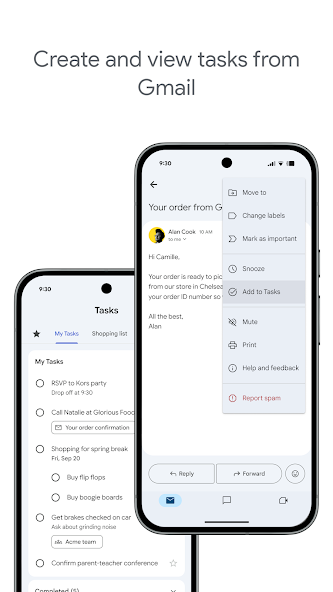
Turn any email into a Google Task with one click. The task links back to the original message.

Keep is available in the Gmail side panel for note-taking, but not for structured task workflows.

Google Tasks Winner
Gmail integration — left column screenshot
Add to Tasks from Gmail.
Google Keep
Gmail integration — right column screenshot
Keep side panel in Gmail.

Winner: Google Tasks

Turn any Gmail message into a linked Google Task in one click — structured task workflows from email.


수천 명의 사용자가 사랑하는 서비스

Chrome 웹 스토어 리뷰 1,000개 이상에서 4.8 / 5 평점

"Always have 101 things to do and this helps me organize and prioritize like no other app can. It syncs to my phone and laptop, and when I add dates to tasks, they automatically integrate into my Google Calendar, which is immensely convenient. I can look at my daily, weekly, and monthly overview in Google Calendar and clearly see how much I was able to accomplish! Great tool indeed. Excited to see how it will evolve over time."

PR Parina Ramjee avatar
Parina Ramjee

"Seriously, makes my tasks easier to share with the team, and the free version is quite nice for our little office. Eventually, we will expand, and this is definitely a great tool to do that! Syncs with my Workspace and Calendar."

CC Chase Cattrall avatar
Chase Cattrall

"I love the simple, intuitive interface and the Add to Tasks feature, especially as I work through my emails! Sharing my tasks is also easy. Overall, outstanding and simple to use, and that means a lot with too many complex tasks out there!"

GC Greg Cantori avatar
Greg Cantori

"Great too for managing daily routine and plan tasks. Would be perfect if it was updated for generating reports for statistics. For google tasks and google calendar"

NV Nick Vlasov avatar
Nick Vlasov

자주 묻는 질문

Google Tasks와 Google Keep의 주요 차이점은 무엇인가요?

Google Tasks는 마감일, 하위 작업, Google Calendar 통합 기능을 갖춘 구조화된 할 일 목록 도구입니다. Google Keep은 텍스트, 이미지, 음성 메모, 색상 코딩된 라벨을 지원하는 자유 형식의 메모 앱입니다. Tasks는 행동을 위한 것이고, Keep은 캡처를 위한 것입니다.

업무용으로는 Google Tasks와 Google Keep 중 무엇이 더 낫나요?

업무용으로는 Google Tasks가 더 낫습니다. 마감일, 하위 작업, Gmail 통합을 지원하며 Google Calendar와 동기화됩니다. Keep은 메모와 아이디어를 빠르게 캡처하는 데는 더 좋지만, 업무를 안정적으로 관리하는 데 필요한 구조를 제공하지 않습니다.

Google Keep 메모를 Google Task로 변환할 수 있나요?

앱 내에서 직접 변환할 수는 없습니다. 권장되는 워크플로우는 Keep 메모의 정보를 바탕으로 Google Tasks에서 수동으로 작업을 만드는 것입니다. 일부 사용자는 Keep 메모 내용을 작업 설명이나 메모 필드에 복사합니다.

Google Tasks도 Google Keep처럼 알림을 지원하나요?

Google Tasks는 Google Calendar에서 알림을 트리거하는 마감일을 지원합니다. Google Keep은 위치 기반 알림을 포함한 자체 알림 시스템을 가지고 있습니다. 캘린더와 연결된 시간 기반 알림의 경우 마감일이 있는 Google Tasks가 더 안정적인 옵션입니다.

Google Keep의 메모처럼 Google Tasks에서 작업을 공유할 수 있나요?

기본 Google Tasks는 공유를 지원하지 않습니다. Google Keep은 다른 Google 사용자와 메모 공유를 허용합니다. 하지만 TasksBoard는 Google Tasks에 실시간 팀 공유 기능을 추가하여 팀원과 전체 보드를 공유하고 작업을 할당할 수 있습니다.

TasksBoard가 Google Tasks에 추가하는 기능 중 Keep보다 나은 점은 무엇인가요?

TasksBoard는 Google Tasks에 전체 화면 Kanban 보드, 팀 공유, 드래그 앤 드롭 작업 관리, 작업과 Google Calendar 이벤트를 결합한 오늘 보기 기능을 제공합니다. 이는 Tasks의 구조적 특성을 Keep이 따라올 수 없는 완벽한 생산성 시스템으로 변환합니다.

Google Tasks와 Google Keep을 결합한 앱이 있나요?

두 앱을 기본적으로 병합하는 단일 앱은 없습니다. 대부분의 파워 유저가 따르는 실용적인 워크플로우는 Keep에서 캡처하고, Tasks로 처리한 다음, TasksBoard를 사용하여 전체 화면 Kanban 인터페이스와 팀 공유로 Tasks를 관리하는 것입니다.


시작하기

Google Tasks를 기본 생산성 도구로 만드세요

Google로 로그인하고 Google Tasks를 위한 전체 화면 Kanban 보드를 받으세요. 무료 플랜에는 무제한 작업, 보드 보기, 캘린더 동기화가 포함됩니다.

신용카드가 필요하지 않습니다. Google Tasks 데이터는 Google에 안전하게 보관됩니다.