Google Tasks vs Todoist

Google Tasks vs Todoist

Google Tasks vs Todoist: Which Task Manager Fits Your Workflow?

Todoist is a powerful standalone app. Google Tasks is built into Gmail and Calendar. This guide compares both honestly, and shows how TasksBoard closes the gap for Google users.

Used by 2M+ people. Free to start.


Google Tasks vs Todoist: Feature Comparison

Feature Google Tasks Todoist
Free with Google account
Gmail integration (email to task)
Gmail integration
Google Calendar sync
Via integration
Kanban board view
Kanban board view
Via TasksBoard
Team list sharing
Team list sharing
Via TasksBoard
Natural language task entry
Recurring tasks
Recurring tasks
Cross-platform (web, iOS, Android)
Cross-platform
Offline mobile access
Premium pricing
Premium pricing
From $4/month

Feature-by-feature comparison

See how Google Tasks and Todoist compare on pricing, Gmail integration, boards, and team workflows — with screenshots for each row above.

Feature 1

Free with Google account

Google Tasks is included with every Google account at no extra cost. Core lists, due dates, and reminders work without a paid tier.

Todoist offers a capable free plan, but advanced views, filters, and team features are gated behind Pro and Business subscriptions.

Google Tasks
Free with Google account — left column screenshot
Included with your Google account.
Todoist
Free with Google account — right column screenshot
Free tier available; paid plans for power features.

Winner: Google Tasks

Included with every Google account — no Pro or Business subscription for core task management.


Feature 2

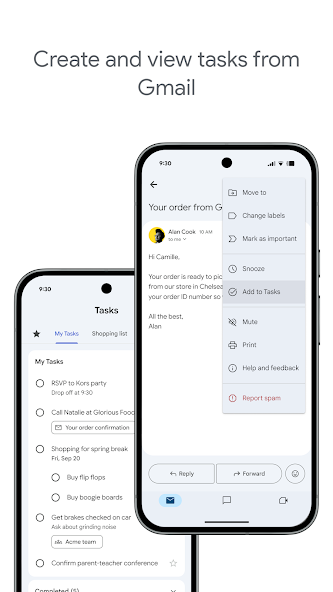
Gmail integration

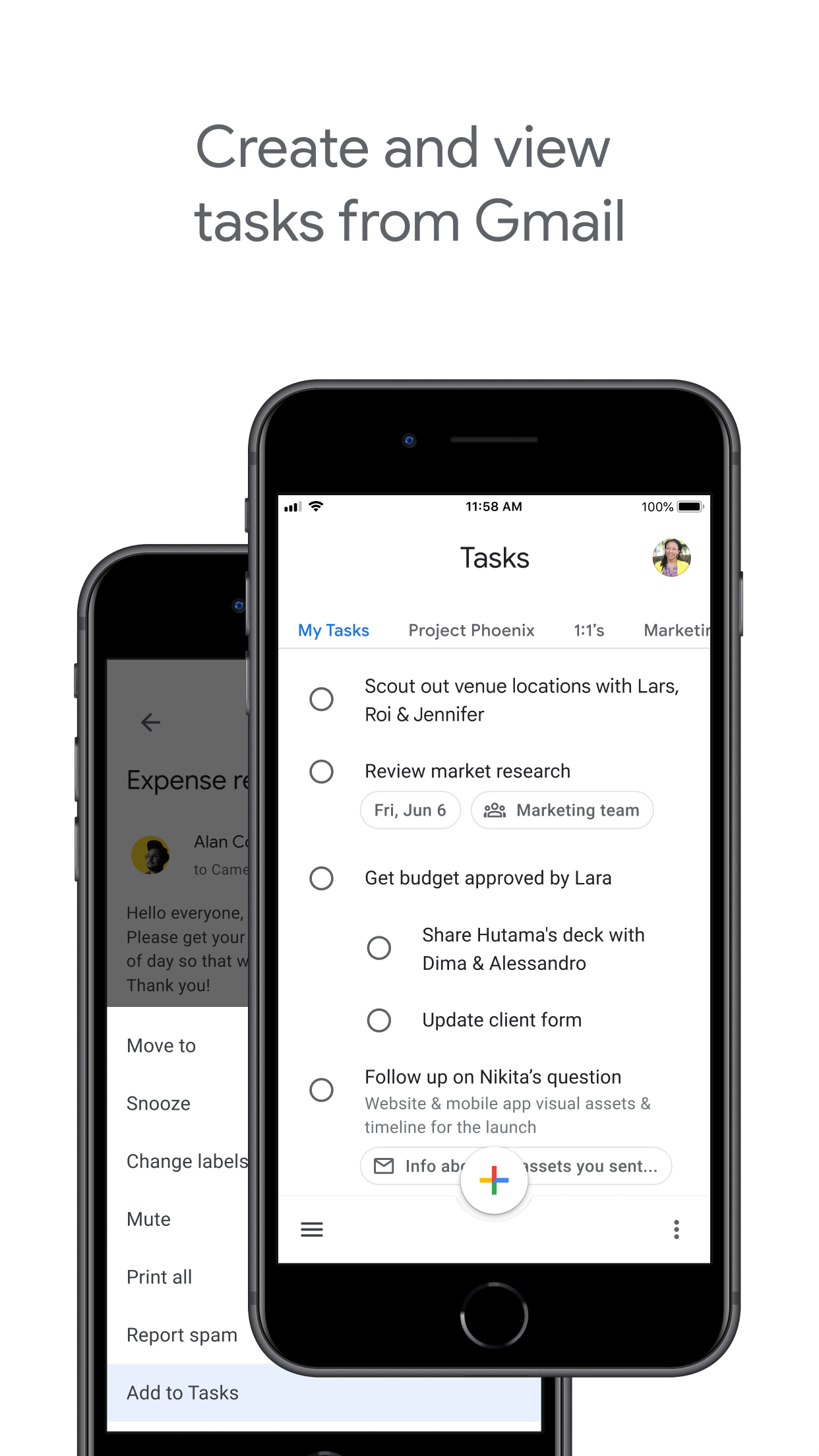
Google Tasks lives inside Gmail. Turn emails into tasks and manage them from the side panel without leaving your inbox.

Todoist connects to Gmail through its add-on, but it is a third-party workflow rather than native Gmail embedding.

Google Tasks
Gmail integration — left column screenshot
Native Gmail side panel.
Todoist
Gmail integration — right column screenshot
Gmail add-on integration.

Winner: Google Tasks

Tasks live natively inside Gmail's side panel; Todoist requires a third-party add-on.


Feature 3

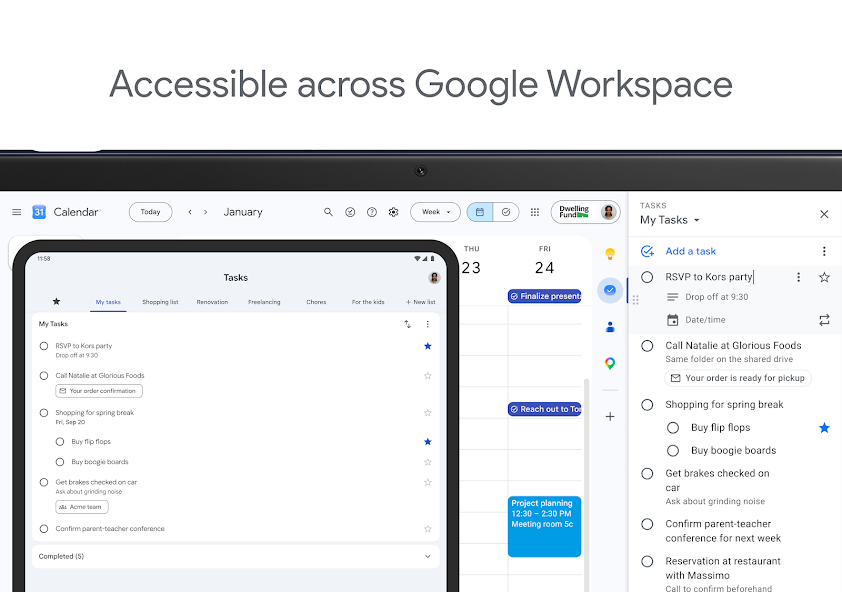
Google Calendar sync

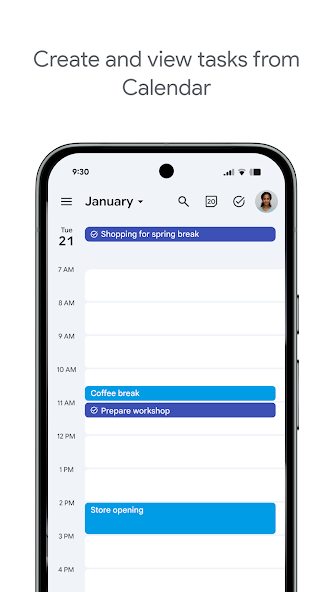
Tasks with due dates appear in Google Calendar automatically. Plan your day in one Google-native surface.

Todoist syncs with Google Calendar too, but requires configuring the integration inside Todoist first.

Google Tasks
Google Calendar sync — left column screenshot
Dated tasks in Google Calendar.
Todoist
Google Calendar sync — right column screenshot
Calendar sync via Todoist settings.

Winner: Google Tasks

Dated tasks appear in Google Calendar automatically without configuring a separate integration.


Feature 4

Kanban board view

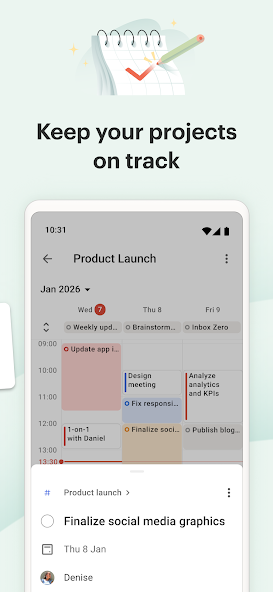
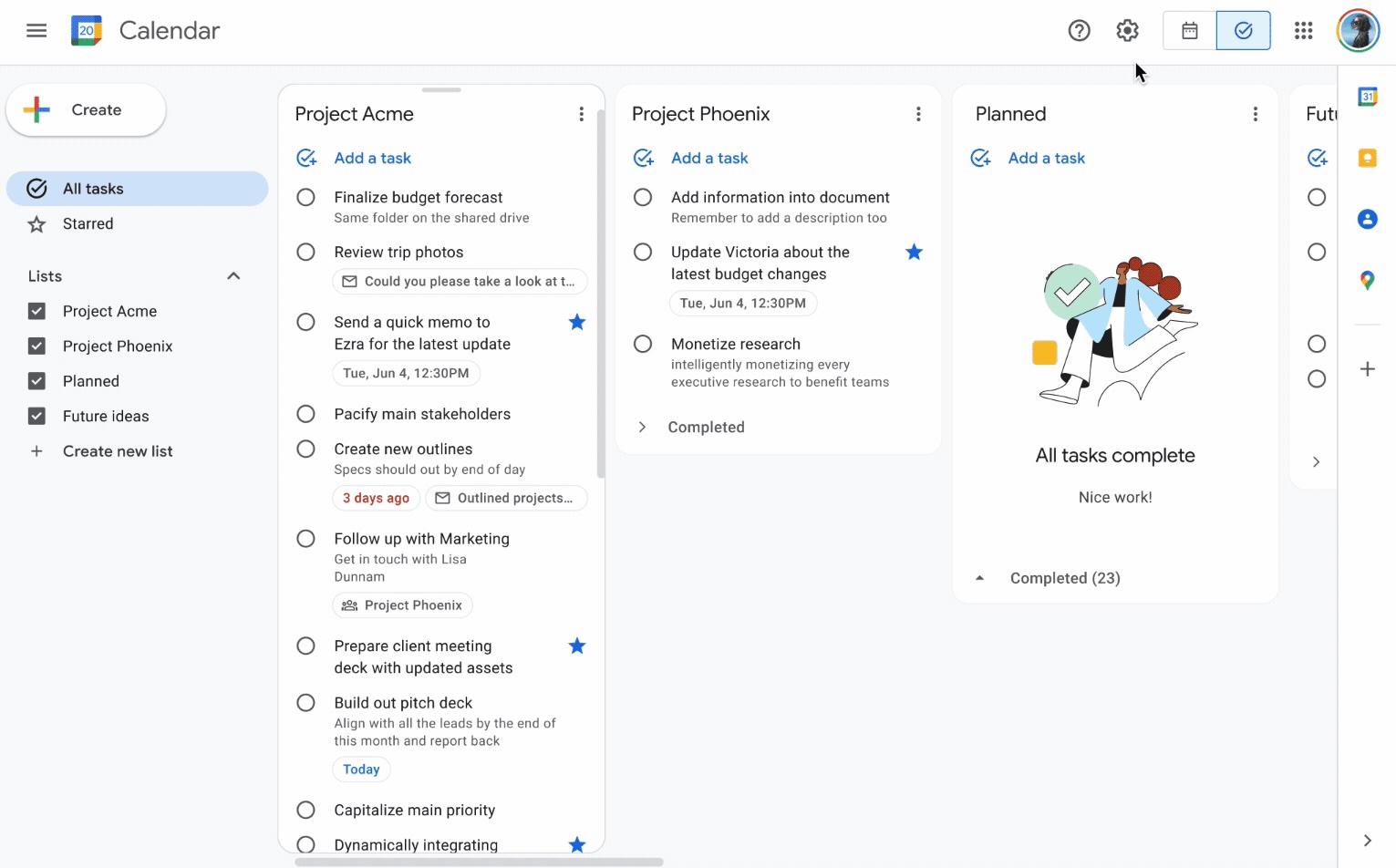
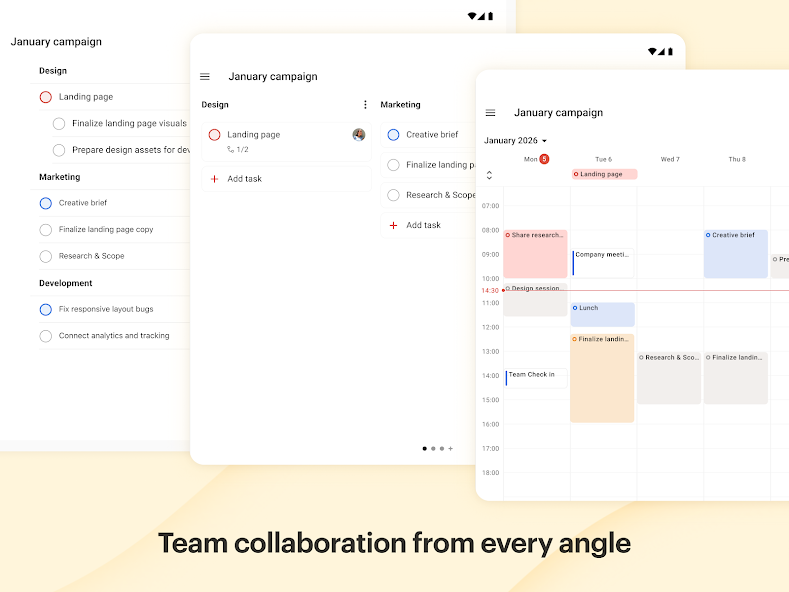
Google Tasks is list-based by default. TasksBoard adds drag-and-drop kanban columns on top of your Google Tasks lists.

Todoist includes a native board layout at the project level — no third-party layer required.

Google Tasks
Kanban board view — left column screenshot
Web columns + TasksBoard kanban.
Todoist
Kanban board view — right column screenshot
Built-in board view per project.

Winner: Todoist

Todoist ships a built-in board layout per project — no third-party layer needed.


Feature 5

Team list sharing

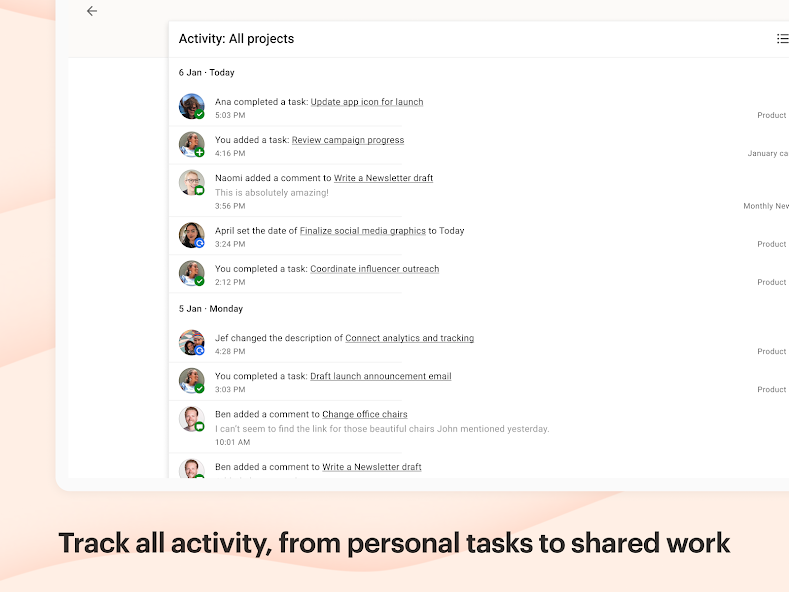
Native Google Tasks is personal-first. TasksBoard adds real-time board sharing with anyone on a Google account, on any platform.

Todoist supports shared projects, assignees, and team workspaces out of the box.

Google Tasks
Team list sharing — left column screenshot
Team sharing via TasksBoard.
Todoist
Team list sharing — right column screenshot
Shared projects and collaborators.

Winner: Todoist

Todoist offers shared projects, assignees, and team workspaces out of the box.


Feature 6

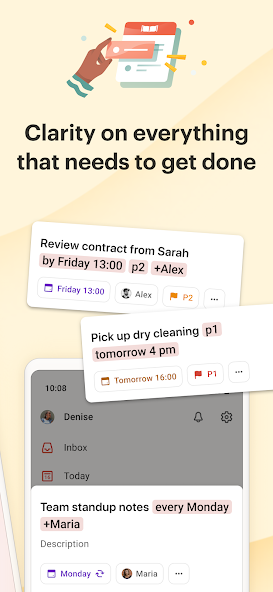
Natural language task entry

Google Tasks uses straightforward date pickers when creating tasks. Simple and predictable, but not optimized for natural-language parsing.

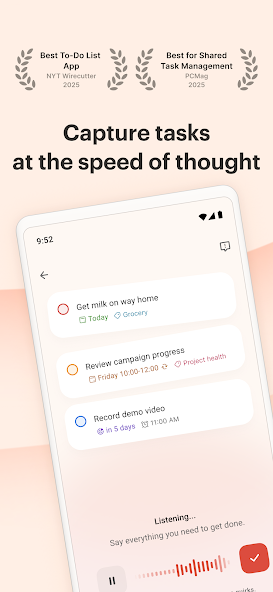
Todoist recognizes dates and times typed in plain language — "every Monday at 9am" just works.

Google Tasks
Natural language task entry — left column screenshot
Manual date and time selection.
Todoist
Natural language task entry — right column screenshot
Natural-language due dates.

Winner: Todoist

Todoist parses dates and times from plain language — "every Monday at 9am" just works.


Feature 7

Recurring tasks

Both tools support repeating schedules. Google Tasks repeats sync to Google Calendar; tasks with subtasks cannot repeat.

Todoist offers flexible recurring syntax and richer repeat rules on paid plans.

Google Tasks
Recurring tasks — left column screenshot
Repeating tasks in Google Calendar.
Todoist
Recurring tasks — right column screenshot
Flexible recurring due dates.

It's a tie

Both support repeats. Todoist adds richer recurring syntax on paid plans; Google Tasks syncs repeats to Calendar.


Feature 8

Cross-platform support

Google Tasks runs on web, Android, and iOS with deep Gmail and Calendar integration.

Todoist spans web, mobile, desktop, browser extensions, and wearables — wider endpoint coverage.

Google Tasks
Cross-platform support — left column screenshot
Web, Android, iOS, Workspace.
Todoist
Cross-platform support — right column screenshot
Web, desktop, mobile, extensions.

Winner: Todoist

Todoist covers web, desktop, mobile, browser extensions, and wearables — wider endpoint coverage.


Feature 9

Offline mobile access

Google Tasks mobile apps sync when connectivity returns. Lightweight capture on the go.

Todoist documents explicit offline mode — create and complete tasks without a connection, then sync later.

Google Tasks
Offline mobile access — left column screenshot
Mobile capture with cloud sync.
Todoist
Offline mobile access — right column screenshot
Documented offline support.

Winner: Todoist

Todoist documents explicit offline mode for creating and completing tasks without a connection.


Feature 10

Premium pricing

Google Tasks has no separate subscription for core features. Ideal for zero incremental app cost.

Todoist monetizes advanced workflows through Pro ($4/mo) and Business plans while keeping a free tier.

Google Tasks
Premium pricing — left column screenshot
No premium tier for core tasks.
Todoist
Premium pricing — right column screenshot
Free, Pro, and Business plans.

Winner: Google Tasks

Google Tasks has no separate subscription — zero incremental cost for core features.


수천 명의 사용자가 사랑하는 서비스

Chrome 웹 스토어 리뷰 1,000개 이상에서 4.8 / 5 평점

"Always have 101 things to do and this helps me organize and prioritize like no other app can. It syncs to my phone and laptop, and when I add dates to tasks, they automatically integrate into my Google Calendar, which is immensely convenient. I can look at my daily, weekly, and monthly overview in Google Calendar and clearly see how much I was able to accomplish! Great tool indeed. Excited to see how it will evolve over time."

PR Parina Ramjee avatar
Parina Ramjee

"Seriously, makes my tasks easier to share with the team, and the free version is quite nice for our little office. Eventually, we will expand, and this is definitely a great tool to do that! Syncs with my Workspace and Calendar."

CC Chase Cattrall avatar
Chase Cattrall

"I love the simple, intuitive interface and the Add to Tasks feature, especially as I work through my emails! Sharing my tasks is also easy. Overall, outstanding and simple to use, and that means a lot with too many complex tasks out there!"

GC Greg Cantori avatar
Greg Cantori

"Great too for managing daily routine and plan tasks. Would be perfect if it was updated for generating reports for statistics. For google tasks and google calendar"

NV Nick Vlasov avatar
Nick Vlasov

자주 묻는 질문

Is Google Tasks better than Todoist?

Google Tasks is better if you work primarily in Gmail and Google Calendar and want a free, integrated task list. Todoist is better if you need advanced filters, natural language parsing, and integrations outside Google. TasksBoard makes Google Tasks competitive for kanban and team workflows.

Can Google Tasks replace Todoist?

For many users, yes, especially with TasksBoard adding kanban boards and team sharing. Power users who rely on Todoist filters, templates, and deep third-party integrations may still prefer Todoist.

Does Google Tasks sync with Todoist?

No native sync exists. You can use Zapier or similar tools for one-way automation, but tasks live in separate systems. Staying in Google Tasks avoids sync complexity entirely.

Is Google Tasks free compared to Todoist?

Google Tasks is completely free with any Google account. Todoist has a free tier but limits projects and filters. Todoist Pro starts around $4/month for full features.

Which has better reminders, Google Tasks or Todoist?

Todoist has more flexible reminder options on paid plans. Google Tasks uses due dates that trigger reminders through Google Calendar and the mobile app. Both work reliably for time-based reminders.

Can I use kanban with Google Tasks?

Not natively. TasksBoard adds a free kanban board view on top of Google Tasks, with drag-and-drop columns and team sharing, something Todoist also requires paid plans or workarounds for.

Should Google Workspace teams use Google Tasks or Todoist?

Google Workspace teams should default to Google Tasks for zero onboarding friction. Add TasksBoard when you need kanban boards, shared lists, and a desktop-grade UI. Todoist makes sense only if the team is not committed to Google.


Get started

Stay in Google Tasks. Get Todoist-level boards.

Sign in with Google and open a full-screen kanban board for your tasks. Free plan includes unlimited tasks and board view.

No credit card required. Your tasks stay in Google.