
체크리스트 템플릿
체크리스트 템플릿: 한 번 만들고 매번 재사용하세요
Stop rebuilding the same checklist from scratch. TasksBoard lets you build a checklist once, duplicate it in one click, and share it with your team, all backed by Google Tasks so it syncs everywhere.
200만 명 이상의 사용자가 선택했습니다. 무료로 시작하세요.
TasksBoard 체크리스트 템플릿이 정적인 스프레드시트보다 나은 이유
클릭 한 번으로 복제
Keep a master checklist you never check off and duplicate it in one click. Your next onboarding, sprint, or review cycle starts clean in seconds.
팀원과 즉시 공유
Share a checklist with your whole team via a single link, or duplicate it so each member can run their own copy.
모든 항목에 파일 첨부
Google Docs, Sheets 또는 Drive 파일을 체크리스트 항목에 직접 연결하세요. 체크리스트 실행 시 필요한 참고 자료를 바로 확인할 수 있습니다.
모든 기기에서 동기화
Every checklist lives in Google Tasks. Open it on the web or in the Google Tasks apps for iOS and Android and it is always up to date, no manual sync, no file sharing.
템플릿 생성
2분 안에 재사용 가능한 체크리스트 만들기
템플릿 생성
2분 안에 재사용 가능한 체크리스트 만들기
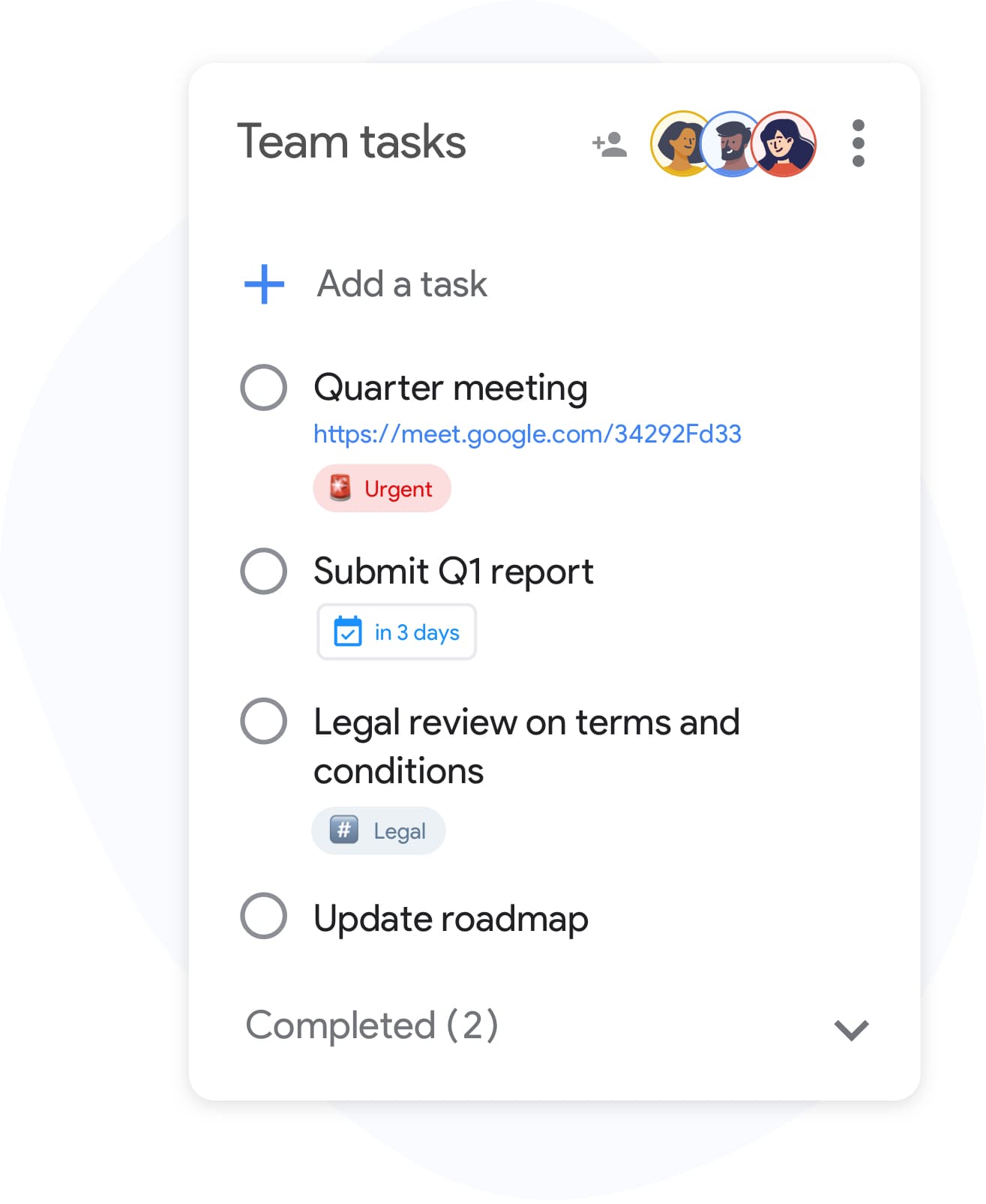
TasksBoard에서 목록을 만들고 프로세스에 필요한 모든 단계를 추가하세요. 복잡한 항목에는 하위 작업을 포함하고, 개별 행에 참고 파일을 첨부할 수 있습니다. 준비가 완료되면 "고객 온보딩 템플릿" 또는 "주간 검토"와 같이 명확하게 이름을 지정하여 쉽게 찾고 복제할 수 있도록 하세요.
- 엔터 키로 빠르게 항목 추가 (마우스 클릭 불필요)
- 다단계 작업을 위해 체크리스트 항목 아래에 하위 작업 구성
- 참고를 위해 개별 항목에 Google Drive 파일 첨부
팀 체크리스트
팀 전체에서 동일한 체크리스트 실행
팀 체크리스트
팀 전체에서 동일한 체크리스트 실행
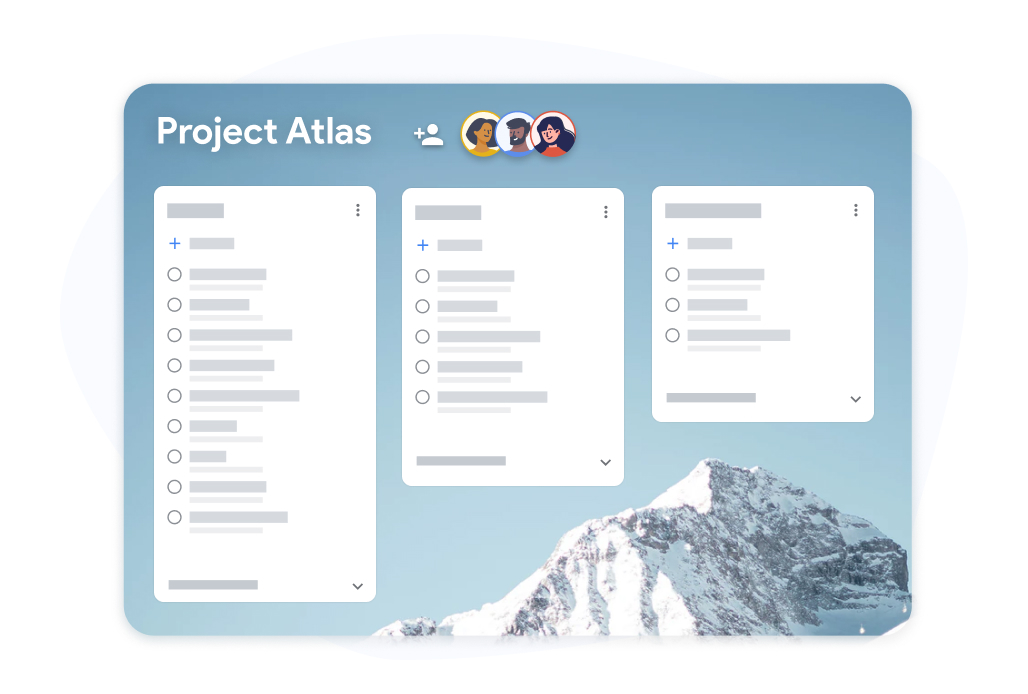
체크리스트 템플릿 보드를 팀원과 공유하세요. 각 팀원은 자신이 할당받은 항목을 체크하고, 진행 상황은 실시간으로 모두에게 공유됩니다. 누가 무엇을 했는지 확인하기 위해 스프레드시트를 주고받을 필요가 없습니다.
- 모든 협업자가 실시간 진행 상황 확인 가능
- 각 팀원이 자신에게 할당된 항목을 직접 체크
- 완료된 체크리스트를 기록용으로 Google Sheets로 내보내기
TasksBoard에서 체크리스트 템플릿을 만들고 재사용하는 방법
-
체크리스트 템플릿 만들기
Open TasksBoard and create a new list. Add every step, attach any reference files, and set due dates where needed. This becomes your master checklist: keep it unchecked.
-
실행할 때마다 복제
When you need to run the checklist again, duplicate the master list. You get a fresh copy with every step and you are ready to start.
-
공유 및 진행 상황 추적
복제된 체크리스트에 팀원을 초대하세요. 실시간으로 진행 상황을 추적하고, 완료 기록이 필요할 때 Google Sheets로 내보내세요.
수천 명의 사용자가 사랑하는 서비스
Chrome 웹 스토어 리뷰 1,000개 이상에서 4.8 / 5 평점
"Always have 101 things to do and this helps me organize and prioritize like no other app can. It syncs to my phone and laptop, and when I add dates to tasks, they automatically integrate into my Google Calendar, which is immensely convenient. I can look at my daily, weekly, and monthly overview in Google Calendar and clearly see how much I was able to accomplish! Great tool indeed. Excited to see how it will evolve over time."

"Seriously, makes my tasks easier to share with the team, and the free version is quite nice for our little office. Eventually, we will expand, and this is definitely a great tool to do that! Syncs with my Workspace and Calendar."

"I love the simple, intuitive interface and the Add to Tasks feature, especially as I work through my emails! Sharing my tasks is also easy. Overall, outstanding and simple to use, and that means a lot with too many complex tasks out there!"

"Great too for managing daily routine and plan tasks. Would be perfect if it was updated for generating reports for statistics. For google tasks and google calendar"





자주 묻는 질문
체크리스트 템플릿이란 무엇인가요?
체크리스트 템플릿은 반복되는 프로세스를 위해 재사용하는 미리 만들어진 체크리스트입니다. 매번 같은 목록을 만들 필요 없이 템플릿을 복사하여 즉시 실행을 시작할 수 있습니다.
Are reusable checklists free in TasksBoard?
Yes. Creating, duplicating, and sharing checklists is included in the free plan. Advanced team features, bulk import, and expanded sharing are available on the premium plan.
TasksBoard에서 체크리스트 템플릿을 어떻게 재사용하나요?
Keep a master checklist you never check off and duplicate it in TasksBoard. All items copy over, so you get a clean copy of the same checklist ready to use in under ten seconds.
TasksBoard가 없는 사람과 체크리스트 템플릿을 공유할 수 있나요?
Collaborators need a Google account to edit a shared checklist so changes sync back to Google Tasks. Everyone you share with can edit the list; to give someone a read-only snapshot, export the list to Google Sheets.
체크리스트 템플릿 항목에 파일을 첨부할 수 있나요?
네. Google Drive 파일(Docs, Sheets, Slides, PDF)을 개별 체크리스트 항목에 연결할 수 있습니다. 이를 통해 누군가 체크리스트를 실행할 때 항상 올바른 참고 자료가 첨부되어 있도록 보장합니다.
어떤 종류의 체크리스트가 템플릿으로 적합한가요?
온보딩 체크리스트, 스프린트 회고 템플릿, 이벤트 계획 체크리스트, 제품 출시 단계, 주간 검토 목록 등이 모두 훌륭한 후보입니다. 한 번 이상 실행하는 모든 프로세스는 재사용 가능한 체크리스트 템플릿을 통해 이점을 얻을 수 있습니다.
TasksBoard는 체크리스트 템플릿을 Google Calendar와 동기화하나요?
Yes. Items in a checklist that have due dates appear in Google Calendar, including in the copies you duplicate. This keeps deadlines visible without any manual calendar entries.
시작하기
오늘 TasksBoard에서 첫 번째 체크리스트 템플릿을 만드세요
Google로 로그인하여 영원히 재사용할 수 있는 체크리스트를 만드세요. 개인은 무료이며 신용카드가 필요 없습니다.
신용카드가 필요 없습니다. 기존 Google Tasks와 함께 작동합니다.