칸반 vs 스크럼

Kanban vs Scrum: 어떤 프레임워크가 팀에 적합할까요?

Kanban과 Scrum 모두 시각적 보드를 사용하지만 작동 방식은 매우 다릅니다. 이 가이드는 핵심 차이점을 분석하여 올바른 접근 방식을 선택하고 오늘부터 업무를 시작할 수 있도록 도와줍니다.

200만 명 이상이 사용 중입니다. 무료로 시작하세요.


Kanban vs Scrum: 기능 비교

Feature
Kanban
스크럼
고정 반복 주기 (스프린트) Fixed iterations (sprints) 선택 사항
WIP 제한 WIP limits
정의된 역할 (Scrum Master, PO) Defined roles (Scrum Master, PO)
백로그 정리 의식 Backlog grooming ceremonies
지속적 배포 Continuous delivery 스프린트 사이
흐름 지표 (주기 시간, 처리량) Flow metrics (cycle time, throughput)
속도 추적 Velocity tracking
보드 사용자 지정 Board customization 스프린트 열 전용
지원 / 운영 팀에 적합 Works for support / ops teams
제품 기능 개발에 적합 Works for product feature dev

Feature-by-feature comparison

Kanban optimizes flow; Scrum optimizes predictable delivery. Compare each practice with screenshots and sourced references.

Kanban 5 스크럼 2 It's a tie 3

Fixed iterations (sprints)

It's a tie

Kanban has no required sprint cadence. Work flows continuously through columns as capacity allows.

Scrum organizes work into time-boxed Sprints, typically 1–4 weeks, with a committed Sprint Goal.

Kanban
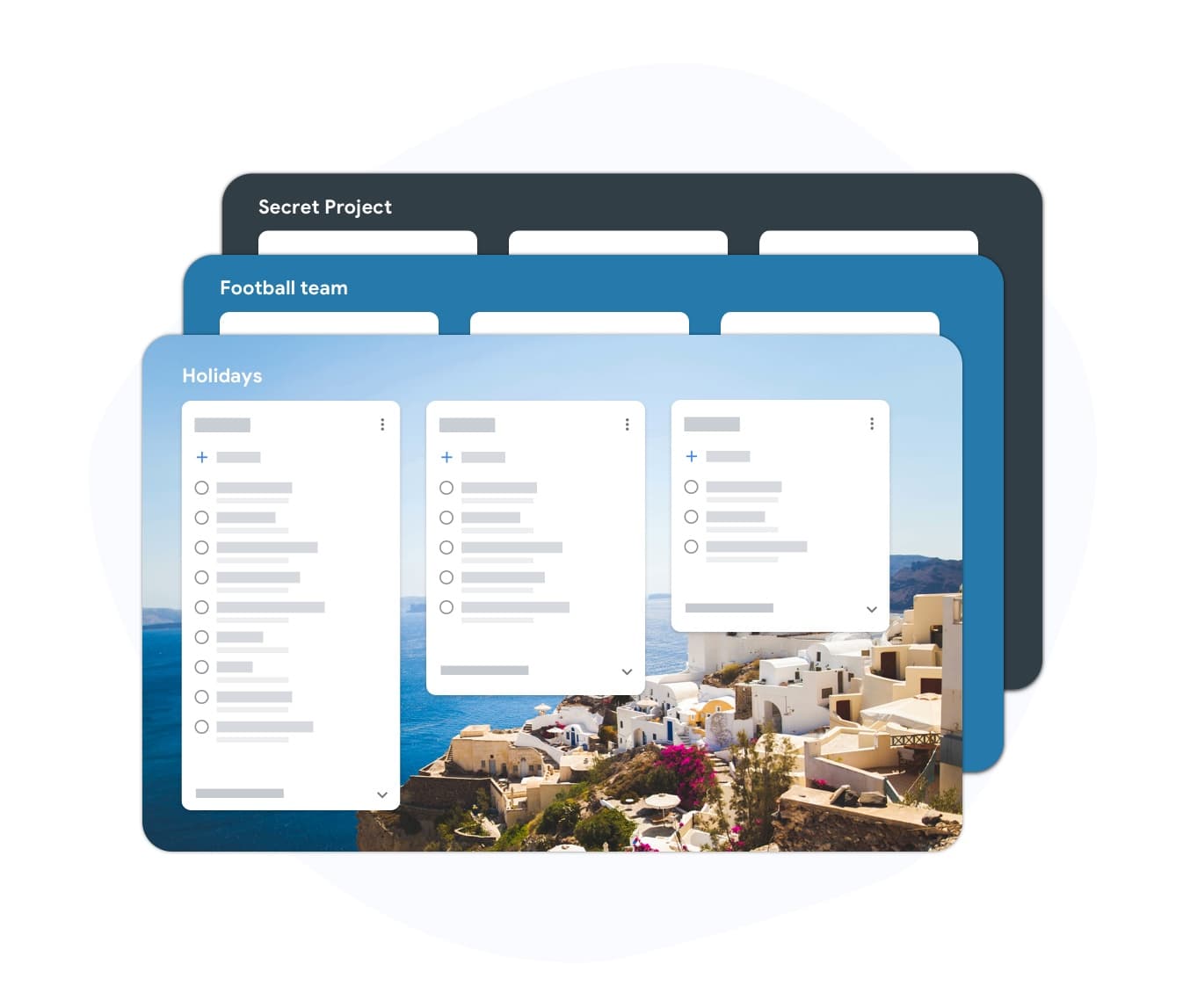
Fixed iterations (sprints) — left column screenshot
Continuous flow, no sprint boundary.
스크럼
Fixed iterations (sprints) — right column screenshot
Sprint planning and time boxes.

It's a tie

Neither is universally better — Kanban suits continuous flow; Scrum suits time-boxed, predictable delivery.
WIP limits

Winner: Kanban

Kanban uses Work-In-Progress limits per column to prevent overload and surface bottlenecks.

Scrum limits work indirectly through Sprint capacity planning rather than per-column WIP caps.

Kanban Winner
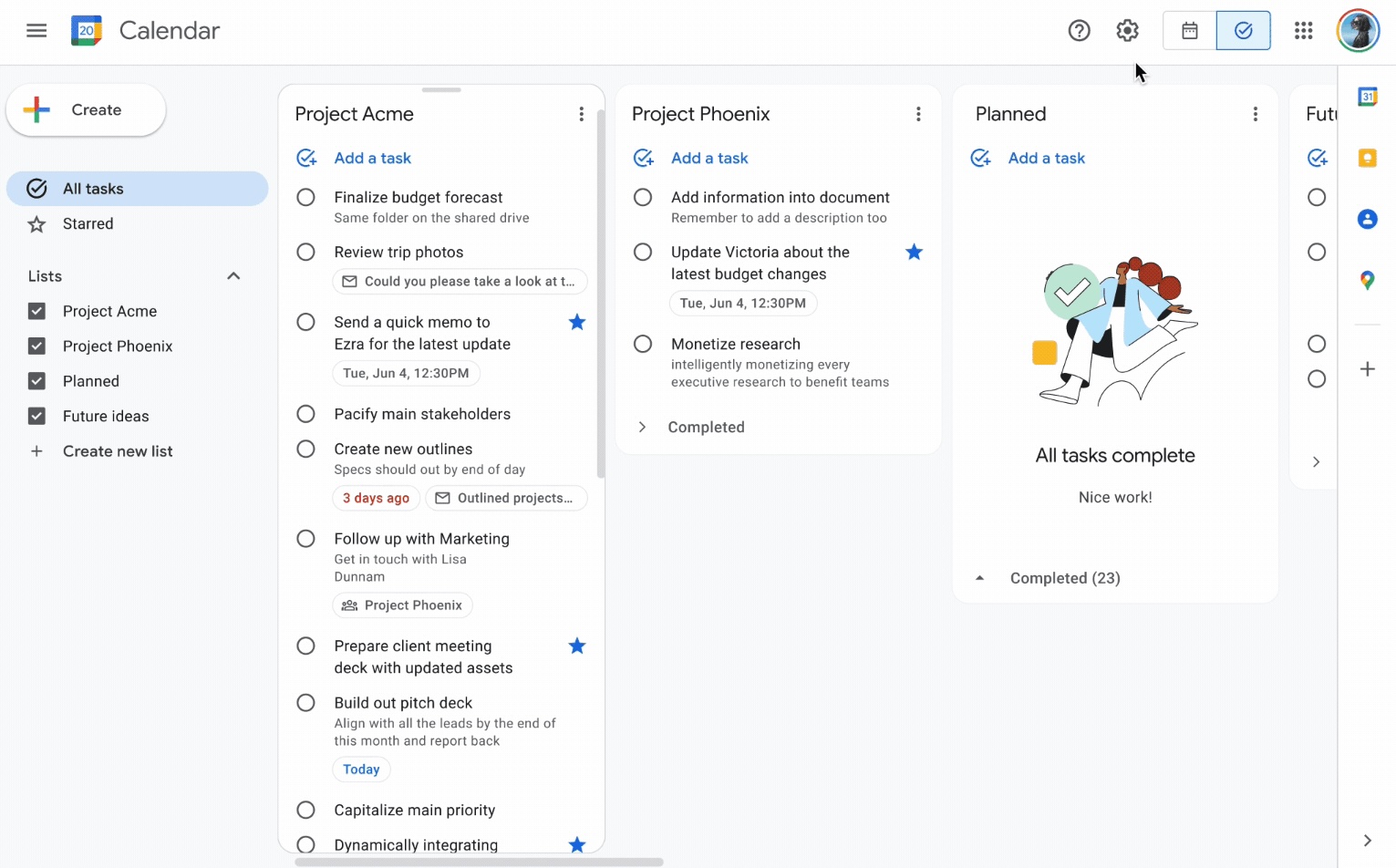
WIP limits — left column screenshot
Column WIP limits on TasksBoard.
스크럼
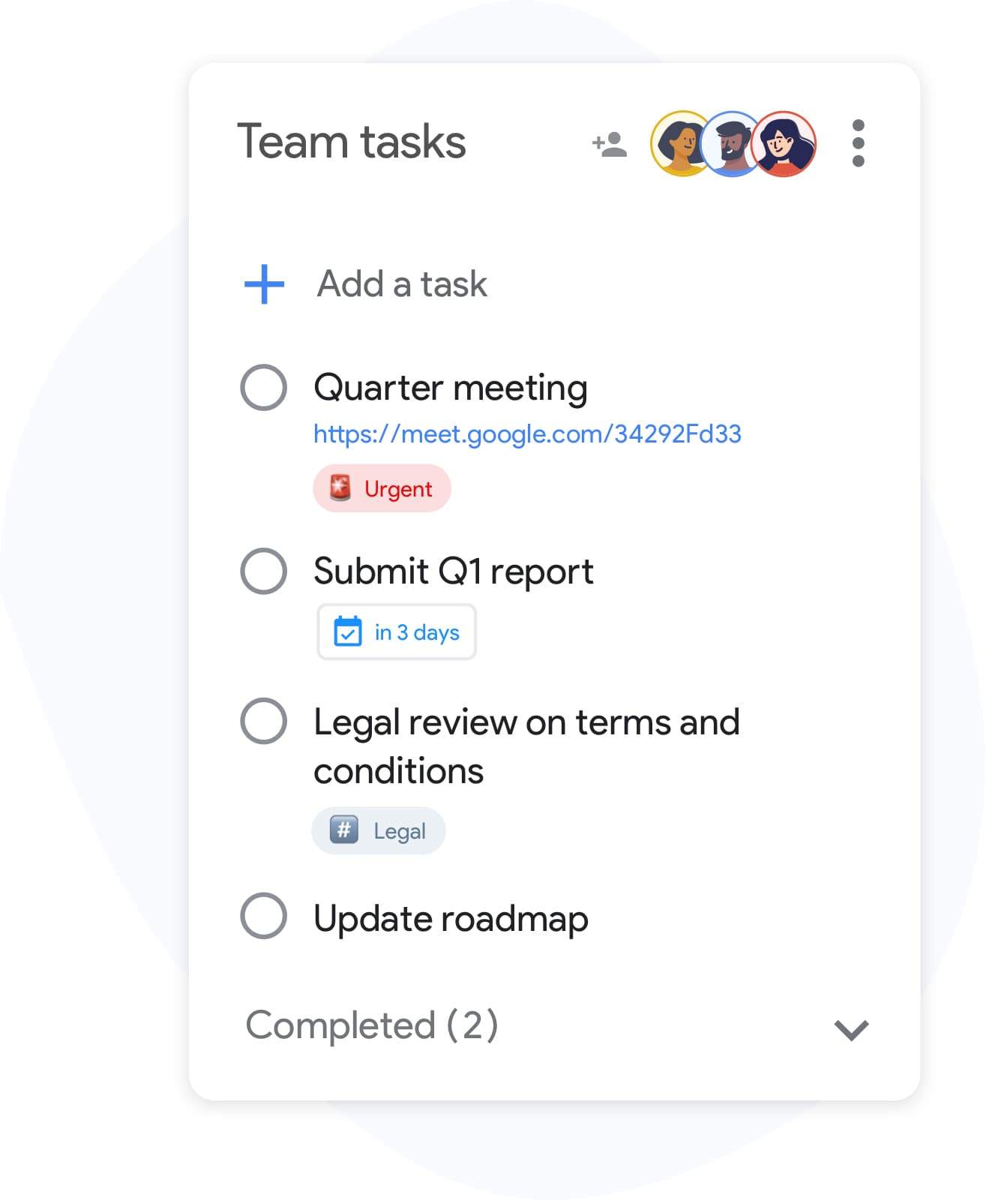
WIP limits — right column screenshot
Sprint capacity as the limit.

Winner: Kanban

Explicit per-column WIP limits are a core Kanban practice for preventing overload and surfacing bottlenecks.


Defined roles

It's a tie

Kanban has no mandated roles. The team owns the board and pull-based workflow.

Scrum defines Scrum Master, Product Owner, and Developers with distinct accountabilities.

Kanban
Defined roles — left column screenshot
Self-organizing team, no fixed roles.
스크럼
Defined roles — right column screenshot
Scrum Master, PO, Developers.

It's a tie

Kanban needs no fixed roles; Scrum's defined accountabilities help larger teams that want clear structure.


Backlog grooming ceremonies

It's a tie

Kanban refines work just-in-time as items approach the top of the backlog column.

Scrum holds regular backlog refinement sessions to prepare items for upcoming Sprints.

Kanban
Backlog grooming ceremonies — left column screenshot
Just-in-time refinement.
스크럼
Backlog grooming ceremonies — right column screenshot
Scheduled refinement ceremonies.

It's a tie

Kanban refines just-in-time; Scrum schedules backlog refinement ceremonies — both work, different rhythms.


Continuous delivery

Winner: Kanban

Kanban teams release whenever an item is done — no waiting for a sprint boundary.

Scrum typically delivers at the end of each Sprint during the Sprint Review.

Kanban Winner
Continuous delivery — left column screenshot
Ship when ready.
스크럼
Continuous delivery — right column screenshot
Deliver at Sprint Review.

Winner: Kanban

Kanban teams ship whenever an item is done; Scrum typically batches delivery at the Sprint Review.


Flow metrics

Winner: Kanban

Kanban tracks cycle time, throughput, and lead time to optimize flow efficiency.

Scrum primarily measures velocity — story points completed per Sprint.

Kanban Winner
Flow metrics — left column screenshot
Cycle time and throughput.
스크럼
Flow metrics — right column screenshot
Velocity per Sprint.

Winner: Kanban

Cycle time, throughput, and lead time give Kanban teams direct flow-efficiency signals.


Velocity tracking

Winner: 스크럼

Kanban does not use velocity. Flow metrics replace point-based tracking.

Scrum teams track velocity to forecast Sprint capacity and release planning.

Kanban
Velocity tracking — left column screenshot
Flow-based forecasting.
스크럼 Winner
Velocity tracking — right column screenshot
Story-point velocity charts.

Winner: 스크럼

Story-point velocity is Scrum's primary forecasting tool — Kanban deliberately avoids velocity tracking.


Board customization

Winner: Kanban

Kanban boards are fully customizable — add columns, swim lanes, and WIP limits per team.

Scrum boards follow a standard To Do → In Progress → Done pattern tied to Sprint scope.

Kanban Winner
Board customization — left column screenshot
Custom columns on TasksBoard.
스크럼
Board customization — right column screenshot
Sprint-scoped standard columns.

Winner: Kanban

Kanban boards are fully customizable — columns, swim lanes, and WIP limits per team.


Support and ops teams

Winner: Kanban

Kanban excels for interrupt-driven work — support tickets, incidents, and ops queues flow continuously.

Scrum's sprint commitment model fits poorly when urgent items arrive mid-Sprint.

Kanban Winner
Support and ops teams — left column screenshot
Continuous intake for ops work.
스크럼
Support and ops teams — right column screenshot
Sprint commitment conflicts with interrupts.

Winner: Kanban

Interrupt-driven support and ops queues flow continuously on Kanban; Scrum's sprint commitment fights mid-sprint urgency.


Product feature development

Winner: 스크럼

Kanban works for feature dev when continuous flow is preferred over batch planning.

Scrum is widely adopted for product teams building features in predictable increments.

Kanban
Product feature development — left column screenshot
Feature cards flowing through columns.
스크럼 Winner
Product feature development — right column screenshot
Sprint-planned feature increments.

Winner: 스크럼

Scrum is widely adopted for product teams building features in predictable sprint increments.


수천 명의 사용자가 사랑하는 서비스

Chrome 웹 스토어 리뷰 1,000개 이상에서 4.8 / 5 평점

"Always have 101 things to do and this helps me organize and prioritize like no other app can. It syncs to my phone and laptop, and when I add dates to tasks, they automatically integrate into my Google Calendar, which is immensely convenient. I can look at my daily, weekly, and monthly overview in Google Calendar and clearly see how much I was able to accomplish! Great tool indeed. Excited to see how it will evolve over time."

PR Parina Ramjee avatar
Parina Ramjee

"Seriously, makes my tasks easier to share with the team, and the free version is quite nice for our little office. Eventually, we will expand, and this is definitely a great tool to do that! Syncs with my Workspace and Calendar."

CC Chase Cattrall avatar
Chase Cattrall

"I love the simple, intuitive interface and the Add to Tasks feature, especially as I work through my emails! Sharing my tasks is also easy. Overall, outstanding and simple to use, and that means a lot with too many complex tasks out there!"

GC Greg Cantori avatar
Greg Cantori

"Great too for managing daily routine and plan tasks. Would be perfect if it was updated for generating reports for statistics. For google tasks and google calendar"

NV Nick Vlasov avatar
Nick Vlasov

자주 묻는 질문

Kanban과 Scrum의 주요 차이점은 무엇인가요?

Scrum은 정의된 역할과 의식이 있는 고정 길이 스프린트를 사용합니다. Kanban은 필수 스프린트가 없는 지속적인 흐름 모델을 사용합니다. Scrum은 더 구조화되어 있고, Kanban은 더 유연합니다.

팀이 Kanban과 Scrum을 함께 사용할 수 있나요?

네. 'Scrumban'은 팀이 Scrum 의식을 사용하면서 Kanban 보드와 WIP 제한으로 워크플로우를 관리하는 하이브리드 접근 방식입니다. 흐름 가시성과 함께 스프린트 예측 가능성을 원하는 팀에서 흔히 사용됩니다.

소규모 팀에는 Kanban이나 Scrum 중 무엇이 더 나은가요?

Kanban은 필수 역할이나 의식이 없기 때문에 일반적으로 소규모 팀에게 더 간단합니다. 2~5명의 팀은 교육 없이 즉시 Kanban 보드를 시작할 수 있습니다. Scrum 오버헤드는 5명 미만인 경우 정당화하기 어렵습니다.

Kanban에 스토리 포인트가 있나요?

Kanban은 스토리 포인트를 요구하지 않습니다. 대신 흐름 지표를 사용합니다: 주기 시간(작업 완료까지 걸리는 시간), 처리량(주당 완료되는 작업 수), 리드 타임. 이러한 지표는 종종 속도보다 더 실행 가능합니다.

TasksBoard에서 Kanban을 운영할 수 있나요?

네. TasksBoard는 Google Tasks 기반의 전체 화면 Kanban 보드를 제공합니다. 모든 워크플로우(할 일, 진행 중, 완료 또는 사용자 지정 단계)에 대한 열을 만들고, 열 사이에서 작업을 드래그하고, Google Calendar에 동기화되는 마감일을 추가할 수 있습니다.

Kanban은 어떤 역할을 요구하나요?

Kanban은 요구되는 역할이 없습니다. Scrum과 달리 방법론에 의해 강제되는 Scrum Master나 Product Owner가 없습니다. 팀은 종종 흐름 관리자나 서비스 제공 관리자를 지정하지만, 이러한 역할은 선택 사항이며 비공식적입니다.

Scrum은 소프트웨어 팀만을 위한 것인가요?

Scrum은 원래 소프트웨어 개발을 위해 설계되었지만 마케팅, 인사, 운영 팀도 성공적으로 적용했습니다. Kanban은 제약 조건이 적기 때문에 소프트웨어가 아닌 워크플로우에도 훨씬 쉽게 적응합니다.


시작하기

TasksBoard에서 Kanban 또는 Scrum 스타일 보드 운영하기

Google 계정으로 로그인하고 몇 분 만에 시각적 워크플로우를 만드세요. 열 사이에서 작업을 드래그하고, 마감일을 설정하고, 팀과 보드를 공유하세요.

신용카드가 필요 없습니다. 기존 Google Tasks와 연동됩니다.