
Google Tasks voor teams
Google Tasks voor teams: Voeg delen en Kanban toe zonder Google te verlaten
Google Tasks is geweldig voor persoonlijke to-do's, maar heeft geen teamdeling, geen toewijzingen en geen bordweergave. TasksBoard is de teamlaag erbovenop, met gedeelde borden, real-time synchronisatie en nul migratie.
Gebruikt door 2M+ mensen. Gratis om te beginnen.
Waarom teams voor TasksBoard kiezen boven native Google Tasks
Deel borden met één link
Native Google Tasks heeft geen deelfunctie. TasksBoard laat je teamgenoten uitnodigen voor een gedeeld bord waar iedereen dezelfde live weergave ziet, ondersteund door Google Tasks.
Real-time synchronisatie voor elke teamgenoot
Wanneer één persoon een taak voltooit, ziet iedereen het direct. Wijzigingen worden automatisch gesynchroniseerd met het Google Tasks-account van elke medewerker.
Kanban-bord voor teamworkflows
Sleep kaarten door kolommen als To Do, In uitvoering en Klaar. Google Tasks alleen is een platte lijst; TasksBoard geeft je team een visuele workflow.
Blijft binnen Google Workspace
Log in met Google, voeg Drive-bestanden toe en houd deadlines in Calendar. Geen nieuwe accounts, geen data-export, geen vendor lock-in.
Teamdeling
De deelfunctie die Google Tasks nooit heeft uitgebracht
Teamdeling
De deelfunctie die Google Tasks nooit heeft uitgebracht
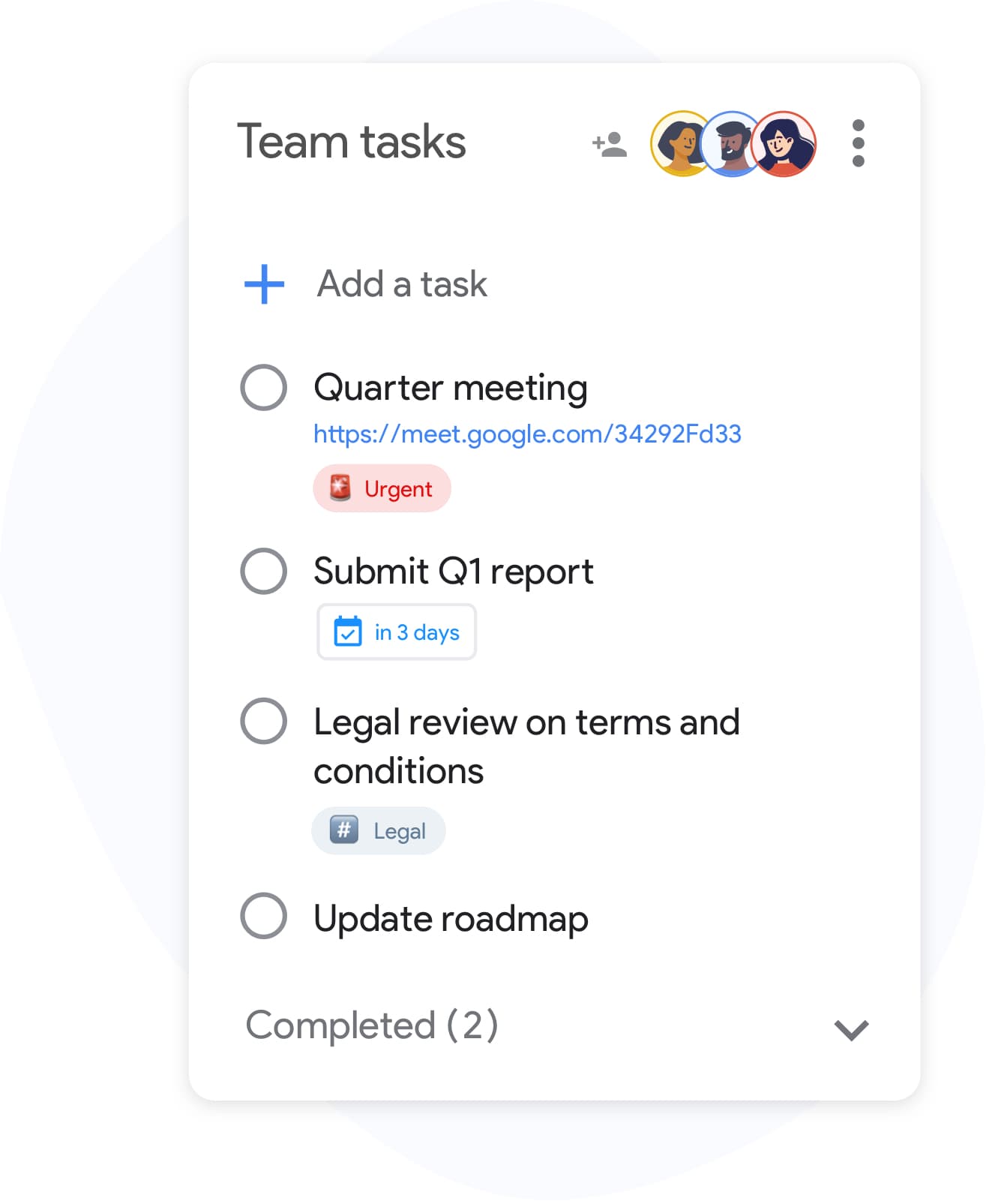
Google Tasks-lijsten zijn privé voor elk account. TasksBoard lost dit op met gedeelde borden: nodig collega's uit per e-mail en iedereen werkt vanuit dezelfde Kanban-weergave. Taken blijven onder de motorkap in Google Tasks staan; je team krijgt samenwerking zonder van tool te wisselen.
- Nodig teamgenoten uit met een enkele link
- Iedereen ziet live updates in real-time
- Geen dubbele lijsten of handmatige status-e-mails
Team Kanban
Draai sprints en stand-ups op een gedeeld bord
Team Kanban
Draai sprints en stand-ups op een gedeeld bord
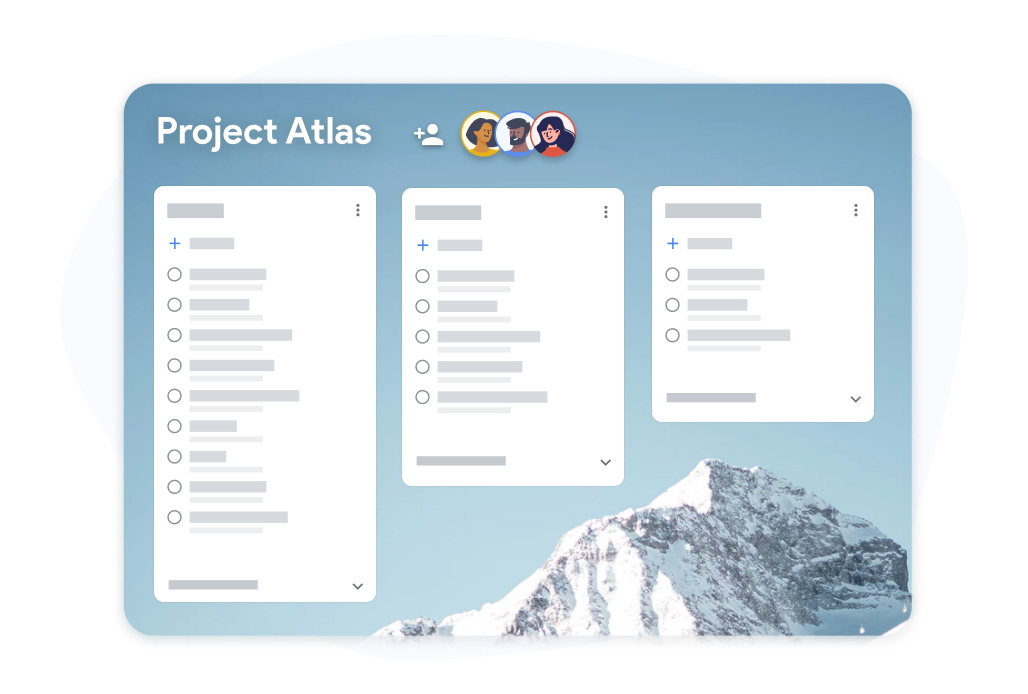
Rangschik de Google Tasks-lijsten van je team als Kanban-kolommen. Sleep kaarten tussen Backlog, Deze week en Klaar tijdens de stand-up. Achterstallige taken worden gemarkeerd zodat niets wordt vergeten.
- Sleep kaarten tussen kolommen tijdens vergaderingen
- Voortgang van subtaken zichtbaar op elke kaart
- Full-screen weergave, geen krappe zijbalk
Workspace klaar
Gebouwd voor Google Workspace-teams
Workspace klaar
Gebouwd voor Google Workspace-teams
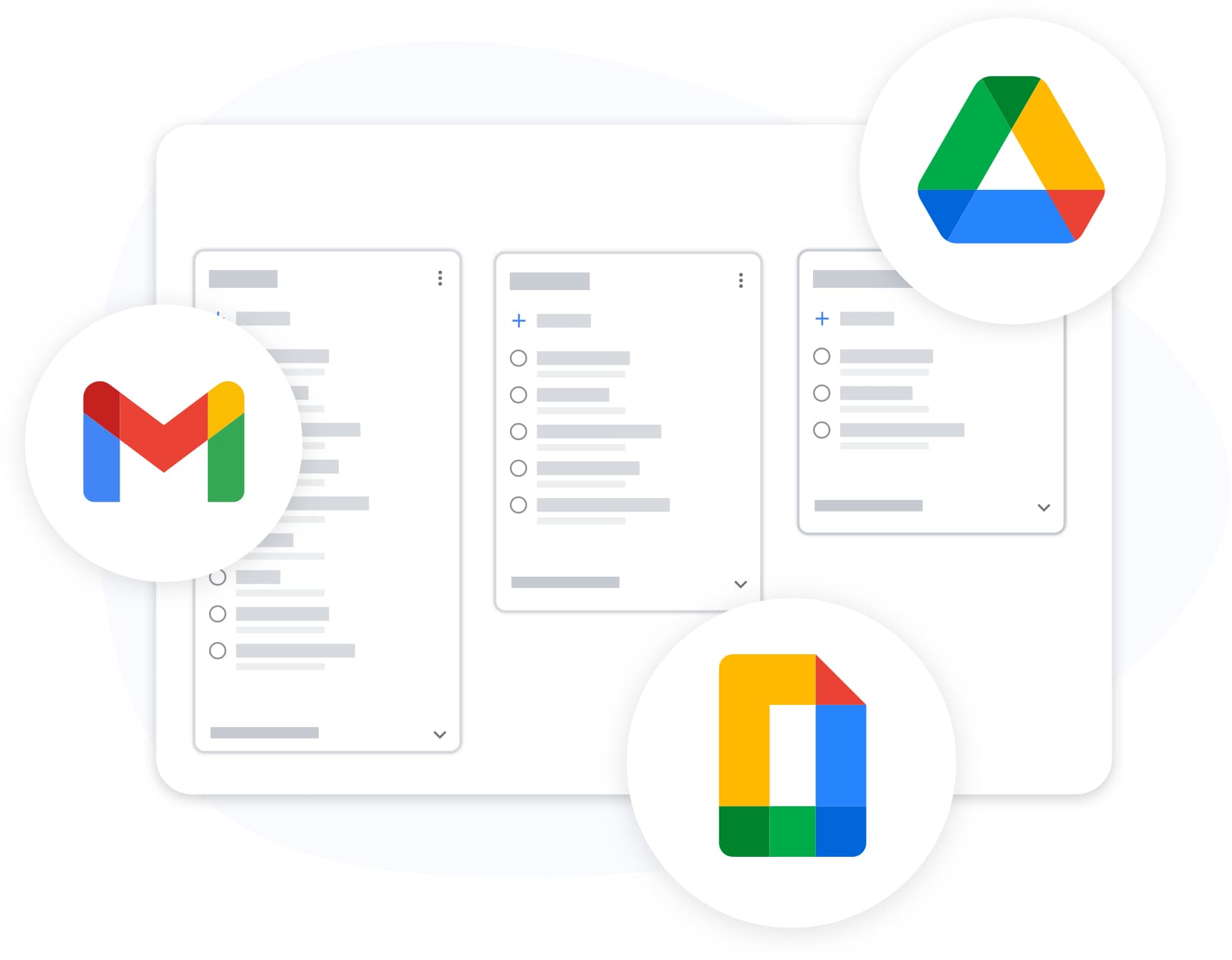
TasksBoard is gepubliceerd op de Google Workspace Marketplace. Je team logt in met bestaande Workspace-accounts, koppelt Drive-bestanden aan taken en houdt deadlines gesynchroniseerd met Google Calendar.
- Werkt met Business, Education en Non-profit abonnementen
- OAuth 2.0 inloggen, geen nieuwe wachtwoorden
- Taken blijven in de infrastructuur van Google
Hoe gebruik je Google Tasks met je team
-
Log in met Google
Open TasksBoard en log in met je Google- of Workspace-account. Je bestaande Google Tasks-lijsten verschijnen direct als bordkolommen.
-
Nodig je team uit
Klik op delen en voeg teamgenoten toe per e-mail. Elke persoon treedt toe tot het bord en ziet dezelfde real-time weergave van je Google Tasks.
-
Werk samen op het bord
Voeg taken toe, stel deadlines in, sleep kaarten door kolommen en vink samen items af. Elke wijziging synchroniseert terug naar de Google Tasks van elk lid.
Geliefd bij duizenden gebruikers
4.8 / 5 uit 1.000+ beoordelingen in de Chrome Web Store
"Always have 101 things to do and this helps me organize and prioritize like no other app can. It syncs to my phone and laptop, and when I add dates to tasks, they automatically integrate into my Google Calendar, which is immensely convenient. I can look at my daily, weekly, and monthly overview in Google Calendar and clearly see how much I was able to accomplish! Great tool indeed. Excited to see how it will evolve over time."

"Seriously, makes my tasks easier to share with the team, and the free version is quite nice for our little office. Eventually, we will expand, and this is definitely a great tool to do that! Syncs with my Workspace and Calendar."

"I love the simple, intuitive interface and the Add to Tasks feature, especially as I work through my emails! Sharing my tasks is also easy. Overall, outstanding and simple to use, and that means a lot with too many complex tasks out there!"

"Great too for managing daily routine and plan tasks. Would be perfect if it was updated for generating reports for statistics. For google tasks and google calendar"





Veelgestelde vragen
Kun je Google Tasks native delen met een team?
Nee. Native Google Tasks ondersteunt het delen van lijsten of borden met andere mensen niet. Elk account heeft zijn eigen privétakenlijsten. TasksBoard voegt teamdeling toe bovenop Google Tasks via gedeelde borden.
Hoe maakt TasksBoard teamsamenwerking op Google Tasks mogelijk?
TasksBoard creëert een gedeeld Kanban-bord ondersteund door Google Tasks. Je nodigt teamgenoten uit per e-mail en iedereen ziet hetzelfde live bord. Taken worden opgeslagen in Google Tasks en gesynchroniseerd met het account van elke medewerker.
Hebben alle teamleden een Google-account nodig?
Ja. Omdat taken synchroniseren via de Google Tasks API, heeft elke medewerker een Google-account nodig. Google Workspace-accounts werken het beste voor zakelijke teams.
Kan ik taken toewijzen aan specifieke teamleden?
TasksBoard ondersteunt taakeigenaarschap op gedeelde borden, zodat je kunt zien wie verantwoordelijk is voor elke kaart. Native Google Tasks heeft geen toewijzingen; TasksBoard voegt dit toe op bordniveau.
Is TasksBoard gratis voor teams die Google Tasks gebruiken?
Ja. Het gratis abonnement bevat gedeelde borden, Kanban-weergave en Google Tasks-synchronisatie. Premium-abonnementen voegen grotere teams, aangepaste achtergronden en prioriteitsondersteuning toe.
Wat gebeurt er met taken als een teamgenoot het bord verlaat?
Taken blijven in het Google Tasks-account van elke persoon staan. Iemand verwijderen van een gedeeld bord trekt hun toegang tot de TasksBoard-weergave in, maar verwijdert hun onderliggende Google Tasks-data niet.
Hoe verschilt TasksBoard van Google Tasks voor projectmanagement?
Google Tasks is een lichtgewicht persoonlijke takenlijst. TasksBoard voegt teamdeling, Kanban-borden en een full-screen interface toe, terwijl Google Tasks de data-opslag blijft. Voor zwaarder projectmanagement, zie onze projectmanagementgids.
Aan de slag
Geef je team vandaag nog een gedeeld Google Tasks-bord
Log in met Google en nodig je team binnen enkele minuten uit. Voor altijd gratis, geen creditcard vereist.
Geen creditcard vereist. Werkt met Google Workspace-teams.