Google Tasks vs Keep: Hvilken Google-app bør du bruke i 2026?

Here’s a concise, engaging rewrite of your Google Tasks vs. Keep comparison with improved structure and clarity:
Google Tasks vs. Keep: The Productivity Power Couple You Didn’t Know You Needed
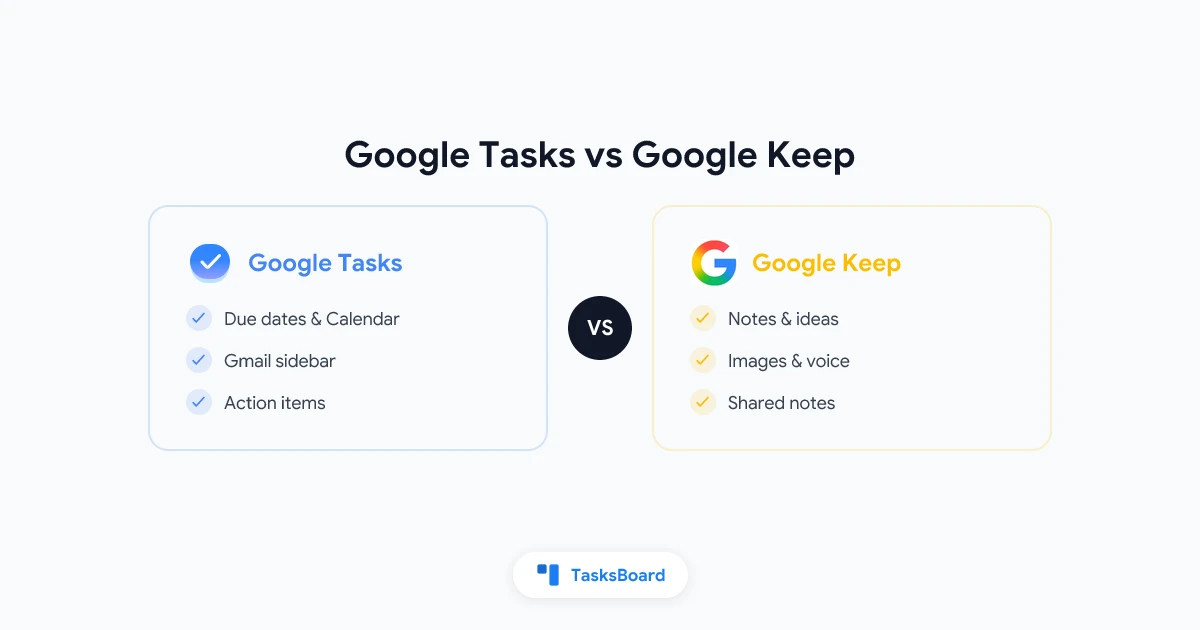
Think of Google Tasks as your personal assistant and Keep as your digital notebook. They’re not competitors - they’re teammates in your productivity workflow.
The Core Difference (In Plain English)
- ✅ Google Tasks is for DOING (action items with deadlines)
- 📝 Google Keep is for THINKING (notes, ideas, and quick captures)
When to Use Each (With Real Examples)
Reach for Google Tasks when you need to:
- Turn an email into an action item (Gmail sidebar magic)
- Block time for “Call client” on your calendar
- Track project steps with due dates
- Create a grocery list with store-specific reminders
Open Google Keep when you want to:
- Snap a photo of a whiteboard brainstorm
- Record a voice memo while driving
- Share a packing list with your travel buddy
- Dump random ideas that might become tasks later
Pro Tip: The real magic happens when you use them together! Every Friday, review your Keep notes and move anything actionable to Tasks with deadlines.
Bonus: The Missing Piece Neither app does shared task management well. For teams, we recommend adding TasksBoard to visualize Tasks in a kanban view.
Which will you use more this week - Tasks or Keep? Both have free mobile apps that sync instantly with your Google account.
Klar til å dele dine Google Tasks?
Kom i gang med TasksBoard gratis, ingen kredittkort kreves.
Logg inn