TasksBoard
Google Tasks के लिए सबसे बेहतरीन फुल स्क्रीन ऐप
2M+ उपयोगकर्ताओं का भरोसा • 1k+ समीक्षाओं से 4.8/5लाखों पेशेवरों द्वारा हर दिन उपयोग किया जाता है


फुल स्क्रीन पर और अधिक काम करें
फुल स्क्रीन पर और अधिक काम करें
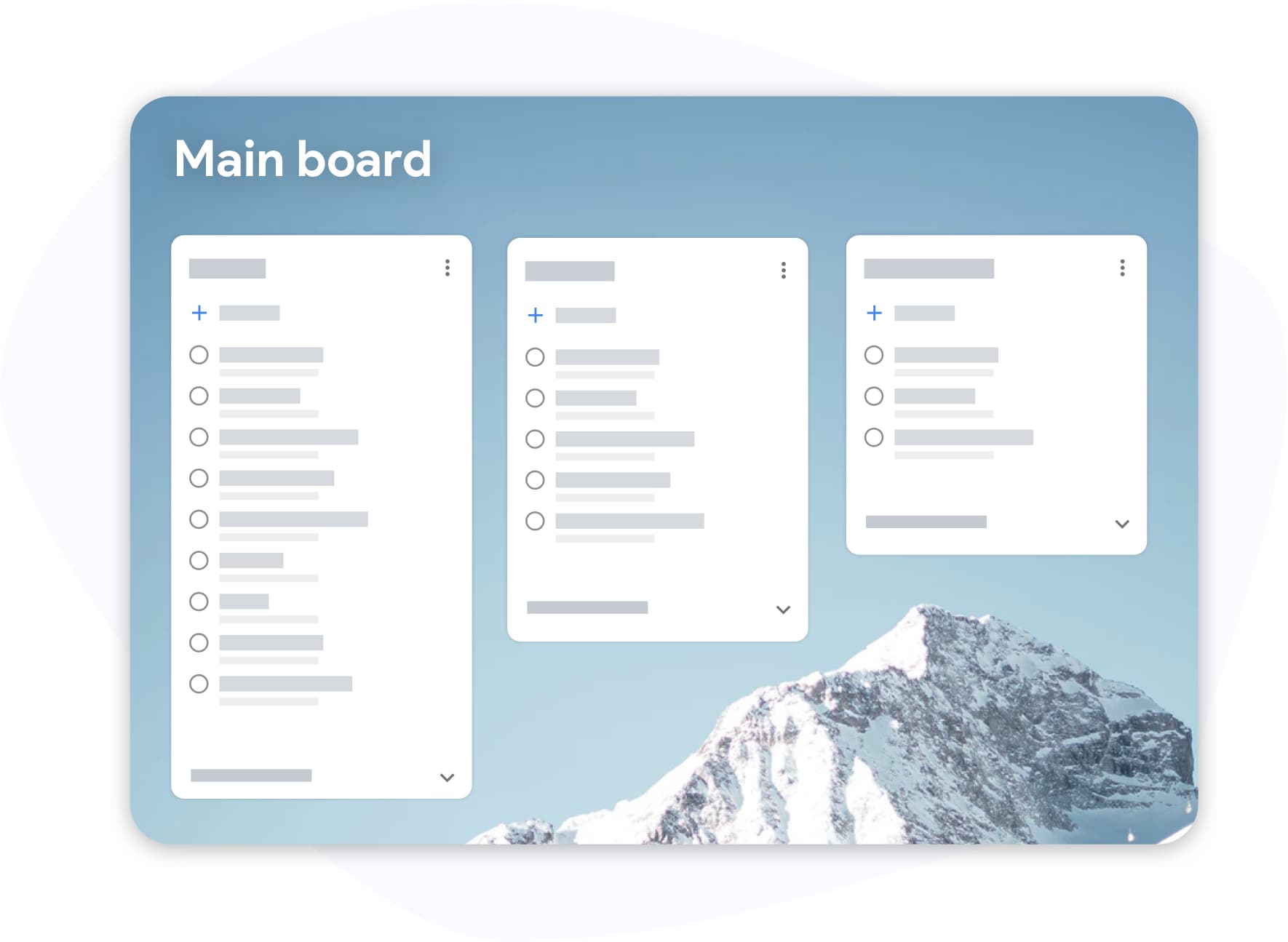
साइडबार में छिपा हुआ Google Tasks कभी भी गंभीर काम के लिए नहीं बनाया गया था। TasksBoard आपके Google Tasks कनबन व्यू को सामने और केंद्र में लाता है, हर सूची एक बोर्ड कॉलम बन जाती है जिसे आप वास्तव में देख सकते हैं और उस पर कार्रवाई कर सकते हैं।
- सेकंडों में प्राथमिकता बदलने के लिए कार्यों को कॉलम के बीच खींचें
- प्रोजेक्ट्स में लेबल और टैग, जरूरी, अवरुद्ध, प्रतीक्षा में
- कीबोर्ड शॉर्टकट ताकि आप कभी भी कुंजियों से अपना हाथ न हटाएं
अपने कार्य साझा करें
अपने कार्य साझा करें
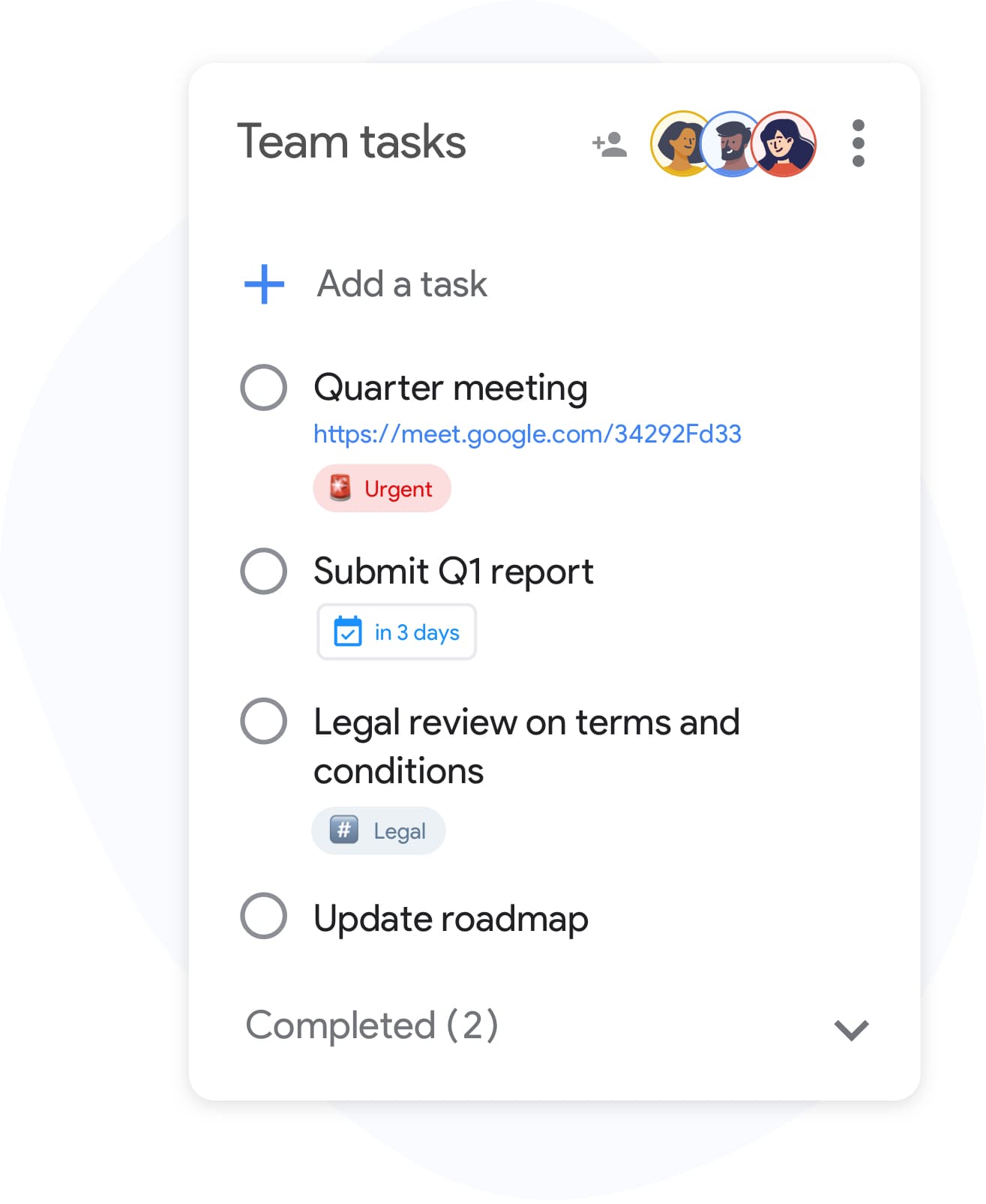
Google Tasks को सहयोग के लिए डिज़ाइन नहीं किया गया था, अब तक। किसी भी सूची को टीम के साथियों, परिवार या ग्राहकों के साथ सेकंडों में साझा करें। किसी नए खाते की आवश्यकता नहीं है; सहयोगी अपने मौजूदा Google खाते से साइन इन करते हैं।
- एक्सेस वाले सभी लोगों के लिए रीयल-टाइम सिंक
- Invite collaborators by email or with a link, and stop sharing at any time
- जीरो-सेटअप: एक सूची साझा करें, स्तर सेट करें, हो गया
Google Workspace के साथ पूरी तरह एकीकृत
Google Workspace के साथ पूरी तरह एकीकृत
TasksBoard lives inside your Google ecosystem, not alongside it. Attach Drive files, see the link to the Gmail email a task was created from, and export any list to Sheets, all with your existing Google login.
- Tasks created with Gmail's "Add to tasks" button keep a link to the email, shown on the card in TasksBoard
- रिपोर्टिंग या आर्काइविंग के लिए Google Sheets में एक्सपोर्ट करें
- आपके वर्कफ़्लो से मेल खाने के लिए कस्टम बैकग्राउंड और थीम
आपके सभी डिवाइस पर सिंक्रनाइज़
आपके सभी डिवाइस पर सिंक्रनाइज़
Add a task on your phone and it appears on your board the moment you open your laptop. TasksBoard syncs in real time with Google Tasks, so changes made in the Google Tasks apps on iOS and Android, the Chrome extension, and the web all land on your board.
मूल्य निर्धारण
अपना प्लान चुनें
मुफ़्त से शुरू करें। जब आपको अधिक की आवश्यकता हो तो अपग्रेड करें।
हजारों उपयोगकर्ताओं द्वारा पसंद किया गया
Chrome वेब स्टोर पर 1,000+ समीक्षाओं से 4.8 / 5
"Always have 101 things to do and this helps me organize and prioritize like no other app can. It syncs to my phone and laptop, and when I add dates to tasks, they automatically integrate into my Google Calendar, which is immensely convenient. I can look at my daily, weekly, and monthly overview in Google Calendar and clearly see how much I was able to accomplish! Great tool indeed. Excited to see how it will evolve over time."

"Seriously, makes my tasks easier to share with the team, and the free version is quite nice for our little office. Eventually, we will expand, and this is definitely a great tool to do that! Syncs with my Workspace and Calendar."

"I love the simple, intuitive interface and the Add to Tasks feature, especially as I work through my emails! Sharing my tasks is also easy. Overall, outstanding and simple to use, and that means a lot with too many complex tasks out there!"

"Great too for managing daily routine and plan tasks. Would be perfect if it was updated for generating reports for statistics. For google tasks and google calendar"





अक्सर पूछे जाने वाले प्रश्न
TasksBoard क्या है?
TasksBoard is a full-screen web application for managing Google Tasks. It adds kanban boards, due dates with a "Due today" smart board, and team collaboration features on top of your existing Google Tasks and works directly with your Google account, with no data migration required.
क्या TasksBoard मुफ़्त है?
हाँ, TasksBoard मुख्य कार्य प्रबंधन सुविधाओं के साथ एक मुफ़्त प्लान प्रदान करता है। बोर्ड बैकग्राउंड, रंगीन लेबल और टीम शेयरिंग जैसी प्रीमियम सुविधाएँ सशुल्क सदस्यता के साथ उपलब्ध हैं।
क्या TasksBoard, Google Tasks के साथ सिंक होता है?
हाँ। TasksBoard, Google Tasks के साथ रीयल-टाइम में सिंक होता है। आपके द्वारा किए गए कोई भी बदलाव तुरंत Gmail, Google Calendar और Google Tasks मोबाइल ऐप में दिखाई देते हैं और इसके विपरीत भी।
क्या मैं अपनी टीम के साथ Google Tasks साझा कर सकता हूँ?
हाँ। TasksBoard आपको टीम के सदस्यों के साथ कार्य बोर्ड साझा करने की सुविधा देता है। प्रत्येक व्यक्ति पूर्ण सहयोग समर्थन के साथ रीयल-टाइम में कार्यों को देख, संपादित और पूरा कर सकता है।
सबसे अच्छे Google Tasks ऐप्स कौन से हैं?
TasksBoard को 1,000 से अधिक समीक्षाओं में 5 में से 4.8 रेटिंग के साथ #1 Google Tasks ऐप माना गया है। यह ऐसी सुविधाएँ प्रदान करता है जो मूल Google Tasks इंटरफ़ेस में उपलब्ध नहीं हैं, जिनमें कनबन बोर्ड, उप-कार्य प्रबंधन और कीबोर्ड शॉर्टकट शामिल हैं।
मैं Google Tasks का उपयोग प्रोजेक्ट प्रबंधन टूल के रूप में कैसे करूँ?
TasksBoard के साथ, आप Google Tasks को कस्टम सूचियों, ड्रैग-एंड-ड्रॉप रीऑर्डरिंग, देय तिथियों, उप-कार्यों और टीम असाइनमेंट के साथ कनबन बोर्ड में व्यवस्थित कर सकते हैं, जिससे साधारण कार्य एक पूर्ण प्रोजेक्ट प्रबंधन वर्कफ़्लो में बदल जाते हैं।
क्या TasksBoard ऑफ़लाइन काम करता है?
No. TasksBoard needs an internet connection: every change is written to Google Tasks as you make it, so there is nothing to sync later.
क्या TasksBoard सुरक्षित है?
हाँ। TasksBoard Google प्रमाणीकरण के लिए OAuth 2.0 का उपयोग करता है और कभी भी आपका Google पासवर्ड संग्रहीत नहीं करता है। आपका डेटा आपके Google खाते में रहता है और Google के सुरक्षा बुनियादी ढांचे द्वारा सुरक्षित है।
हमेशा के लिए मुफ़्त
TasksBoard के साथ शुरू करें
अपने Google खाते से साइन इन करें और Google Tasks के ऊपर एक पूर्ण कनबन बोर्ड प्राप्त करें, सेकंडों में तैयार।