
Weekly Planner
Weekly Planner App for Google Tasks: Plan Your Week on a Kanban Board
TasksBoard turns your Google Tasks into a full-screen kanban board. Organize lists as columns, assign due dates for the week ahead, and stop juggling tasks in the Gmail sidebar.
Used by 2M+ people. Free to start.
Why TasksBoard for Weekly Planning
Kanban board in one view
Your Google Tasks lists appear as columns on one board. See everything without scrolling through the Gmail sidebar.
Spot overload before the week starts
Columns fill up as you add tasks and due dates. Drag items between lists to rebalance what's ahead.
Due dates sync to Google Calendar
Assign due dates on the board and they appear in Google Calendar. Plan around real meetings instead of guessing how busy you are.
Real-time Google Tasks sync
Any change you make syncs to Google Tasks immediately. Your mobile app stays up to date throughout the week.
Weekly planning ritual
Build your week in 15 minutes
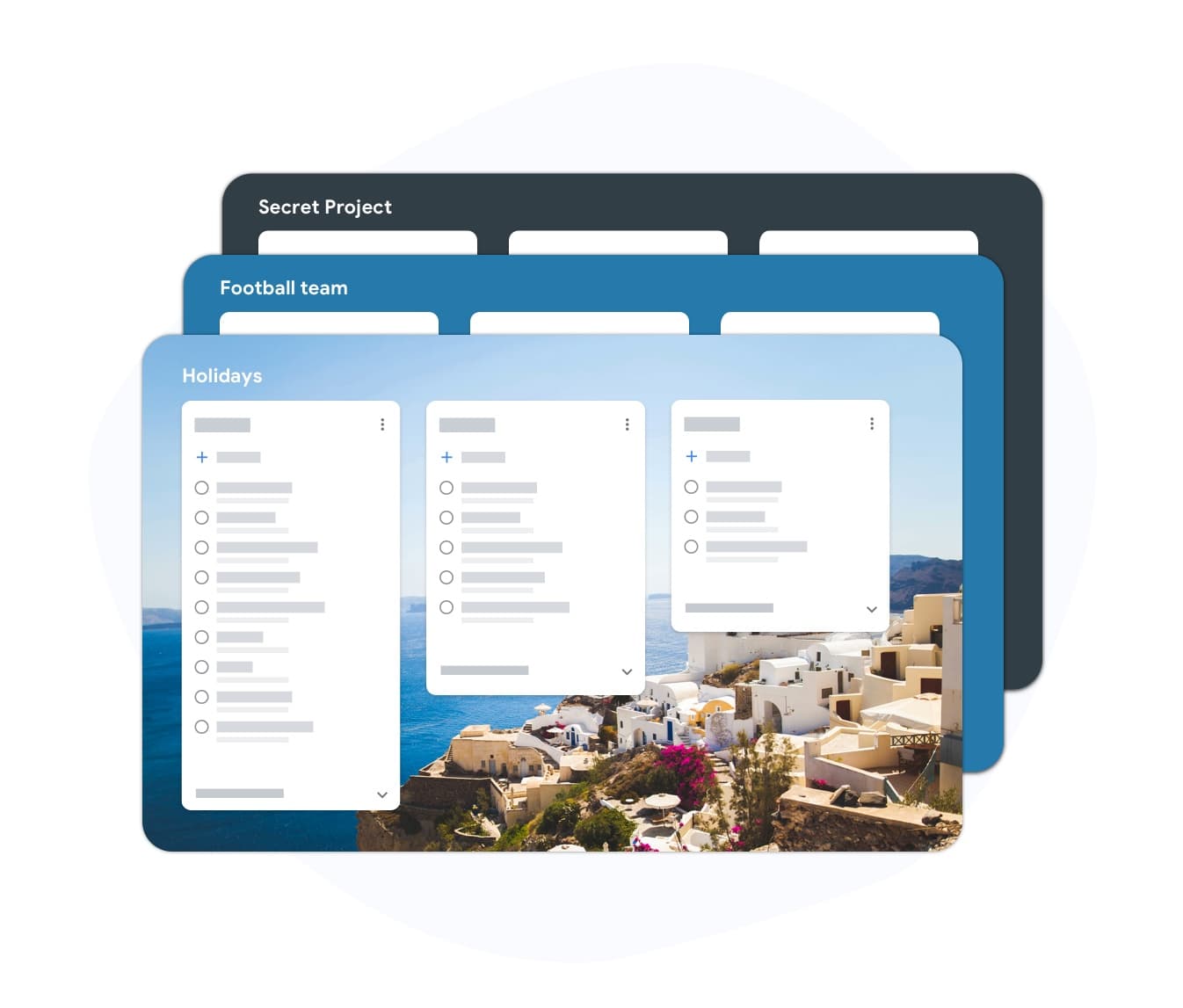
Weekly planning ritual
Build your week in 15 minutes
Open TasksBoard, drag tasks from your inbox into the lists that matter this week, and close your laptop with a clear plan. No spreadsheets, no paper.
- Drag tasks from any list into any board column
- See how many tasks each list already has before adding more
- Assign due dates to tasks directly from the board
Mid-week adjustments
Replan in seconds when priorities shift

Mid-week adjustments
Replan in seconds when priorities shift
Things change mid-week. TasksBoard makes it easy to drag tasks between lists, bump a deadline, and rebalance without starting over.
- Drag and drop between any board columns
- Reschedule due dates without reopening a task form
- Overdue tasks stay visible until you act on them
Friday review
End the week knowing what rolled over and why
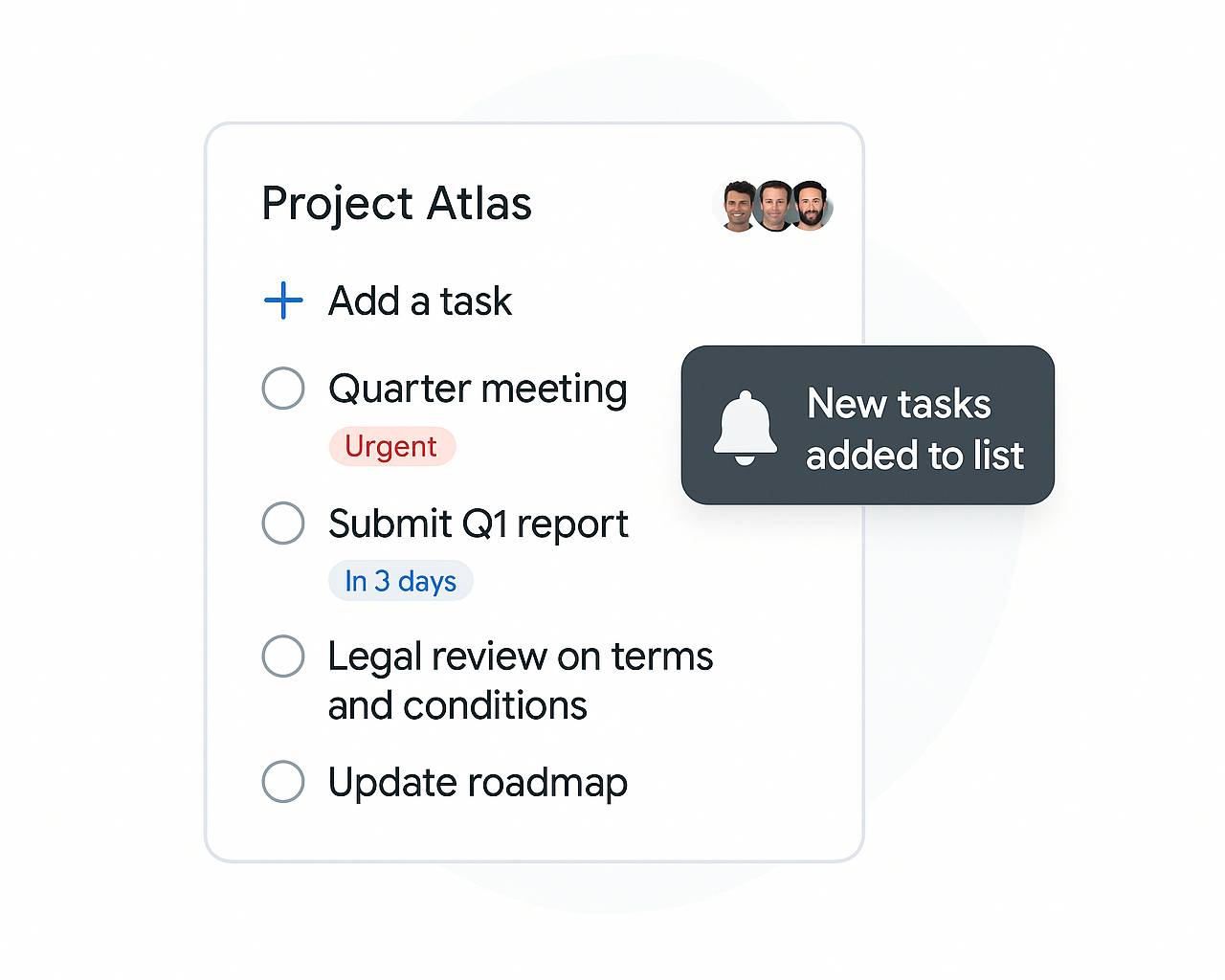
Friday review
End the week knowing what rolled over and why
Incomplete tasks with a past due date are flagged automatically. Review Friday afternoon, move incomplete items to next week, and start fresh on Monday.
- Overdue column shows everything that was missed
- Batch-reschedule tasks to next week in one action
- Weekly completion rate visible at a glance
How to use TasksBoard as a weekly planner
-
Connect your Google account
Sign in with Google and your existing Google Tasks appear immediately. No import or setup required.
-
Open your board
Your Google Tasks lists load as kanban columns. Tasks with due dates sync to Google Calendar automatically.
-
Drag, plan, and execute
Reorder tasks by priority, move them between lists, add due dates for the week ahead, and check items off as you complete them.
Loved by thousands of users
4.8 / 5 from 1,000+ reviews on the Chrome Web Store
"Always have 101 things to do and this helps me organize and prioritize like no other app can. It syncs to my phone and laptop, and when I add dates to tasks, they automatically integrate into my Google Calendar, which is immensely convenient. I can look at my daily, weekly, and monthly overview in Google Calendar and clearly see how much I was able to accomplish! Great tool indeed. Excited to see how it will evolve over time."

"Seriously, makes my tasks easier to share with the team, and the free version is quite nice for our little office. Eventually, we will expand, and this is definitely a great tool to do that! Syncs with my Workspace and Calendar."

"I love the simple, intuitive interface and the Add to Tasks feature, especially as I work through my emails! Sharing my tasks is also easy. Overall, outstanding and simple to use, and that means a lot with too many complex tasks out there!"

"Great too for managing daily routine and plan tasks. Would be perfect if it was updated for generating reports for statistics. For google tasks and google calendar"





Frequently asked questions
How does TasksBoard work as a weekly planner?
TasksBoard shows your Google Tasks on a kanban board where each column is a task list. Assign due dates to plan the week ahead, use the Today view for what's due now, and drag tasks between lists to stay organized.
Is the weekly planner free?
Yes. The free plan includes the board view, unlimited tasks, and Google Tasks sync. Premium adds team sharing, custom filters, and label-based organization.
Can I plan next week before the current week ends?
Yes. Assign any future due date to a task and it appears in Google Calendar on that day. Planning ahead is built into the core workflow.
What happens if I miss tasks during the week?
TasksBoard flags overdue tasks in red and keeps them visible at the top of the board. You can reschedule them to any future day in one click, no need to re-enter task details.
Can I share my weekly plan with my team?
Yes. With TasksBoard Premium you can share boards with teammates. Your weekly plan becomes a shared workspace where the whole team can see priorities and add tasks.
Does the weekly planner sync with Google Calendar?
Yes. Tasks with due dates in TasksBoard sync to Google Tasks, which in turn appear in Google Calendar. You can see your weekly plan alongside your calendar events.
Can I use TasksBoard on my phone during the week?
Yes. TasksBoard has iOS and Android apps. Any change you make on your phone syncs to the desktop board instantly.
Get started
Plan your week on one board
Sign in with Google and your board is ready in seconds. Balance your workload, stop missing deadlines, and start every Monday with a clear plan.
No credit card required. Works with your existing Google Tasks.