TasksBoard
 Used everyday by millions of professionals










Your kanban board for Google Tasks, full screen, finally
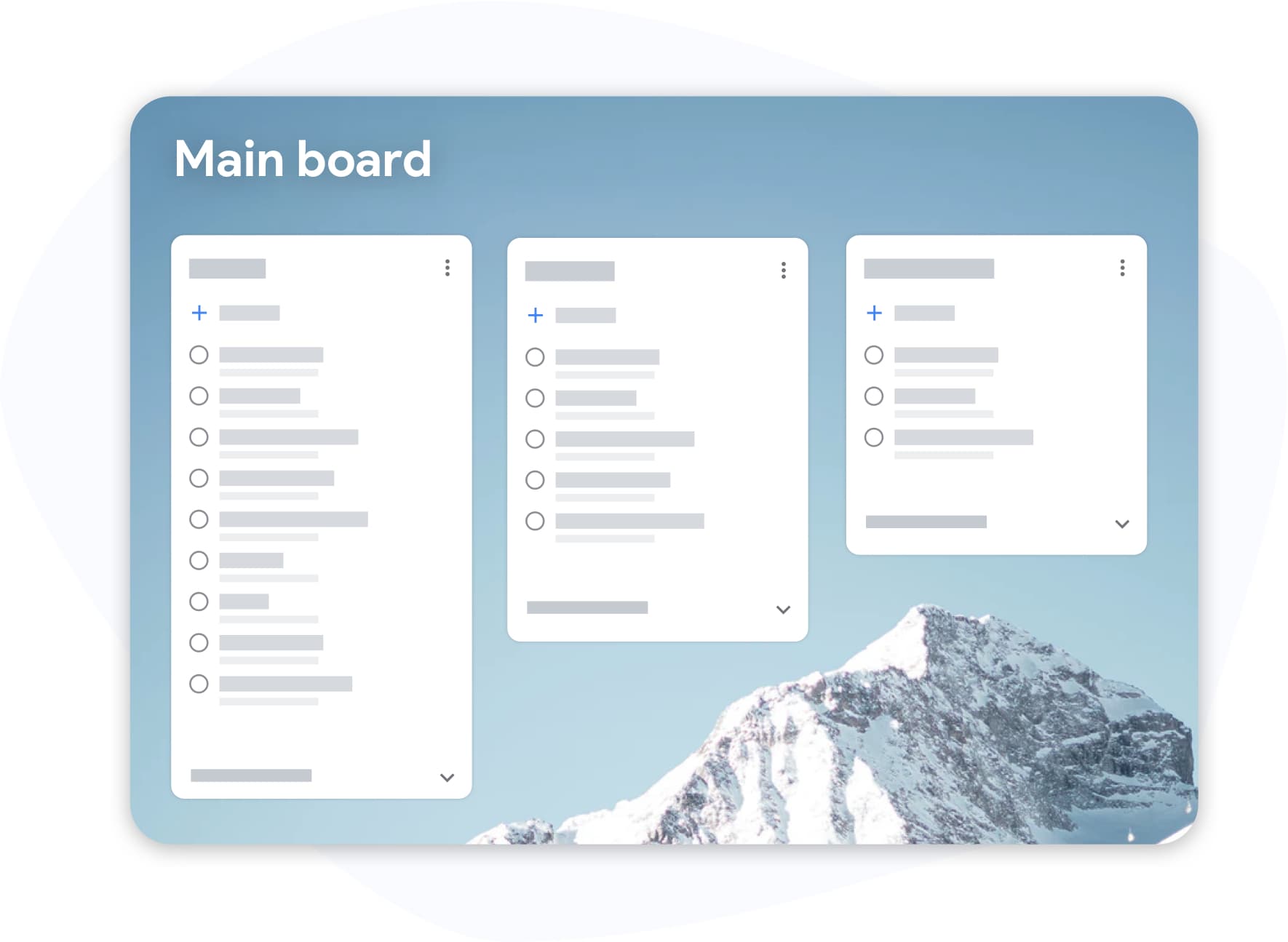
Your kanban board for Google Tasks, full screen, finally
Google Tasks hidden in a sidebar was never built for serious work. TasksBoard brings your Google Tasks kanban view front and center, every list becomes a board column you can actually see and act on.
- Drag tasks between columns to reprioritize in seconds
- Labels and tags across projects, urgent, blocked, waiting on
- Keyboard shortcuts so you never lift your hands from the keys
Share Google Tasks with your team, family, or clients
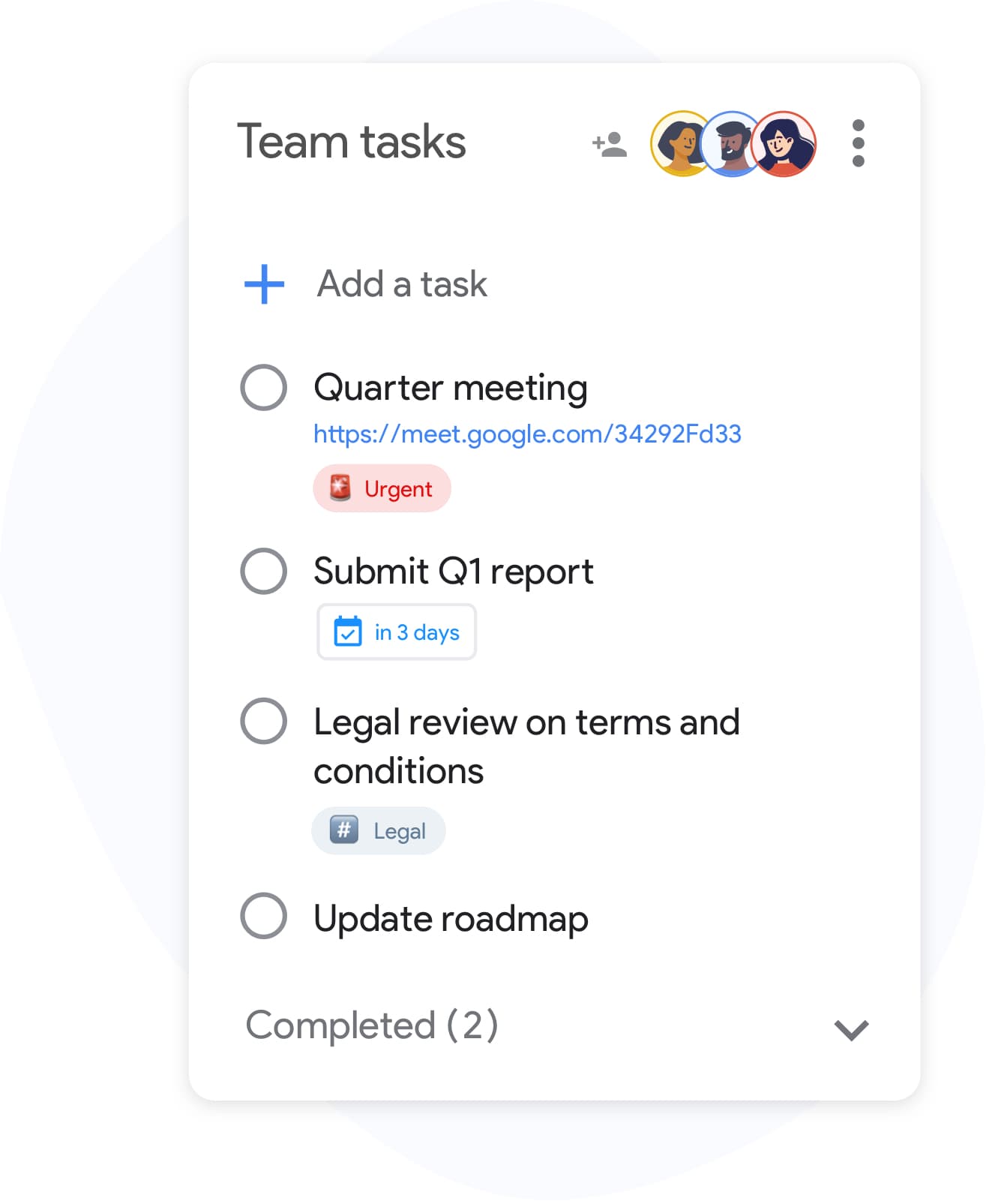
Share Google Tasks with your team, family, or clients
Google Tasks wasn't designed for collaboration, until now. Share any list with teammates, family, or clients in seconds. No new account required; collaborators sign in with their existing Google account.
- Real-time sync for everyone with access
- Invite collaborators by email or with a link, and stop sharing at any time
- Zero-setup: share a list, set the level, done
Make Google Tasks truly yours, Workspace, themes, and more
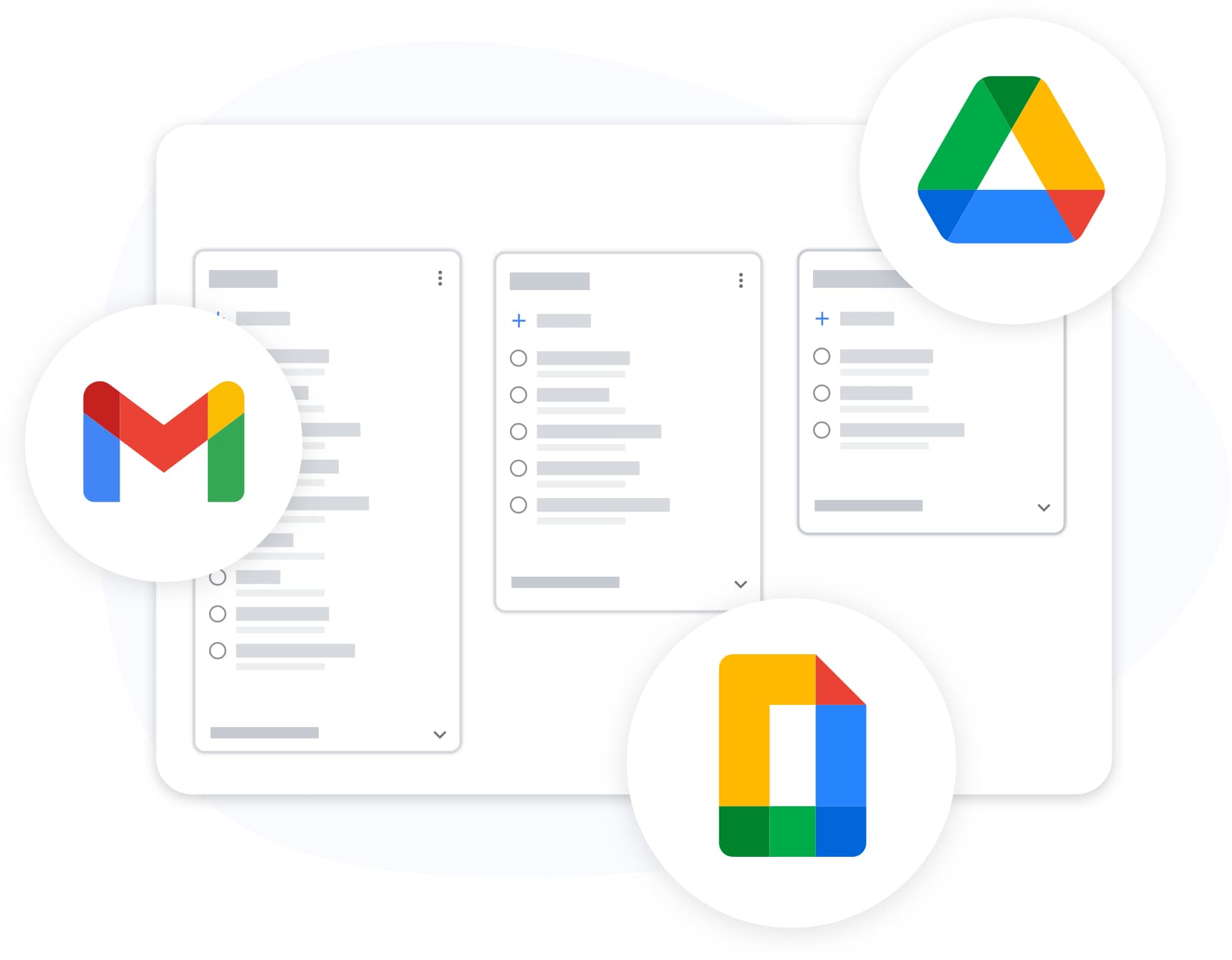
Make Google Tasks truly yours, Workspace, themes, and more
TasksBoard lives inside your Google ecosystem, not alongside it. Attach Drive files, see the link to the Gmail email a task was created from, and export any list to Sheets, all with your existing Google login.
- Tasks created with Gmail's "Add to tasks" button keep a link to the email, shown on the card in TasksBoard
- Export to Google Sheets for reporting or archiving
- Custom backgrounds and themes to match your workflow
Synchronized across all your devices
Synchronized across all your devices
Add a task on your phone and it appears on your board the moment you open your laptop. TasksBoard syncs in real time with Google Tasks, so changes made in the Google Tasks apps on iOS and Android, the Chrome extension, and the web all land on your board.
Loved by thousands of users
4.8 / 5 from 1,000+ reviews on the Chrome Web Store
"Always have 101 things to do and this helps me organize and prioritize like no other app can. It syncs to my phone and laptop, and when I add dates to tasks, they automatically integrate into my Google Calendar, which is immensely convenient. I can look at my daily, weekly, and monthly overview in Google Calendar and clearly see how much I was able to accomplish! Great tool indeed. Excited to see how it will evolve over time."

"Seriously, makes my tasks easier to share with the team, and the free version is quite nice for our little office. Eventually, we will expand, and this is definitely a great tool to do that! Syncs with my Workspace and Calendar."

"I love the simple, intuitive interface and the Add to Tasks feature, especially as I work through my emails! Sharing my tasks is also easy. Overall, outstanding and simple to use, and that means a lot with too many complex tasks out there!"

"Great too for managing daily routine and plan tasks. Would be perfect if it was updated for generating reports for statistics. For google tasks and google calendar"





Frequently Asked Questions
What is TasksBoard?
TasksBoard is a full-screen web application for managing Google Tasks. It adds kanban boards, due dates with a "Due today" smart board, and team collaboration features on top of your existing Google Tasks and works directly with your Google account, with no data migration required.
Is TasksBoard free?
Yes, TasksBoard offers a free plan with core task management features. Premium features like board backgrounds, color labels, and team sharing are available with a paid subscription.
Does TasksBoard sync with Google Tasks?
Yes. TasksBoard syncs in real-time with Google Tasks. Any changes you make appear instantly in Gmail, Google Calendar, and the Google Tasks mobile app and vice versa.
Can I share Google Tasks with my team?
Yes. TasksBoard lets you share task boards with team members. Each person can view, edit, and complete tasks in real-time with full collaboration support.
What are the best Google Tasks apps?
TasksBoard is rated the #1 Google Tasks app with 4.8 out of 5 from over 1,000 reviews. It offers features not available in the native Google Tasks interface, including kanban boards, subtask management, and keyboard shortcuts.
How do I use Google Tasks as a project management tool?
With TasksBoard, you can organize Google Tasks into kanban boards with custom lists, drag-and-drop reordering, due dates, subtasks, and team assignments, turning simple tasks into a full project management workflow.
Does TasksBoard work offline?
No. TasksBoard needs an internet connection: every change is written to Google Tasks as you make it, so there is nothing to sync later.
Is TasksBoard safe and secure?
Yes. TasksBoard uses OAuth 2.0 for Google authentication and never stores your Google password. Your data stays in your Google account and is protected by Google's security infrastructure.
FREE FOREVER
Get started with TasksBoard
Sign in with your Google account and get a full kanban board on top of Google Tasks, ready in seconds.