
Free shared checklist · No login
Checklist App: Create, Share, and Track Checklists That Actually Sync
Make a checklist, share the link, and everyone can tick items off together — no sign-up, no app, no login. When your team needs more, TasksBoard shares Google Tasks lists with everyone you work with.
Free · No account needed · Works on any phone or computer
Shared checklist
Saved on this device. Share a link to edit together.
Your checklist is empty. Add the first item above.
Anyone with the link can view, tick and add items — no login.
Anyone with the link can view, tick and add items — no login.
My checklists
Why TasksBoard is the Best Checklist App for Google Users
Check items off in real time
Every check is visible to your whole team the moment you make it. No page refreshes, no manual syncing, your checklist stays live for everyone.
Repeating checklists for recurring processes
Create a checklist once and reuse it every week, every sprint, or every onboarding cycle. Recurring tasks reset automatically so nothing slips.
Attach Drive files to checklist items
Link a Google Doc, Slide deck, or Sheet directly to any checklist item. Everyone on the team can open the right file without hunting through Drive.
Export any checklist to Google Sheets
Need a report? Export your checklist status to Sheets in one click. Great for audits, management reviews, or archiving completed checklists.
Checklist creation
Build a checklist in under a minute
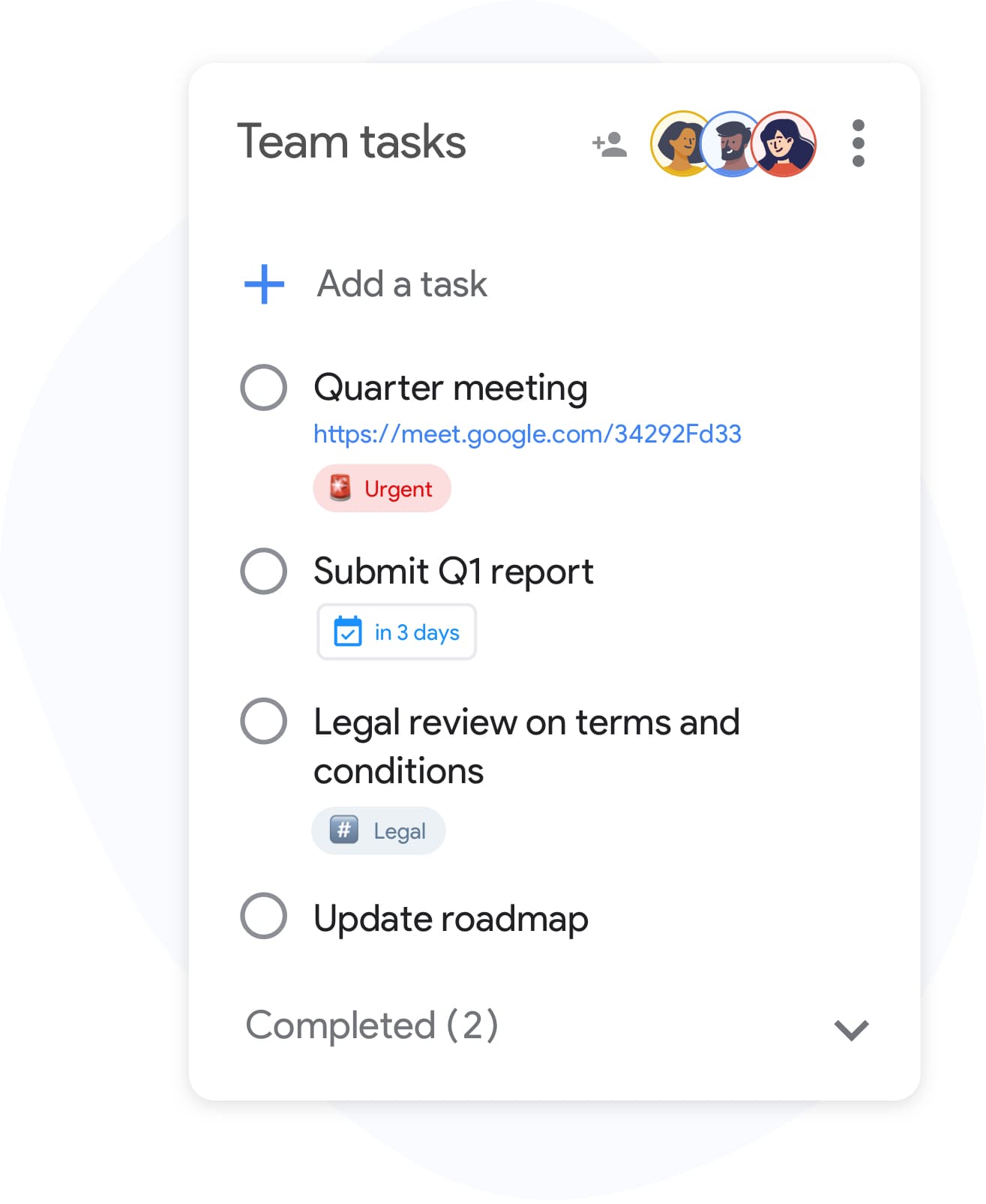
Checklist creation
Build a checklist in under a minute
Open TasksBoard, create a new list, and start typing. Each item is a Google Task with optional subtasks and due dates. No templates, no setup, just press Enter to add the next item.
- Add items with keyboard shortcut, press Enter for the next line
- Indent any item to create a sub-checklist
- Assign due dates per item so deadlines are visible at a glance
Team checklists
Share a checklist with your entire team
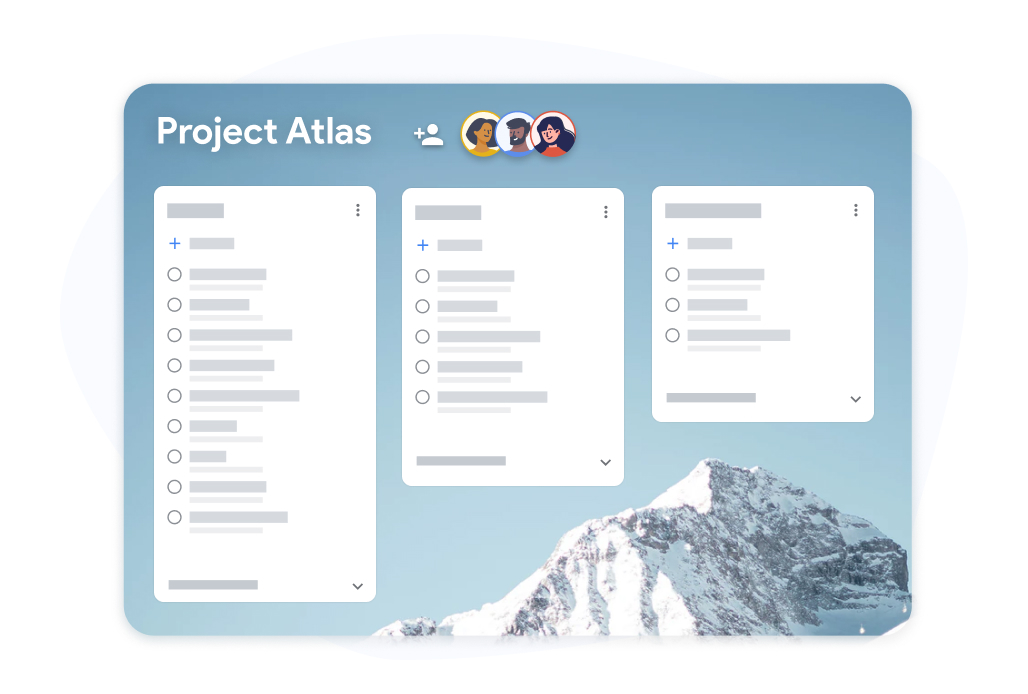
Team checklists
Share a checklist with your entire team
Share any checklist with teammates via a single link. Collaborators check off items and attach files, all visible in real time. No shared spreadsheet, no "who updated this last?" confusion.
- Share via link, no extra app needed for collaborators
- Each team member checks off their own items
- Changes sync instantly to everyone on the list
How to create and use a checklist in TasksBoard
-
Sign in with Google
Open TasksBoard and sign in with your Google account. Your existing Google Tasks lists appear automatically, no import needed.
-
Create a new checklist
Click "Add list" and name your checklist, for example, "Project launch checklist" or "Weekly review." Add items one by one or paste a list from a document.
-
Share and track progress
Click the share icon to invite teammates. As items get checked off, the progress bar updates in real time. Export to Sheets when you need a record.
Loved by thousands of users
4.8 / 5 from 1,000+ reviews on the Chrome Web Store
"Always have 101 things to do and this helps me organize and prioritize like no other app can. It syncs to my phone and laptop, and when I add dates to tasks, they automatically integrate into my Google Calendar, which is immensely convenient. I can look at my daily, weekly, and monthly overview in Google Calendar and clearly see how much I was able to accomplish! Great tool indeed. Excited to see how it will evolve over time."

"Seriously, makes my tasks easier to share with the team, and the free version is quite nice for our little office. Eventually, we will expand, and this is definitely a great tool to do that! Syncs with my Workspace and Calendar."

"I love the simple, intuitive interface and the Add to Tasks feature, especially as I work through my emails! Sharing my tasks is also easy. Overall, outstanding and simple to use, and that means a lot with too many complex tasks out there!"

"Great too for managing daily routine and plan tasks. Would be perfect if it was updated for generating reports for statistics. For google tasks and google calendar"





Frequently asked questions
Can I share a checklist without logging in?
Yes. Create a checklist above and click "Share link". Anyone who opens the link can see the list, tick items off and add new ones — nobody needs an account, an app or a login. Changes show up for everyone within a few seconds.
Who can see my shared checklist, and how long does it last?
Only people who have the link. Each link contains a long random code that can't be guessed, and the checklist isn't listed anywhere. Shared checklists are kept for 180 days after the last change. Only the device that created the list can delete it. Don't put passwords or other sensitive data in a no-login checklist.
Can I save the checklist to Google Tasks?
Yes. Click "Save to Google Tasks", allow access in the Google popup, and the checklist is created as a new Google Tasks list with every item. It then shows up in Gmail, Google Calendar and the Google Tasks app.
How do I share a checklist with my team long-term?
For checklists you reuse with the same people, open it in TasksBoard. TasksBoard shares Google Tasks lists with your team: everyone signs in with Google, sees the same list on a Kanban board, and every check syncs to Google Tasks in real time.
Is TasksBoard a free checklist app?
Yes. TasksBoard has a free plan that includes unlimited checklists, Google Tasks sync, real-time collaboration, and works on mobile through the Google Tasks apps and as an installable web app. A paid plan adds advanced team features and priority support.
Does TasksBoard sync my checklists with Google Tasks?
Yes. Every checklist item in TasksBoard is stored as a Google Task. When you check an item off in TasksBoard, it is also marked complete in Google Tasks and visible in Google Calendar if it has a due date.
Can I create recurring checklists in TasksBoard?
Yes. You can create a recurring task in Google Tasks and TasksBoard will surface it automatically. For repeating checklists (like a weekly review), you can duplicate a completed list and reset all items, this takes about 10 seconds.
Can I attach files to individual checklist items?
Yes. You can attach Google Drive files, Docs, Sheets, Slides, PDFs, to any task in TasksBoard. This lets your team access the right reference material directly from the checklist item without switching apps.
How do I export a checklist to Google Sheets?
TasksBoard supports exporting board data to Google Sheets. This is useful for creating audit trails, reporting to management, or archiving completed checklists for reference.
Can I use TasksBoard as a mobile checklist app?
Yes. TasksBoard works on your phone through the Google Tasks apps for iOS and Android and as an installable web app. You can create, check off, and share checklists from your phone, and all changes sync instantly to the web app and Google Tasks.
Get started
Start your first checklist in TasksBoard today
Sign in with Google and your checklists are already there, no import, no setup, no learning curve. Free forever for individuals.
No credit card required. Works with your existing Google Tasks.