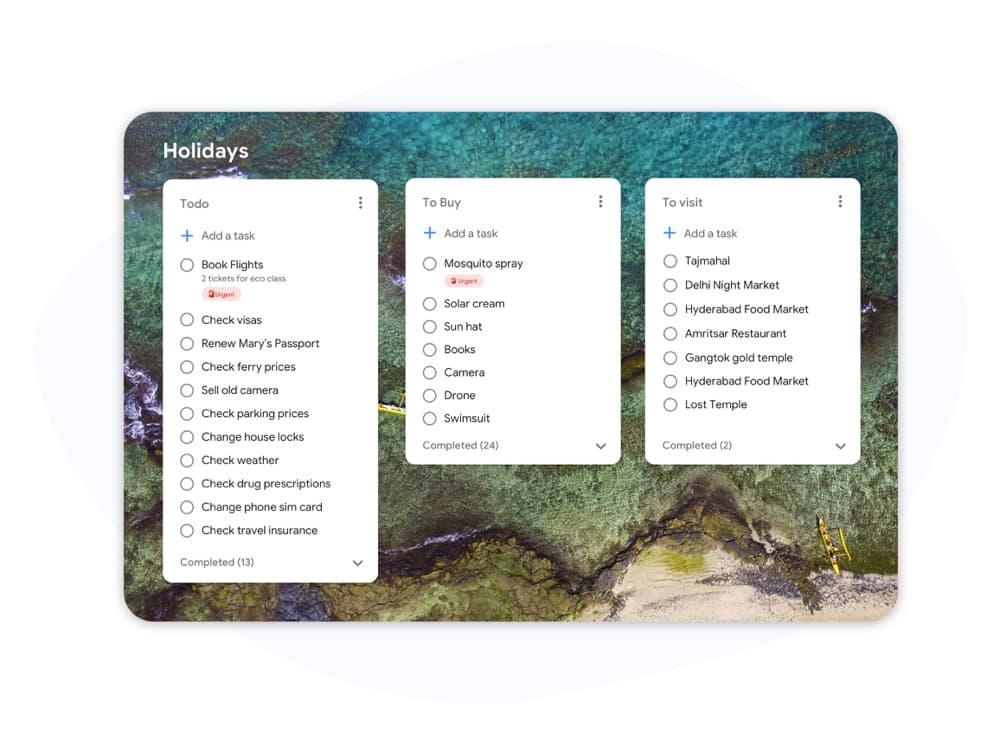
Kanban vs. Scrum

Kanban vs Scrum: Welches Framework passt zu Ihrem Team?

Kanban und Scrum verwenden beide visuelle Boards, arbeiten aber sehr unterschiedlich. Dieser Leitfaden erläutert die Hauptunterschiede, damit Sie den richtigen Ansatz wählen und noch heute mit der Arbeit beginnen können.

Wird von über 2 Millionen Menschen genutzt. Kostenloser Start.


Kanban vs Scrum: Funktionsvergleich

Feature Kanban Scrum
Feste Iterationen (Sprints)
Fixed iterations (sprints)
Optional
WIP-Limits
WIP limits
Definierte Rollen (Scrum Master, PO)
Defined roles (Scrum Master, PO)
Backlog-Pflege-Zeremonien
Backlog grooming ceremonies
Kontinuierliche Lieferung
Continuous delivery
Zwischen Sprints
Flussmetriken (Zykluszeit, Durchsatz)
Flow metrics (cycle time, throughput)
Velocity-Tracking
Velocity tracking
Board-Anpassung
Board customization
Nur Sprint-Spalten
Funktioniert für Support-/Ops-Teams
Works for support / ops teams
Funktioniert für Produkt-Feature-Entwicklung
Works for product feature dev

Feature-by-feature comparison

Kanban optimizes flow; Scrum optimizes predictable delivery. Compare each practice with screenshots and sourced references.

Feature 1

Fixed iterations (sprints)

Kanban has no required sprint cadence. Work flows continuously through columns as capacity allows.

Scrum organizes work into time-boxed Sprints, typically 1–4 weeks, with a committed Sprint Goal.

Kanban
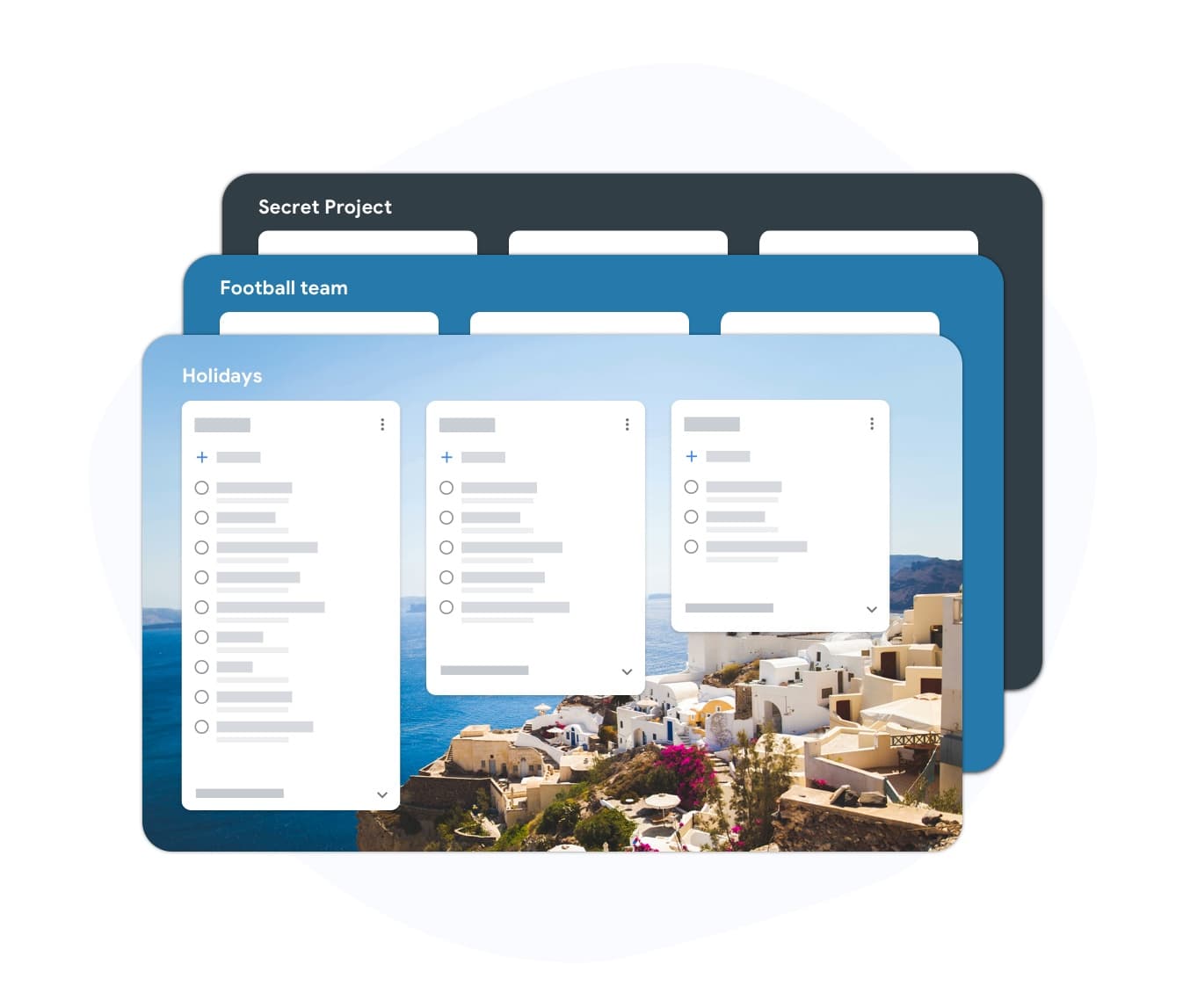
Fixed iterations (sprints) — left column screenshot
Continuous flow, no sprint boundary.
Scrum
Fixed iterations (sprints) — right column screenshot
Sprint planning and time boxes.

It's a tie

Neither is universally better — Kanban suits continuous flow; Scrum suits time-boxed, predictable delivery.
Feature 2

WIP limits

Kanban uses Work-In-Progress limits per column to prevent overload and surface bottlenecks.

Scrum limits work indirectly through Sprint capacity planning rather than per-column WIP caps.

Kanban
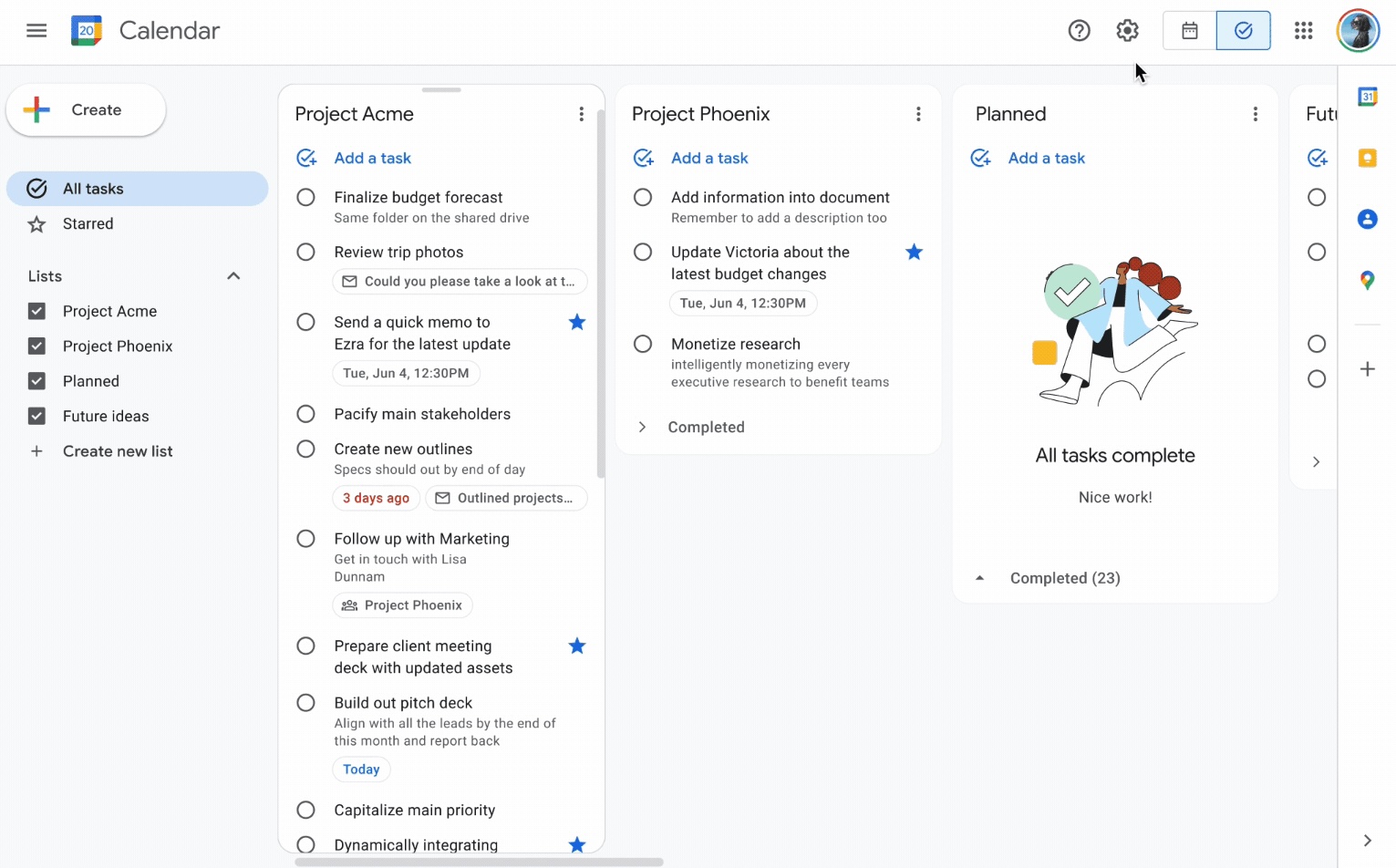
WIP limits — left column screenshot
Column WIP limits on TasksBoard.
Scrum
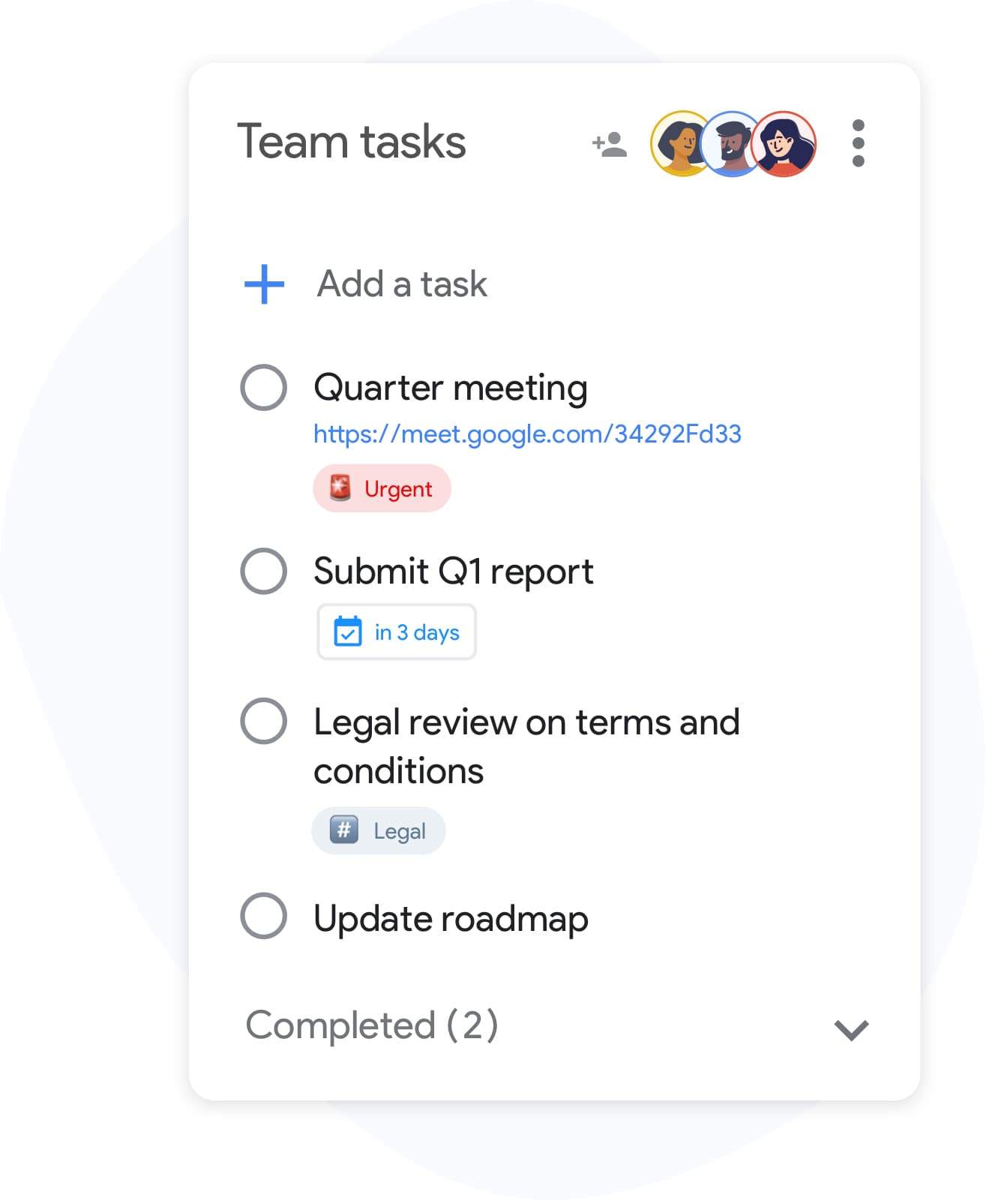
WIP limits — right column screenshot
Sprint capacity as the limit.

Winner: Kanban

Explicit per-column WIP limits are a core Kanban practice for preventing overload and surfacing bottlenecks.


Feature 3

Defined roles

Kanban has no mandated roles. The team owns the board and pull-based workflow.

Scrum defines Scrum Master, Product Owner, and Developers with distinct accountabilities.

Kanban
Defined roles — left column screenshot
Self-organizing team, no fixed roles.
Scrum
Defined roles — right column screenshot
Scrum Master, PO, Developers.

It's a tie

Kanban needs no fixed roles; Scrum's defined accountabilities help larger teams that want clear structure.


Feature 4

Backlog grooming ceremonies

Kanban refines work just-in-time as items approach the top of the backlog column.

Scrum holds regular backlog refinement sessions to prepare items for upcoming Sprints.

Kanban
Backlog grooming ceremonies — left column screenshot
Just-in-time refinement.
Scrum
Backlog grooming ceremonies — right column screenshot
Scheduled refinement ceremonies.

It's a tie

Kanban refines just-in-time; Scrum schedules backlog refinement ceremonies — both work, different rhythms.


Feature 5

Continuous delivery

Kanban teams release whenever an item is done — no waiting for a sprint boundary.

Scrum typically delivers at the end of each Sprint during the Sprint Review.

Kanban
Continuous delivery — left column screenshot
Ship when ready.
Scrum
Continuous delivery — right column screenshot
Deliver at Sprint Review.

Winner: Kanban

Kanban teams ship whenever an item is done; Scrum typically batches delivery at the Sprint Review.


Feature 6

Flow metrics

Kanban tracks cycle time, throughput, and lead time to optimize flow efficiency.

Scrum primarily measures velocity — story points completed per Sprint.

Kanban
Flow metrics — left column screenshot
Cycle time and throughput.
Scrum
Flow metrics — right column screenshot
Velocity per Sprint.

Winner: Kanban

Cycle time, throughput, and lead time give Kanban teams direct flow-efficiency signals.


Feature 7

Velocity tracking

Kanban does not use velocity. Flow metrics replace point-based tracking.

Scrum teams track velocity to forecast Sprint capacity and release planning.

Kanban
Velocity tracking — left column screenshot
Flow-based forecasting.
Scrum
Velocity tracking — right column screenshot
Story-point velocity charts.

Winner: Scrum

Story-point velocity is Scrum's primary forecasting tool — Kanban deliberately avoids velocity tracking.


Feature 8

Board customization

Kanban boards are fully customizable — add columns, swim lanes, and WIP limits per team.

Scrum boards follow a standard To Do → In Progress → Done pattern tied to Sprint scope.

Kanban
Board customization — left column screenshot
Custom columns on TasksBoard.
Scrum
Board customization — right column screenshot
Sprint-scoped standard columns.

Winner: Kanban

Kanban boards are fully customizable — columns, swim lanes, and WIP limits per team.


Feature 9

Support and ops teams

Kanban excels for interrupt-driven work — support tickets, incidents, and ops queues flow continuously.

Scrum's sprint commitment model fits poorly when urgent items arrive mid-Sprint.

Kanban
Support and ops teams — left column screenshot
Continuous intake for ops work.
Scrum
Support and ops teams — right column screenshot
Sprint commitment conflicts with interrupts.

Winner: Kanban

Interrupt-driven support and ops queues flow continuously on Kanban; Scrum's sprint commitment fights mid-sprint urgency.


Feature 10

Product feature development

Kanban works for feature dev when continuous flow is preferred over batch planning.

Scrum is widely adopted for product teams building features in predictable increments.

Kanban
Product feature development — left column screenshot
Feature cards flowing through columns.
Scrum
Product feature development — right column screenshot
Sprint-planned feature increments.

Winner: Scrum

Scrum is widely adopted for product teams building features in predictable sprint increments.


Von Tausenden Nutzern geliebt

4.8 / 5 aus über 1.000 Bewertungen im Chrome Web Store

"Always have 101 things to do and this helps me organize and prioritize like no other app can. It syncs to my phone and laptop, and when I add dates to tasks, they automatically integrate into my Google Calendar, which is immensely convenient. I can look at my daily, weekly, and monthly overview in Google Calendar and clearly see how much I was able to accomplish! Great tool indeed. Excited to see how it will evolve over time."

PR Parina Ramjee avatar
Parina Ramjee

"Seriously, makes my tasks easier to share with the team, and the free version is quite nice for our little office. Eventually, we will expand, and this is definitely a great tool to do that! Syncs with my Workspace and Calendar."

CC Chase Cattrall avatar
Chase Cattrall

"I love the simple, intuitive interface and the Add to Tasks feature, especially as I work through my emails! Sharing my tasks is also easy. Overall, outstanding and simple to use, and that means a lot with too many complex tasks out there!"

GC Greg Cantori avatar
Greg Cantori

"Great too for managing daily routine and plan tasks. Would be perfect if it was updated for generating reports for statistics. For google tasks and google calendar"

NV Nick Vlasov avatar
Nick Vlasov

Häufig gestellte Fragen

Was ist der Hauptunterschied zwischen Kanban und Scrum?

Scrum verwendet Sprints mit fester Länge und definierten Rollen und Zeremonien. Kanban verwendet ein kontinuierliches Flussmodell ohne obligatorische Sprints. Scrum ist strukturierter; Kanban ist flexibler.

Kann ein Team Kanban und Scrum zusammen verwenden?

Ja. „Scrumban“ ist ein hybrider Ansatz, bei dem Teams Scrum-Zeremonien verwenden, aber den Workflow mit einem Kanban-Board und WIP-Limits verwalten. Dies ist bei Teams üblich, die Sprint-Vorhersehbarkeit neben Fluss-Sichtbarkeit wünschen.

Ist Kanban oder Scrum besser für kleine Teams?

Kanban ist für kleine Teams im Allgemeinen einfacher, da es keine obligatorischen Rollen oder Zeremonien gibt. Ein Team von zwei bis fünf Personen kann sofort ohne Training mit einem Kanban-Board beginnen. Der Scrum-Overhead ist bei weniger als fünf Personen schwerer zu rechtfertigen.

Hat Kanban Story Points?

Kanban erfordert keine Story Points. Stattdessen verwendet es Flussmetriken: Zykluszeit (wie lange eine Aufgabe bis zur Fertigstellung benötigt), Durchsatz (wie viele Aufgaben pro Woche erledigt werden) und Durchlaufzeit. Diese Metriken sind oft handlungsorientierter als Velocity.

Kann ich Kanban in TasksBoard betreiben?

Ja. TasksBoard bietet Ihnen ein Vollbild-Kanban-Board, das auf Google Tasks basiert. Sie können Spalten für jeden Workflow erstellen (Zu erledigen, In Arbeit, Erledigt oder benutzerdefinierte Phasen), Aufgaben zwischen ihnen verschieben und Fälligkeitsdaten hinzufügen, die mit Google Calendar synchronisiert werden.

Welche Rollen erfordert Kanban?

Kanban hat keine erforderlichen Rollen. Im Gegensatz zu Scrum gibt es keinen vom Verfahren vorgeschriebenen Scrum Master oder Product Owner. Teams ernennen oft einen Flow-Manager oder Service-Delivery-Manager, aber diese Rollen sind optional und informell.

Ist Scrum nur für Software-Teams?

Scrum wurde ursprünglich für die Softwareentwicklung entwickelt, aber Marketing-, Personal- und Betriebsteams haben es erfolgreich angepasst. Kanban lässt sich noch einfacher an Nicht-Software-Workflows anpassen, da es weniger Einschränkungen auferlegt.


Erste Schritte

Betreiben Sie Kanban- oder Scrum-Boards in TasksBoard

Melden Sie sich mit Ihrem Google-Konto an und erstellen Sie in wenigen Minuten einen visuellen Workflow. Ziehen Sie Aufgaben über Spalten, legen Sie Fälligkeitsdaten fest und teilen Sie Boards mit Ihrem Team.

Keine Kreditkarte erforderlich. Funktioniert mit Ihren bestehenden Google Tasks.