TasksBoard
Die beste Vollbild-App für Google Tasks
Vertraut von 2M+ Nutzern • 4.8/5 aus 1k+ BewertungenTäglich von Millionen Fachleuten genutzt


Erledigen Sie mehr auf dem vollen Bildschirm
Erledigen Sie mehr auf dem vollen Bildschirm
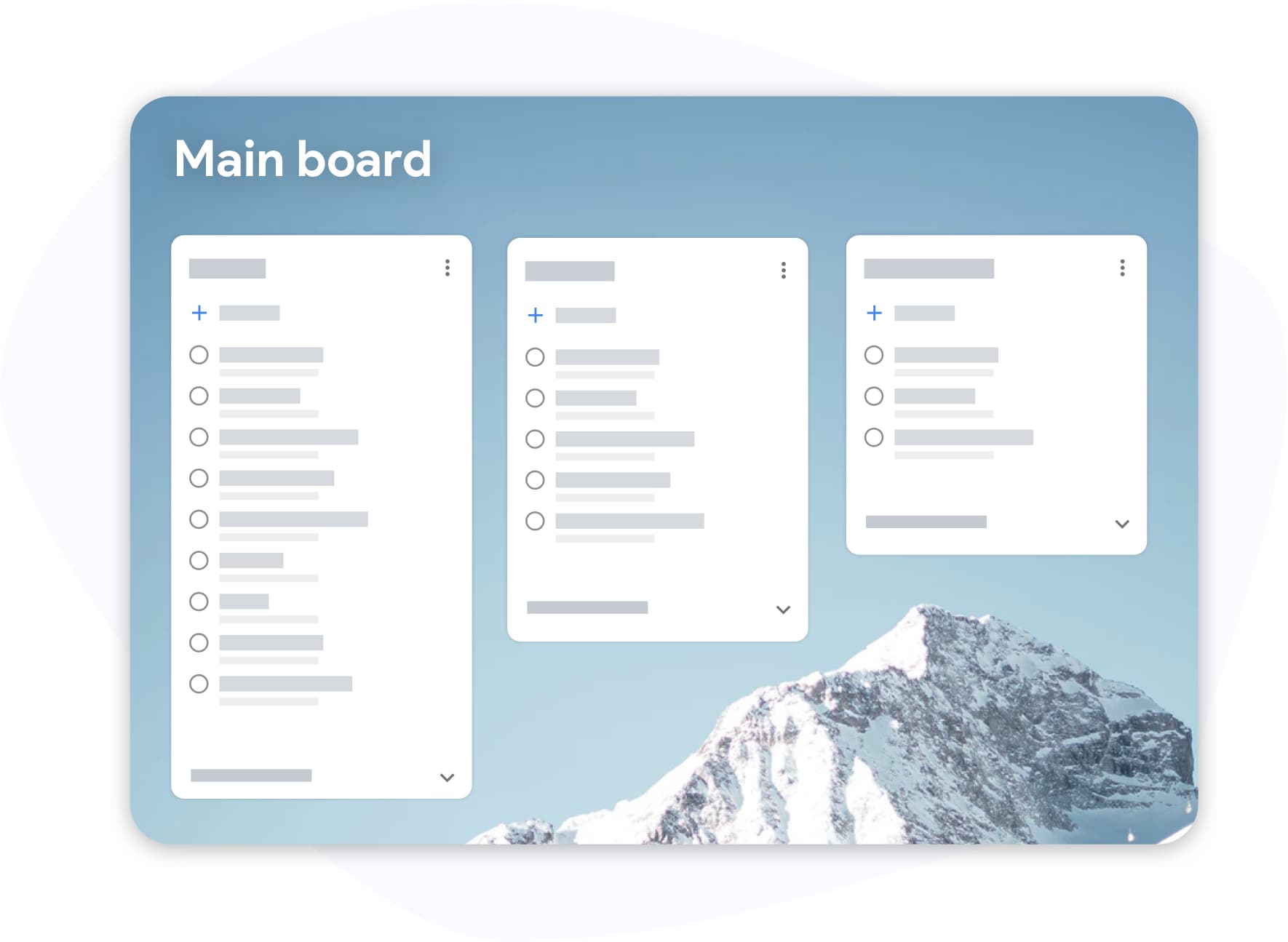
Google Tasks in einer Seitenleiste war nie für ernsthafte Arbeit gedacht. TasksBoard bringt Ihre Google Tasks-Kanban-Ansicht in den Mittelpunkt, jede Liste wird zu einer Board-Spalte, die Sie tatsächlich sehen und bearbeiten können.
- Ziehen Sie Aufgaben per Drag-and-Drop zwischen Spalten, um Prioritäten in Sekunden neu zu setzen
- Labels und Tags für Projekte, dringend, blockiert, wartend auf
- Tastaturkürzel, damit Sie Ihre Hände nie von den Tasten nehmen müssen
Aufgaben teilen
Aufgaben teilen
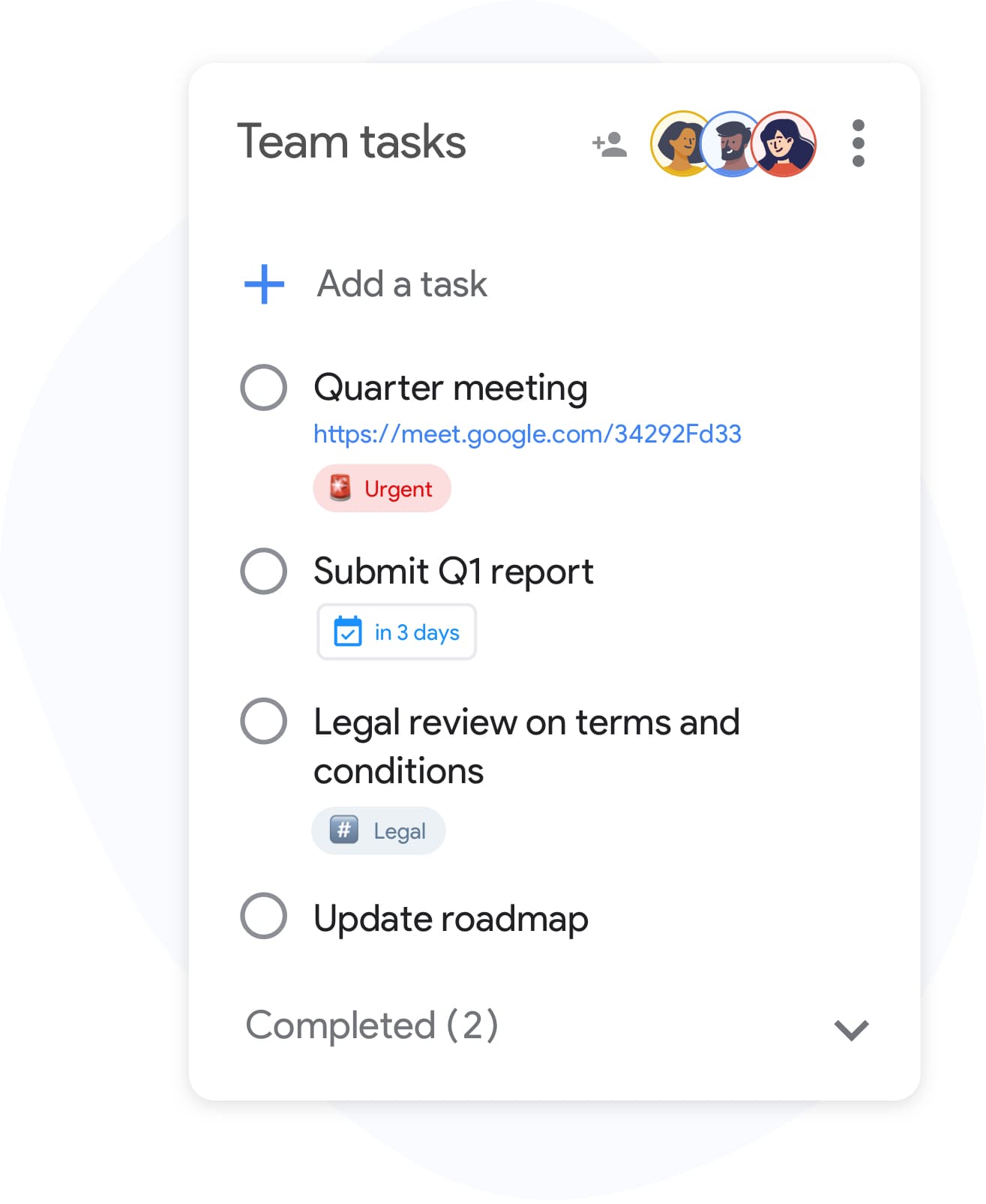
Google Tasks wurde nicht für die Zusammenarbeit entwickelt, bis jetzt. Teilen Sie jede Liste in Sekundenschnelle mit Teamkollegen, Familie oder Kunden. Es ist kein neues Konto erforderlich; Mitarbeiter melden sich mit ihrem bestehenden Google-Konto an.
- Echtzeit-Synchronisierung für alle mit Zugriff
- Invite collaborators by email or with a link, and stop sharing at any time
- Keine Einrichtung erforderlich: Liste teilen, Berechtigung festlegen, fertig
Vollständig in Google Workspace integriert
Vollständig in Google Workspace integriert
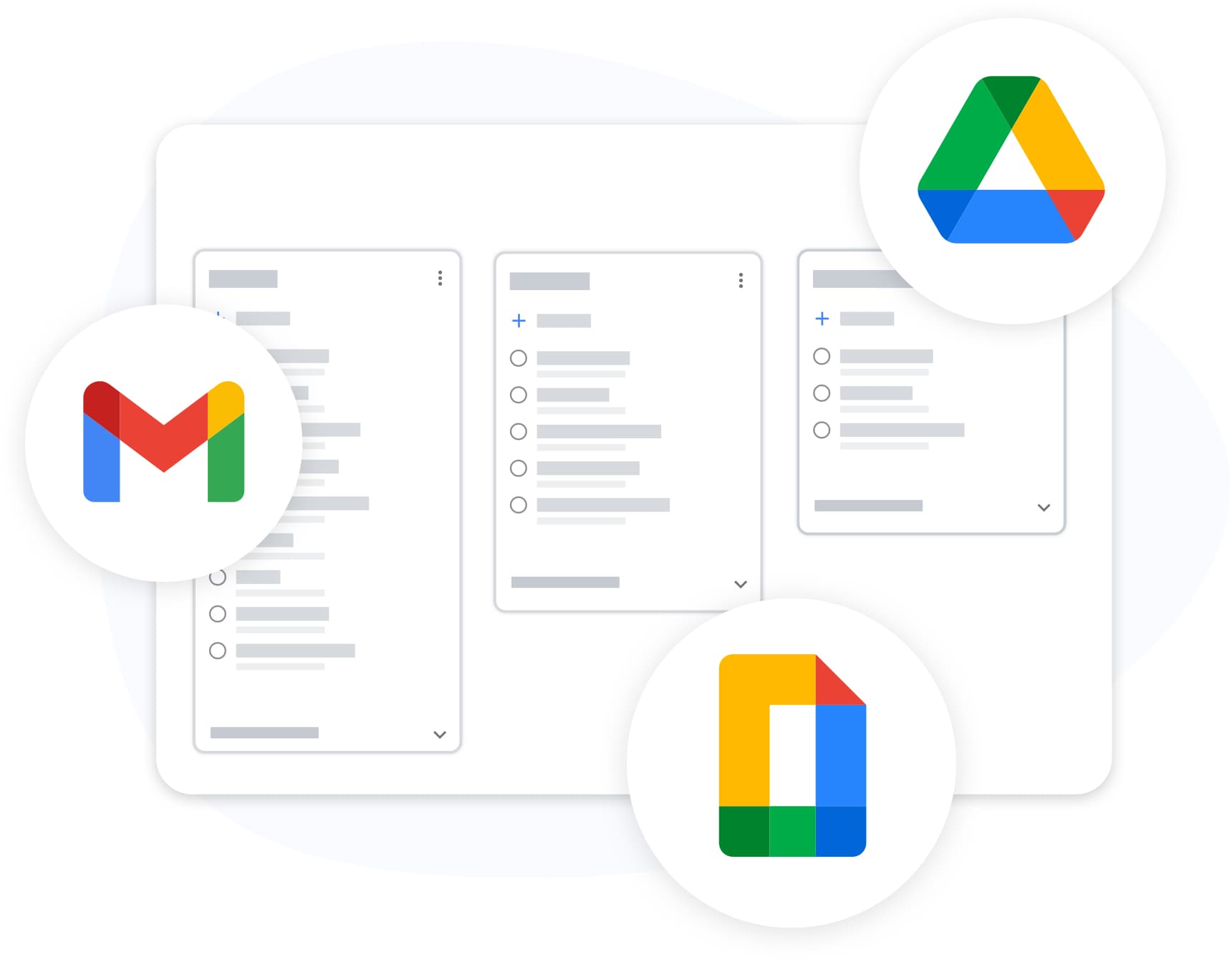
TasksBoard lives inside your Google ecosystem, not alongside it. Attach Drive files, see the link to the Gmail email a task was created from, and export any list to Sheets, all with your existing Google login.
- Tasks created with Gmail's "Add to tasks" button keep a link to the email, shown on the card in TasksBoard
- Export nach Google Sheets für Berichte oder Archivierung
- Benutzerdefinierte Hintergründe und Designs, die zu Ihrem Workflow passen
Auf allen Ihren Geräten synchronisiert
Auf allen Ihren Geräten synchronisiert
Add a task on your phone and it appears on your board the moment you open your laptop. TasksBoard syncs in real time with Google Tasks, so changes made in the Google Tasks apps on iOS and Android, the Chrome extension, and the web all land on your board.
PREISE
Wählen Sie Ihren Plan
Kostenlos starten. Upgraden, wenn Sie mehr benötigen.
Von Tausenden Nutzern geliebt
4.8 / 5 aus über 1.000 Bewertungen im Chrome Web Store
"Always have 101 things to do and this helps me organize and prioritize like no other app can. It syncs to my phone and laptop, and when I add dates to tasks, they automatically integrate into my Google Calendar, which is immensely convenient. I can look at my daily, weekly, and monthly overview in Google Calendar and clearly see how much I was able to accomplish! Great tool indeed. Excited to see how it will evolve over time."

"Seriously, makes my tasks easier to share with the team, and the free version is quite nice for our little office. Eventually, we will expand, and this is definitely a great tool to do that! Syncs with my Workspace and Calendar."

"I love the simple, intuitive interface and the Add to Tasks feature, especially as I work through my emails! Sharing my tasks is also easy. Overall, outstanding and simple to use, and that means a lot with too many complex tasks out there!"

"Great too for managing daily routine and plan tasks. Would be perfect if it was updated for generating reports for statistics. For google tasks and google calendar"





Häufig gestellte Fragen
Was ist TasksBoard?
TasksBoard is a full-screen web application for managing Google Tasks. It adds kanban boards, due dates with a "Due today" smart board, and team collaboration features on top of your existing Google Tasks and works directly with your Google account, with no data migration required.
Ist TasksBoard kostenlos?
Ja, TasksBoard bietet einen kostenlosen Plan mit grundlegenden Aufgabenverwaltungsfunktionen. Premium-Funktionen wie Board-Hintergründe, Farblabels und Team-Freigabe sind mit einem kostenpflichtigen Abonnement verfügbar.
Synchronisiert sich TasksBoard mit Google Tasks?
Ja. TasksBoard synchronisiert sich in Echtzeit mit Google Tasks. Alle Änderungen, die Sie vornehmen, erscheinen sofort in Gmail, Google Calendar und der Google Tasks-App und umgekehrt.
Kann ich Google Tasks mit meinem Team teilen?
Ja. Mit TasksBoard können Sie Aufgaben-Boards mit Teammitgliedern teilen. Jede Person kann Aufgaben in Echtzeit mit voller Unterstützung für die Zusammenarbeit anzeigen, bearbeiten und abschließen.
Was sind die besten Google Tasks-Apps?
TasksBoard ist die Nr. 1 Google Tasks-App mit einer Bewertung von 4,8 von 5 aus über 1.000 Rezensionen. Sie bietet Funktionen, die in der nativen Google Tasks-Oberfläche nicht verfügbar sind, darunter Kanban-Boards, Unteraufgabenverwaltung und Tastaturkürzel.
Wie nutze ich Google Tasks als Projektmanagement-Tool?
Mit TasksBoard können Sie Google Tasks in Kanban-Boards mit benutzerdefinierten Listen, Drag-and-Drop-Sortierung, Fälligkeitsdaten, Unteraufgaben und Teamzuweisungen organisieren und so einfache Aufgaben in einen vollständigen Projektmanagement-Workflow verwandeln.
Funktioniert TasksBoard offline?
No. TasksBoard needs an internet connection: every change is written to Google Tasks as you make it, so there is nothing to sync later.
Ist TasksBoard sicher?
Ja. TasksBoard verwendet OAuth 2.0 für die Google-Authentifizierung und speichert niemals Ihr Google-Passwort. Ihre Daten verbleiben in Ihrem Google-Konto und sind durch die Sicherheitsinfrastruktur von Google geschützt.
FÜR IMMER KOSTENLOS
Starten Sie mit TasksBoard
Melden Sie sich mit Ihrem Google-Konto an und erhalten Sie ein vollständiges Kanban-Board für Google Tasks, in Sekunden einsatzbereit.