Google Tasks vs Microsoft To Do

Google Tasks vs Microsoft To Do

Google Tasks vs Microsoft To Do: Which Task App Should You Choose?

Microsoft To Do shines in Outlook and Teams. Google Tasks is built for Gmail and Calendar. Compare both side by side and see how TasksBoard upgrades Google Tasks for teams.

Used by 2M+ people. Free to start.


Google Tasks vs Microsoft To Do: Feature Comparison

Feature Google Tasks Microsoft To Do
Free with account
Free with account
Email integration (Gmail / Outlook)
Email integration
Calendar sync
Calendar sync
Outlook Calendar
Kanban board view
Kanban board view
Via TasksBoard
Team list sharing
Team list sharing
Via TasksBoard
My Day / smart daily view
My Day daily view
Subtasks and steps
Subtasks and steps
Recurring tasks
Recurring tasks
Cross-platform support

Feature-by-feature comparison

Compare Google Tasks and Microsoft To Do feature-by-feature: Gmail vs Outlook, My Day, sharing, and where TasksBoard fills the gaps.

Feature 1

Free with a Google or Microsoft account

Google Tasks is free with any Google account. No separate subscription for core task management.

Microsoft To Do is also free for personal Microsoft accounts. Work and school accounts may have admin-controlled feature sets.

Google Tasks
Free with a Google or Microsoft account, left column screenshot
Free with Google account.
Microsoft To Do
Free with a Google or Microsoft account, right column screenshot
Free with Microsoft account.

It's a tie

Both are free with a personal account: Google Tasks with Google, Microsoft To Do with Microsoft.


Feature 2

Gmail and Outlook integration

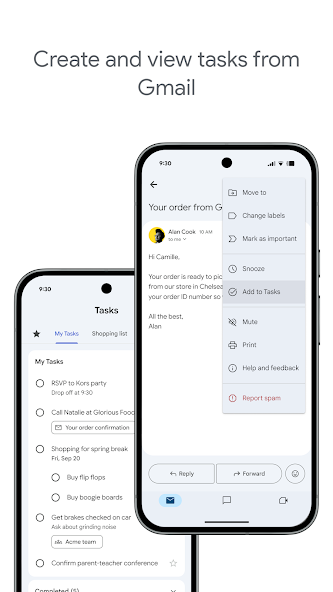
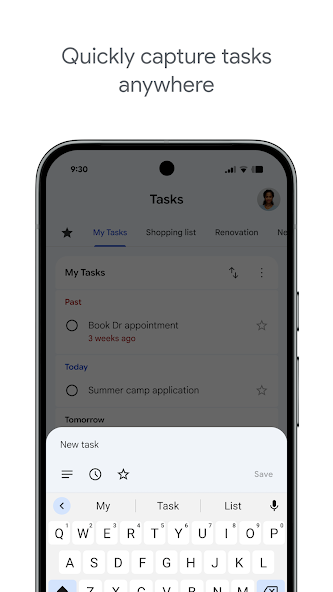
Google Tasks is embedded in Gmail. Create tasks from emails and jump back to the original message.

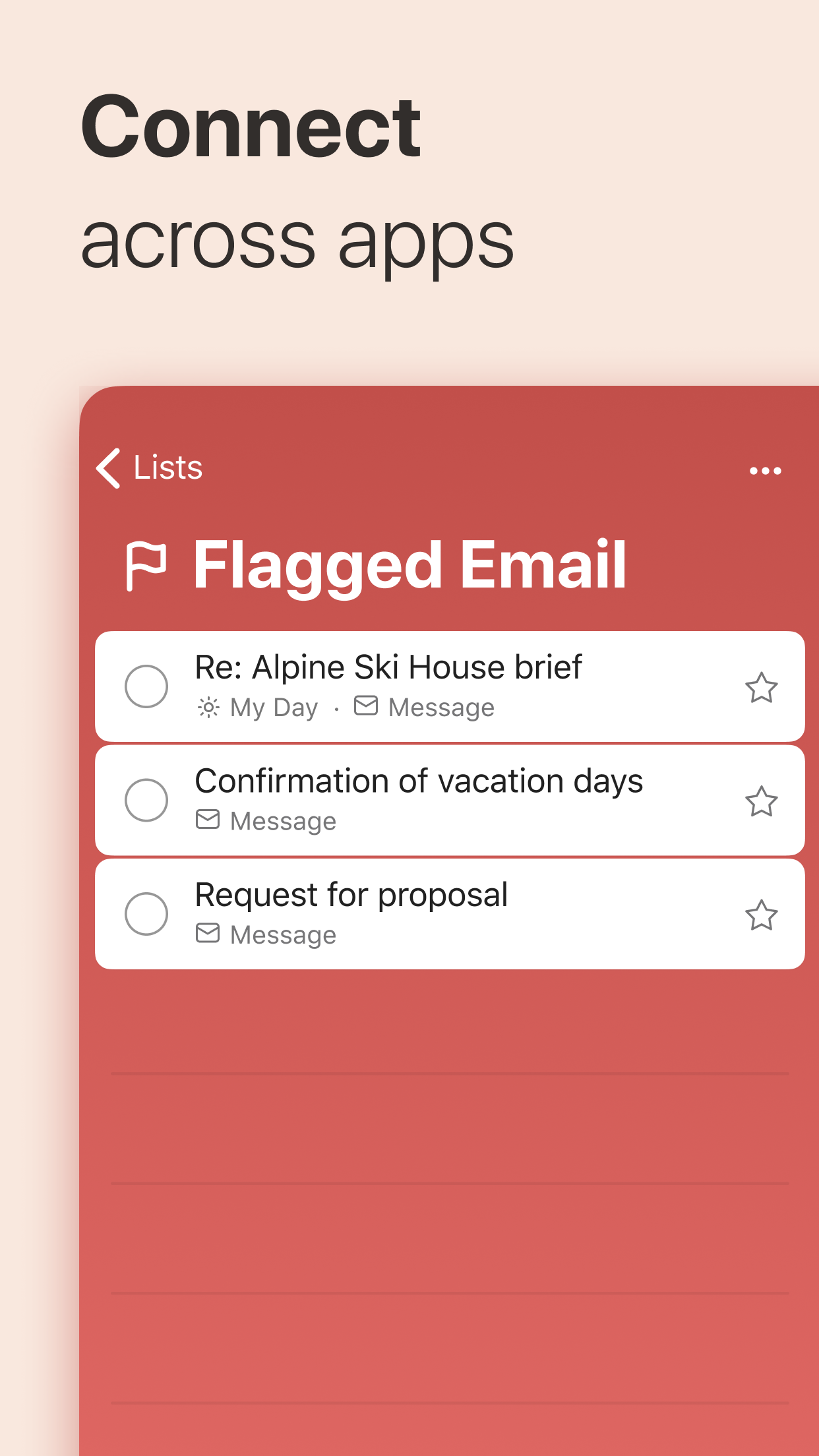
Microsoft To Do syncs with Outlook flagged emails and tasks, making it the better fit for Outlook-centric workflows.

Google Tasks
Gmail and Outlook integration, left column screenshot
Native Gmail integration.
Microsoft To Do
Gmail and Outlook integration, right column screenshot
Outlook task and flag sync.

It's a tie

Pick the tool that matches your inbox: Google Tasks for Gmail users, Microsoft To Do for Outlook users.


Feature 3

Calendar sync

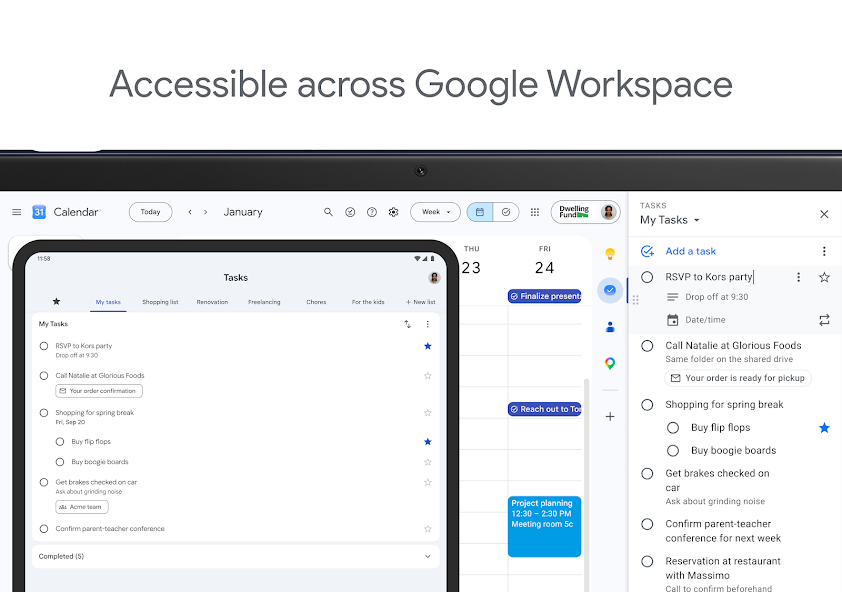
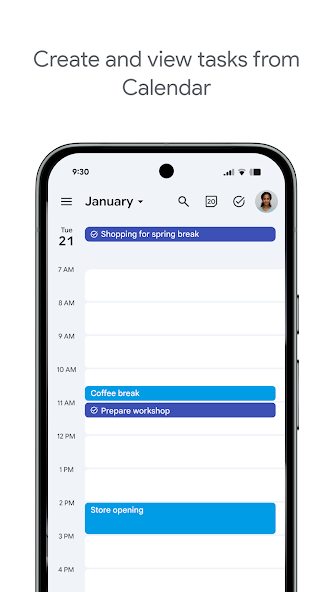
Dated Google Tasks appear directly in Google Calendar. One planning surface for events and to-dos.

Microsoft To Do integrates with the Microsoft task ecosystem; Calendar visibility depends on your Microsoft account type and Outlook configuration.

Google Tasks
Calendar sync, left column screenshot
Tasks visible in Google Calendar.
Microsoft To Do
Calendar sync, right column screenshot
Microsoft task and calendar workflow.

Winner: Google Tasks

Dated Google Tasks appear directly in Google Calendar, the natural planning surface for Google users.


Feature 4

Kanban board view

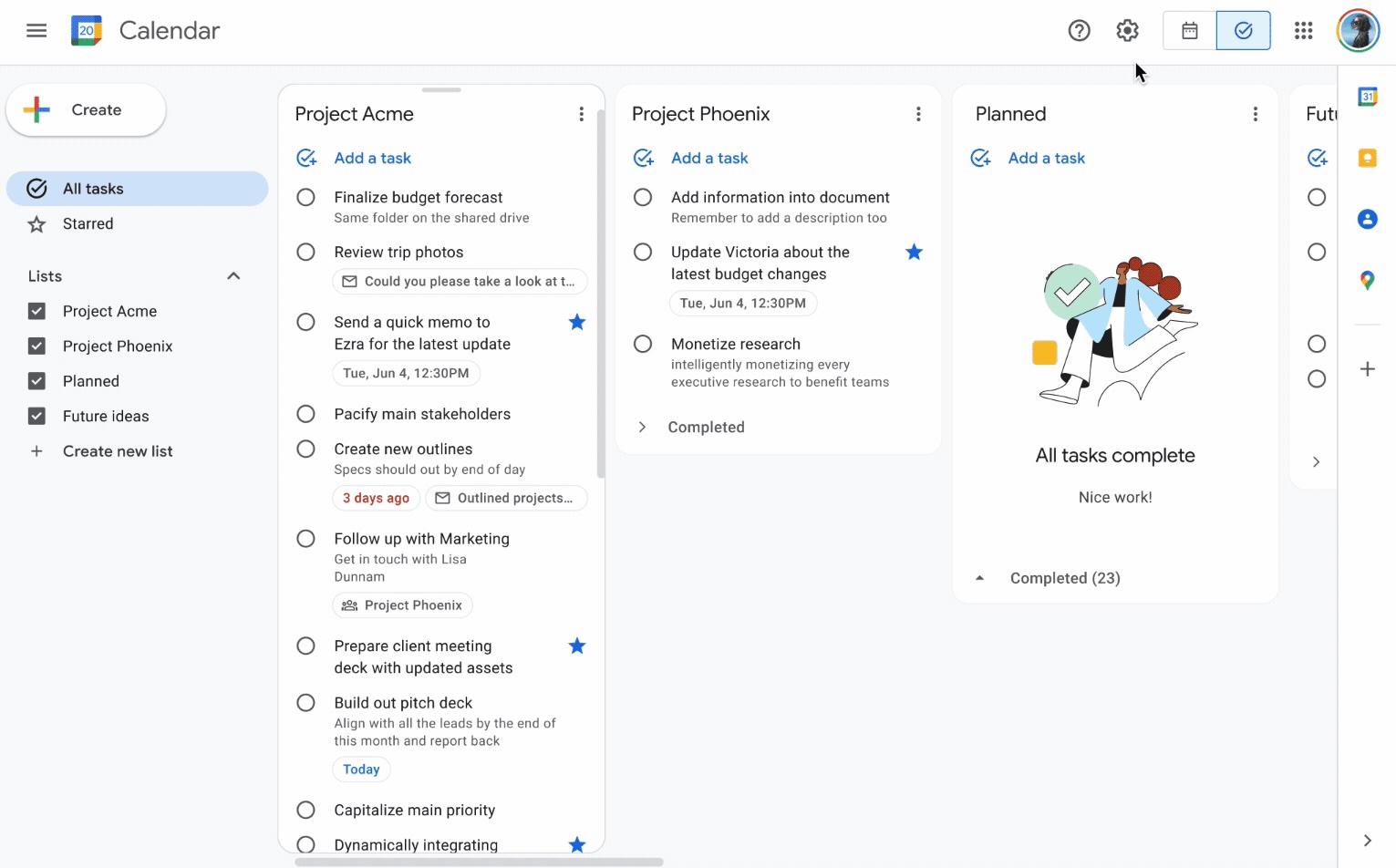
Google Tasks has no native kanban. TasksBoard adds column-based boards synced to your Google Tasks lists.

Microsoft To Do is also list-first. For true kanban in the Microsoft stack, teams use Microsoft Planner.

Google Tasks
Kanban board view, left column screenshot
Kanban via TasksBoard.
Microsoft To Do
Kanban board view, right column screenshot
List view; Planner for boards.

Winner: Google Tasks

TasksBoard adds kanban columns on Google Tasks; Microsoft To Do is list-only without Planner.


Feature 5

Team list sharing

Native Google Tasks is personal-first. TasksBoard enables cross-platform board sharing with Google accounts.

Microsoft To Do supports shared lists: invite others to collaborate on household or team task lists.

Google Tasks
Team list sharing, left column screenshot
Board sharing via TasksBoard.
Microsoft To Do
Team list sharing, right column screenshot
Native shared lists.

Winner: Microsoft To Do

Microsoft To Do supports native shared lists: invite collaborators without a third-party board layer.


Feature 6

My Day smart daily view

Google Tasks sorts by date but has no dedicated daily focus view.

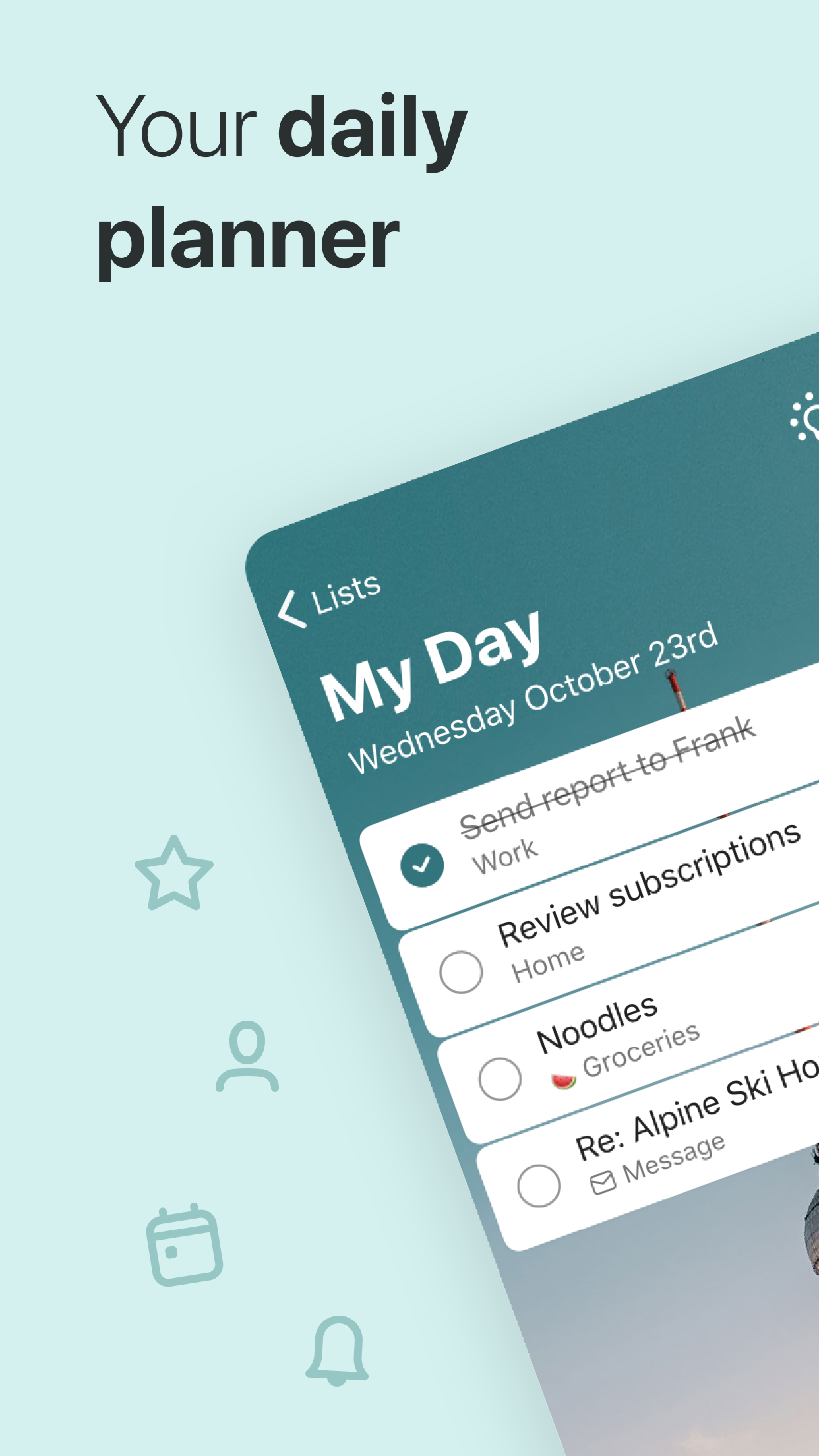
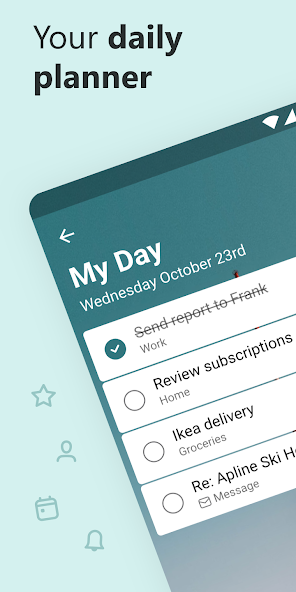
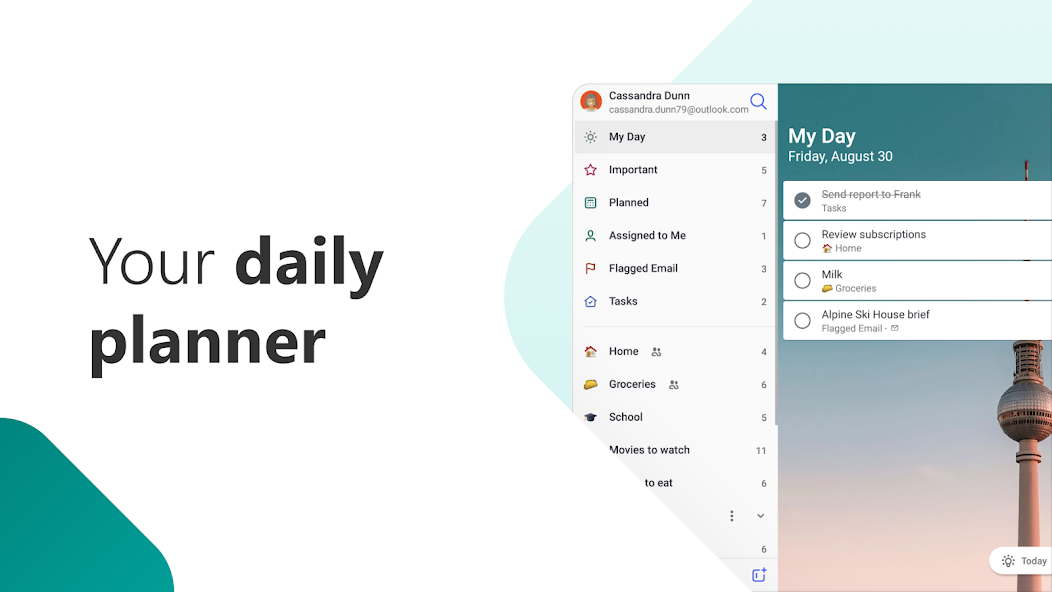
Microsoft To Do's My Day is a core feature: pick today's tasks with smart suggestions each morning.

Google Tasks
My Day smart daily view, left column screenshot
Date-sorted lists.
Microsoft To Do
My Day smart daily view, right column screenshot
My Day focus view.

Winner: Microsoft To Do

My Day is a dedicated daily focus view with smart suggestions. Google Tasks sorts by date but has no equivalent.


Feature 7

Subtasks and steps

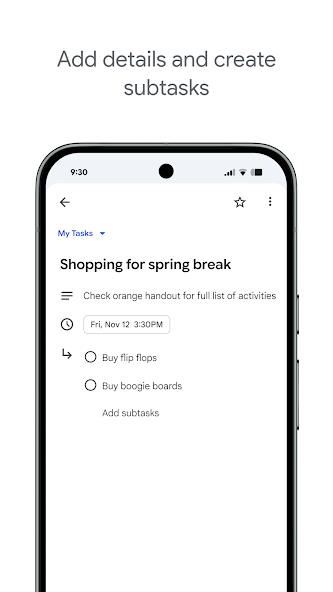
Google Tasks supports nested subtasks under a parent task in mobile and web apps.

Microsoft To Do uses "steps" inside a task for the same decomposition pattern.

Google Tasks
Subtasks and steps, left column screenshot
Nested subtasks.
Microsoft To Do
Subtasks and steps, right column screenshot
Task steps checklist.

It's a tie

Both decompose work into smaller steps: nested subtasks in Google Tasks, steps in Microsoft To Do.


Feature 8

Recurring tasks

Both apps support repeating schedules. Google Tasks repeats appear in Calendar; subtask-parent tasks cannot repeat.

Microsoft To Do recurrence covers daily, weekly, and custom patterns.

Google Tasks
Recurring tasks, left column screenshot
Repeats sync to Calendar.
Microsoft To Do
Recurring tasks, right column screenshot
Built-in recurrence.

It's a tie

Both support daily, weekly, and custom repeat patterns with minor ecosystem-specific limits.


Feature 9

Cross-platform support

Google Tasks: web, Android, iOS, embedded in Gmail, Calendar, and Workspace.

Microsoft To Do: web, iOS, Android, Windows, and Mac. Strong for Microsoft-first device fleets.

Google Tasks
Cross-platform support, left column screenshot
Google ecosystem everywhere.
Microsoft To Do
Cross-platform support, right column screenshot
Microsoft ecosystem everywhere.

It's a tie

Each tool is strongest inside its own ecosystem: Google Tasks in Gmail/Calendar, To Do in Outlook/Windows.


Amado por miles de usuarios

4.8 / 5 de más de 1,000 reseñas en Chrome Web Store

"Always have 101 things to do and this helps me organize and prioritize like no other app can. It syncs to my phone and laptop, and when I add dates to tasks, they automatically integrate into my Google Calendar, which is immensely convenient. I can look at my daily, weekly, and monthly overview in Google Calendar and clearly see how much I was able to accomplish! Great tool indeed. Excited to see how it will evolve over time."

PR Parina Ramjee avatar
Parina Ramjee

"Seriously, makes my tasks easier to share with the team, and the free version is quite nice for our little office. Eventually, we will expand, and this is definitely a great tool to do that! Syncs with my Workspace and Calendar."

CC Chase Cattrall avatar
Chase Cattrall

"I love the simple, intuitive interface and the Add to Tasks feature, especially as I work through my emails! Sharing my tasks is also easy. Overall, outstanding and simple to use, and that means a lot with too many complex tasks out there!"

GC Greg Cantori avatar
Greg Cantori

"Great too for managing daily routine and plan tasks. Would be perfect if it was updated for generating reports for statistics. For google tasks and google calendar"

NV Nick Vlasov avatar
Nick Vlasov

Preguntas frecuentes

Is Google Tasks better than Microsoft To Do?

For Google Workspace users, Google Tasks is the better choice because it integrates natively with Gmail and Google Calendar. Microsoft To Do is better for Outlook and Microsoft 365 users. Feature-for-feature they are similar; ecosystem fit matters most.

Can I sync Google Tasks with Microsoft To Do?

No official sync exists. Third-party tools like Zapier can automate one-way transfers, but tasks remain in separate systems. Pick one ecosystem to avoid duplication.

Does Microsoft To Do have kanban?

Microsoft To Do does not offer a kanban board view. Microsoft Planner provides board views within M365. Google Tasks users can get kanban through TasksBoard for free.

Which is better for teams?

Microsoft To Do supports shared lists within Microsoft accounts. Google Tasks has no native sharing, but TasksBoard adds real-time board sharing for Google Workspace teams.

Is Google Tasks free vs Microsoft To Do?

Both are free. Google Tasks requires a Google account. Microsoft To Do requires a Microsoft account. Neither charges for core task management features.

What about Microsoft Planner vs Google Tasks?

Microsoft Planner is a team project tool with kanban boards, part of Microsoft 365. Google Tasks is a personal task list. TasksBoard bridges the gap by adding kanban and team sharing to Google Tasks.

Should remote teams on Google use Microsoft To Do?

No. Remote teams on Google Workspace should use Google Tasks with TasksBoard for kanban and sharing. Switching to Microsoft To Do creates account friction and breaks Gmail integration.


Get started

Google Tasks with kanban and team sharing

Sign in with Google and manage tasks on a full-screen board. Share with your team without switching to Microsoft.

No credit card required. Works with Google Workspace.