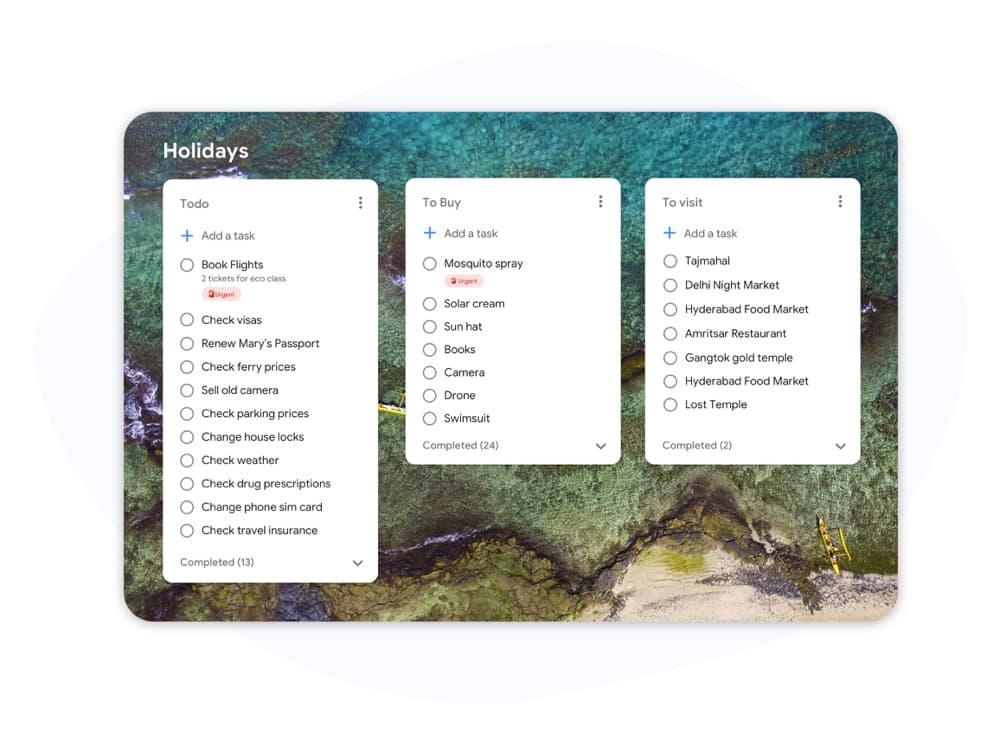
Kanban vs Scrum

Kanban vs Scrum: Quale framework si adatta al tuo team?

Kanban e Scrum usano entrambi bacheche visive, ma funzionano in modo molto diverso. Questa guida analizza le differenze chiave in modo che tu possa scegliere l'approccio giusto e iniziare a consegnare il lavoro oggi stesso.

Utilizzato da oltre 2 milioni di persone. Gratuito per iniziare.


Kanban vs Scrum: Confronto delle funzionalità

Feature
Kanban
Scrum
Iterazioni fisse (sprint) Fixed iterations (sprints) Opzionale
Limiti WIP WIP limits
Ruoli definiti (Scrum Master, PO) Defined roles (Scrum Master, PO)
Cerimonie di cura del backlog Backlog grooming ceremonies
Consegna continua Continuous delivery Tra gli sprint
Metriche di flusso (tempo di ciclo, throughput) Flow metrics (cycle time, throughput)
Monitoraggio della velocità Velocity tracking
Personalizzazione della bacheca Board customization Solo colonne sprint
Funziona per team di supporto / operativi Works for support / ops teams
Funziona per lo sviluppo di funzionalità di prodotto Works for product feature dev

Feature-by-feature comparison

Kanban optimizes flow; Scrum optimizes predictable delivery. Compare each practice with screenshots and sourced references.

Kanban 5 Scrum 2 It's a tie 3

Fixed iterations (sprints)

It's a tie

Kanban has no required sprint cadence. Work flows continuously through columns as capacity allows.

Scrum organizes work into time-boxed Sprints, typically 1–4 weeks, with a committed Sprint Goal.

Kanban
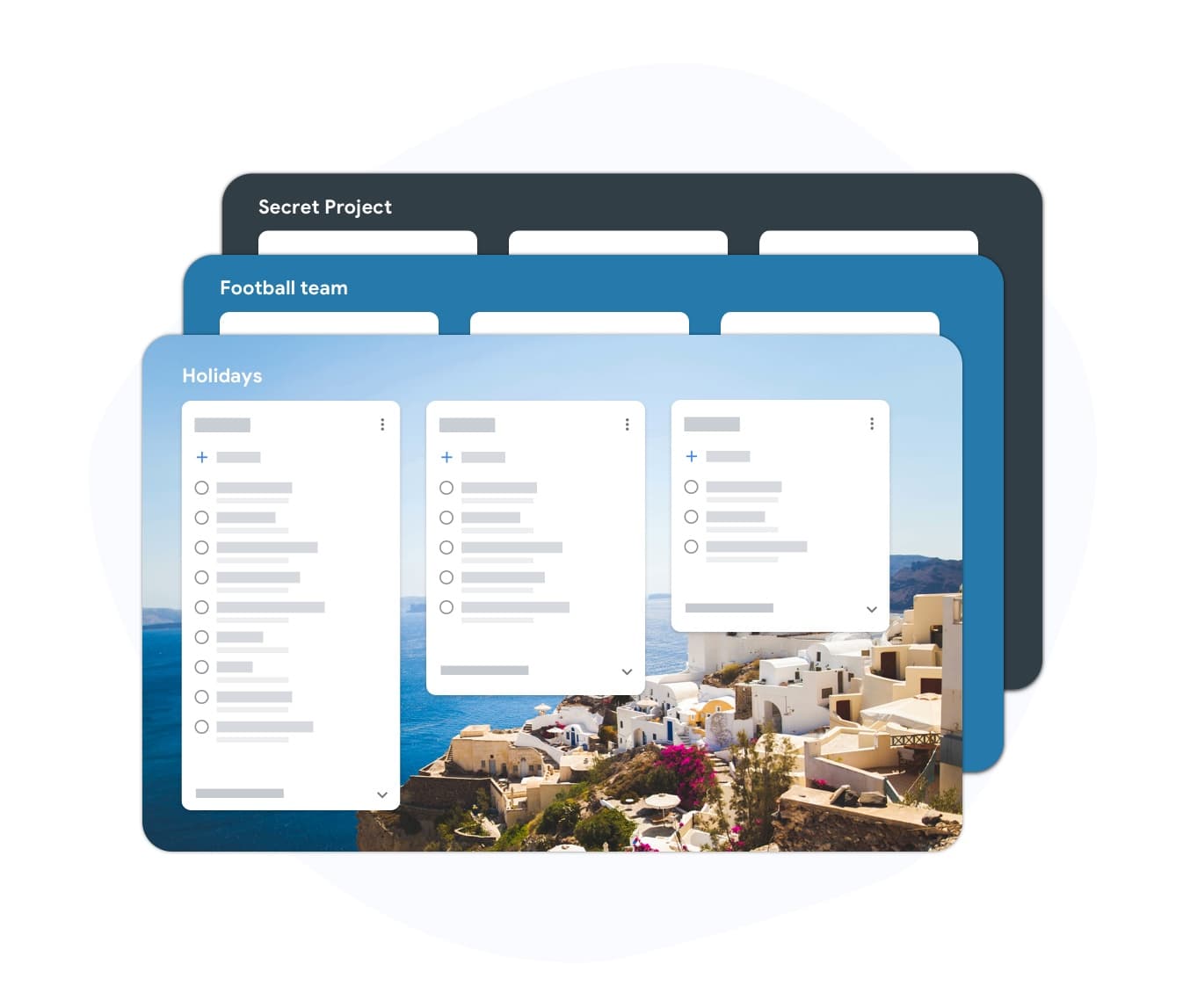
Fixed iterations (sprints) — left column screenshot
Continuous flow, no sprint boundary.
Scrum
Fixed iterations (sprints) — right column screenshot
Sprint planning and time boxes.

It's a tie

Neither is universally better — Kanban suits continuous flow; Scrum suits time-boxed, predictable delivery.
WIP limits

Winner: Kanban

Kanban uses Work-In-Progress limits per column to prevent overload and surface bottlenecks.

Scrum limits work indirectly through Sprint capacity planning rather than per-column WIP caps.

Kanban Winner
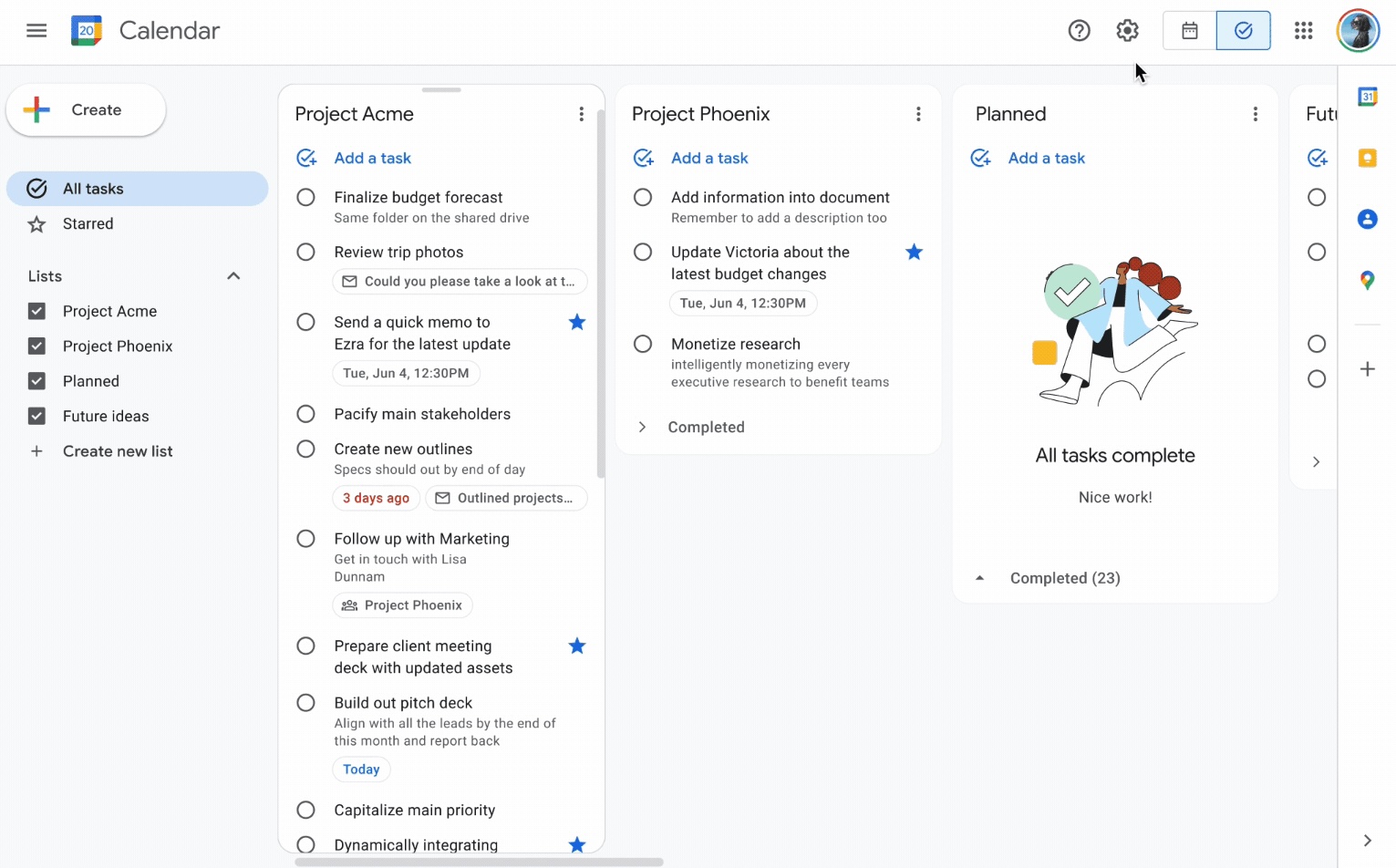
WIP limits — left column screenshot
Column WIP limits on TasksBoard.
Scrum
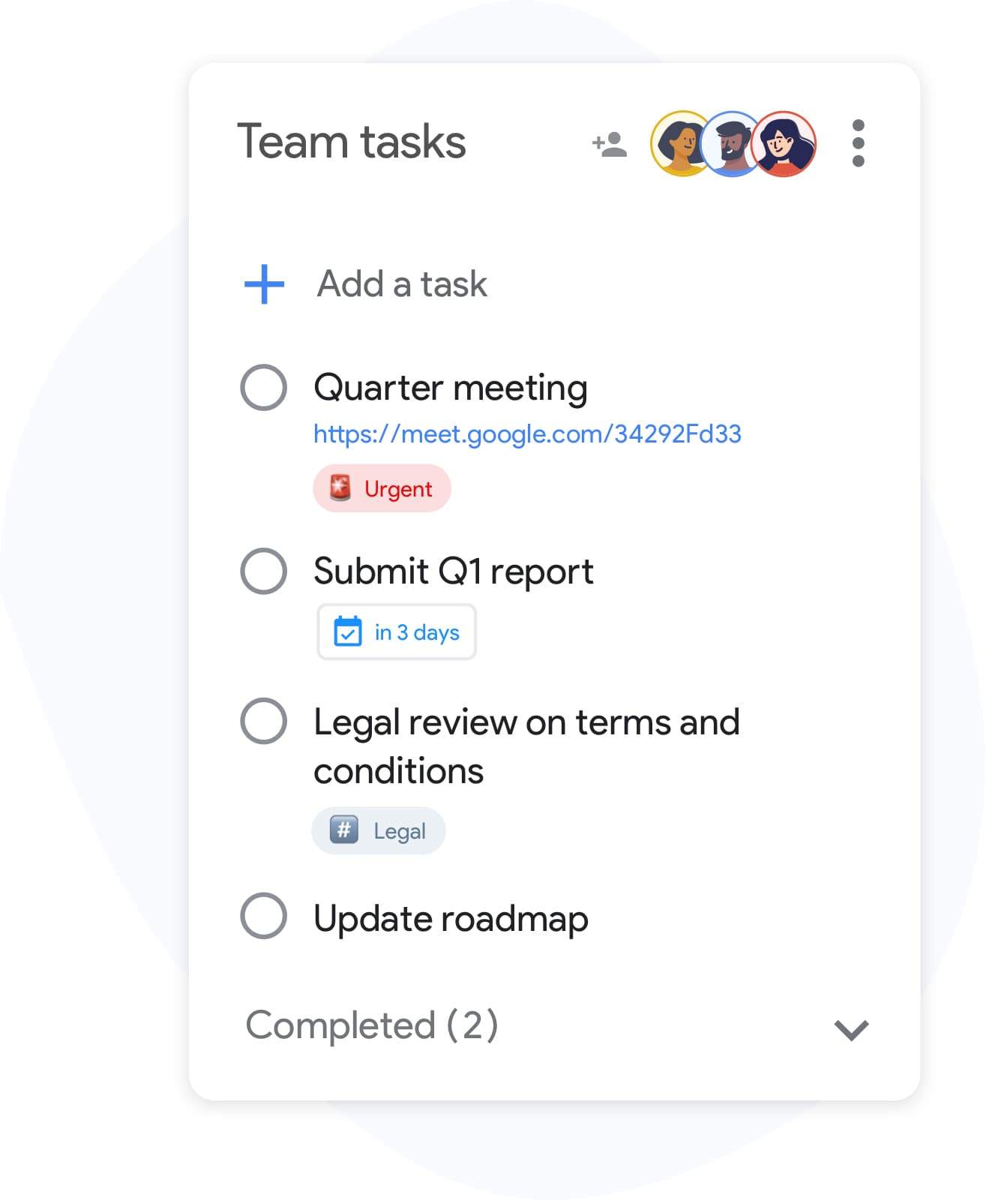
WIP limits — right column screenshot
Sprint capacity as the limit.

Winner: Kanban

Explicit per-column WIP limits are a core Kanban practice for preventing overload and surfacing bottlenecks.


Defined roles

It's a tie

Kanban has no mandated roles. The team owns the board and pull-based workflow.

Scrum defines Scrum Master, Product Owner, and Developers with distinct accountabilities.

Kanban
Defined roles — left column screenshot
Self-organizing team, no fixed roles.
Scrum
Defined roles — right column screenshot
Scrum Master, PO, Developers.

It's a tie

Kanban needs no fixed roles; Scrum's defined accountabilities help larger teams that want clear structure.


Backlog grooming ceremonies

It's a tie

Kanban refines work just-in-time as items approach the top of the backlog column.

Scrum holds regular backlog refinement sessions to prepare items for upcoming Sprints.

Kanban
Backlog grooming ceremonies — left column screenshot
Just-in-time refinement.
Scrum
Backlog grooming ceremonies — right column screenshot
Scheduled refinement ceremonies.

It's a tie

Kanban refines just-in-time; Scrum schedules backlog refinement ceremonies — both work, different rhythms.


Continuous delivery

Winner: Kanban

Kanban teams release whenever an item is done — no waiting for a sprint boundary.

Scrum typically delivers at the end of each Sprint during the Sprint Review.

Kanban Winner
Continuous delivery — left column screenshot
Ship when ready.
Scrum
Continuous delivery — right column screenshot
Deliver at Sprint Review.

Winner: Kanban

Kanban teams ship whenever an item is done; Scrum typically batches delivery at the Sprint Review.


Flow metrics

Winner: Kanban

Kanban tracks cycle time, throughput, and lead time to optimize flow efficiency.

Scrum primarily measures velocity — story points completed per Sprint.

Kanban Winner
Flow metrics — left column screenshot
Cycle time and throughput.
Scrum
Flow metrics — right column screenshot
Velocity per Sprint.

Winner: Kanban

Cycle time, throughput, and lead time give Kanban teams direct flow-efficiency signals.


Velocity tracking

Winner: Scrum

Kanban does not use velocity. Flow metrics replace point-based tracking.

Scrum teams track velocity to forecast Sprint capacity and release planning.

Kanban
Velocity tracking — left column screenshot
Flow-based forecasting.
Scrum Winner
Velocity tracking — right column screenshot
Story-point velocity charts.

Winner: Scrum

Story-point velocity is Scrum's primary forecasting tool — Kanban deliberately avoids velocity tracking.


Board customization

Winner: Kanban

Kanban boards are fully customizable — add columns, swim lanes, and WIP limits per team.

Scrum boards follow a standard To Do → In Progress → Done pattern tied to Sprint scope.

Kanban Winner
Board customization — left column screenshot
Custom columns on TasksBoard.
Scrum
Board customization — right column screenshot
Sprint-scoped standard columns.

Winner: Kanban

Kanban boards are fully customizable — columns, swim lanes, and WIP limits per team.


Support and ops teams

Winner: Kanban

Kanban excels for interrupt-driven work — support tickets, incidents, and ops queues flow continuously.

Scrum's sprint commitment model fits poorly when urgent items arrive mid-Sprint.

Kanban Winner
Support and ops teams — left column screenshot
Continuous intake for ops work.
Scrum
Support and ops teams — right column screenshot
Sprint commitment conflicts with interrupts.

Winner: Kanban

Interrupt-driven support and ops queues flow continuously on Kanban; Scrum's sprint commitment fights mid-sprint urgency.


Product feature development

Winner: Scrum

Kanban works for feature dev when continuous flow is preferred over batch planning.

Scrum is widely adopted for product teams building features in predictable increments.

Kanban
Product feature development — left column screenshot
Feature cards flowing through columns.
Scrum Winner
Product feature development — right column screenshot
Sprint-planned feature increments.

Winner: Scrum

Scrum is widely adopted for product teams building features in predictable sprint increments.


Amato da migliaia di utenti

4.8 / 5 da 1.000+ recensioni sul Chrome Web Store

"Always have 101 things to do and this helps me organize and prioritize like no other app can. It syncs to my phone and laptop, and when I add dates to tasks, they automatically integrate into my Google Calendar, which is immensely convenient. I can look at my daily, weekly, and monthly overview in Google Calendar and clearly see how much I was able to accomplish! Great tool indeed. Excited to see how it will evolve over time."

PR Parina Ramjee avatar
Parina Ramjee

"Seriously, makes my tasks easier to share with the team, and the free version is quite nice for our little office. Eventually, we will expand, and this is definitely a great tool to do that! Syncs with my Workspace and Calendar."

CC Chase Cattrall avatar
Chase Cattrall

"I love the simple, intuitive interface and the Add to Tasks feature, especially as I work through my emails! Sharing my tasks is also easy. Overall, outstanding and simple to use, and that means a lot with too many complex tasks out there!"

GC Greg Cantori avatar
Greg Cantori

"Great too for managing daily routine and plan tasks. Would be perfect if it was updated for generating reports for statistics. For google tasks and google calendar"

NV Nick Vlasov avatar
Nick Vlasov

Domande frequenti

Qual è la differenza principale tra Kanban e Scrum?

Scrum utilizza sprint di lunghezza fissa con ruoli e cerimonie definiti. Kanban utilizza un modello a flusso continuo senza sprint obbligatori. Scrum è più strutturato; Kanban è più flessibile.

Un team può usare sia Kanban che Scrum insieme?

Sì. "Scrumban" è un approccio ibrido in cui i team utilizzano le cerimonie Scrum ma gestiscono il flusso di lavoro con una bacheca Kanban e limiti WIP. È comune nei team che desiderano la prevedibilità dello sprint insieme alla visibilità del flusso.

Kanban o Scrum sono migliori per i piccoli team?

Kanban è generalmente più semplice per i piccoli team perché non ha ruoli o cerimonie obbligatori. Un team da due a cinque persone può avviare una bacheca Kanban immediatamente senza formazione. Il sovraccarico di Scrum è più difficile da giustificare al di sotto di circa cinque persone.

Kanban ha story point?

Kanban non richiede story point. Invece, utilizza metriche di flusso: tempo di ciclo (quanto tempo impiega un'attività per essere completata), throughput (quante attività vengono completate a settimana) e lead time. Queste metriche sono spesso più azionabili della velocità.

Posso eseguire Kanban in TasksBoard?

Sì. TasksBoard ti offre una bacheca Kanban a schermo intero supportata da Google Tasks. Puoi creare colonne per qualsiasi flusso di lavoro (Da fare, In corso, Completato o fasi personalizzate), trascinare le attività tra di esse e aggiungere scadenze che si sincronizzano con Google Calendar.

Quali ruoli richiede Kanban?

Kanban non ha ruoli richiesti. A differenza di Scrum, non ci sono Scrum Master o Product Owner imposti dal metodo. I team spesso designano un gestore del flusso o un gestore della consegna del servizio, ma questi ruoli sono opzionali e informali.

Scrum è solo per i team software?

Scrum è stato originariamente progettato per lo sviluppo software, ma i team di marketing, risorse umane e operazioni lo hanno adattato con successo. Kanban si adatta ancora più facilmente ai flussi di lavoro non software perché impone meno vincoli.


Inizia ora

Esegui bacheche in stile Kanban o Scrum in TasksBoard

Accedi con il tuo account Google e crea un flusso di lavoro visivo in pochi minuti. Trascina le attività tra le colonne, imposta le scadenze e condividi le bacheche con il tuo team.

Nessuna carta di credito richiesta. Funziona con i tuoi Google Tasks esistenti.