
Modello di lista di cose da fare
Modello di lista di cose da fare: Inizia organizzato, non da zero
Build your to-do list once and skip the setup next time. TasksBoard lets you duplicate any list in one click, so weekly reviews, project launches, and recurring checklists start from a proven structure, all stored in Google Tasks and available on any device.
Utilizzato da oltre 2 milioni di persone. Inizia gratuitamente.
Why reusable lists in TasksBoard work better than a spreadsheet
Duplica qualsiasi elenco con un clic
Found a structure that works? Duplicate the list for the next sprint, project, or week. All tasks, subtasks, and due dates copy instantly.
Your lists live in Google Tasks
Every list you reuse is a real Google Tasks list. Its due dates sync to Google Calendar, it shows in the Google Tasks apps, and it works with everything you already use.
Share lists with your team
Share a list with teammates with one link, or duplicate it so each person gets their own copy.
Reuse recurring lists
Weekly reviews, monthly closes, onboarding checklists. Keep a master list you never check off and duplicate it for every cycle, no rebuilding from scratch.
Reusable lists
Inizia la tua lista di cose da fare in pochi secondi, non minuti
Reusable lists
Inizia la tua lista di cose da fare in pochi secondi, non minuti
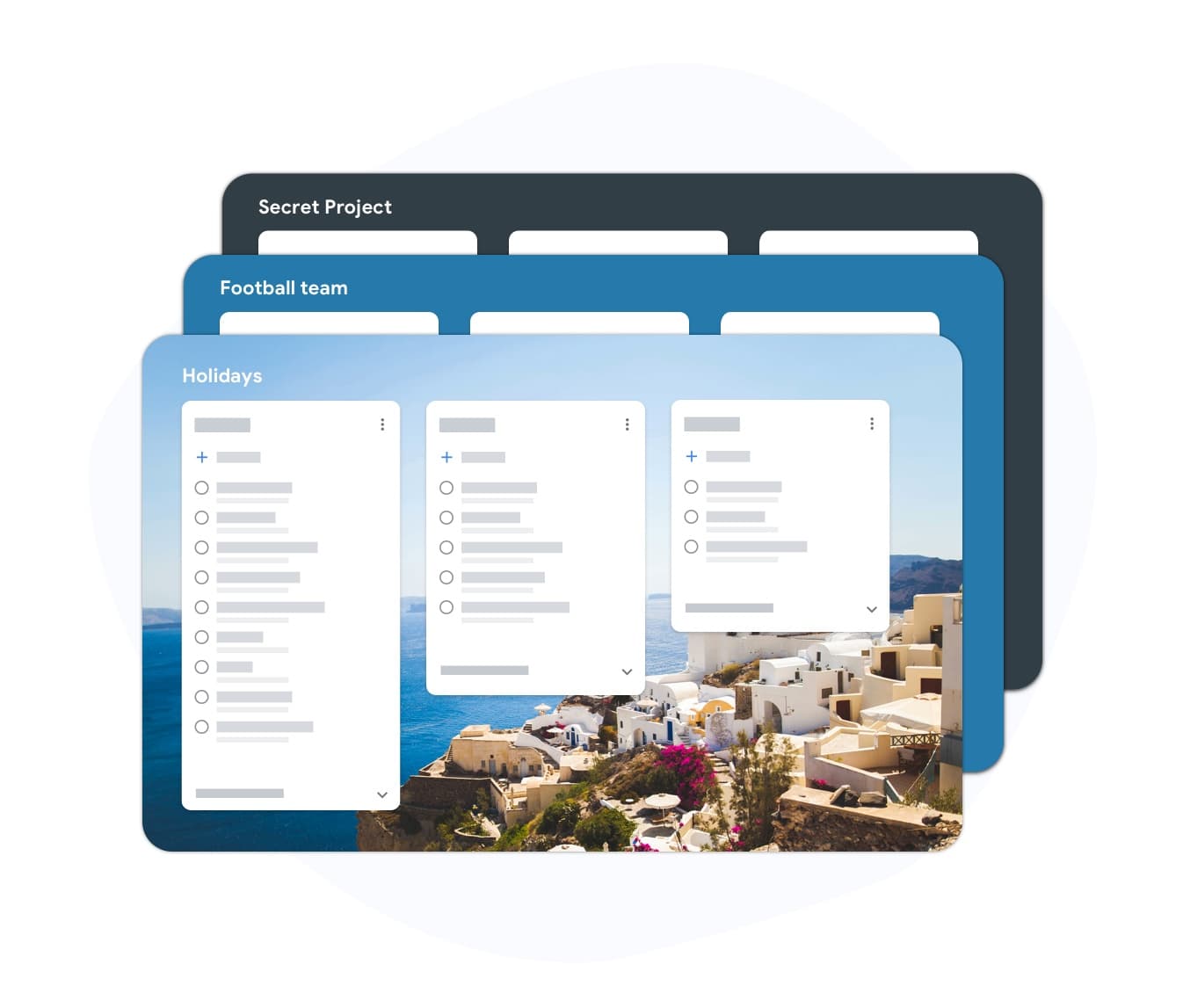
Create a list for a workflow you repeat: daily planning, project kickoff, sprint tracking. Add the items once, personalize them, and duplicate the list whenever you need a fresh copy. You can also import a list from a CSV or spreadsheet. No blank-page anxiety, the structure is already there.
- Build lists for daily, weekly, and project workflows
- Rename and customize any item
- Add subtasks and due dates to any entry
Recurring lists
Riutilizza la tua migliore lista di cose da fare ogni settimana
Recurring lists
Riutilizza la tua migliore lista di cose da fare ogni settimana
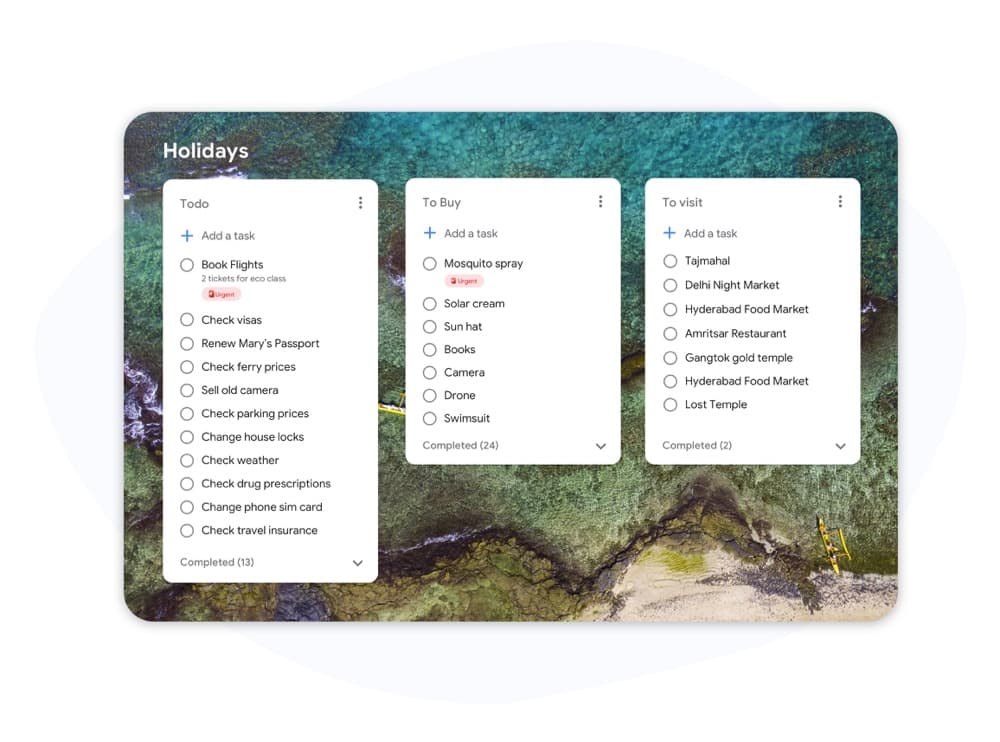
Keep a master list and duplicate it in one click. Your next sprint, review cycle, or onboarding session starts with a clean copy of the same proven structure. No re-typing. No forgetting steps you added last month.
- Duplica qualsiasi elenco con un clic
- Tasks, notes, and due dates come along with the copy
- Mantieni intatte le note e la struttura delle sottoattività
Come usare un modello di lista di cose da fare in TasksBoard
-
Accedi con Google
Apri TasksBoard e accedi con il tuo account Google. I tuoi elenchi Google Tasks esistenti si caricano automaticamente: nessuna importazione necessaria.
-
Build your master list
Create a new list and add your recurring tasks, or import them from a CSV or spreadsheet. Name it clearly so you can find it next cycle.
-
Duplica e riutilizza
When the cycle starts, duplicate the master list. You start fresh with the same structure every time, no rebuilding.
Amato da migliaia di utenti
4.8 / 5 da 1.000+ recensioni sul Chrome Web Store
"Always have 101 things to do and this helps me organize and prioritize like no other app can. It syncs to my phone and laptop, and when I add dates to tasks, they automatically integrate into my Google Calendar, which is immensely convenient. I can look at my daily, weekly, and monthly overview in Google Calendar and clearly see how much I was able to accomplish! Great tool indeed. Excited to see how it will evolve over time."

"Seriously, makes my tasks easier to share with the team, and the free version is quite nice for our little office. Eventually, we will expand, and this is definitely a great tool to do that! Syncs with my Workspace and Calendar."

"I love the simple, intuitive interface and the Add to Tasks feature, especially as I work through my emails! Sharing my tasks is also easy. Overall, outstanding and simple to use, and that means a lot with too many complex tasks out there!"

"Great too for managing daily routine and plan tasks. Would be perfect if it was updated for generating reports for statistics. For google tasks and google calendar"





Domande frequenti
Cos'è un modello di lista di cose da fare?
Un modello di lista di cose da fare è una struttura di elenco predefinita che puoi riutilizzare per attività ricorrenti. Invece di creare un nuovo elenco da zero ogni sprint o settimana, copi il modello e inizi a lavorare immediatamente.
Is duplicating lists free in TasksBoard?
Yes. Creating, duplicating, and sharing lists is available on the free plan. Advanced features like custom colors, bulk import, and expanded team sharing are on the premium plan.
Posso condividere un modello di lista di cose da fare con il mio team?
Yes. Share any list with a link. Teammates can collaborate on the shared list, or duplicate it to use the same structure for their own tasks.
I modelli si sincronizzano con Google Tasks e Calendar?
Yes. Every list you create in TasksBoard, including duplicated ones, is stored as a Google Tasks list. Tasks with due dates appear in Google Calendar automatically.
Come creo un modello di lista di cose da fare ricorrente?
Build your list once with all the recurring items and keep it as a master copy you never check off. When a cycle starts, duplicate the list in TasksBoard. This gives you a fresh copy in seconds.
Quali tipi di modelli di lista di cose da fare funzionano meglio in TasksBoard?
TasksBoard works well for weekly reviews, project launch checklists, sprint planning, onboarding sequences, and daily planning. Any list you repeat on a regular schedule is a good candidate for duplication.
Inizia ora
Inizia con un modello di lista di cose da fare, non con una pagina bianca
Sign in with Google and build your first reusable list in under two minutes. Free forever for individuals.
Nessuna carta di credito richiesta. Funziona con i tuoi Google Tasks esistenti.