
チェックリストテンプレート
チェックリストテンプレート: 一度作れば、何度でも再利用
Stop rebuilding the same checklist from scratch. TasksBoard lets you build a checklist once, duplicate it in one click, and share it with your team, all backed by Google Tasks so it syncs everywhere.
200万人以上が利用中。まずは無料でスタート。
TasksBoardのチェックリストテンプレートが静的なスプレッドシートより優れている理由
ワンクリックで複製
Keep a master checklist you never check off and duplicate it in one click. Your next onboarding, sprint, or review cycle starts clean in seconds.
チームメイトと即座に共有
Share a checklist with your whole team via a single link, or duplicate it so each member can run their own copy.
項目にファイルを添付
Googleドキュメント、スプレッドシート、ドライブファイルをチェックリストの項目に直接リンクできます。実行時に必要な参照資料へ常にワンタップでアクセスできます。
すべてのデバイスで同期
Every checklist lives in Google Tasks. Open it on the web or in the Google Tasks apps for iOS and Android and it is always up to date, no manual sync, no file sharing.
テンプレート作成
2分以内に再利用可能なチェックリストを作成
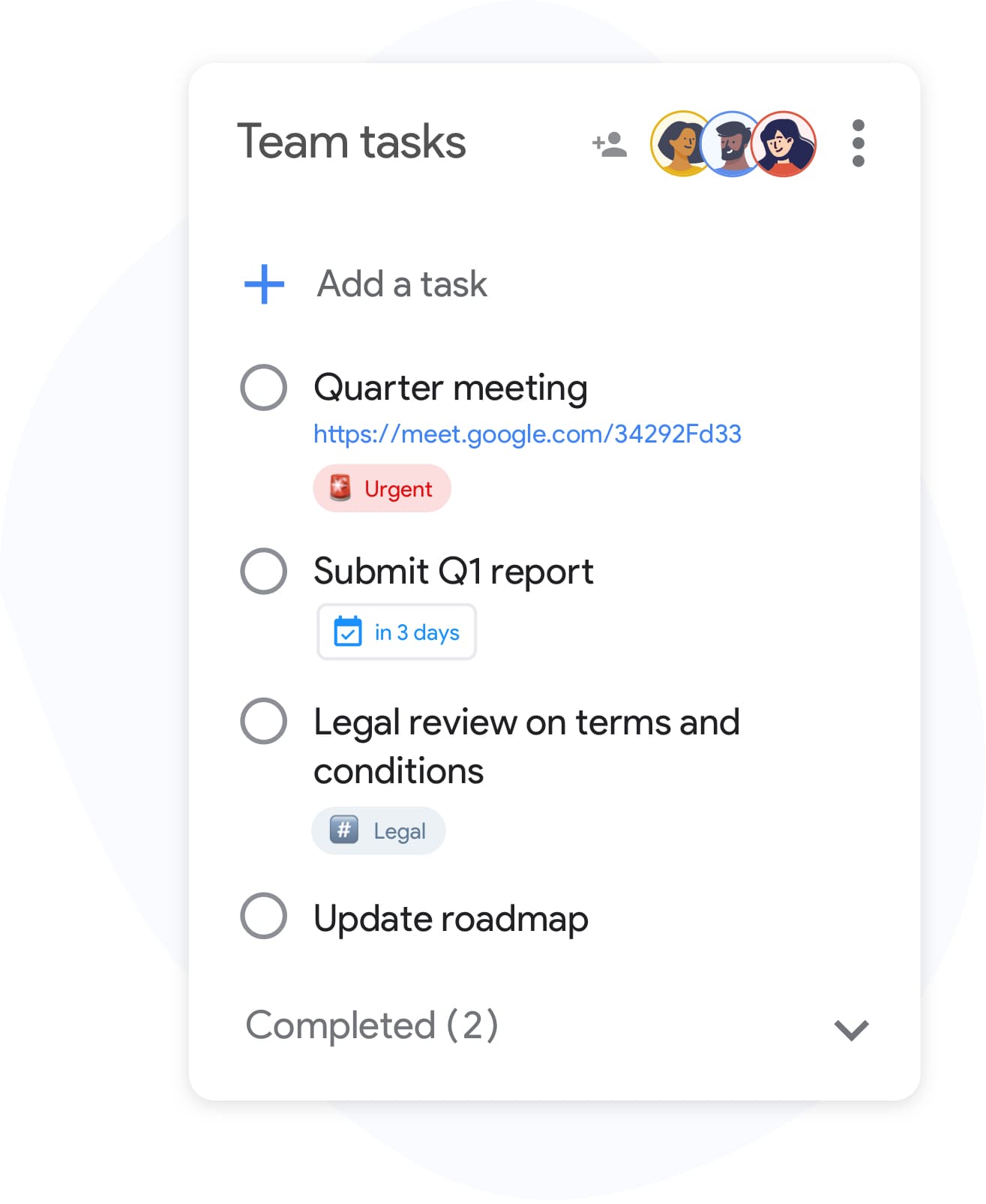
テンプレート作成
2分以内に再利用可能なチェックリストを作成
TasksBoardでリストを作成し、プロセスに必要なステップをすべて追加します。複雑な項目にはサブタスクを含め、個々の行に参照ファイルを添付しましょう。 準備ができたら、「クライアントオンボーディングテンプレート」や「週次レビュー」など、分かりやすい名前を付けて、見つけやすく複製しやすくします。
- Enterキーで素早く項目を追加(マウス操作不要)
- チェックリスト項目にサブタスクをネストして多段階のステップを作成
- 参照用にGoogleドライブファイルを個々の項目に添付
チームチェックリスト
チーム全体で同じチェックリストを実行
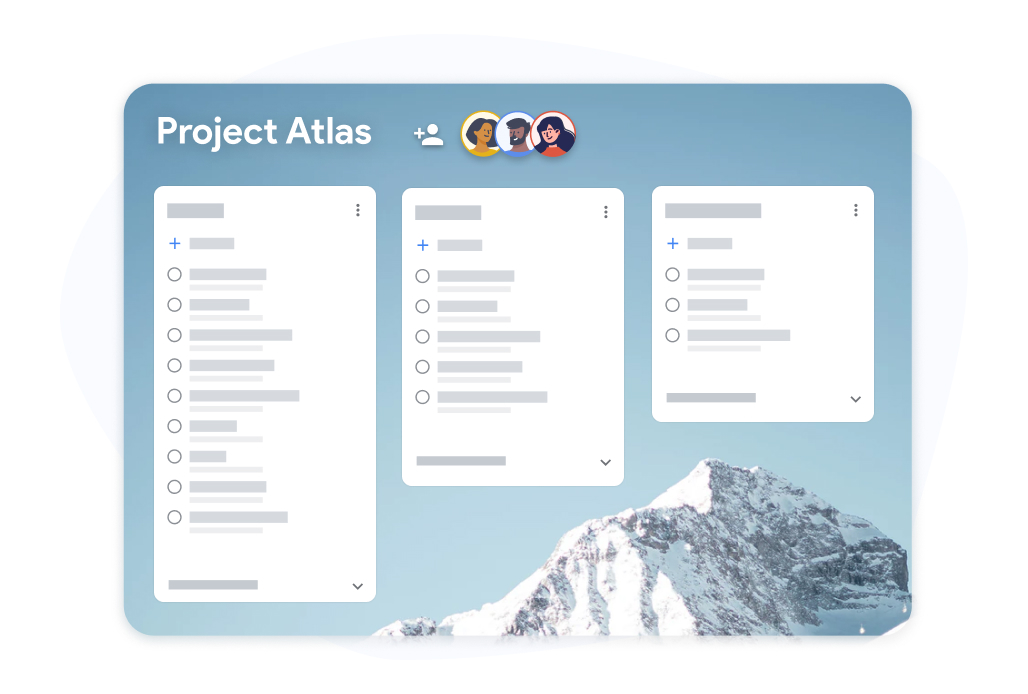
チームチェックリスト
チーム全体で同じチェックリストを実行
チェックリストテンプレートボードをチームメイトと共有しましょう。各メンバーが自分の担当項目をチェックし、進捗状況を全員がリアルタイムで確認できます。 誰が何をしたかを追跡するためにスプレッドシートをメールでやり取りする必要はもうありません。
- すべての共同作業者がリアルタイムで進捗を確認可能
- 各チームメイトが自分の担当項目をチェック可能
- 完了したチェックリストを記録としてGoogleスプレッドシートにエクスポート
TasksBoardでチェックリストテンプレートを作成・再利用する方法
-
チェックリストテンプレートを作成
Open TasksBoard and create a new list. Add every step, attach any reference files, and set due dates where needed. This becomes your master checklist: keep it unchecked.
-
実行ごとに複製
When you need to run the checklist again, duplicate the master list. You get a fresh copy with every step and you are ready to start.
-
共有して進捗を追跡
複製したチェックリストにチームメイトを招待します。リアルタイムで進捗を追跡し、完了記録が必要な場合はGoogleスプレッドシートにエクスポートします。
何千人ものユーザーに愛されています
Chromeウェブストアの1,000件以上のレビューで 4.8 / 5
"Always have 101 things to do and this helps me organize and prioritize like no other app can. It syncs to my phone and laptop, and when I add dates to tasks, they automatically integrate into my Google Calendar, which is immensely convenient. I can look at my daily, weekly, and monthly overview in Google Calendar and clearly see how much I was able to accomplish! Great tool indeed. Excited to see how it will evolve over time."

"Seriously, makes my tasks easier to share with the team, and the free version is quite nice for our little office. Eventually, we will expand, and this is definitely a great tool to do that! Syncs with my Workspace and Calendar."

"I love the simple, intuitive interface and the Add to Tasks feature, especially as I work through my emails! Sharing my tasks is also easy. Overall, outstanding and simple to use, and that means a lot with too many complex tasks out there!"

"Great too for managing daily routine and plan tasks. Would be perfect if it was updated for generating reports for statistics. For google tasks and google calendar"





よくある質問
チェックリストテンプレートとは何ですか?
チェックリストテンプレートとは、繰り返しのプロセスで再利用するために事前に作成されたチェックリストです。毎回同じリストを作る代わりに、テンプレートをコピーしてすぐに実行を開始できます。
Are reusable checklists free in TasksBoard?
Yes. Creating, duplicating, and sharing checklists is included in the free plan. Advanced team features, bulk import, and expanded sharing are available on the premium plan.
TasksBoardでチェックリストテンプレートを再利用するにはどうすればよいですか?
Keep a master checklist you never check off and duplicate it in TasksBoard. All items copy over, so you get a clean copy of the same checklist ready to use in under ten seconds.
TasksBoardを持っていない人とチェックリストテンプレートを共有できますか?
Collaborators need a Google account to edit a shared checklist so changes sync back to Google Tasks. Everyone you share with can edit the list; to give someone a read-only snapshot, export the list to Google Sheets.
チェックリストテンプレートの項目にファイルを添付できますか?
はい。Googleドライブファイル(ドキュメント、スプレッドシート、スライド、PDF)を個々のチェックリスト項目にリンクできます。これにより、誰かがチェックリストを実行する際に、常に正しい参照資料が添付されている状態を確保できます。
どのようなチェックリストがテンプレートとして適していますか?
オンボーディングチェックリスト、スプリント振り返りテンプレート、イベント計画チェックリスト、製品ローンチの手順、週次レビューリストなどが最適です。複数回実行するプロセスであれば、再利用可能なチェックリストテンプレートから恩恵を受けられます。
TasksBoardはチェックリストテンプレートをGoogleカレンダーと同期しますか?
Yes. Items in a checklist that have due dates appear in Google Calendar, including in the copies you duplicate. This keeps deadlines visible without any manual calendar entries.
始める
TasksBoardで最初のチェックリストテンプレートを今日作成しましょう
Googleでサインインして、ずっと再利用できるチェックリストを作りましょう。個人は無料、クレジットカード不要です。
クレジットカード不要。既存のGoogle Tasksと連携して動作します。