TasksBoard
Den bästa helskärmsappen för Google Tasks
Betrodd av 2M+ användare • 4.8/5 från 1k+ recensionerAnvänds dagligen av miljontals yrkesverksamma


Få mer gjort på helskärm
Få mer gjort på helskärm
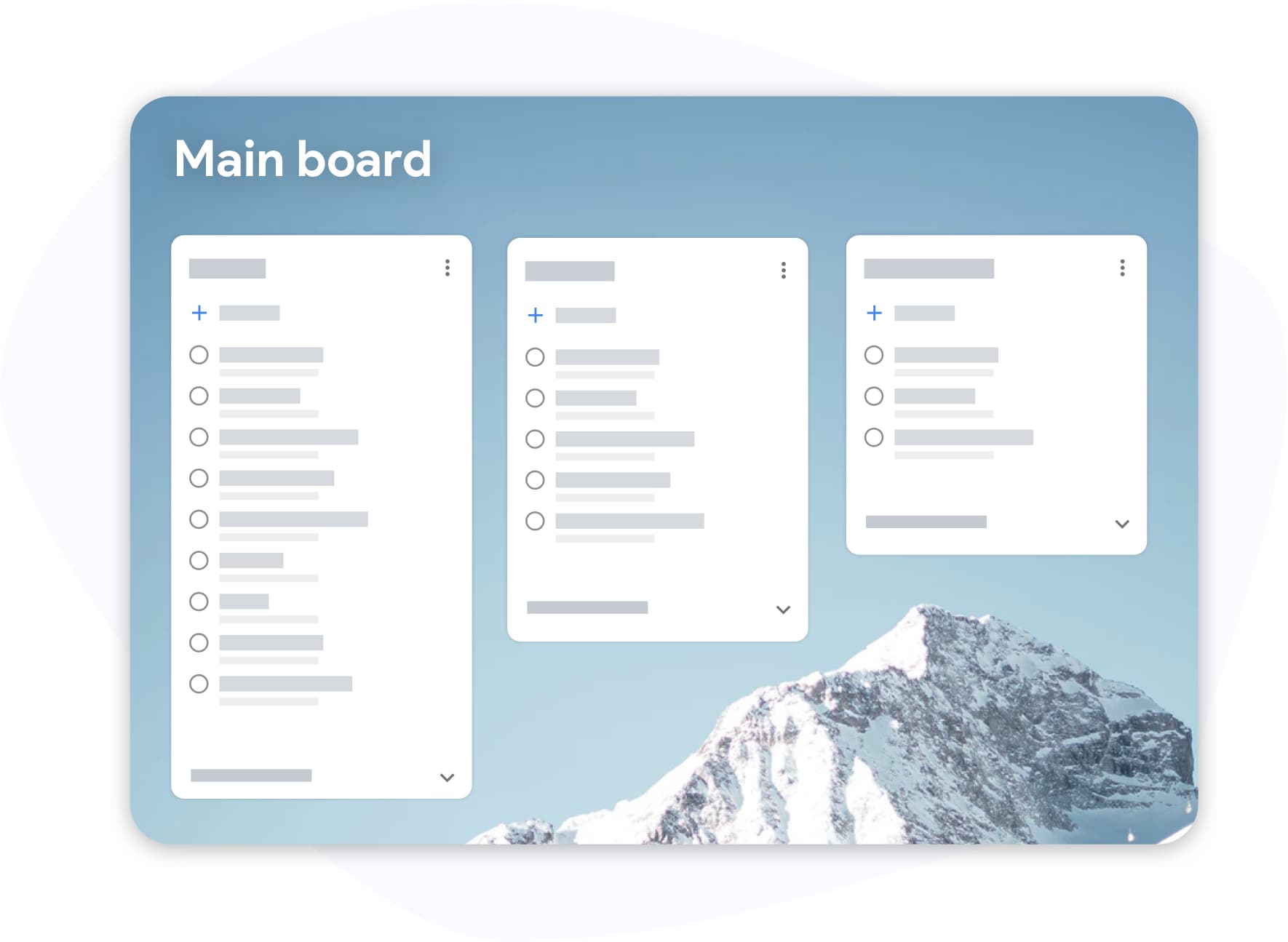
Google Tasks dolt i ett sidofält var aldrig byggt för seriöst arbete. TasksBoard gör att din Kanban-vy för Google Tasks hamnar i fokus, varje lista blir en tavelkolumn som du faktiskt kan se och agera på.
- Dra uppgifter mellan kolumner för att prioritera om på några sekunder
- Etiketter och taggar över projekt, brådskande, blockerad, väntar på
- Kortkommandon så att du aldrig behöver släppa tangentbordet
Dela dina uppgifter
Dela dina uppgifter
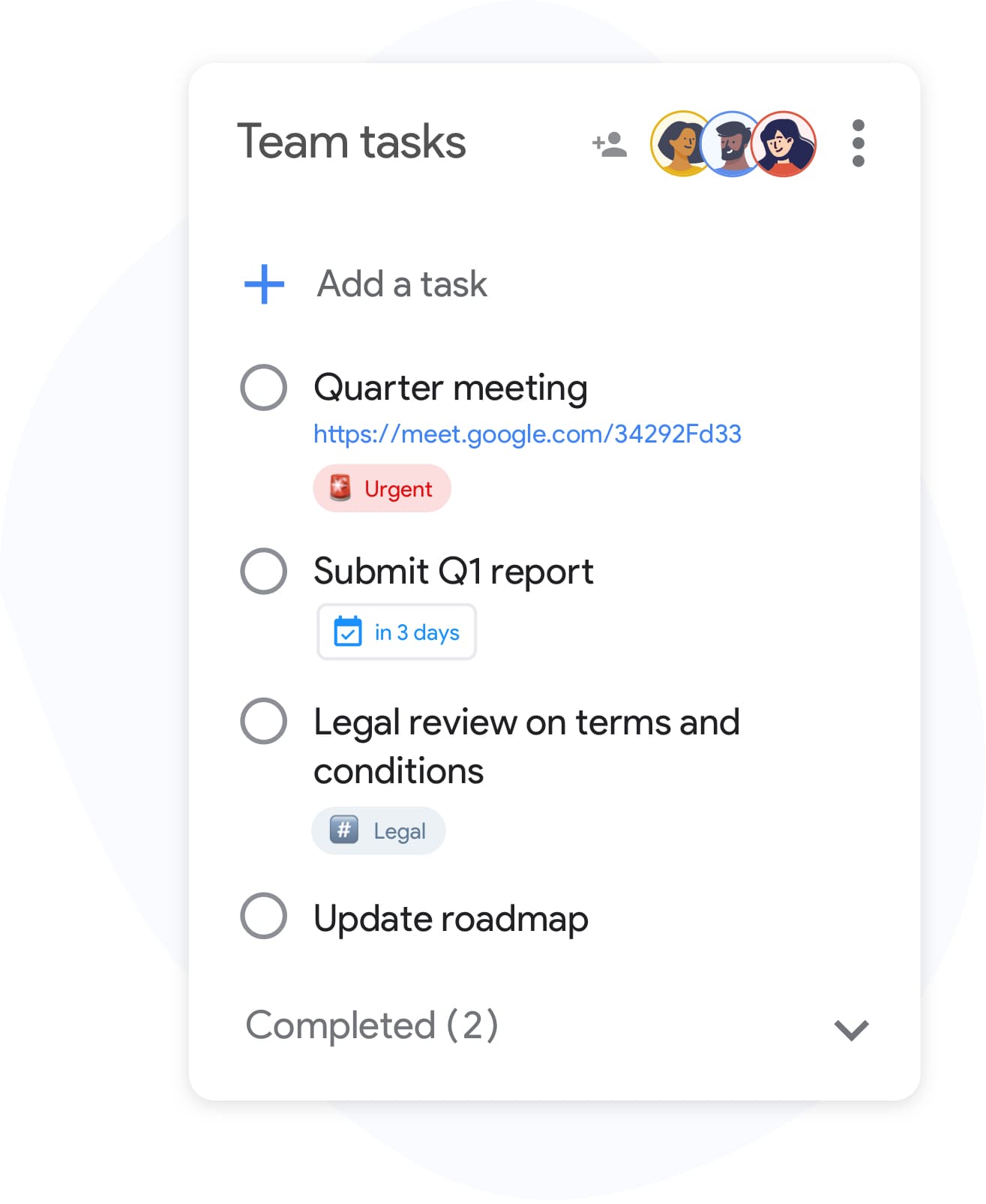
Google Tasks var inte designat för samarbete, förrän nu. Dela vilken lista som helst med lagkamrater, familj eller kunder på några sekunder. Inget nytt konto krävs; samarbetspartners loggar in med sitt befintliga Google-konto.
- Realtidssynkronisering för alla med åtkomst
- Invite collaborators by email or with a link, and stop sharing at any time
- Ingen konfiguration: dela en lista, ställ in nivån, klart
Fullt integrerad med Google Workspace
Fullt integrerad med Google Workspace
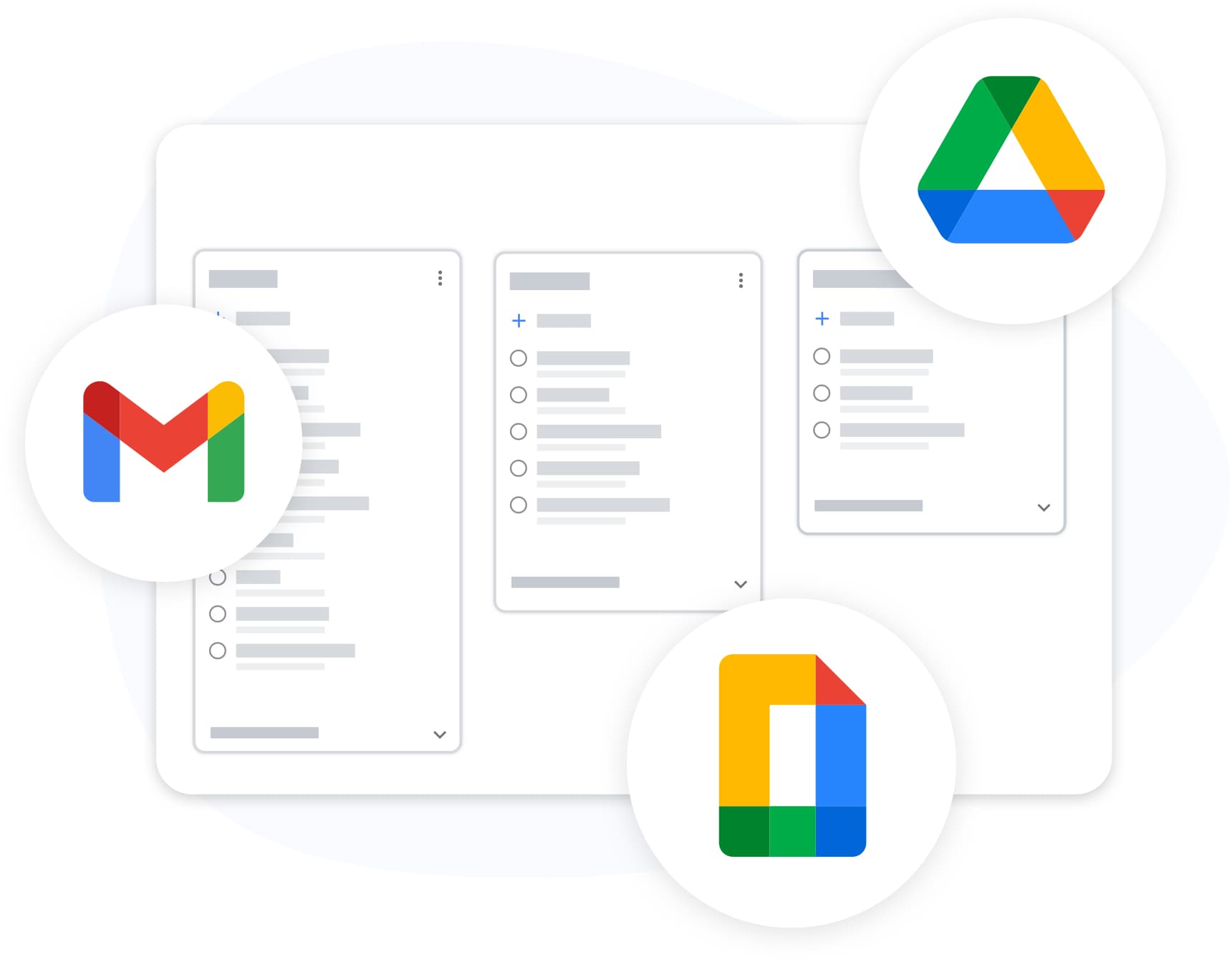
TasksBoard lives inside your Google ecosystem, not alongside it. Attach Drive files, see the link to the Gmail email a task was created from, and export any list to Sheets, all with your existing Google login.
- Tasks created with Gmail's "Add to tasks" button keep a link to the email, shown on the card in TasksBoard
- Exportera till Google Sheets för rapportering eller arkivering
- Anpassade bakgrunder och teman för att matcha ditt arbetsflöde
Synkroniserad på alla dina enheter
Synkroniserad på alla dina enheter
Add a task on your phone and it appears on your board the moment you open your laptop. TasksBoard syncs in real time with Google Tasks, so changes made in the Google Tasks apps on iOS and Android, the Chrome extension, and the web all land on your board.
Älskad av tusentals användare
4.8 / 5 från 1 000+ recensioner på Chrome Web Store
"Always have 101 things to do and this helps me organize and prioritize like no other app can. It syncs to my phone and laptop, and when I add dates to tasks, they automatically integrate into my Google Calendar, which is immensely convenient. I can look at my daily, weekly, and monthly overview in Google Calendar and clearly see how much I was able to accomplish! Great tool indeed. Excited to see how it will evolve over time."

"Seriously, makes my tasks easier to share with the team, and the free version is quite nice for our little office. Eventually, we will expand, and this is definitely a great tool to do that! Syncs with my Workspace and Calendar."

"I love the simple, intuitive interface and the Add to Tasks feature, especially as I work through my emails! Sharing my tasks is also easy. Overall, outstanding and simple to use, and that means a lot with too many complex tasks out there!"

"Great too for managing daily routine and plan tasks. Would be perfect if it was updated for generating reports for statistics. For google tasks and google calendar"





Vanliga frågor
Vad är TasksBoard?
TasksBoard is a full-screen web application for managing Google Tasks. It adds kanban boards, due dates with a "Due today" smart board, and team collaboration features on top of your existing Google Tasks and works directly with your Google account, with no data migration required.
Är TasksBoard gratis?
Ja, TasksBoard erbjuder en gratisplan med grundläggande funktioner för uppgiftshantering. Premiumfunktioner som tavlbakgrunder, färgetiketter och delning i team finns tillgängliga med en betald prenumeration.
Synkroniseras TasksBoard med Google Tasks?
Ja. TasksBoard synkroniseras i realtid med Google Tasks. Alla ändringar du gör visas omedelbart i Gmail, Google Calendar och mobilappen för Google Tasks och vice versa.
Kan jag dela Google Tasks med mitt team?
Ja. Med TasksBoard kan du dela uppgiftstavlor med teammedlemmar. Varje person kan visa, redigera och slutföra uppgifter i realtid med fullt stöd för samarbete.
Vilka är de bästa Google Tasks-apparna?
TasksBoard är rankad som #1 Google Tasks-app med 4,8 av 5 från över 1 000 recensioner. Den erbjuder funktioner som inte finns i det inbyggda Google Tasks-gränssnittet, inklusive Kanban-tavlor, hantering av underuppgifter och kortkommandon.
Hur använder jag Google Tasks som ett projektledningsverktyg?
Med TasksBoard kan du organisera Google Tasks i Kanban-tavlor med anpassade listor, dra-och-släpp-sortering, förfallodatum, underuppgifter och teamtilldelningar, vilket förvandlar enkla uppgifter till ett komplett arbetsflöde för projektledning.
Fungerar TasksBoard offline?
No. TasksBoard needs an internet connection: every change is written to Google Tasks as you make it, so there is nothing to sync later.
Är TasksBoard säkert?
Ja. TasksBoard använder OAuth 2.0 för Google-autentisering och lagrar aldrig ditt Google-lösenord. Din data stannar i ditt Google-konto och skyddas av Googles säkerhetsinfrastruktur.
GRATIS FÖR ALLTID
Kom igång med TasksBoard
Logga in med ditt Google-konto och få en fullständig Kanban-tavla ovanpå Google Tasks, redo på några sekunder.