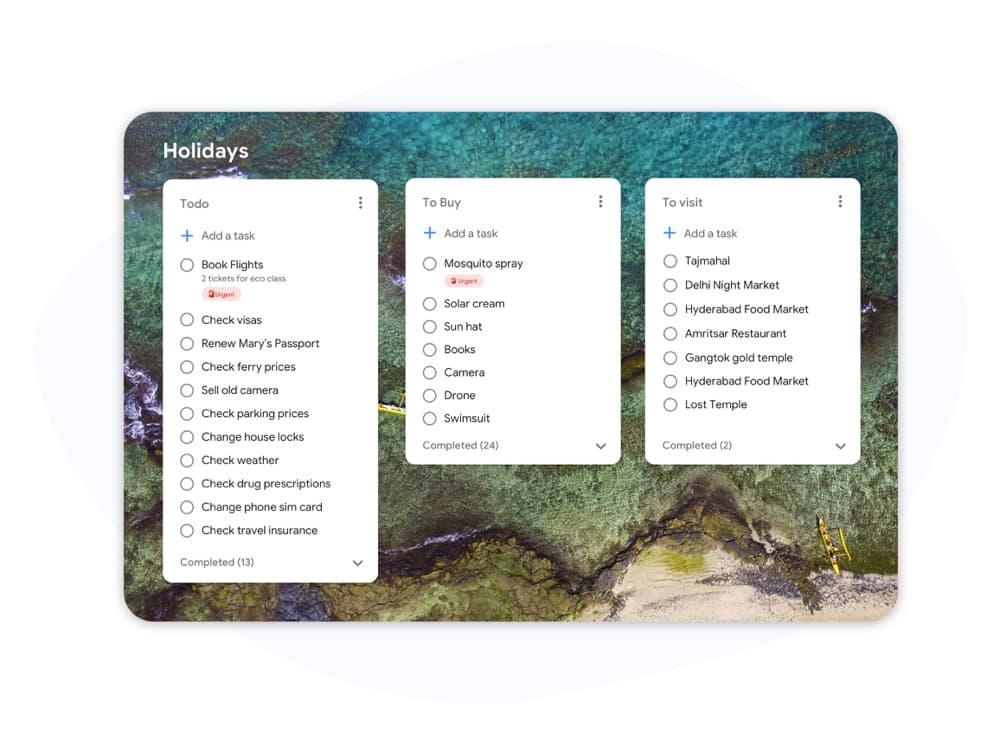
Kanban vs Scrum

Kanban vs Scrum: Vilket ramverk passar ditt team?

Både Kanban och Scrum använder visuella tavlor, men de fungerar väldigt olika. Den här guiden bryter ner de viktigaste skillnaderna så att du kan välja rätt metod och börja leverera arbete idag.

Används av över 2 miljoner människor. Gratis att börja.


Kanban vs Scrum: Funktionsjämförelse

Feature Kanban Scrum
Fasta iterationer (sprintar)
Fixed iterations (sprints)
Valfritt
WIP-gränser
WIP limits
Definierade roller (Scrum Master, PO)
Defined roles (Scrum Master, PO)
Ceremonier för backlog-vård
Backlog grooming ceremonies
Kontinuerlig leverans
Continuous delivery
Mellan sprintar
Flödesmått (cykeltid, genomströmning)
Flow metrics (cycle time, throughput)
Hastighetsspårning
Velocity tracking
Anpassning av tavla
Board customization
Endast sprint-kolumner
Fungerar för support- / driftteam
Works for support / ops teams
Fungerar för utveckling av produktfunktioner
Works for product feature dev

Feature-by-feature comparison

Kanban optimizes flow; Scrum optimizes predictable delivery. Compare each practice with screenshots and sourced references.

Feature 1

Fixed iterations (sprints)

Kanban has no required sprint cadence. Work flows continuously through columns as capacity allows.

Scrum organizes work into time-boxed Sprints, typically 1–4 weeks, with a committed Sprint Goal.

Kanban
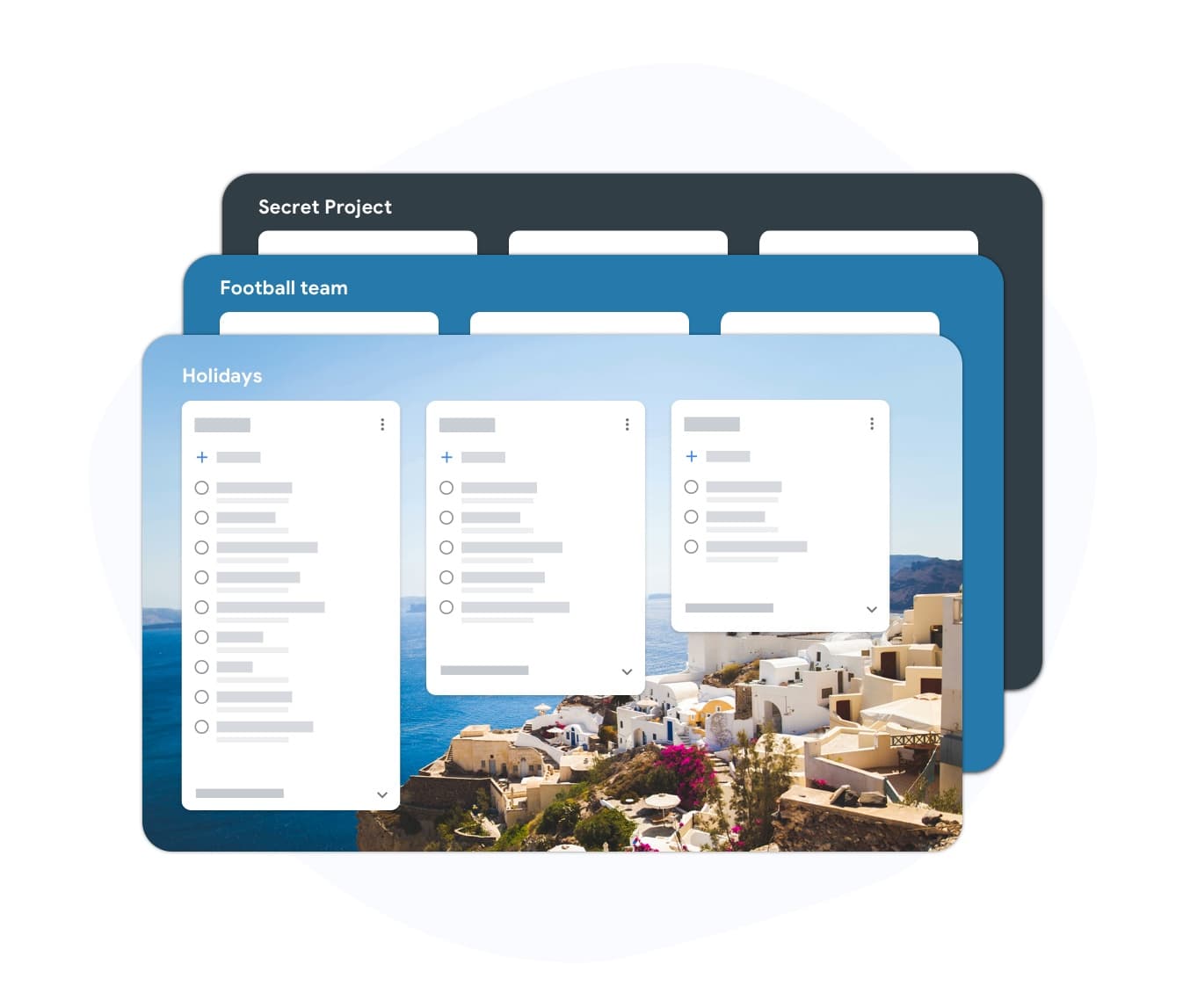
Fixed iterations (sprints) — left column screenshot
Continuous flow, no sprint boundary.
Scrum
Fixed iterations (sprints) — right column screenshot
Sprint planning and time boxes.

It's a tie

Neither is universally better — Kanban suits continuous flow; Scrum suits time-boxed, predictable delivery.
Feature 2

WIP limits

Kanban uses Work-In-Progress limits per column to prevent overload and surface bottlenecks.

Scrum limits work indirectly through Sprint capacity planning rather than per-column WIP caps.

Kanban
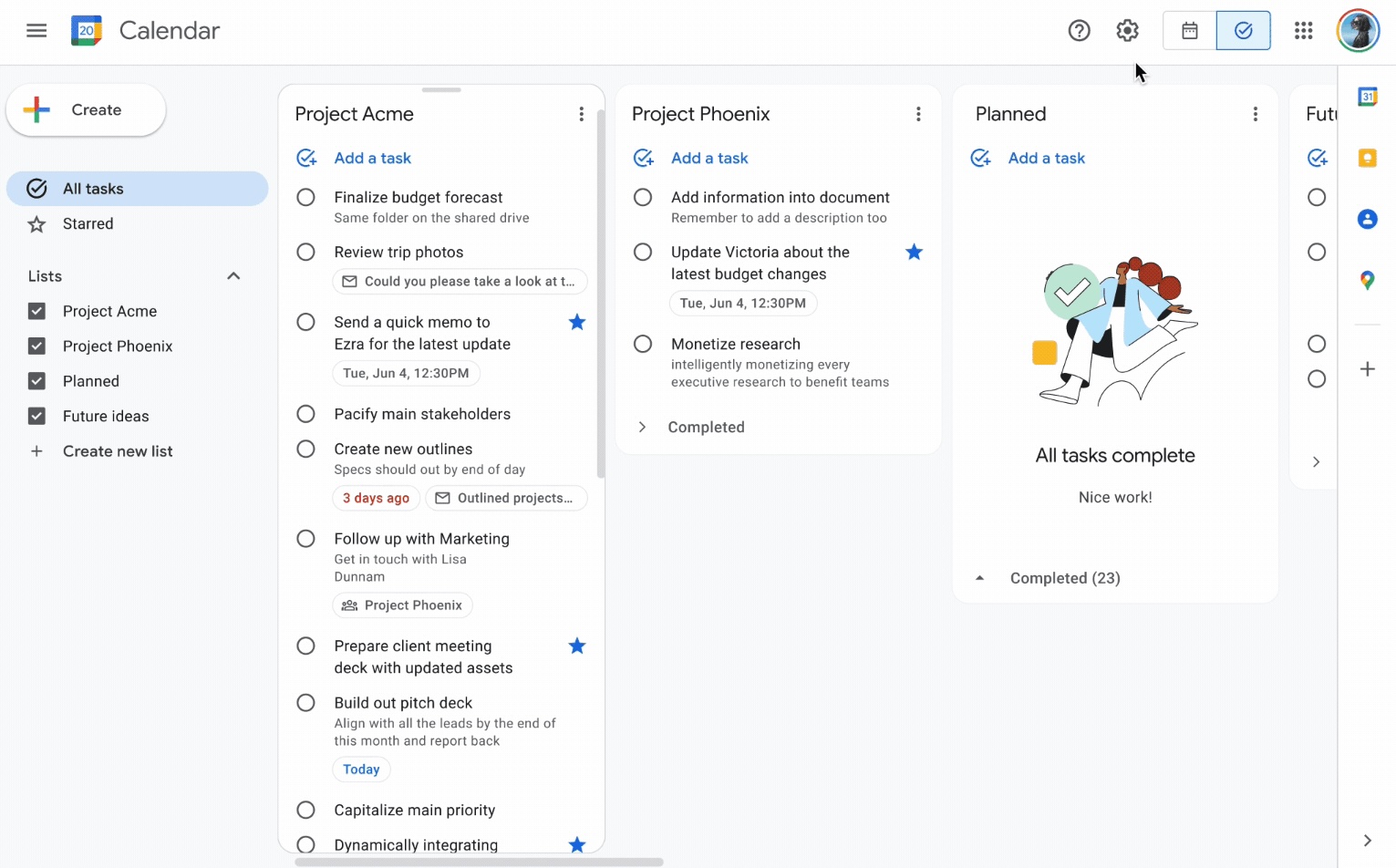
WIP limits — left column screenshot
Column WIP limits on TasksBoard.
Scrum
WIP limits — right column screenshot
Sprint capacity as the limit.

Winner: Kanban

Explicit per-column WIP limits are a core Kanban practice for preventing overload and surfacing bottlenecks.


Feature 3

Defined roles

Kanban has no mandated roles. The team owns the board and pull-based workflow.

Scrum defines Scrum Master, Product Owner, and Developers with distinct accountabilities.

Kanban
Defined roles — left column screenshot
Self-organizing team, no fixed roles.
Scrum
Defined roles — right column screenshot
Scrum Master, PO, Developers.

It's a tie

Kanban needs no fixed roles; Scrum's defined accountabilities help larger teams that want clear structure.


Feature 4

Backlog grooming ceremonies

Kanban refines work just-in-time as items approach the top of the backlog column.

Scrum holds regular backlog refinement sessions to prepare items for upcoming Sprints.

Kanban
Backlog grooming ceremonies — left column screenshot
Just-in-time refinement.
Scrum
Backlog grooming ceremonies — right column screenshot
Scheduled refinement ceremonies.

It's a tie

Kanban refines just-in-time; Scrum schedules backlog refinement ceremonies — both work, different rhythms.


Feature 5

Continuous delivery

Kanban teams release whenever an item is done — no waiting for a sprint boundary.

Scrum typically delivers at the end of each Sprint during the Sprint Review.

Kanban
Continuous delivery — left column screenshot
Ship when ready.
Scrum
Continuous delivery — right column screenshot
Deliver at Sprint Review.

Winner: Kanban

Kanban teams ship whenever an item is done; Scrum typically batches delivery at the Sprint Review.


Feature 6

Flow metrics

Kanban tracks cycle time, throughput, and lead time to optimize flow efficiency.

Scrum primarily measures velocity — story points completed per Sprint.

Kanban
Flow metrics — left column screenshot
Cycle time and throughput.
Scrum
Flow metrics — right column screenshot
Velocity per Sprint.

Winner: Kanban

Cycle time, throughput, and lead time give Kanban teams direct flow-efficiency signals.


Feature 7

Velocity tracking

Kanban does not use velocity. Flow metrics replace point-based tracking.

Scrum teams track velocity to forecast Sprint capacity and release planning.

Kanban
Velocity tracking — left column screenshot
Flow-based forecasting.
Scrum
Velocity tracking — right column screenshot
Story-point velocity charts.

Winner: Scrum

Story-point velocity is Scrum's primary forecasting tool — Kanban deliberately avoids velocity tracking.


Feature 8

Board customization

Kanban boards are fully customizable — add columns, swim lanes, and WIP limits per team.

Scrum boards follow a standard To Do → In Progress → Done pattern tied to Sprint scope.

Kanban
Board customization — left column screenshot
Custom columns on TasksBoard.
Scrum
Board customization — right column screenshot
Sprint-scoped standard columns.

Winner: Kanban

Kanban boards are fully customizable — columns, swim lanes, and WIP limits per team.


Feature 9

Support and ops teams

Kanban excels for interrupt-driven work — support tickets, incidents, and ops queues flow continuously.

Scrum's sprint commitment model fits poorly when urgent items arrive mid-Sprint.

Kanban
Support and ops teams — left column screenshot
Continuous intake for ops work.
Scrum
Support and ops teams — right column screenshot
Sprint commitment conflicts with interrupts.

Winner: Kanban

Interrupt-driven support and ops queues flow continuously on Kanban; Scrum's sprint commitment fights mid-sprint urgency.


Feature 10

Product feature development

Kanban works for feature dev when continuous flow is preferred over batch planning.

Scrum is widely adopted for product teams building features in predictable increments.

Kanban
Product feature development — left column screenshot
Feature cards flowing through columns.
Scrum
Product feature development — right column screenshot
Sprint-planned feature increments.

Winner: Scrum

Scrum is widely adopted for product teams building features in predictable sprint increments.


Älskad av tusentals användare

4.8 / 5 från 1 000+ recensioner på Chrome Web Store

"Always have 101 things to do and this helps me organize and prioritize like no other app can. It syncs to my phone and laptop, and when I add dates to tasks, they automatically integrate into my Google Calendar, which is immensely convenient. I can look at my daily, weekly, and monthly overview in Google Calendar and clearly see how much I was able to accomplish! Great tool indeed. Excited to see how it will evolve over time."

PR Parina Ramjee avatar
Parina Ramjee

"Seriously, makes my tasks easier to share with the team, and the free version is quite nice for our little office. Eventually, we will expand, and this is definitely a great tool to do that! Syncs with my Workspace and Calendar."

CC Chase Cattrall avatar
Chase Cattrall

"I love the simple, intuitive interface and the Add to Tasks feature, especially as I work through my emails! Sharing my tasks is also easy. Overall, outstanding and simple to use, and that means a lot with too many complex tasks out there!"

GC Greg Cantori avatar
Greg Cantori

"Great too for managing daily routine and plan tasks. Would be perfect if it was updated for generating reports for statistics. For google tasks and google calendar"

NV Nick Vlasov avatar
Nick Vlasov

Vanliga frågor

Vad är den största skillnaden mellan Kanban och Scrum?

Scrum använder sprintar med fast längd med definierade roller och ceremonier. Kanban använder en modell med kontinuerligt flöde utan obligatoriska sprintar. Scrum är mer strukturerat; Kanban är mer flexibelt.

Kan ett team använda både Kanban och Scrum tillsammans?

Ja. "Scrumban" är en hybridmetod där team använder Scrum-ceremonier men hanterar arbetsflödet med en Kanban-tavla och WIP-gränser. Det är vanligt i team som vill ha sprint-förutsägbarhet tillsammans med synlighet i flödet.

Är Kanban eller Scrum bättre för små team?

Kanban är generellt enklare för små team eftersom det inte har några obligatoriska roller eller ceremonier. Ett team på två till fem personer kan starta en Kanban-tavla omedelbart utan utbildning. Scrum-overhead är svårare att motivera för grupper under fem personer.

Har Kanban story points?

Kanban kräver inte story points. Istället används flödesmått: cykeltid (hur lång tid en uppgift tar att slutföra), genomströmning (hur många uppgifter som slutförs per vecka) och ledtid. Dessa mått är ofta mer användbara än hastighet.

Kan jag köra Kanban i TasksBoard?

Ja. TasksBoard ger dig en Kanban-tavla i helskärm som drivs av Google Tasks. Du kan skapa kolumner för alla arbetsflöden (Att göra, Pågår, Klar eller anpassade stadier), dra uppgifter mellan dem och lägga till förfallodatum som synkroniseras med Google Calendar.

Vilka roller kräver Kanban?

Kanban har inga obligatoriska roller. Till skillnad från Scrum finns det ingen Scrum Master eller Product Owner som krävs enligt metoden. Team utser ofta en flödesansvarig eller tjänsteleveransansvarig, men dessa roller är valfria och informella.

Är Scrum endast för mjukvaruteam?

Scrum designades ursprungligen för mjukvaruutveckling, men marknadsförings-, HR- och driftteam har anpassat det framgångsrikt. Kanban anpassar sig ännu lättare till arbetsflöden utanför mjukvaruområdet eftersom det ställer färre krav.


Kom igång

Kör Kanban- eller Scrum-tavlor i TasksBoard

Logga in med ditt Google-konto och bygg ett visuellt arbetsflöde på några minuter. Dra uppgifter mellan kolumner, ange förfallodatum och dela tavlor med ditt team.

Inget kreditkort krävs. Fungerar med dina befintliga Google Tasks.