
Checklistemall
Checklistemall: Skapa en gång, återanvänd varje gång
Stop rebuilding the same checklist from scratch. TasksBoard lets you build a checklist once, duplicate it in one click, and share it with your team, all backed by Google Tasks so it syncs everywhere.
Används av över 2 miljoner människor. Gratis att börja.
Varför TasksBoards checklistemallar slår statiska kalkylark
Duplicera med ett klick
Keep a master checklist you never check off and duplicate it in one click. Your next onboarding, sprint, or review cycle starts clean in seconds.
Dela med teammedlemmar direkt
Share a checklist with your whole team via a single link, or duplicate it so each member can run their own copy.
Bifoga filer till valfritt objekt
Länka ett Google Doc, Sheet eller Drive-fil direkt till ett checklisteobjekt. Rätt referens är alltid ett tryck bort när du kör checklistan.
Synkroniserad över alla enheter
Every checklist lives in Google Tasks. Open it on the web or in the Google Tasks apps for iOS and Android and it is always up to date, no manual sync, no file sharing.
Skapande av mallar
Bygg en återanvändbar checklista på under två minuter
Skapande av mallar
Bygg en återanvändbar checklista på under två minuter
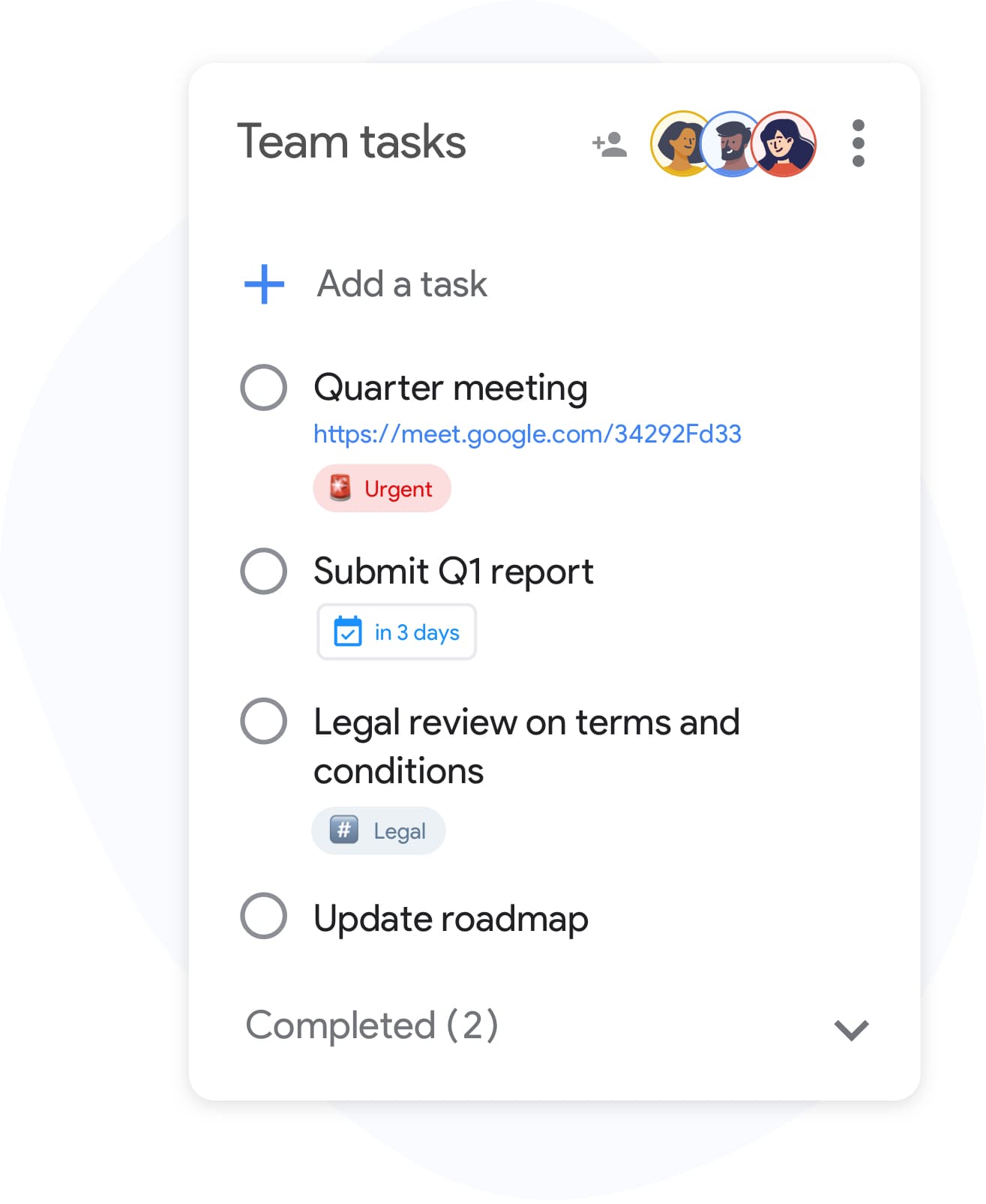
Skapa en lista i TasksBoard och lägg till varje steg din process kräver. Inkludera underuppgifter för komplexa objekt och bifoga referensfiler till enskilda rader. När den är klar, ge den ett tydligt namn, "Mall för onboarding av kund" eller "Veckogenomgång", så att den är lätt att hitta och duplicera.
- Lägg till objekt snabbt med Enter-tangenten, ingen mus krävs
- Nästla underuppgifter under valfritt checklisteobjekt för steg i flera delar
- Bifoga Google Drive-filer till enskilda objekt som referens
Team-checklistor
Kör samma checklista för hela ditt team
Team-checklistor
Kör samma checklista för hela ditt team
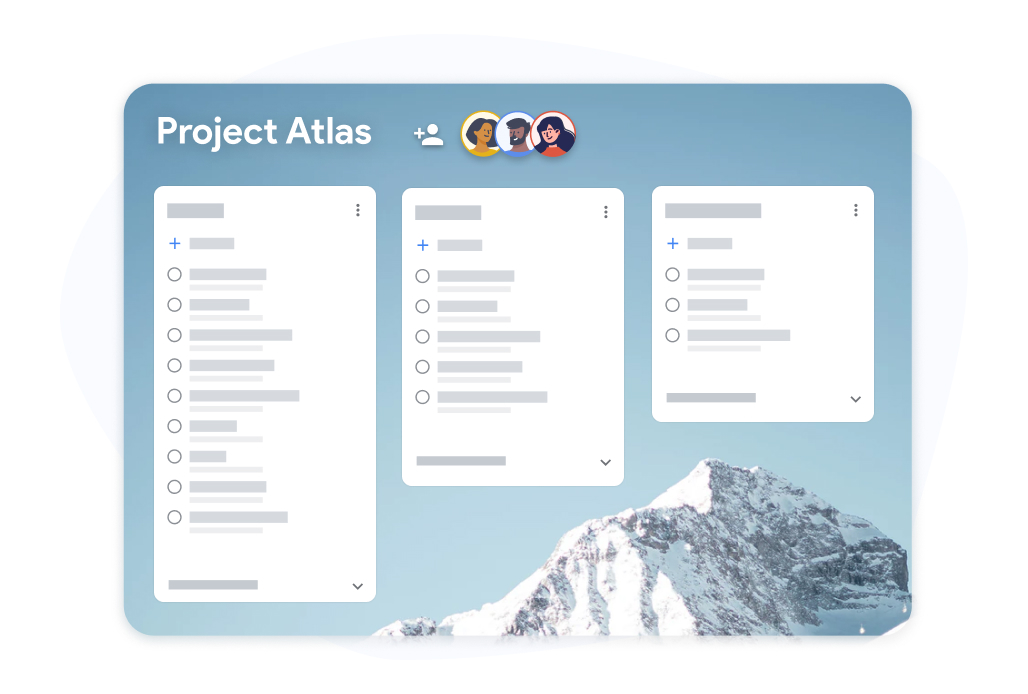
Dela en tavla med checklistemallar med teammedlemmar. Varje person bockar av sina egna tilldelade uppgifter och framstegen är synliga för alla i realtid. Sluta mejla kalkylark fram och tillbaka för att spåra vem som gjort vad.
- Framsteg i realtid synliga för alla samarbetspartners
- Varje teammedlem kan bocka av sina egna tilldelade uppgifter
- Exportera slutförda checklistor till Google Sheets för arkivering
Så här skapar och återanvänder du en checklistemall i TasksBoard
-
Bygg en checklistemall
Open TasksBoard and create a new list. Add every step, attach any reference files, and set due dates where needed. This becomes your master checklist: keep it unchecked.
-
Duplicera för varje körning
When you need to run the checklist again, duplicate the master list. You get a fresh copy with every step and you are ready to start.
-
Dela och spåra framsteg
Bjud in teammedlemmar till den duplicerade checklistan. Spåra framsteg i realtid och exportera till Google Sheets när du behöver ett slutförandeprotokoll.
Älskad av tusentals användare
4.8 / 5 från 1 000+ recensioner på Chrome Web Store
"Always have 101 things to do and this helps me organize and prioritize like no other app can. It syncs to my phone and laptop, and when I add dates to tasks, they automatically integrate into my Google Calendar, which is immensely convenient. I can look at my daily, weekly, and monthly overview in Google Calendar and clearly see how much I was able to accomplish! Great tool indeed. Excited to see how it will evolve over time."

"Seriously, makes my tasks easier to share with the team, and the free version is quite nice for our little office. Eventually, we will expand, and this is definitely a great tool to do that! Syncs with my Workspace and Calendar."

"I love the simple, intuitive interface and the Add to Tasks feature, especially as I work through my emails! Sharing my tasks is also easy. Overall, outstanding and simple to use, and that means a lot with too many complex tasks out there!"

"Great too for managing daily routine and plan tasks. Would be perfect if it was updated for generating reports for statistics. For google tasks and google calendar"





Vanliga frågor
Vad är en checklistemall?
En checklistemall är en förbyggd checklista som du återanvänder för återkommande processer. Istället för att bygga samma lista varje gång kopierar du mallen och börjar köra direkt.
Are reusable checklists free in TasksBoard?
Yes. Creating, duplicating, and sharing checklists is included in the free plan. Advanced team features, bulk import, and expanded sharing are available on the premium plan.
Hur återanvänder jag en checklistemall i TasksBoard?
Keep a master checklist you never check off and duplicate it in TasksBoard. All items copy over, so you get a clean copy of the same checklist ready to use in under ten seconds.
Kan jag dela en checklistemall med någon som inte har TasksBoard?
Collaborators need a Google account to edit a shared checklist so changes sync back to Google Tasks. Everyone you share with can edit the list; to give someone a read-only snapshot, export the list to Google Sheets.
Kan jag bifoga filer till checklistemallens objekt?
Ja. Du kan länka Google Drive-filer (Docs, Sheets, Slides, PDF-filer) till vilket enskilt checklisteobjekt som helst. Detta säkerställer att rätt referensmaterial alltid är bifogat när någon kör checklistan.
Vilka typer av checklistor fungerar bra som mallar?
Onboarding-checklistor, mallar för sprint-retrospektiv, checklistor för evenemangsplanering, steg för produktlansering och listor för veckogenomgångar är alla utmärkta kandidater. Varje process du kör mer än en gång drar nytta av en återanvändbar checklistemall.
Synkroniserar TasksBoard checklistemallar till Google Calendar?
Yes. Items in a checklist that have due dates appear in Google Calendar, including in the copies you duplicate. This keeps deadlines visible without any manual calendar entries.
Kom igång
Skapa din första checklistemall i TasksBoard idag
Logga in med Google och bygg en checklista som du kan återanvända för alltid. Gratis för privatpersoner, inget kreditkort krävs.
Inget kreditkort krävs. Fungerar med dina befintliga Google Tasks.