Google TasksAsanaटूल तुलनाकार्य प्रबंधनGoogle Workspace
Google Tasks बनाम Asana: 2026 में आपकी टीम के लिए कौन सा सही है?

TasksBoard Team
Here is a concise, engaging comparison of Google Tasks and Asana optimized for search and readability:
Google Tasks vs Asana: Which Should Your Team Use in 2024?
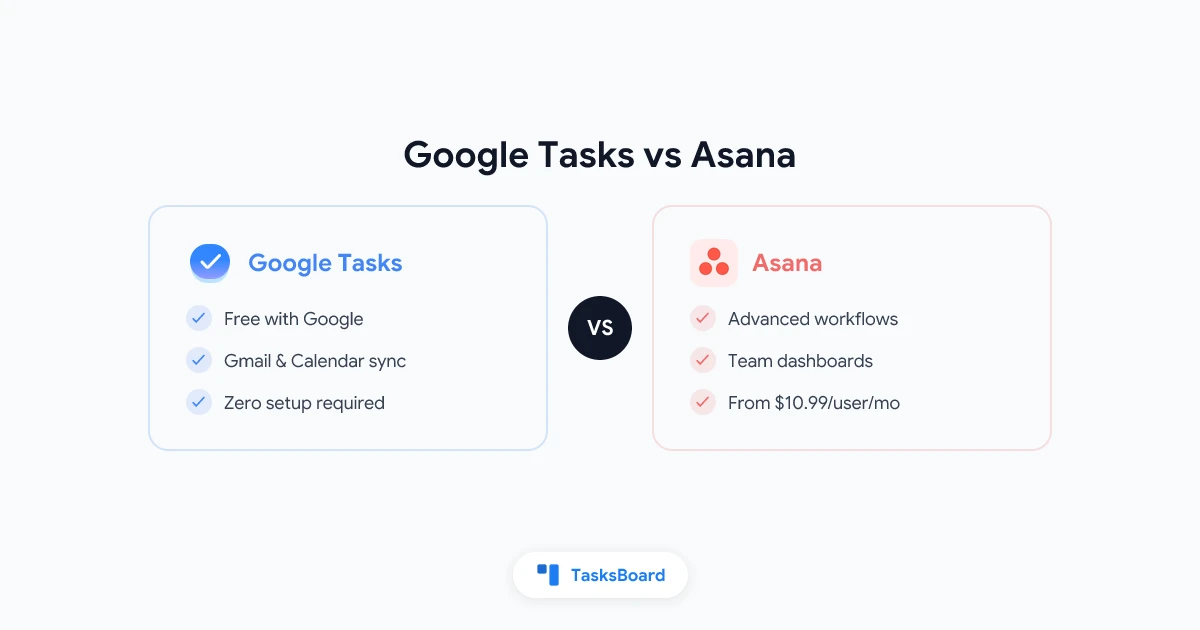
Google Tasks and Asana serve different purposes - one’s a simple to-do list, the other a full project management platform. Here’s how to choose:
Key Differences at a Glance
| Feature | Google Tasks | Asana |
|---|---|---|
| Best for | Personal tasks | Team projects |
| Price | Free | Free-$24.99/user/month |
| Google Workspace Integration | Native | Limited |
| Task Assignments | ❌ No | ✅ Yes |
| Project Views | List only | List, Board, Timeline |
| Automation | ❌ No | ✅ Yes |
| Learning Curve | None | Moderate |
When to Use Google Tasks
Google Tasks shines when you:
- Need a simple, free task list
- Live in Gmail/Google Calendar
- Work solo (no team collaboration needed)
- Want zero setup time
When to Use Asana
Asana works best when you:
- Manage team projects
- Need task assignments & tracking
- Require multiple project views (kanban, Gantt charts)
- Want automation & reporting
The Best of Both Worlds
For Google Workspace teams needing more than basic tasks but less than full Asana, consider TasksBoard - it adds team features to Google Tasks:
- Shared kanban boards
- Task assignments
- Real-time collaboration
- No per-user fees
Try TasksBoard if you want team features without leaving Google’s ecosystem.
Bottom Line: Google Tasks for personal use, Asana for complex projects, TasksBoard for Google Workspace teams.
अपने Google Tasks साझा करने के लिए तैयार हैं?
TasksBoard के साथ मुफ्त में शुरुआत करें, किसी क्रेडिट कार्ड की आवश्यकता नहीं है।
साइन इन करें