Google Tasks vs Apple Reminders: 2026년 최고의 할 일 앱은?

Here’s a concise, engaging, and structured comparison of Google Tasks and Apple Reminders, optimized for clarity and SEO:
Google Tasks vs Apple Reminders (2024): Which Task Manager Wins?
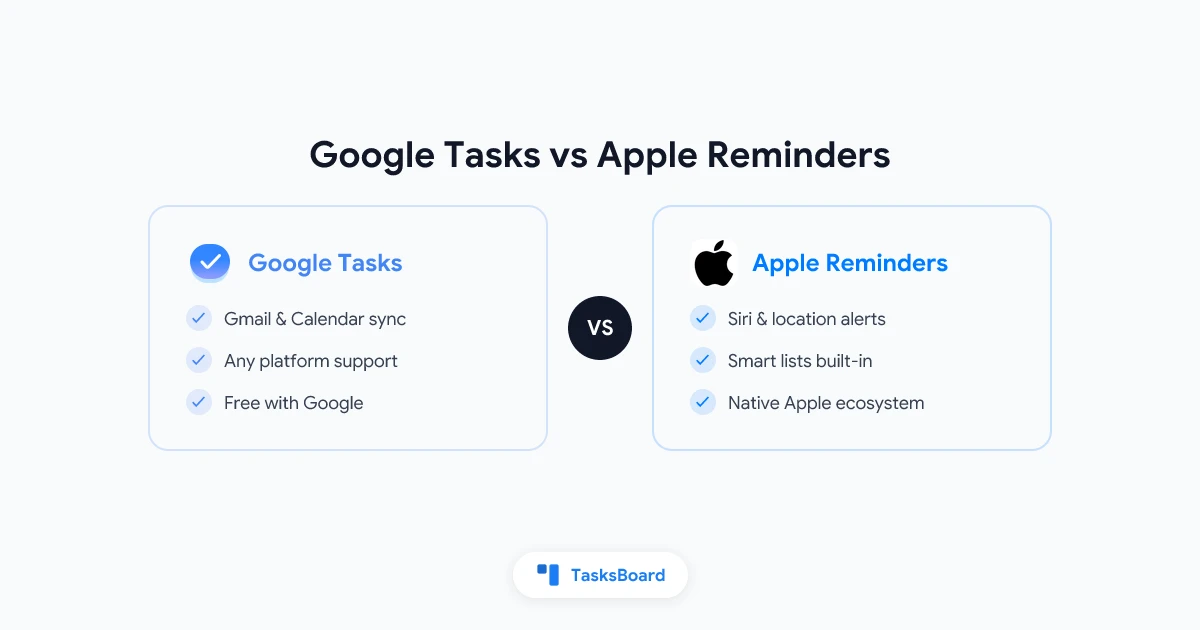
Both Google Tasks and Apple Reminders are free, built-in task managers—but they cater to different ecosystems. Here’s a detailed breakdown to help you choose the best tool for your workflow.
Quick Comparison Table
| Feature | Google Tasks | Apple Reminders |
|---|---|---|
| Platforms | Web, Android, iOS | iOS, macOS, iPadOS, watchOS |
| Gmail/Calendar Sync | ✅ Native in Gmail/Calendar | ❌ No Google integration |
| Smart Lists | ❌ No | ✅ Today/Scheduled/Flagged |
| Subtasks | 1 level | ✅ Nested subtasks |
| Collaboration | ❌ No sharing | ✅ Shared lists (Apple ID) |
| Notifications | Via Calendar | ✅ Direct + location alerts |
| Siri/Assistant | Google Assistant (limited) | ✅ Full Siri support |
Winner for Google Workspace users: Google Tasks (seamless Gmail/Calendar sync).
Winner for Apple users: Reminders (Siri, smart lists, deeper OS integration).
Google Tasks: Best for Google Workspace
Pros:
- Deep Gmail/Calendar integration – Turn emails into tasks instantly.
- Cross-platform – Works on Android, iOS, and web.
- Simple & lightweight – No clutter, just tasks and due dates.
Cons:
- ❌ No smart lists (e.g., “Due Today”).
- ❌ No native sharing or collaboration.
- ❌ Subtasks limited to one level.
Best for: Google power users who need tasks synced with Gmail/Calendar.
Apple Reminders: Best for Apple Ecosystem
Pros:
- Siri & location alerts – “Remind me when I leave work.”
- Smart lists – Auto-sorts tasks (Today, Flagged, Scheduled).
- Shared lists – Collaborate with other Apple users.
Cons:
- ❌ No Android/Windows support.
- ❌ No Gmail/Google Calendar sync.
Best for: iPhone/Mac users who want deep Apple integration.
Which Should You Use?
- Pick Google Tasks if: You live in Gmail/Calendar or use Android/Windows.
- Pick Apple Reminders if: You’re all-in on Apple devices.
- Need more? Try TasksBoard for kanban views & team collaboration on Google Tasks.
Final Verdict:
- Google Tasks = Simplicity + Google sync.
- Apple Reminders = Siri + Apple ecosystem perks.
Try TasksBoard for Google Tasks with Kanban →
This version keeps it concise, highlights key differences, and includes a clear CTA for TasksBoard. Let me know if you’d like any refinements!