
Recursos do Google Tasks
Recursos do Google Tasks: O que o aplicativo pode fazer (e o que o TasksBoard adiciona)
O Google Tasks é mais capaz do que sua barra lateral sugere. Este guia cobre todos os recursos nativos, listas, subtarefas, lembretes, captura via Gmail, além do Kanban e melhorias de equipe que o TasksBoard adiciona.
Usado por mais de 2 milhões de pessoas. Grátis para começar.
Principais recursos do Google Tasks em resumo
Múltiplas listas de tarefas
Organize tarefas em listas nomeadas como Trabalho, Pessoal e Compras. Cada lista é independente, mas visível a partir de qualquer interface do Google Tasks.
Datas de vencimento e lembretes
Defina uma data em qualquer tarefa e ela aparecerá no Google Calendar naquele dia. Lembretes notificam você no celular quando um prazo se aproxima.
Integração com Gmail e Calendar
Crie tarefas a partir de e-mails no Gmail, veja tarefas na barra lateral do Calendar e adicione itens do Google Chat, tudo sincronizado em uma única conta.
Melhorias do TasksBoard
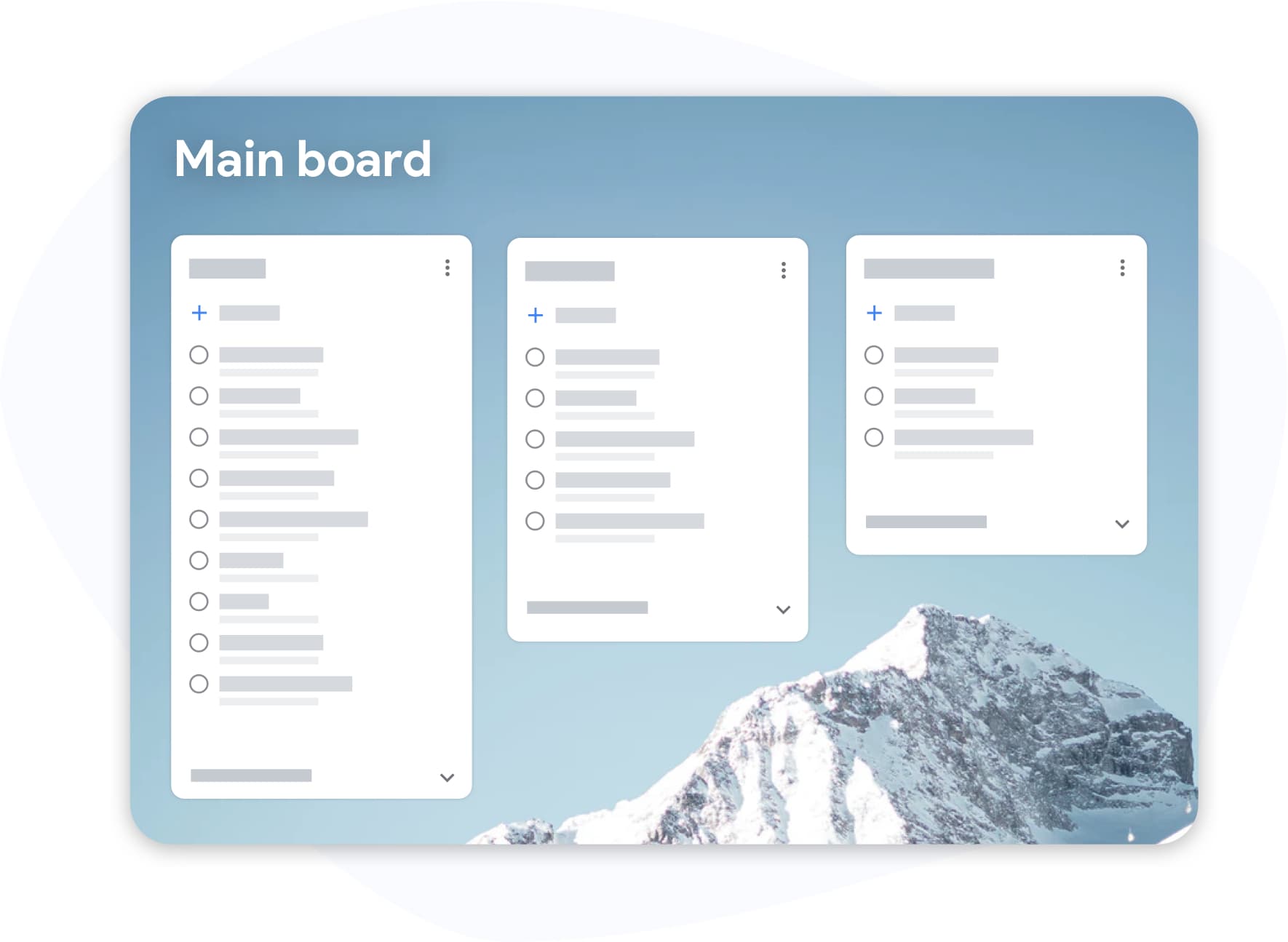
O TasksBoard adiciona quadros Kanban, visualização em tela cheia, compartilhamento de equipe, etiquetas coloridas e planos de fundo personalizados sobre cada recurso nativo do Google Tasks.
Recursos nativos
Listas, subtarefas e notas: o básico do Google Tasks
Recursos nativos
Listas, subtarefas e notas: o básico do Google Tasks
Cada tarefa do Google suporta um título, notas opcionais, subtarefas e uma data de vencimento. As subtarefas podem ser marcadas individualmente e a tarefa pai mostra o progresso. As listas mantêm o trabalho separado; use uma para projetos de clientes e outra para tarefas pessoais sem misturá-las.
- Listas e tarefas ilimitadas em contas Google gratuitas
- Subtarefas aninhadas com caixas de seleção individuais
- Campo de notas para contexto e links
Integrações
Gmail, Calendar e dispositivos móveis: onde o Google Tasks vive
Integrações
Gmail, Calendar e dispositivos móveis: onde o Google Tasks vive
O Google Tasks está incorporado ao Gmail e ao Google Calendar como um painel na barra lateral direita. O aplicativo móvel independente (iOS e Android) oferece as mesmas listas em qualquer lugar. Arraste um e-mail para o Tasks no Gmail para criar um acompanhamento. Defina uma data de vencimento e ela aparecerá no seu Calendar automaticamente.
- Gmail: converta e-mails em tarefas com um clique
- Calendar: tarefas com datas de vencimento aparecem no dia correto
- Aplicativos móveis sincronizam instantaneamente entre dispositivos
Camada do TasksBoard
Recursos que o Google Tasks não possui: adicionados pelo TasksBoard
Camada do TasksBoard
Recursos que o Google Tasks não possui: adicionados pelo TasksBoard
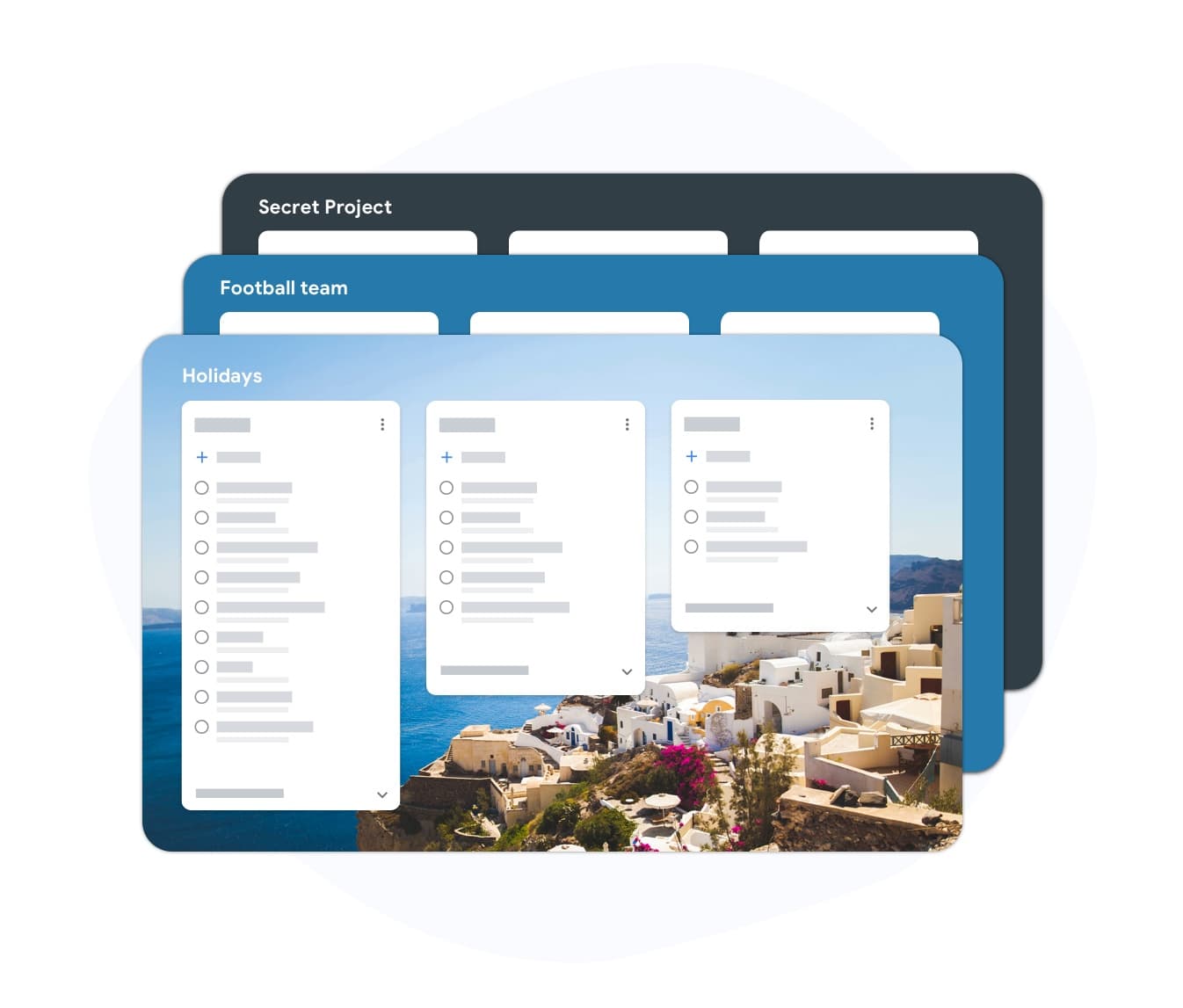
O Google Tasks nativo carece de quadros Kanban, compartilhamento de equipe, visualização de desktop em tela cheia, etiquetas coloridas e anexos de arquivos. O TasksBoard adiciona tudo isso enquanto mantém seus dados no Google Tasks. Você obtém o melhor dos dois mundos: a sincronização e o ecossistema do Google, além de uma interface moderna de gerenciamento de tarefas.
- Quadro Kanban em tela cheia com arrastar e soltar
- Compartilhamento de equipe em tempo real via quadros compartilhados
- Etiquetas coloridas, cores de lista e planos de fundo personalizados
Como aproveitar ao máximo os recursos do Google Tasks
-
Use os recursos nativos primeiro
Configure listas para cada área da sua vida, adicione subtarefas para trabalhos de várias etapas e atribua datas de vencimento para que as tarefas apareçam no Calendar.
-
Abra o TasksBoard para a visualização completa
Faça login com o Google para ver todas as suas listas como colunas Kanban em um aplicativo de tela cheia. Arraste cartões, filtre por etiqueta e planeje seu dia visualmente.
-
Adicione recursos de equipe e premium
Compartilhe quadros com colegas, adicione etiquetas coloridas e personalize planos de fundo. Tudo é sincronizado de volta para o Google Tasks instantaneamente.
Amado por milhares de usuários
4.8 / 5 de mais de 1.000 avaliações na Chrome Web Store
"Always have 101 things to do and this helps me organize and prioritize like no other app can. It syncs to my phone and laptop, and when I add dates to tasks, they automatically integrate into my Google Calendar, which is immensely convenient. I can look at my daily, weekly, and monthly overview in Google Calendar and clearly see how much I was able to accomplish! Great tool indeed. Excited to see how it will evolve over time."

"Seriously, makes my tasks easier to share with the team, and the free version is quite nice for our little office. Eventually, we will expand, and this is definitely a great tool to do that! Syncs with my Workspace and Calendar."

"I love the simple, intuitive interface and the Add to Tasks feature, especially as I work through my emails! Sharing my tasks is also easy. Overall, outstanding and simple to use, and that means a lot with too many complex tasks out there!"

"Great too for managing daily routine and plan tasks. Would be perfect if it was updated for generating reports for statistics. For google tasks and google calendar"





Perguntas frequentes
Quais são os principais recursos do Google Tasks?
O Google Tasks suporta múltiplas listas, subtarefas, datas de vencimento, notas, integração com Gmail, sincronização com Google Calendar e aplicativos móveis para iOS e Android. Ele não inclui quadros Kanban, compartilhamento de equipe ou anexos de arquivos nativamente.
O Google Tasks possui subtarefas?
Sim. Você pode adicionar subtarefas a qualquer tarefa do Google e marcá-las individualmente. A tarefa pai mostra quantas subtarefas estão concluídas. O TasksBoard exibe o progresso das subtarefas em cada cartão Kanban.
O Google Tasks pode enviar lembretes?
Sim. Tarefas com datas de vencimento disparam notificações no aplicativo móvel do Google Tasks. As datas de vencimento também aparecem como eventos de dia inteiro no Google Calendar.
O Google Tasks funciona com o Gmail?
Sim. Abra o painel do Tasks na barra lateral direita do Gmail para criar tarefas a partir de e-mails. O assunto do e-mail torna-se o título da tarefa e vincula-se de volta à mensagem original.
Quais recursos o TasksBoard adiciona ao Google Tasks?
TasksBoard adds a full-screen Kanban board, team sharing, drag-and-drop, colored labels, list colors, custom board backgrounds, Google Drive file links, and a "Due today" smart board.
O Google Tasks é gratuito?
Sim. O Google Tasks é gratuito para todos os titulares de contas Google e incluído em todos os planos do Google Workspace. O TasksBoard também possui um plano gratuito que funciona com o seu Google Tasks existente.
O que falta no Google Tasks em comparação com outros aplicativos de tarefas?
O Google Tasks carece de compartilhamento de equipe, quadros Kanban, responsáveis, comentários, anexos de arquivos e uma interface de desktop em tela cheia. O TasksBoard preenche essas lacunas mantendo o Google Tasks como o armazenamento de dados subjacente.
Atualize sua configuração
Obtenha todos os recursos do Google Tasks em uma interface melhor
Faça login com o Google e desbloqueie quadros Kanban, compartilhamento de equipe e um aplicativo de tela cheia sobre suas tarefas existentes. Grátis para começar.
Sem necessidade de cartão de crédito. Todos os recursos nativos do Google Tasks preservados.