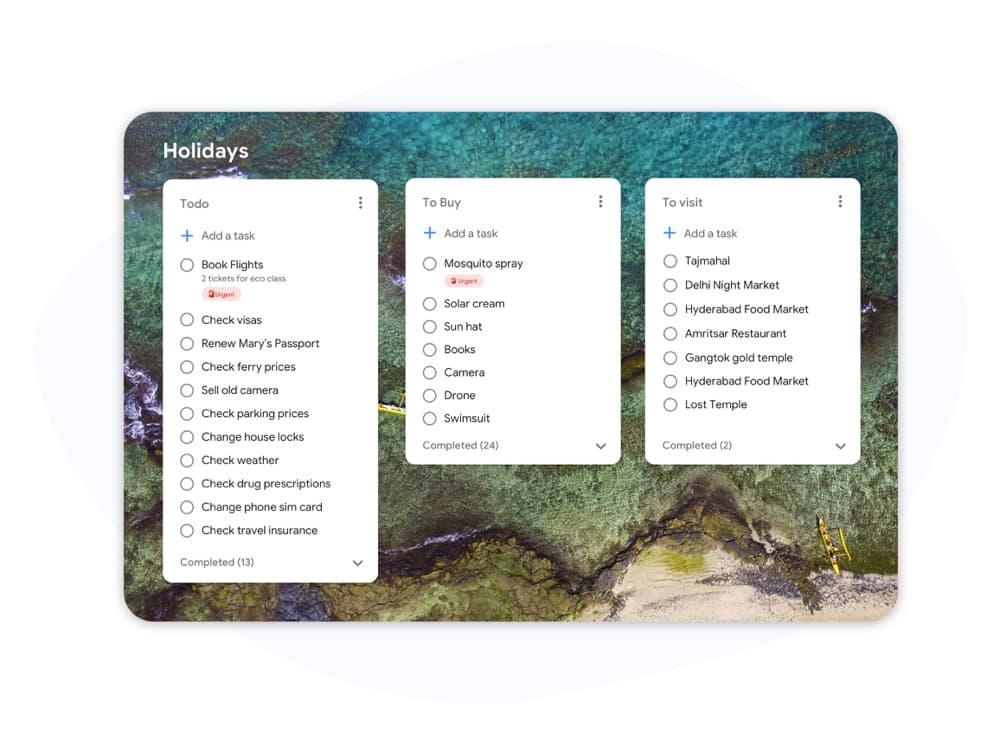
Kanban vs Scrum

Kanban vs Scrum: Qual estrutura se adapta à sua equipe?

Kanban e Scrum usam quadros visuais, mas funcionam de maneiras muito diferentes. Este guia detalha as principais diferenças para que você possa escolher a abordagem certa e começar a entregar trabalho hoje.

Usado por mais de 2 milhões de pessoas. Comece gratuitamente.


Kanban vs Scrum: Comparação de recursos

Feature
Kanban
Scrum
Iterações fixas (sprints) Fixed iterations (sprints) Opcional
Limites de WIP WIP limits
Papéis definidos (Scrum Master, PO) Defined roles (Scrum Master, PO)
Cerimônias de refinamento de backlog Backlog grooming ceremonies
Entrega contínua Continuous delivery Entre sprints
Métricas de fluxo (tempo de ciclo, throughput) Flow metrics (cycle time, throughput)
Rastreamento de velocidade Velocity tracking
Personalização do quadro Board customization Apenas colunas de sprint
Funciona para equipes de suporte / ops Works for support / ops teams
Funciona para desenvolvimento de recursos de produto Works for product feature dev

Feature-by-feature comparison

Kanban optimizes flow; Scrum optimizes predictable delivery. Compare each practice with screenshots and sourced references.

Kanban 5 Scrum 2 It's a tie 3

Fixed iterations (sprints)

It's a tie

Kanban has no required sprint cadence. Work flows continuously through columns as capacity allows.

Scrum organizes work into time-boxed Sprints, typically 1–4 weeks, with a committed Sprint Goal.

Kanban
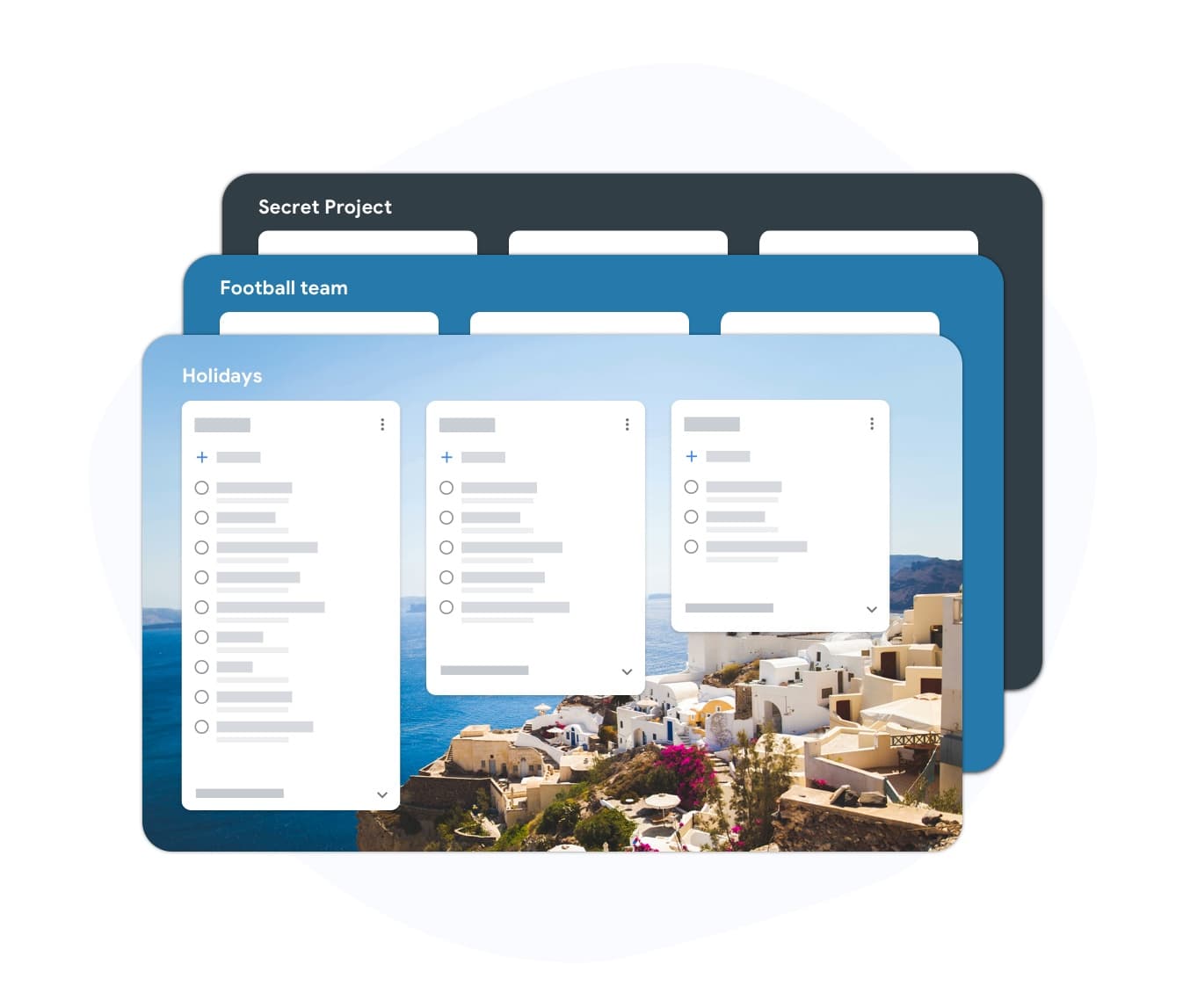
Fixed iterations (sprints) — left column screenshot
Continuous flow, no sprint boundary.
Scrum
Fixed iterations (sprints) — right column screenshot
Sprint planning and time boxes.

It's a tie

Neither is universally better — Kanban suits continuous flow; Scrum suits time-boxed, predictable delivery.
WIP limits

Winner: Kanban

Kanban uses Work-In-Progress limits per column to prevent overload and surface bottlenecks.

Scrum limits work indirectly through Sprint capacity planning rather than per-column WIP caps.

Kanban Winner
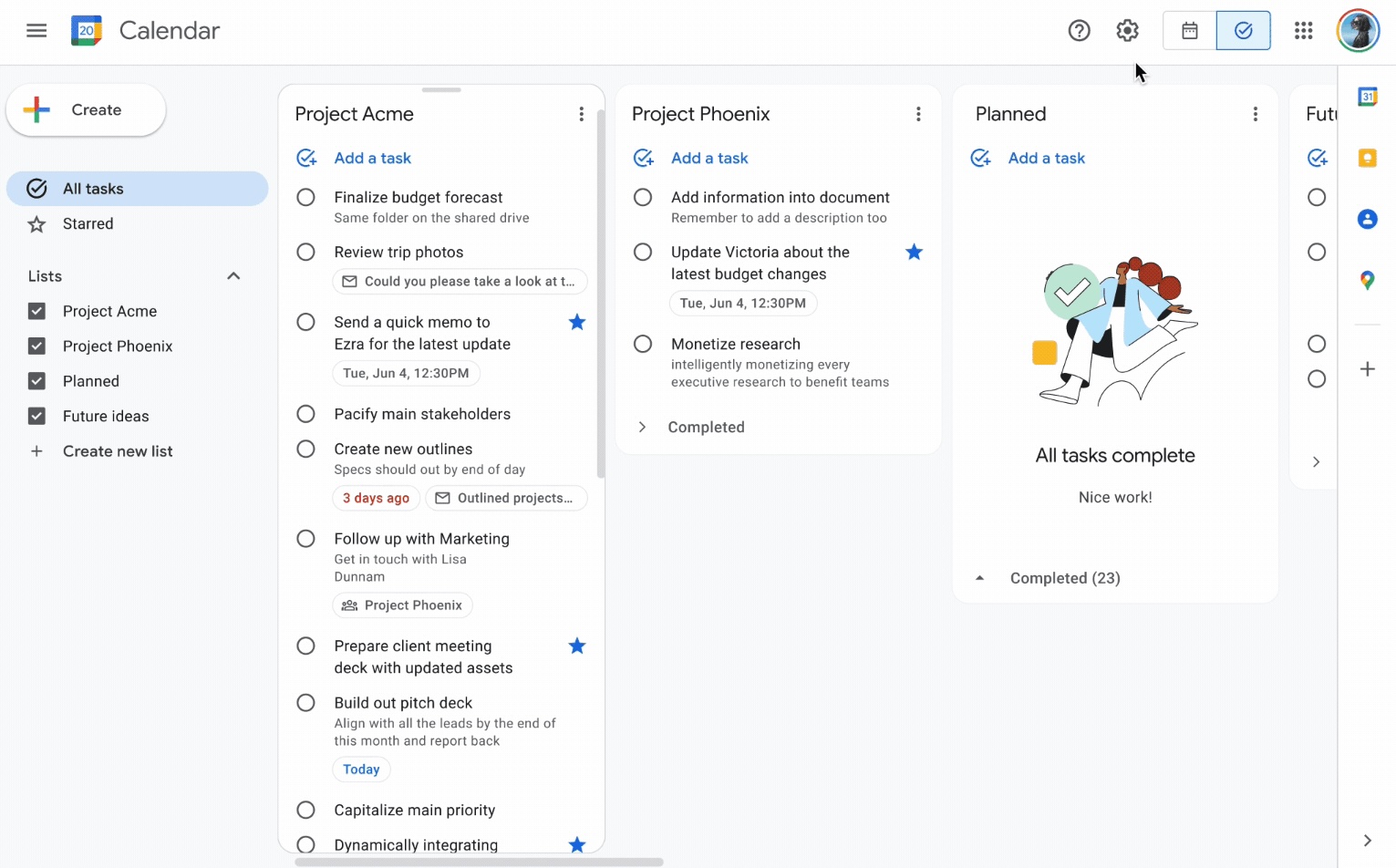
WIP limits — left column screenshot
Column WIP limits on TasksBoard.
Scrum
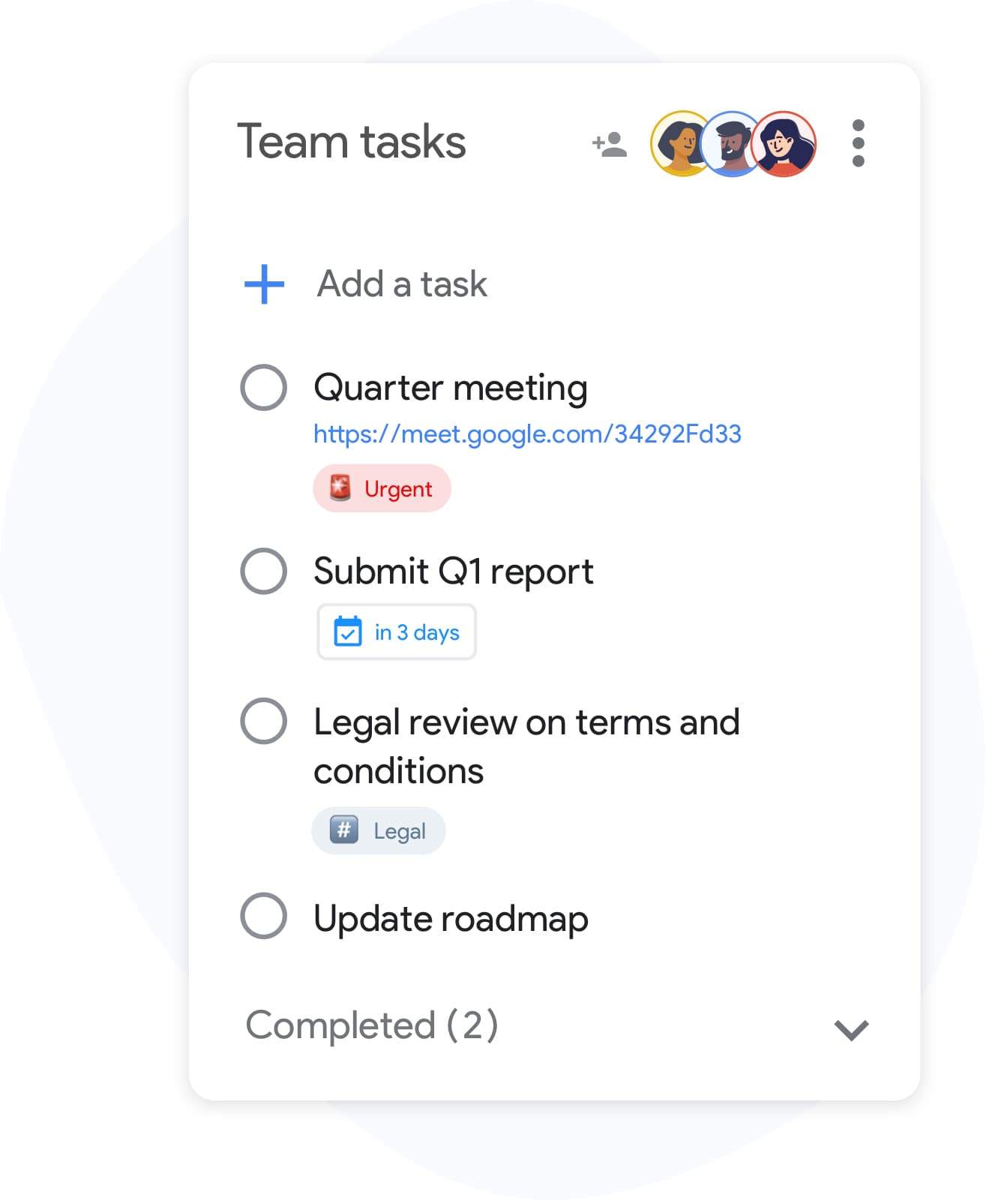
WIP limits — right column screenshot
Sprint capacity as the limit.

Winner: Kanban

Explicit per-column WIP limits are a core Kanban practice for preventing overload and surfacing bottlenecks.


Defined roles

It's a tie

Kanban has no mandated roles. The team owns the board and pull-based workflow.

Scrum defines Scrum Master, Product Owner, and Developers with distinct accountabilities.

Kanban
Defined roles — left column screenshot
Self-organizing team, no fixed roles.
Scrum
Defined roles — right column screenshot
Scrum Master, PO, Developers.

It's a tie

Kanban needs no fixed roles; Scrum's defined accountabilities help larger teams that want clear structure.


Backlog grooming ceremonies

It's a tie

Kanban refines work just-in-time as items approach the top of the backlog column.

Scrum holds regular backlog refinement sessions to prepare items for upcoming Sprints.

Kanban
Backlog grooming ceremonies — left column screenshot
Just-in-time refinement.
Scrum
Backlog grooming ceremonies — right column screenshot
Scheduled refinement ceremonies.

It's a tie

Kanban refines just-in-time; Scrum schedules backlog refinement ceremonies — both work, different rhythms.


Continuous delivery

Winner: Kanban

Kanban teams release whenever an item is done — no waiting for a sprint boundary.

Scrum typically delivers at the end of each Sprint during the Sprint Review.

Kanban Winner
Continuous delivery — left column screenshot
Ship when ready.
Scrum
Continuous delivery — right column screenshot
Deliver at Sprint Review.

Winner: Kanban

Kanban teams ship whenever an item is done; Scrum typically batches delivery at the Sprint Review.


Flow metrics

Winner: Kanban

Kanban tracks cycle time, throughput, and lead time to optimize flow efficiency.

Scrum primarily measures velocity — story points completed per Sprint.

Kanban Winner
Flow metrics — left column screenshot
Cycle time and throughput.
Scrum
Flow metrics — right column screenshot
Velocity per Sprint.

Winner: Kanban

Cycle time, throughput, and lead time give Kanban teams direct flow-efficiency signals.


Velocity tracking

Winner: Scrum

Kanban does not use velocity. Flow metrics replace point-based tracking.

Scrum teams track velocity to forecast Sprint capacity and release planning.

Kanban
Velocity tracking — left column screenshot
Flow-based forecasting.
Scrum Winner
Velocity tracking — right column screenshot
Story-point velocity charts.

Winner: Scrum

Story-point velocity is Scrum's primary forecasting tool — Kanban deliberately avoids velocity tracking.


Board customization

Winner: Kanban

Kanban boards are fully customizable — add columns, swim lanes, and WIP limits per team.

Scrum boards follow a standard To Do → In Progress → Done pattern tied to Sprint scope.

Kanban Winner
Board customization — left column screenshot
Custom columns on TasksBoard.
Scrum
Board customization — right column screenshot
Sprint-scoped standard columns.

Winner: Kanban

Kanban boards are fully customizable — columns, swim lanes, and WIP limits per team.


Support and ops teams

Winner: Kanban

Kanban excels for interrupt-driven work — support tickets, incidents, and ops queues flow continuously.

Scrum's sprint commitment model fits poorly when urgent items arrive mid-Sprint.

Kanban Winner
Support and ops teams — left column screenshot
Continuous intake for ops work.
Scrum
Support and ops teams — right column screenshot
Sprint commitment conflicts with interrupts.

Winner: Kanban

Interrupt-driven support and ops queues flow continuously on Kanban; Scrum's sprint commitment fights mid-sprint urgency.


Product feature development

Winner: Scrum

Kanban works for feature dev when continuous flow is preferred over batch planning.

Scrum is widely adopted for product teams building features in predictable increments.

Kanban
Product feature development — left column screenshot
Feature cards flowing through columns.
Scrum Winner
Product feature development — right column screenshot
Sprint-planned feature increments.

Winner: Scrum

Scrum is widely adopted for product teams building features in predictable sprint increments.


Amado por milhares de usuários

4.8 / 5 de mais de 1.000 avaliações na Chrome Web Store

"Always have 101 things to do and this helps me organize and prioritize like no other app can. It syncs to my phone and laptop, and when I add dates to tasks, they automatically integrate into my Google Calendar, which is immensely convenient. I can look at my daily, weekly, and monthly overview in Google Calendar and clearly see how much I was able to accomplish! Great tool indeed. Excited to see how it will evolve over time."

PR Parina Ramjee avatar
Parina Ramjee

"Seriously, makes my tasks easier to share with the team, and the free version is quite nice for our little office. Eventually, we will expand, and this is definitely a great tool to do that! Syncs with my Workspace and Calendar."

CC Chase Cattrall avatar
Chase Cattrall

"I love the simple, intuitive interface and the Add to Tasks feature, especially as I work through my emails! Sharing my tasks is also easy. Overall, outstanding and simple to use, and that means a lot with too many complex tasks out there!"

GC Greg Cantori avatar
Greg Cantori

"Great too for managing daily routine and plan tasks. Would be perfect if it was updated for generating reports for statistics. For google tasks and google calendar"

NV Nick Vlasov avatar
Nick Vlasov

Perguntas frequentes

Qual é a principal diferença entre Kanban e Scrum?

O Scrum usa sprints de duração fixa com papéis e cerimônias definidos. O Kanban usa um modelo de fluxo contínuo sem sprints obrigatórios. O Scrum é mais estruturado; o Kanban é mais flexível.

Uma equipe pode usar Kanban e Scrum juntos?

Sim. "Scrumban" é uma abordagem híbrida onde as equipes usam cerimônias Scrum, mas gerenciam o fluxo de trabalho com um quadro Kanban e limites de WIP. É comum em equipes que desejam previsibilidade de sprint junto com visibilidade de fluxo.

Kanban ou Scrum é melhor para equipes pequenas?

O Kanban é geralmente mais simples para equipes pequenas porque não possui papéis ou cerimônias obrigatórias. Uma equipe de duas a cinco pessoas pode iniciar um quadro Kanban imediatamente sem treinamento. A sobrecarga do Scrum é mais difícil de justificar para menos de cinco pessoas.

O Kanban tem pontos de história?

O Kanban não exige pontos de história. Em vez disso, ele usa métricas de fluxo: tempo de ciclo (quanto tempo uma tarefa leva para ser concluída), throughput (quantas tarefas são concluídas por semana) e lead time. Essas métricas são frequentemente mais acionáveis do que a velocidade.

Posso executar Kanban no TasksBoard?

Sim. O TasksBoard oferece um quadro Kanban em tela cheia integrado ao Google Tasks. Você pode criar colunas para qualquer fluxo de trabalho (A Fazer, Em Progresso, Concluído ou etapas personalizadas), arrastar tarefas entre elas e adicionar datas de entrega que sincronizam com o Google Calendar.

Quais papéis o Kanban exige?

O Kanban não tem papéis obrigatórios. Ao contrário do Scrum, não há Scrum Master ou Product Owner exigidos pelo método. As equipes geralmente designam um gerente de fluxo ou gerente de entrega de serviço, mas esses papéis são opcionais e informais.

O Scrum é apenas para equipes de software?

O Scrum foi originalmente projetado para desenvolvimento de software, mas equipes de marketing, RH e operações adaptaram-no com sucesso. O Kanban adapta-se ainda mais facilmente a fluxos de trabalho que não são de software porque impõe menos restrições.


Comece agora

Execute quadros estilo Kanban ou Scrum no TasksBoard

Faça login com sua conta Google e crie um fluxo de trabalho visual em minutos. Arraste tarefas entre colunas, defina datas de entrega e compartilhe quadros com sua equipe.

Não é necessário cartão de crédito. Funciona com seu Google Tasks existente.