TasksBoard
แอปเต็มหน้าจอที่ดีที่สุดสำหรับ Google Tasks
ได้รับความไว้วางใจจากผู้ใช้กว่า 2M+ • 4.8/5 จากรีวิวกว่า 1k+ใช้งานทุกวันโดยผู้เชี่ยวชาญหลายล้านคน


ทำงานได้มากขึ้นบนหน้าจอเต็ม
ทำงานได้มากขึ้นบนหน้าจอเต็ม
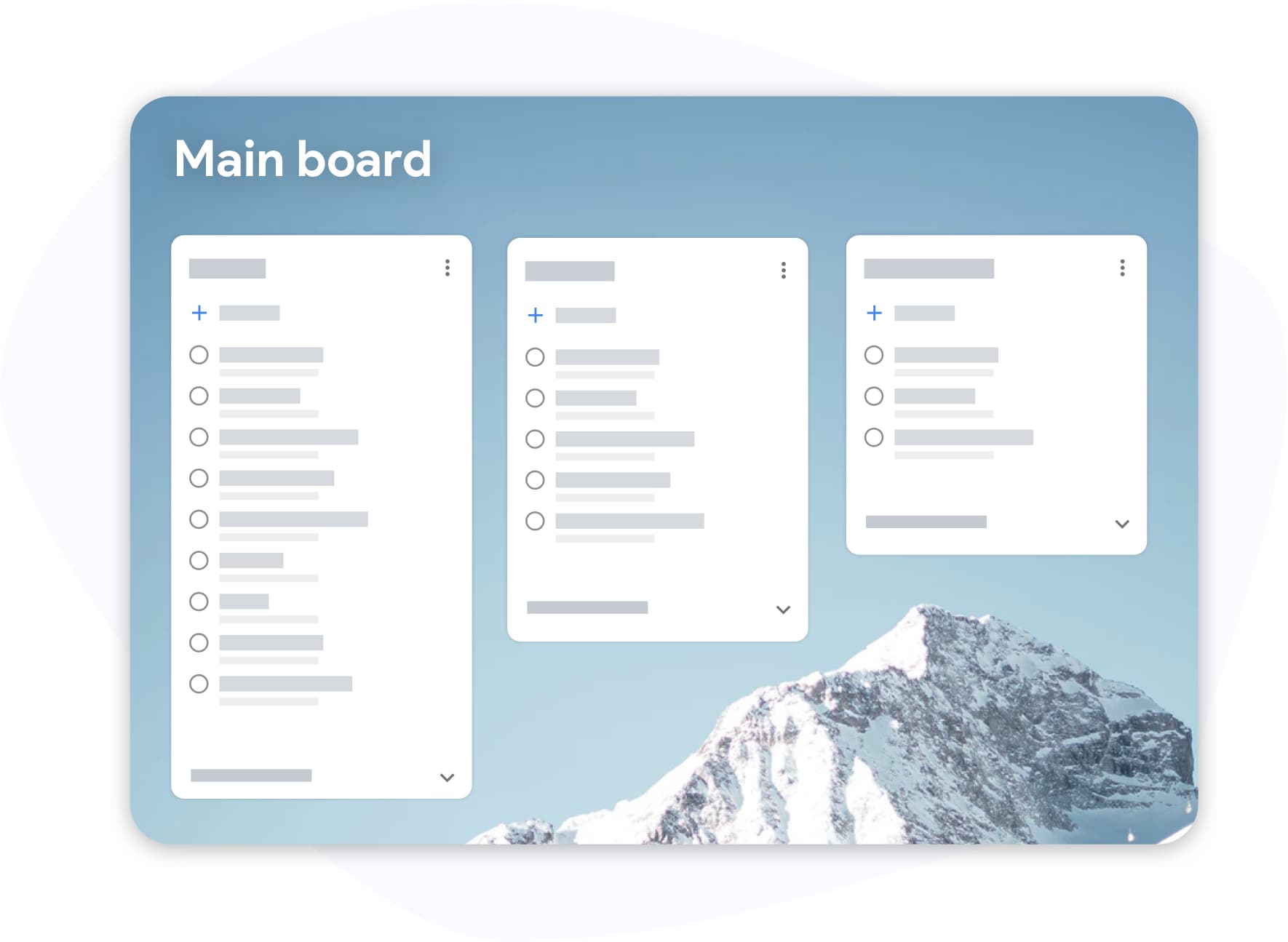
Google Tasks ที่ซ่อนอยู่ในแถบด้านข้างไม่เคยถูกสร้างมาเพื่อการทำงานที่จริงจัง TasksBoard นำมุมมอง Kanban ของ Google Tasks มาไว้ตรงกลาง, ทุกรายการจะกลายเป็นคอลัมน์บนกระดานที่คุณสามารถมองเห็นและจัดการได้จริง
- ลากงานระหว่างคอลัมน์เพื่อจัดลำดับความสำคัญใหม่ได้ในไม่กี่วินาที
- ป้ายกำกับและแท็กข้ามโปรเจกต์, เร่งด่วน, ติดขัด, กำลังรอ
- คีย์ลัดเพื่อให้คุณไม่ต้องละมือจากแป้นพิมพ์
แชร์งานของคุณ
แชร์งานของคุณ
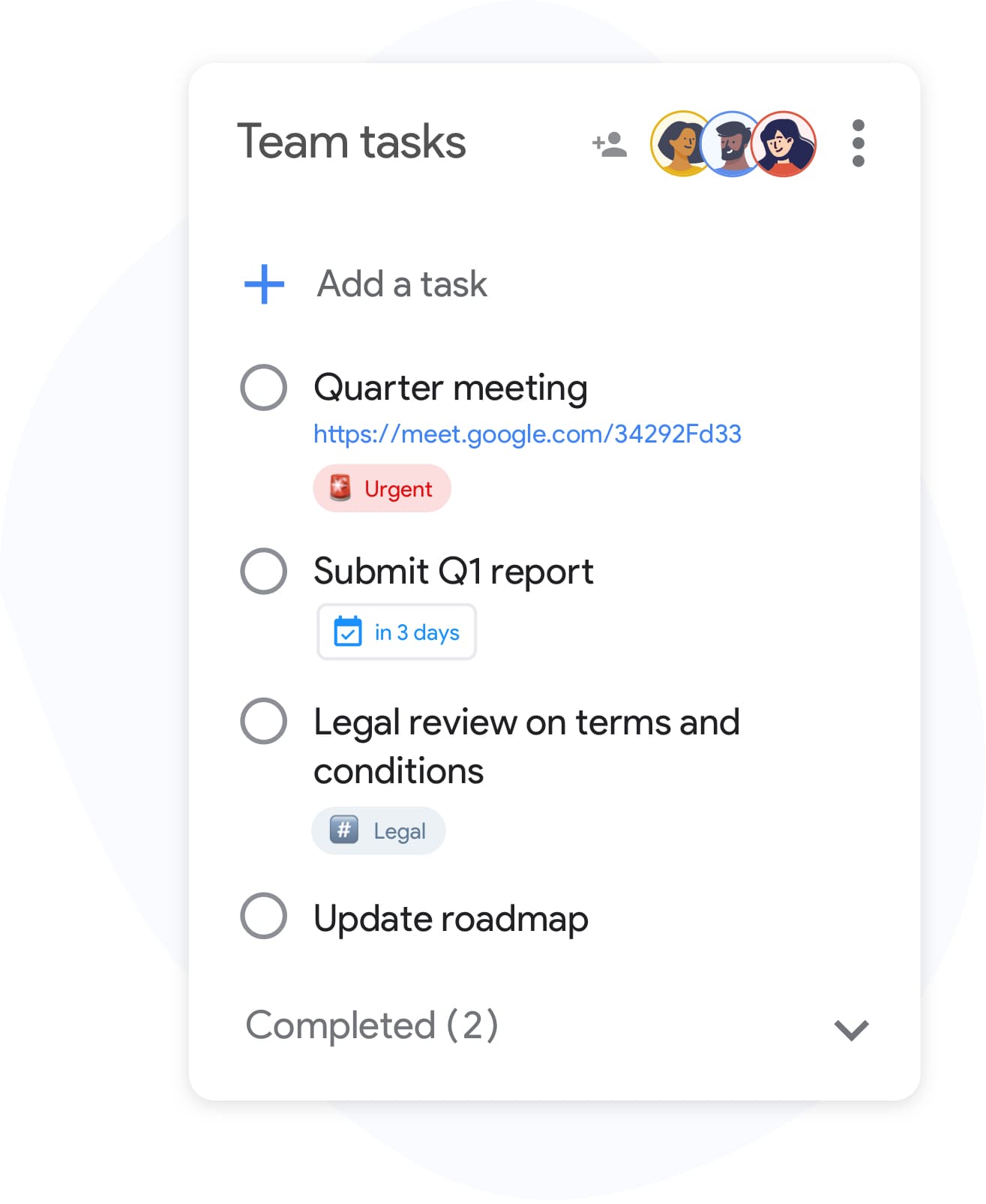
Google Tasks ไม่ได้ถูกออกแบบมาเพื่อการทำงานร่วมกัน จนกระทั่งตอนนี้ คุณสามารถแชร์รายการใดก็ได้กับเพื่อนร่วมทีม ครอบครัว หรือลูกค้าได้ในไม่กี่วินาที ไม่ต้องสร้างบัญชีใหม่ ผู้ร่วมงานสามารถลงชื่อเข้าใช้ด้วยบัญชี Google ที่มีอยู่ได้เลย
- ซิงค์แบบเรียลไทม์สำหรับทุกคนที่มีสิทธิ์เข้าถึง
- Invite collaborators by email or with a link, and stop sharing at any time
- ไม่ต้องตั้งค่า: แชร์รายการ, กำหนดระดับสิทธิ์, เสร็จสิ้น
รวมเข้ากับ Google Workspace อย่างสมบูรณ์
รวมเข้ากับ Google Workspace อย่างสมบูรณ์
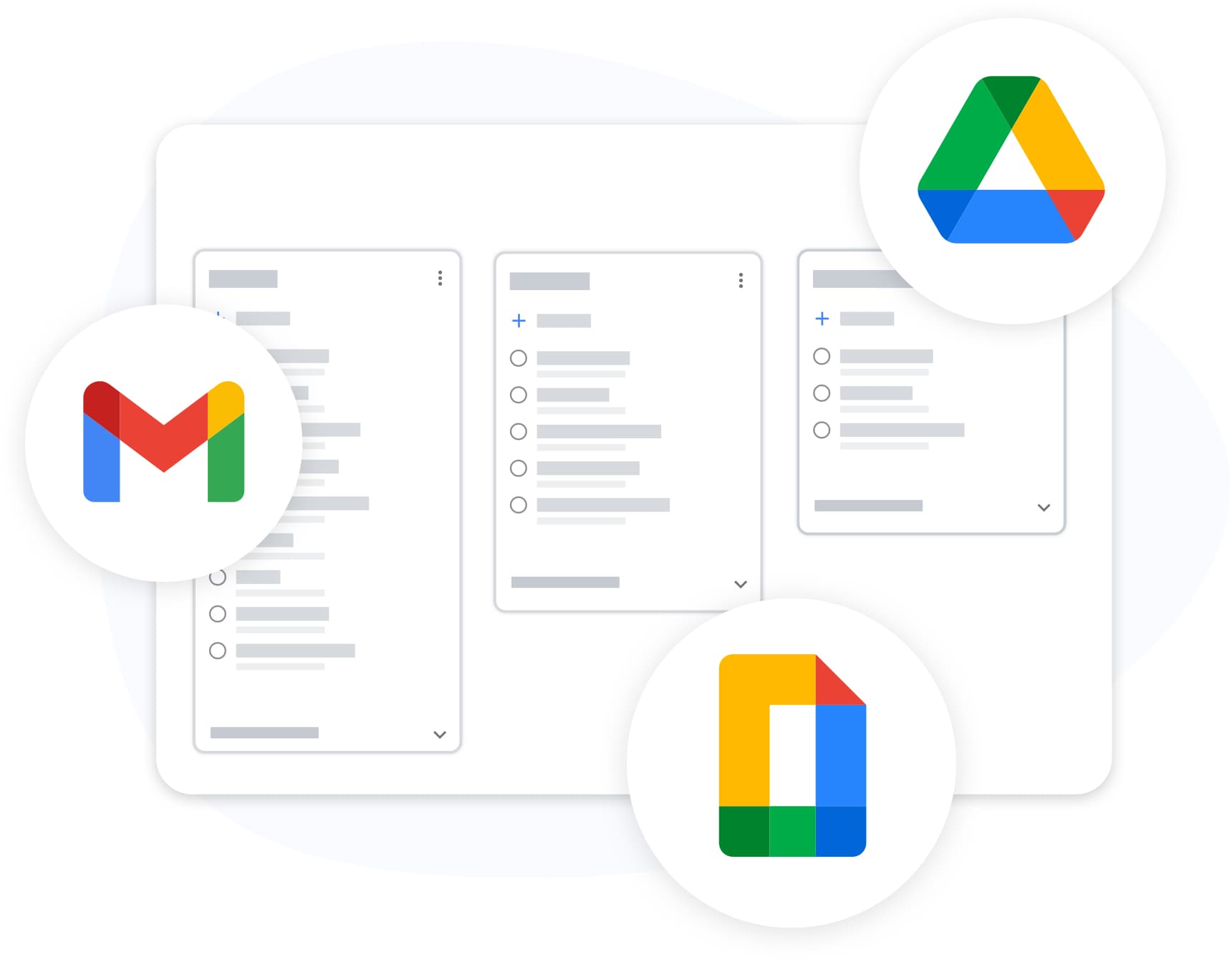
TasksBoard lives inside your Google ecosystem, not alongside it. Attach Drive files, see the link to the Gmail email a task was created from, and export any list to Sheets, all with your existing Google login.
- Tasks created with Gmail's "Add to tasks" button keep a link to the email, shown on the card in TasksBoard
- ส่งออกไปยัง Google Sheets เพื่อทำรายงานหรือจัดเก็บถาวร
- พื้นหลังและธีมแบบกำหนดเองเพื่อให้เข้ากับเวิร์กโฟลว์ของคุณ
ซิงค์กันทุกอุปกรณ์ของคุณ
ซิงค์กันทุกอุปกรณ์ของคุณ
Add a task on your phone and it appears on your board the moment you open your laptop. TasksBoard syncs in real time with Google Tasks, so changes made in the Google Tasks apps on iOS and Android, the Chrome extension, and the web all land on your board.
เป็นที่ชื่นชอบของผู้ใช้หลายพันคน
4.8 / 5 จากรีวิวกว่า 1,000 รายการบน Chrome Web Store
"Always have 101 things to do and this helps me organize and prioritize like no other app can. It syncs to my phone and laptop, and when I add dates to tasks, they automatically integrate into my Google Calendar, which is immensely convenient. I can look at my daily, weekly, and monthly overview in Google Calendar and clearly see how much I was able to accomplish! Great tool indeed. Excited to see how it will evolve over time."

"Seriously, makes my tasks easier to share with the team, and the free version is quite nice for our little office. Eventually, we will expand, and this is definitely a great tool to do that! Syncs with my Workspace and Calendar."

"I love the simple, intuitive interface and the Add to Tasks feature, especially as I work through my emails! Sharing my tasks is also easy. Overall, outstanding and simple to use, and that means a lot with too many complex tasks out there!"

"Great too for managing daily routine and plan tasks. Would be perfect if it was updated for generating reports for statistics. For google tasks and google calendar"





คำถามที่พบบ่อย
TasksBoard คืออะไร?
TasksBoard is a full-screen web application for managing Google Tasks. It adds kanban boards, due dates with a "Due today" smart board, and team collaboration features on top of your existing Google Tasks and works directly with your Google account, with no data migration required.
TasksBoard ใช้งานฟรีหรือไม่?
ใช่ TasksBoard มีแผนฟรีพร้อมฟีเจอร์การจัดการงานหลัก ส่วนฟีเจอร์ระดับพรีเมียม เช่น พื้นหลังกระดาน, ป้ายกำกับสี และการแชร์กับทีม จะมีให้ใช้งานผ่านการสมัครสมาชิกแบบชำระเงิน
TasksBoard ซิงค์กับ Google Tasks หรือไม่?
ใช่ TasksBoard ซิงค์ข้อมูลแบบเรียลไทม์กับ Google Tasks การเปลี่ยนแปลงใดๆ ที่คุณทำจะปรากฏทันทีใน Gmail, Google Calendar และแอปมือถือ Google Tasks และในทางกลับกัน
ฉันสามารถแชร์ Google Tasks กับทีมของฉันได้หรือไม่?
ได้ TasksBoard ช่วยให้คุณแชร์กระดานงานกับสมาชิกในทีมได้ ทุกคนสามารถดู แก้ไข และทำเครื่องหมายงานว่าเสร็จสิ้นได้แบบเรียลไทม์พร้อมการสนับสนุนการทำงานร่วมกันอย่างเต็มรูปแบบ
แอป Google Tasks ที่ดีที่สุดคืออะไร?
TasksBoard ได้รับการจัดอันดับเป็นแอป Google Tasks อันดับ 1 ด้วยคะแนน 4.8 จาก 5 จากรีวิวกว่า 1,000 รายการ โดยมีฟีเจอร์ที่ไม่มีในอินเทอร์เฟซ Google Tasks แบบดั้งเดิม เช่น กระดาน Kanban, การจัดการงานย่อย และคีย์ลัด
ฉันจะใช้ Google Tasks เป็นเครื่องมือจัดการโปรเจกต์ได้อย่างไร?
ด้วย TasksBoard คุณสามารถจัดระเบียบ Google Tasks ลงในกระดาน Kanban พร้อมรายการแบบกำหนดเอง, การลากและวางเพื่อจัดลำดับใหม่, วันครบกำหนด, งานย่อย และการมอบหมายงานให้ทีม ซึ่งเปลี่ยนงานง่ายๆ ให้กลายเป็นเวิร์กโฟลว์การจัดการโปรเจกต์ที่สมบูรณ์แบบ
TasksBoard ทำงานแบบออฟไลน์ได้หรือไม่?
No. TasksBoard needs an internet connection: every change is written to Google Tasks as you make it, so there is nothing to sync later.
TasksBoard ปลอดภัยหรือไม่?
ใช่ TasksBoard ใช้ OAuth 2.0 สำหรับการตรวจสอบสิทธิ์ของ Google และไม่เคยจัดเก็บรหัสผ่าน Google ของคุณ ข้อมูลของคุณจะยังคงอยู่ในบัญชี Google ของคุณและได้รับการปกป้องโดยโครงสร้างพื้นฐานด้านความปลอดภัยของ Google
ฟรีตลอดไป
เริ่มต้นใช้งาน TasksBoard
ลงชื่อเข้าใช้ด้วยบัญชี Google ของคุณและรับกระดาน Kanban เต็มรูปแบบบน Google Tasks, พร้อมใช้งานในไม่กี่วินาที