Kanban เทียบกับ Scrum

Kanban vs Scrum: เฟรมเวิร์กไหนที่เหมาะกับทีมของคุณ?

ทั้ง Kanban และ Scrum ใช้บอร์ดแบบภาพ แต่ทำงานต่างกันมาก คู่มือนี้จะแจกแจงความแตกต่างหลักเพื่อให้คุณเลือกแนวทางที่ถูกต้องและเริ่มส่งมอบงานได้ตั้งแต่วันนี้

ใช้งานโดยผู้คนกว่า 2 ล้านคน เริ่มต้นใช้งานฟรี


Kanban vs Scrum: การเปรียบเทียบฟีเจอร์

Feature
Kanban
Scrum
รอบการทำงานคงที่ (sprints) Fixed iterations (sprints) ทางเลือก
ขีดจำกัด WIP WIP limits
บทบาทที่กำหนด (Scrum Master, PO) Defined roles (Scrum Master, PO)
พิธีการปรับปรุง Backlog Backlog grooming ceremonies
การส่งมอบต่อเนื่อง Continuous delivery ระหว่าง Sprint
เมตริกการไหล (เวลาในวงจร, ปริมาณงาน) Flow metrics (cycle time, throughput)
การติดตามความเร็ว (Velocity) Velocity tracking
การปรับแต่งบอร์ด Board customization คอลัมน์ Sprint เท่านั้น
ใช้งานได้สำหรับทีมสนับสนุน / ปฏิบัติการ Works for support / ops teams
ใช้งานได้สำหรับการพัฒนาฟีเจอร์ผลิตภัณฑ์ Works for product feature dev

Feature-by-feature comparison

Kanban optimizes flow; Scrum optimizes predictable delivery. Compare each practice with screenshots and sourced references.

Kanban 5 Scrum 2 It's a tie 3

Fixed iterations (sprints)

It's a tie

Kanban has no required sprint cadence. Work flows continuously through columns as capacity allows.

Scrum organizes work into time-boxed Sprints, typically 1–4 weeks, with a committed Sprint Goal.

Kanban
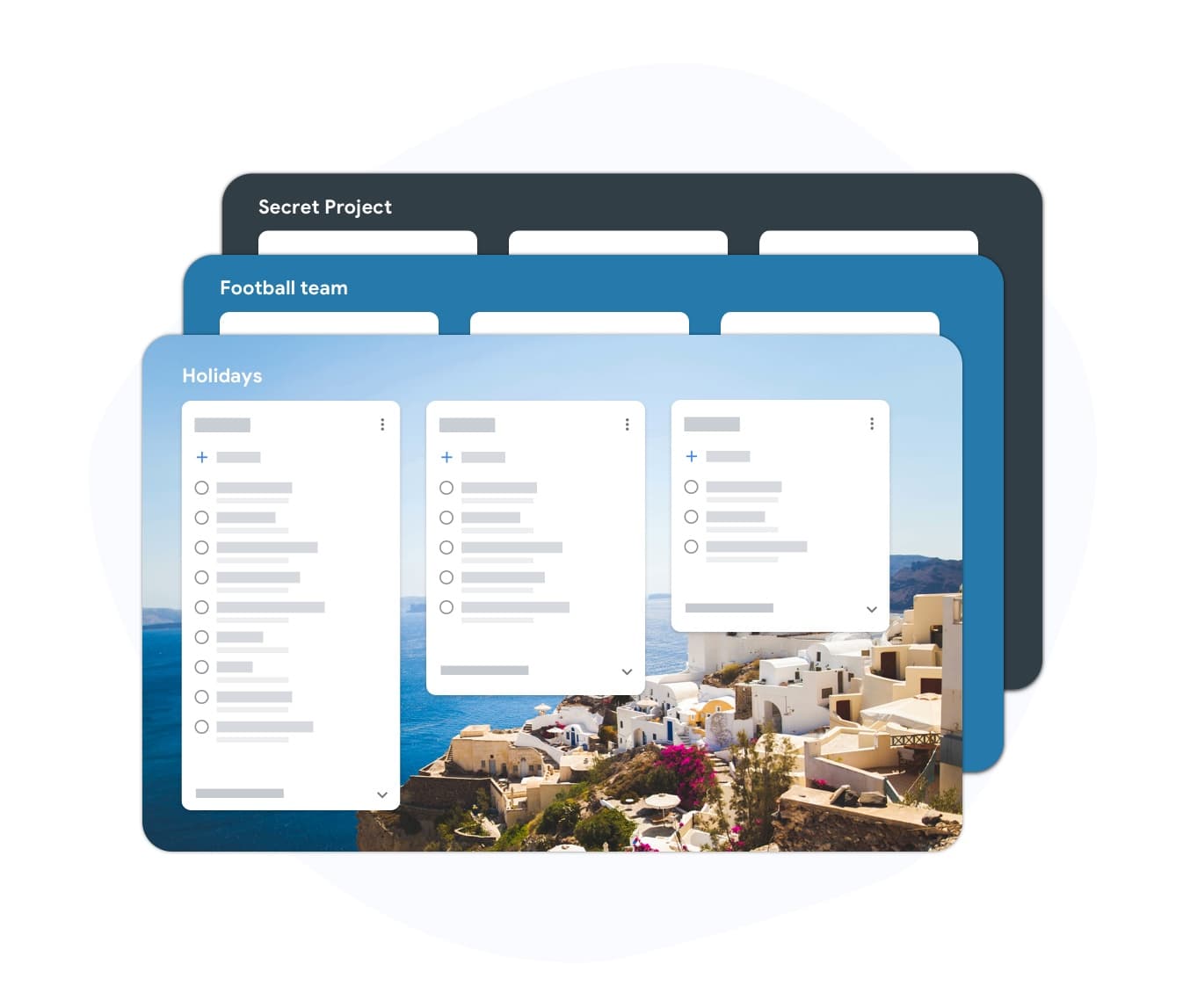
Fixed iterations (sprints) — left column screenshot
Continuous flow, no sprint boundary.
Scrum
Fixed iterations (sprints) — right column screenshot
Sprint planning and time boxes.

It's a tie

Neither is universally better — Kanban suits continuous flow; Scrum suits time-boxed, predictable delivery.
WIP limits

Winner: Kanban

Kanban uses Work-In-Progress limits per column to prevent overload and surface bottlenecks.

Scrum limits work indirectly through Sprint capacity planning rather than per-column WIP caps.

Kanban Winner
WIP limits — left column screenshot
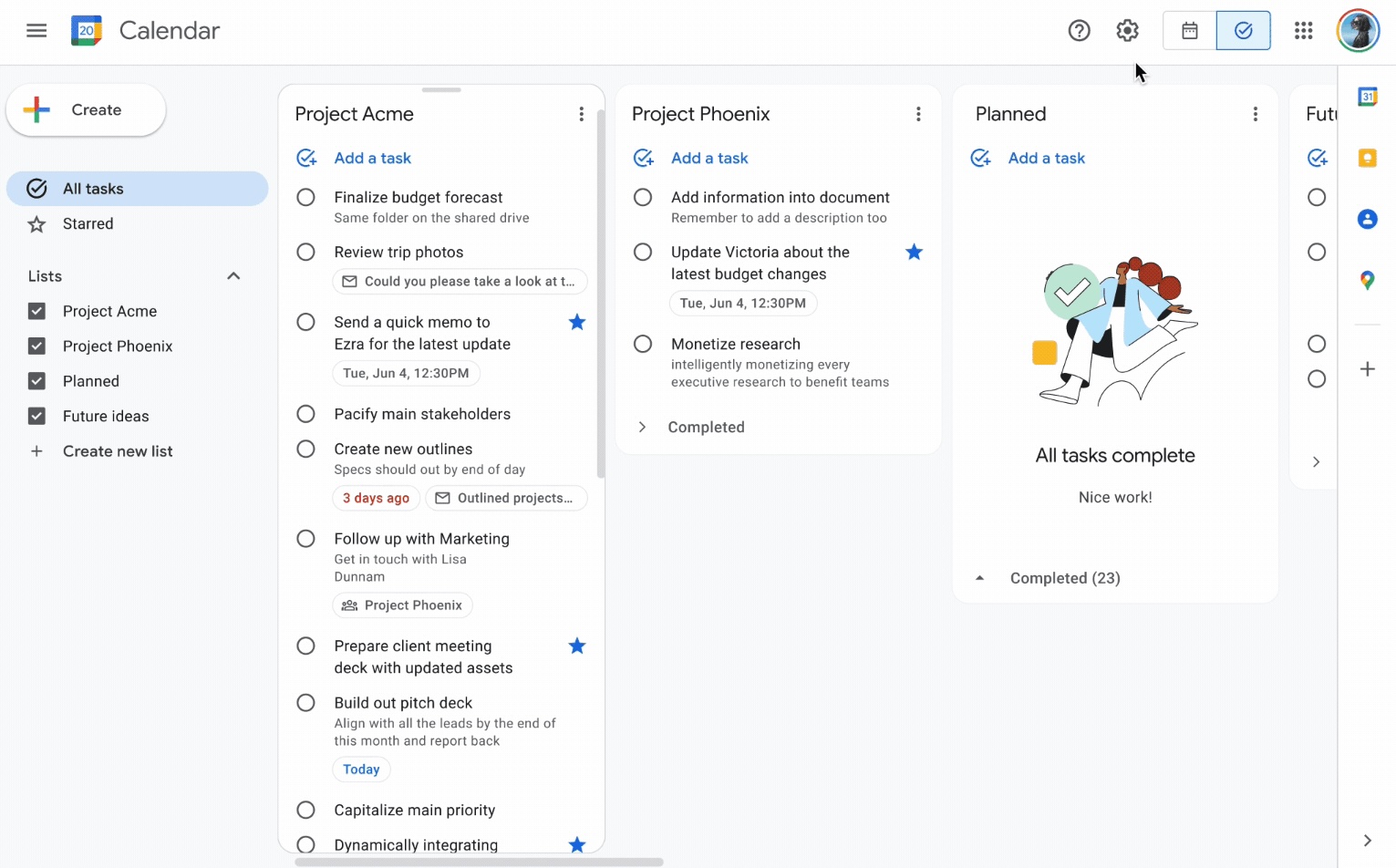
Column WIP limits on TasksBoard.
Scrum
WIP limits — right column screenshot
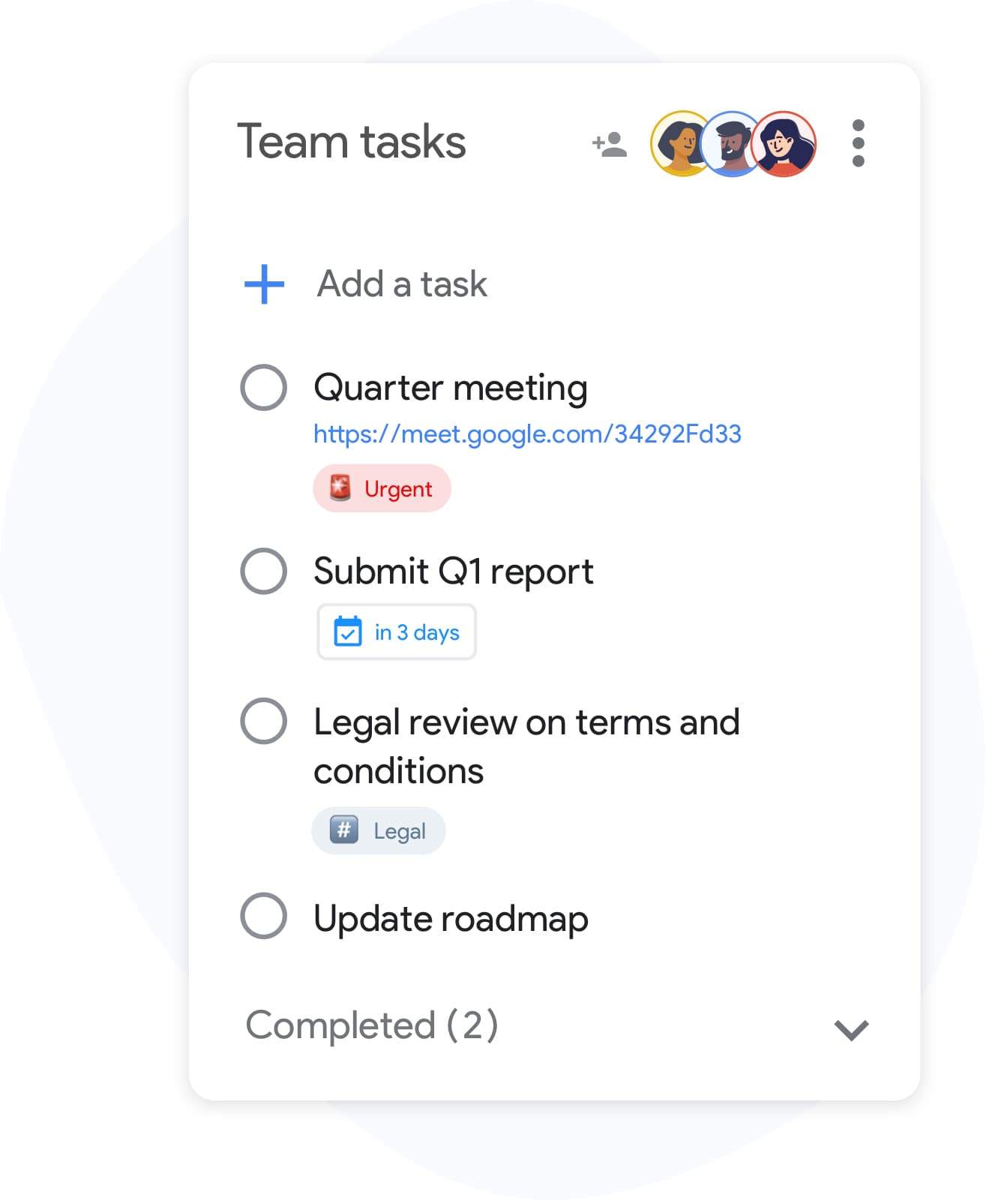
Sprint capacity as the limit.

Winner: Kanban

Explicit per-column WIP limits are a core Kanban practice for preventing overload and surfacing bottlenecks.


Defined roles

It's a tie

Kanban has no mandated roles. The team owns the board and pull-based workflow.

Scrum defines Scrum Master, Product Owner, and Developers with distinct accountabilities.

Kanban
Defined roles — left column screenshot
Self-organizing team, no fixed roles.
Scrum
Defined roles — right column screenshot
Scrum Master, PO, Developers.

It's a tie

Kanban needs no fixed roles; Scrum's defined accountabilities help larger teams that want clear structure.


Backlog grooming ceremonies

It's a tie

Kanban refines work just-in-time as items approach the top of the backlog column.

Scrum holds regular backlog refinement sessions to prepare items for upcoming Sprints.

Kanban
Backlog grooming ceremonies — left column screenshot
Just-in-time refinement.
Scrum
Backlog grooming ceremonies — right column screenshot
Scheduled refinement ceremonies.

It's a tie

Kanban refines just-in-time; Scrum schedules backlog refinement ceremonies — both work, different rhythms.


Continuous delivery

Winner: Kanban

Kanban teams release whenever an item is done — no waiting for a sprint boundary.

Scrum typically delivers at the end of each Sprint during the Sprint Review.

Kanban Winner
Continuous delivery — left column screenshot
Ship when ready.
Scrum
Continuous delivery — right column screenshot
Deliver at Sprint Review.

Winner: Kanban

Kanban teams ship whenever an item is done; Scrum typically batches delivery at the Sprint Review.


Flow metrics

Winner: Kanban

Kanban tracks cycle time, throughput, and lead time to optimize flow efficiency.

Scrum primarily measures velocity — story points completed per Sprint.

Kanban Winner
Flow metrics — left column screenshot
Cycle time and throughput.
Scrum
Flow metrics — right column screenshot
Velocity per Sprint.

Winner: Kanban

Cycle time, throughput, and lead time give Kanban teams direct flow-efficiency signals.


Velocity tracking

Winner: Scrum

Kanban does not use velocity. Flow metrics replace point-based tracking.

Scrum teams track velocity to forecast Sprint capacity and release planning.

Kanban
Velocity tracking — left column screenshot
Flow-based forecasting.
Scrum Winner
Velocity tracking — right column screenshot
Story-point velocity charts.

Winner: Scrum

Story-point velocity is Scrum's primary forecasting tool — Kanban deliberately avoids velocity tracking.


Board customization

Winner: Kanban

Kanban boards are fully customizable — add columns, swim lanes, and WIP limits per team.

Scrum boards follow a standard To Do → In Progress → Done pattern tied to Sprint scope.

Kanban Winner
Board customization — left column screenshot
Custom columns on TasksBoard.
Scrum
Board customization — right column screenshot
Sprint-scoped standard columns.

Winner: Kanban

Kanban boards are fully customizable — columns, swim lanes, and WIP limits per team.


Support and ops teams

Winner: Kanban

Kanban excels for interrupt-driven work — support tickets, incidents, and ops queues flow continuously.

Scrum's sprint commitment model fits poorly when urgent items arrive mid-Sprint.

Kanban Winner
Support and ops teams — left column screenshot
Continuous intake for ops work.
Scrum
Support and ops teams — right column screenshot
Sprint commitment conflicts with interrupts.

Winner: Kanban

Interrupt-driven support and ops queues flow continuously on Kanban; Scrum's sprint commitment fights mid-sprint urgency.


Product feature development

Winner: Scrum

Kanban works for feature dev when continuous flow is preferred over batch planning.

Scrum is widely adopted for product teams building features in predictable increments.

Kanban
Product feature development — left column screenshot
Feature cards flowing through columns.
Scrum Winner
Product feature development — right column screenshot
Sprint-planned feature increments.

Winner: Scrum

Scrum is widely adopted for product teams building features in predictable sprint increments.


เป็นที่ชื่นชอบของผู้ใช้หลายพันคน

4.8 / 5 จากรีวิวกว่า 1,000 รายการบน Chrome Web Store

"Always have 101 things to do and this helps me organize and prioritize like no other app can. It syncs to my phone and laptop, and when I add dates to tasks, they automatically integrate into my Google Calendar, which is immensely convenient. I can look at my daily, weekly, and monthly overview in Google Calendar and clearly see how much I was able to accomplish! Great tool indeed. Excited to see how it will evolve over time."

PR Parina Ramjee avatar
Parina Ramjee

"Seriously, makes my tasks easier to share with the team, and the free version is quite nice for our little office. Eventually, we will expand, and this is definitely a great tool to do that! Syncs with my Workspace and Calendar."

CC Chase Cattrall avatar
Chase Cattrall

"I love the simple, intuitive interface and the Add to Tasks feature, especially as I work through my emails! Sharing my tasks is also easy. Overall, outstanding and simple to use, and that means a lot with too many complex tasks out there!"

GC Greg Cantori avatar
Greg Cantori

"Great too for managing daily routine and plan tasks. Would be perfect if it was updated for generating reports for statistics. For google tasks and google calendar"

NV Nick Vlasov avatar
Nick Vlasov

คำถามที่พบบ่อย

ความแตกต่างหลักระหว่าง Kanban และ Scrum คืออะไร?

Scrum ใช้ Sprint ที่มีความยาวคงที่พร้อมบทบาทและพิธีการที่กำหนด Kanban ใช้รูปแบบการไหลต่อเนื่องโดยไม่มี Sprint บังคับ Scrum มีโครงสร้างมากกว่า Kanban มีความยืดหยุ่นมากกว่า

ทีมสามารถใช้ทั้ง Kanban และ Scrum ร่วมกันได้หรือไม่?

ได้ "Scrumban" เป็นแนวทางไฮบริดที่ทีมใช้พิธีการของ Scrum แต่จัดการเวิร์กโฟลว์ด้วยบอร์ด Kanban และขีดจำกัด WIP เป็นเรื่องปกติในทีมที่ต้องการความสามารถในการคาดการณ์ของ Sprint ควบคู่ไปกับการมองเห็นการไหลของงาน

Kanban หรือ Scrum ดีกว่าสำหรับทีมขนาดเล็ก?

โดยทั่วไป Kanban เรียบง่ายกว่าสำหรับทีมขนาดเล็กเพราะไม่มีบทบาทหรือพิธีการบังคับ ทีมขนาดสองถึงห้าคนสามารถเริ่มบอร์ด Kanban ได้ทันทีโดยไม่ต้องฝึกอบรม ภาระงานของ Scrum นั้นยากที่จะหาเหตุผลมาสนับสนุนสำหรับทีมที่ต่ำกว่าห้าคน

Kanban มี Story Points หรือไม่?

Kanban ไม่ต้องการ Story Points แต่ใช้เมตริกการไหลแทน: เวลาในวงจร (งานใช้เวลานานเท่าใดจึงจะเสร็จ), ปริมาณงาน (งานเสร็จกี่งานต่อสัปดาห์) และเวลาในการนำไปใช้ (lead time) เมตริกเหล่านี้มักจะนำไปปฏิบัติได้จริงมากกว่าความเร็ว (velocity)

ฉันสามารถรัน Kanban ใน TasksBoard ได้หรือไม่?

ได้ TasksBoard มอบบอร์ด Kanban แบบเต็มหน้าจอที่ขับเคลื่อนด้วย Google Tasks ให้คุณ คุณสามารถสร้างคอลัมน์สำหรับเวิร์กโฟลว์ใดก็ได้ (สิ่งที่ต้องทำ, กำลังดำเนินการ, เสร็จสิ้น หรือขั้นตอนที่กำหนดเอง) ลากงานระหว่างคอลัมน์ และเพิ่มวันครบกำหนดที่ซิงค์กับ Google Calendar

Kanban ต้องการบทบาทอะไรบ้าง?

Kanban ไม่มีบทบาทที่จำเป็น ไม่เหมือน Scrum ที่ไม่มี Scrum Master หรือ Product Owner ที่วิธีนี้บังคับ ทีมมักจะกำหนดผู้จัดการการไหลหรือผู้จัดการการส่งมอบบริการ แต่บทบาทเหล่านี้เป็นทางเลือกและไม่เป็นทางการ

Scrum มีไว้สำหรับทีมซอฟต์แวร์เท่านั้นหรือไม่?

Scrum ถูกออกแบบมาสำหรับการพัฒนาซอฟต์แวร์ แต่ทีมการตลาด ทรัพยากรบุคคล และปฏิบัติการได้ปรับใช้จนประสบความสำเร็จ Kanban ปรับตัวเข้ากับเวิร์กโฟลว์ที่ไม่ใช่ซอฟต์แวร์ได้ง่ายยิ่งขึ้นเพราะมีข้อจำกัดน้อยกว่า


เริ่มต้นใช้งาน

รันบอร์ดสไตล์ Kanban หรือ Scrum ใน TasksBoard

ลงชื่อเข้าใช้ด้วยบัญชี Google ของคุณและสร้างเวิร์กโฟลว์แบบภาพในไม่กี่นาที ลากงานข้ามคอลัมน์ ตั้งวันครบกำหนด และแชร์บอร์ดกับทีมของคุณ

ไม่ต้องใช้บัตรเครดิต ทำงานร่วมกับ Google Tasks ที่คุณมีอยู่แล้ว