Google Tasks vs TickTick: Which Task Manager Should You Use in 2026?

Google Tasks and TickTick are two of the most popular free task managers available today. One is built directly into Gmail and requires zero setup. The other packs in a Pomodoro timer, habit tracker, calendar view, and priority levels.
Both apps solve the same core problem: keeping track of what you need to do. The differences show up in depth, flexibility, and which ecosystem they fit into.
This guide breaks down Google Tasks vs TickTick across every dimension that matters so you can make the right call for your workflow in 2026.
Google Tasks vs TickTick at a Glance
| Feature | Google Tasks | TickTick |
|---|---|---|
| Price | Free | Free (limited) / Premium ~$2.79/mo |
| Platforms | Web, iOS, Android | Web, iOS, Android, Windows, Mac |
| Gmail integration | Native sidebar | No native integration |
| Google Calendar sync | Automatic (live) | Manual (iCal feed only) |
| Recurring tasks | Basic | Flexible patterns |
| Subtasks | One level | Multiple levels |
| Priority levels | No | Yes (4 flags) |
| Natural language input | No | Yes |
| Kanban view | No | Yes (Premium only) |
| Pomodoro timer | No | Yes |
| Habit tracker | No | Yes |
| Collaboration | No native sharing | Shared tasks (Premium) |
| Offline access | Limited | Yes |
Both apps tackle the same challenge: getting things out of your head and into a system. Where they differ is in depth, price, and how well they fit the rest of your digital workflow.
Google Tasks: Free and Frictionless for Gmail Users
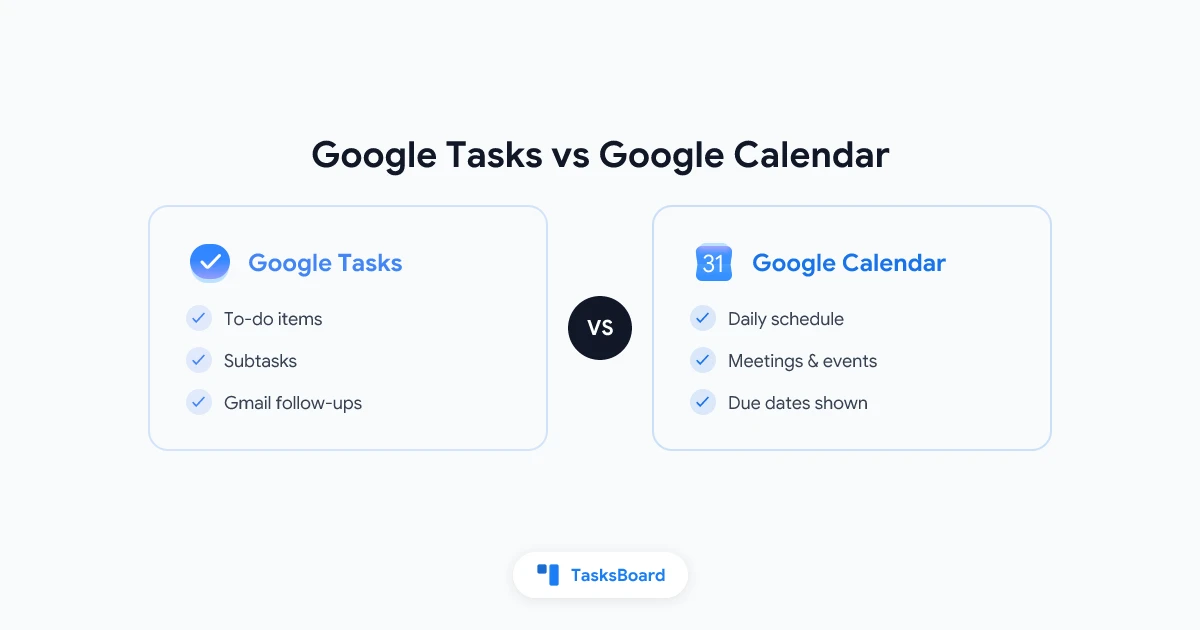
Google Tasks lives inside Gmail, Google Calendar, Google Docs, and Google Chat as a sidebar panel. No sign-up, no new account, no configuration. If you have a Google account, you already have it.
The app is intentionally minimal. You get task lists, tasks, one level of subtasks, due dates, and notes. That is the entire feature set.
That simplicity is both the strength and the limitation. Adding a task from Gmail takes two clicks. Due dates appear on your Google Calendar automatically. The mobile app is fast and clean.
The cracks appear when your work grows more complex. There are no priority levels to sort by urgency. There are no filters to view tasks across lists. Notifications require a workaround through Google Calendar. And if you need to share a task list with a teammate, Google Tasks offers no native way to do it.
For Google Workspace teams who need visual boards and collaboration, there is a practical fix. TasksBoard adds kanban boards and real-time sharing on top of your existing Google Tasks lists. Your data stays in Google Tasks (and syncs to Gmail and Calendar), while TasksBoard gives you the workflow management layer that Google Tasks lacks.
TickTick: Feature-Rich and Built for Power Users
TickTick is the opposite of minimal. It ships with calendar views, a Pomodoro timer, a habit tracker, four priority levels, natural language date parsing, tags, filters, and kanban boards.
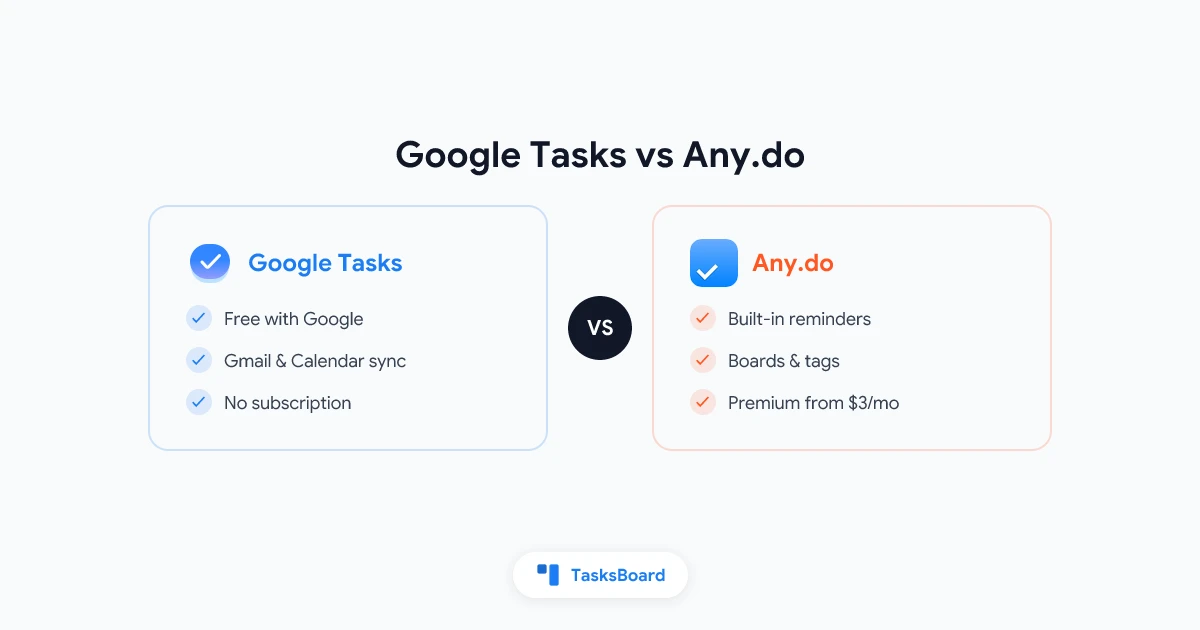
The free tier is generous but capped. You get nine lists and 99 tasks per list. Premium unlocks calendar overlay, unlimited filters, custom smart lists, reminders with custom sounds, and timeline view.
TickTick works on every major platform including Windows and Mac as native apps, which Google Tasks does not offer. Sync is fast and reliable across devices.
The trade-off is the learning curve. TickTick rewards users who invest time in setting up smart lists, filters, and tags. If you just want to write down tasks, it can feel overwhelming.
The biggest limitation for Google Workspace users: TickTick does not connect with Gmail or Google Calendar in real time. Tasks with due dates do not appear on your Calendar automatically. You cannot turn a Gmail message into a task in one click. For anyone whose workday runs through Google apps, this gap is significant.
Feature-by-Feature: Where Each App Wins
Pricing
Google Tasks is completely free with no tiers and no upsell.
TickTick Free covers most basic use cases well. TickTick Premium costs around $2.79 per month (billed annually) and unlocks the features most power users want: calendar view, filters, and additional reminders.
Winner: Google Tasks for cost. TickTick Premium for value per dollar of features.
Google Workspace Integration
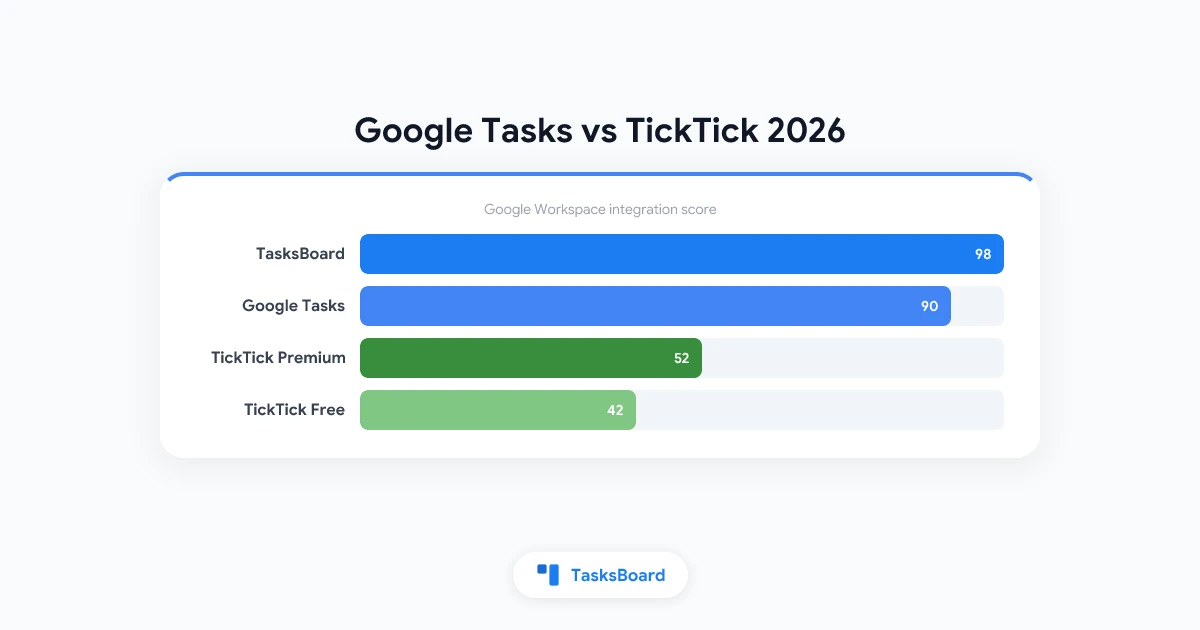
This is where Google Tasks pulls decisively ahead for anyone working in the Google ecosystem.
Tasks with due dates appear on Google Calendar automatically. A task created in Gmail appears in every Google app that shows the Tasks panel. The connection is live and requires no setup.
TickTick can export an iCal feed that you subscribe to in Google Calendar. This gives you a read-only view of your tasks in Calendar. Changes in TickTick do not update in real time. For Google Workspace teams, this gap is significant.
Winner: Google Tasks.
Mobile Experience
Both apps have solid iOS and Android apps. TickTick edges ahead on polish: it offers home screen widgets, a smart date parser on mobile, swipe gestures, and a day-by-day overview. Google Tasks is cleaner but offers fewer options.
Winner: TickTick.
Notifications and Reminders
TickTick lets you set time-based push notifications directly on any task. You can add multiple reminders per task, and Premium adds location-based alerts and custom notification sounds.
Google Tasks does not send push notifications for due dates on its own. To get alerts, you set a due date and then configure a reminder through Google Calendar. It works, but it is an extra step every time.
Winner: TickTick.
Collaboration
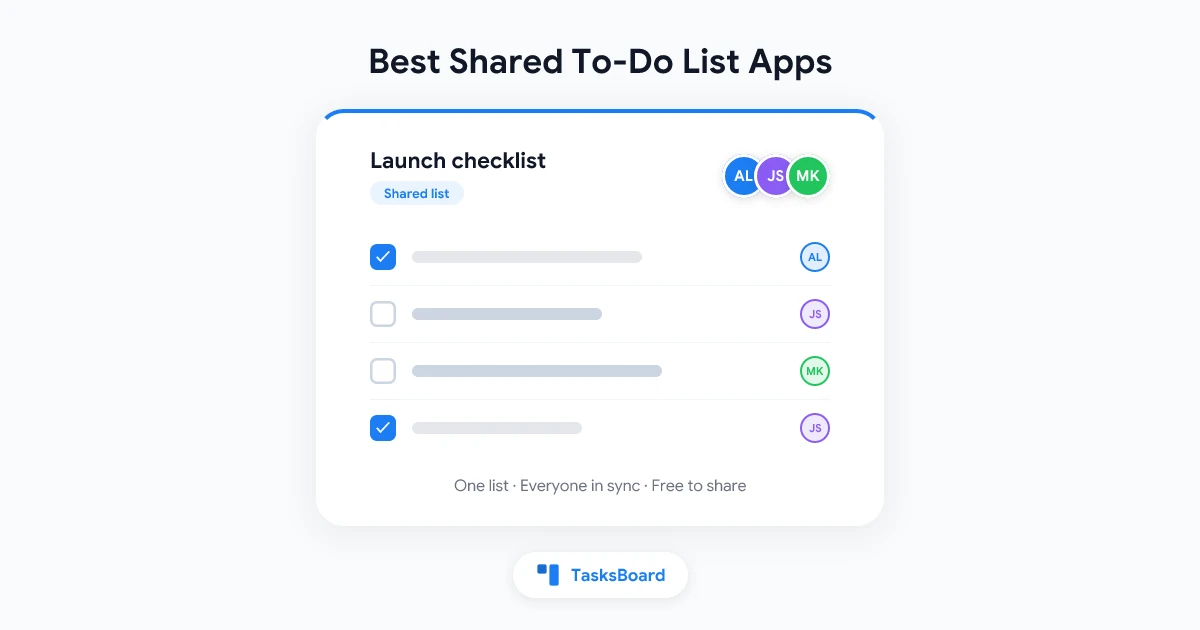
Neither app is built for teams. Google Tasks has no sharing features at all. TickTick allows task sharing and project collaboration on Premium, but it requires all teammates to have TickTick accounts.
If sharing task lists with your team is a core need, both apps require a workaround.
Winner: Tie.
- Gmail and Calendar sync (automatic)
- Zero setup and zero cost
- Native Google Workspace fit
- Push notifications on tasks
- Priority levels and filters
- Native Windows and Mac apps
Who Should Use Google Tasks?
Google Tasks is the right choice if you work in Gmail every day and want zero friction.
If your workday runs through Gmail and Google Calendar, Google Tasks is already right there in your sidebar. No import, no data migration, no new subscription. Creating a task from a Gmail message and having it appear on your Calendar is a workflow TickTick cannot replicate cleanly.
Google Tasks is also a good fit if you prefer minimalism. There are no features to configure, no smart lists to maintain, and no tags to create. You open the app, write a task, and close it.
The limitation is that Google Tasks was not designed for teams or complex projects. If you need to share lists, assign tasks to teammates, or visualize work on a kanban board, the native app does not cover you.
That is where TasksBoard fills the gap. It adds a full kanban board view, real-time task sharing, and collaborative boards on top of Google Tasks. Your tasks stay in Google Tasks and sync with Gmail and Calendar. TasksBoard gives you the visual workflow layer that makes TickTick appealing for teams, without requiring anyone to leave the Google ecosystem.
 Try TasksBoard
Add kanban boards and real-time sharing to Google Tasks without leaving the Google ecosystem. Free to get started.
Get Started →Who Should Use TickTick?
TickTick is the right choice for power users who want a self-contained productivity system that is not tied to any single ecosystem.
If you work across Windows, Mac, iOS, and Android, TickTick’s native apps provide a consistent experience that Google Tasks cannot match. If you want time-based push notifications, priority flags, and natural language date entry, TickTick delivers all of these out of the box.
The Pomodoro timer and habit tracker are genuine differentiators. No other major task manager bundles both into a single app at TickTick’s price point.
TickTick also suits users who want to keep work and personal life in one place but in separate projects. You can organize tasks with custom tags and smart lists, and the calendar view gives you a day-by-day overview of everything due.
The trade-off is price (Premium is required for the most valuable features) and the lack of Google integration. If your company uses Google Workspace, TickTick will always feel like a side tool rather than the center of your workflow.
Google Tasks vs TickTick: Switching Costs
Switching from one app to the other is not painless in either direction.
Moving from TickTick to Google Tasks: TickTick allows CSV and iCal export, but Google Tasks does not have a native import feature. You would need to manually recreate your most important lists. For most users with a handful of active projects, this takes less than an hour.
Moving from Google Tasks to TickTick: TickTick cannot directly import from Google Tasks. The workaround is to export your Google Tasks lists via Google Takeout (in JSON format) and then manually re-enter your active tasks. Completed tasks are rarely worth migrating.
If you are on the fence, the practical advice is this: do not switch until you have tested TickTick on your actual workflow for at least two weeks. The feature list looks impressive on paper. What matters is whether you use those features regularly.
If you use Google Workspace and the main things you want from TickTick are kanban boards and task sharing, consider extending Google Tasks instead of replacing it.
Tools like TasksBoard add those features on top of your existing Google Tasks data. You get a kanban view, shared boards, and team assignments without migrating a single task. See how it works in our Google Tasks kanban board guide.
Frequently Asked Questions
Conclusion
Google Tasks and TickTick are built for different kinds of users, and the right choice depends entirely on your workflow.
Choose Google Tasks if you work in Gmail every day, want zero-friction task capture, and do not want to pay for another subscription. Tasks sync to Calendar automatically, appear in the Gmail sidebar, and cost nothing.
Choose TickTick if you want priority levels, a Pomodoro timer, native desktop apps, and push notifications directly on tasks. TickTick Premium is worth the cost for power users who spend their day inside a task manager.
Consider TasksBoard if you want Google Tasks but with a kanban board, shared lists, and team collaboration. It keeps your data in the Google ecosystem while adding the visual features that make TickTick appealing. Take a look at how other users have approached this in our Google Tasks alternatives guide or read up on how to share Google Tasks with your team.
TasksBoard is free to start, and you will not need to move a single task out of Google.
Ready to share your Google Tasks?
Get started with TasksBoard for free, no credit card required.
Sign in