Shared To-Do List App: The 6 Best Options in 2026

Hybrid work stopped being an experiment a while ago. Gallup’s hybrid work indicator has shown for years now that roughly half of remote-capable employees split their week between home and office, which means the people you share tasks with are rarely in the same room.
At the same time, plenty of small teams are tired of heavyweight project management platforms. They do not want sprints, Gantt charts, and another seat license. They want a shared to-do list app: one list, a few people, everyone sees the same thing in real time.
This guide compares six real options for 2026, with the honest free plan limits for each. We tested where sharing actually starts costing money, because that detail is buried on almost every pricing page.
What makes a shared to-do list app worth using
A collaborative to do list app has one job: keep several people looking at the same list without anyone asking “did you finish that?” in chat. That translates into a short checklist of requirements.
- Real-time sync. When someone checks off an item, everyone sees it within seconds, not after a manual refresh.
- Sharing on the free plan. If collaboration is locked behind a paywall, it is not a shared list app, it is a trial.
- Cross-platform access. Phones, tablets, and a proper desktop view, because your collaborators will not all use the same device.
- Permissions. You should control who can edit and who can only view, and be able to revoke access.
- No forced migration. The best tool plugs into where your tasks already live instead of demanding that everyone move.
With that scorecard in mind, here are the six apps that actually deliver in 2026.
1. TasksBoard: the best shared to-do list app for Google users
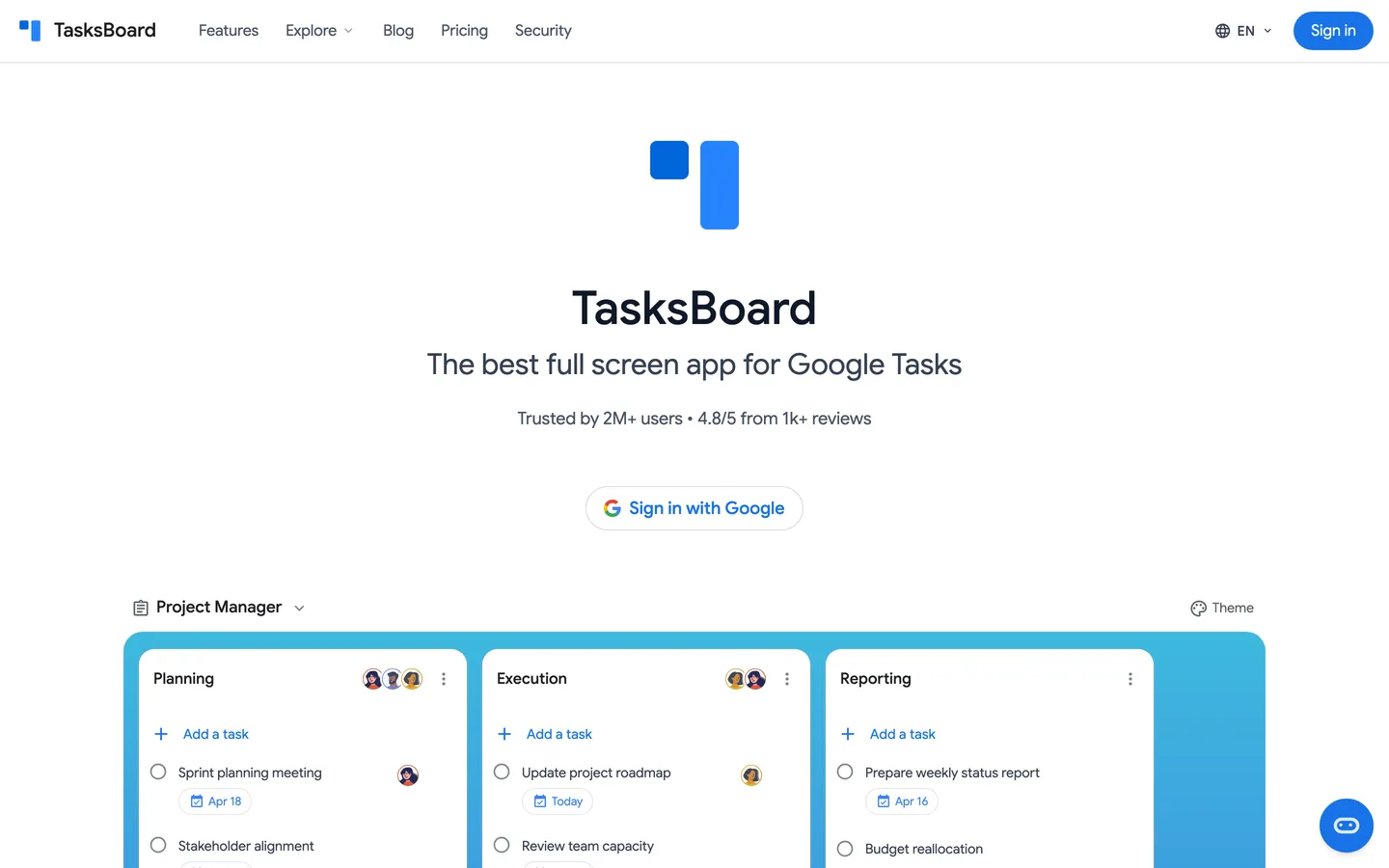
TasksBoard takes a different approach from everything else on this list. Instead of storing your tasks in yet another silo, it works directly on top of Google Tasks, the task manager already built into Gmail and Google Calendar.
Google Tasks has one famous gap: there is no native way to share a list. TasksBoard closes exactly that gap. You share any list with one link, collaborators sign in with the Google account they already have, and every change syncs in real time for everyone.
The free plan includes unlimited tasks, a full-screen kanban view, mobile access, and up to 5 shared lists. That is enough for a small team or a household to run entirely for free. The Pro plan (from $3.99 per month billed yearly) removes the cap with unlimited shared lists, and the Team plan adds shared boards and team billing.
You also keep permissions in your hands. Each shared list has edit or view-only access per person, and you can revoke access at any time.
- Free sharing limit: up to 5 shared lists, real-time sync included
- Best for: anyone whose email is Gmail and whose tasks should stay in Google
- Watch out for: collaborators need a Google account so tasks sync properly
 Try TasksBoard
Share your Google Tasks lists with your team, family, or clients in seconds. One link, real-time sync, free to start with up to 5 shared lists.
Get Started →If you want the full setup walkthrough, our guide on how to share Google Tasks covers it step by step.
2. Todoist: the best all-rounder for small shared projects
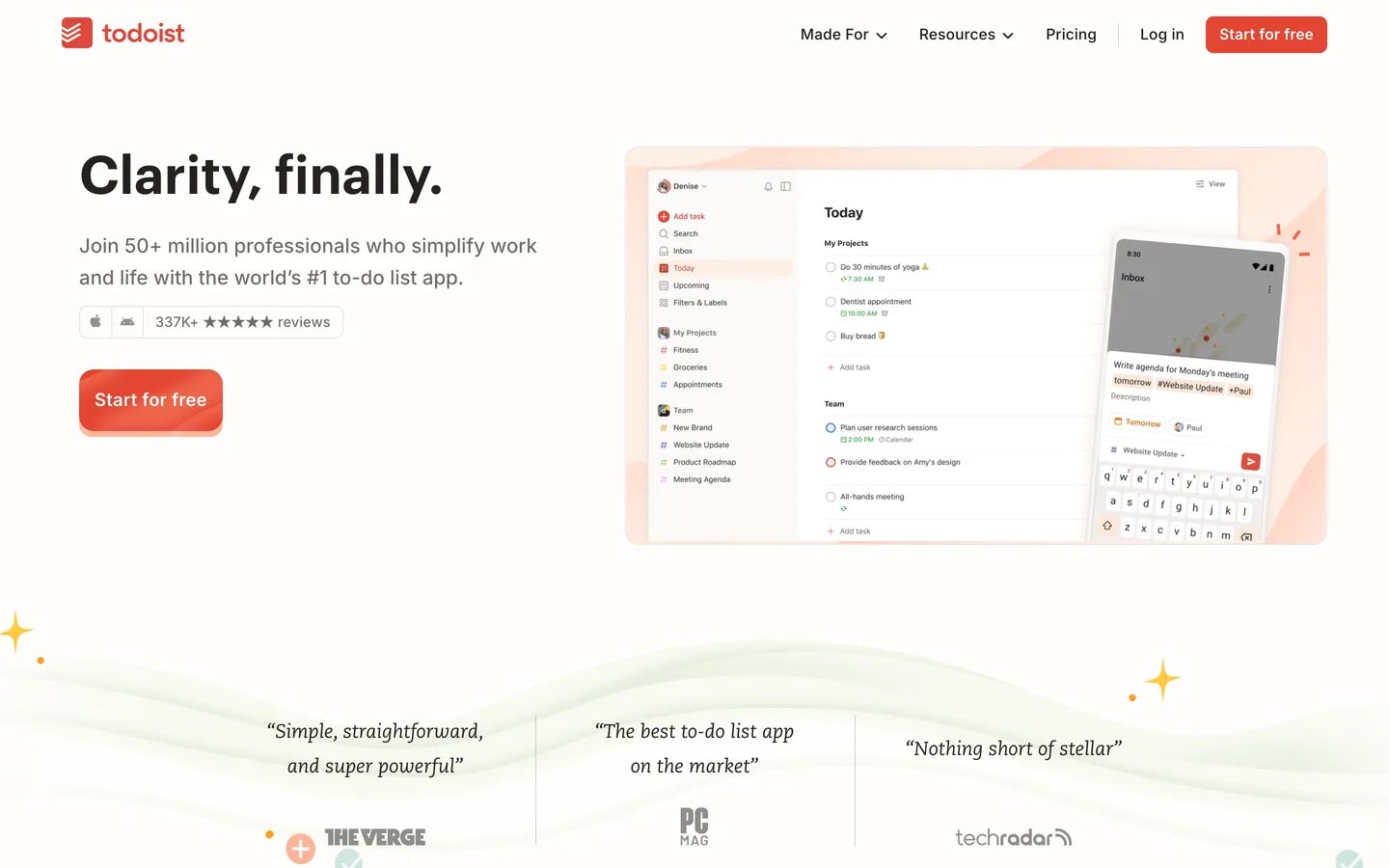
Todoist remains the most polished cross-platform task manager, and its collaboration is solid. You share a project, invite people by email, and assign tasks to specific members with comments and due dates.
The free Beginner plan allows 5 active projects with up to 5 collaborators each, and Todoist’s own usage limits page lists a 300 active task cap per project on every plan. For a couple of shared lists that is plenty, but active households and teams hit the 5-project ceiling surprisingly fast.
Natural language input (“pay rent every 1st”) is still the best in the business. The trade-off is that your tasks live in Todoist’s world, separate from your email and calendar unless you wire up integrations.
- Free sharing limit: 5 active projects, 5 collaborators per project
- Best for: mixed Android, iPhone, and Windows groups that want a dedicated app
- Watch out for: custom reminders and the calendar layout require Pro (from $4 per month)
3. Microsoft To Do: the best free option for Outlook households
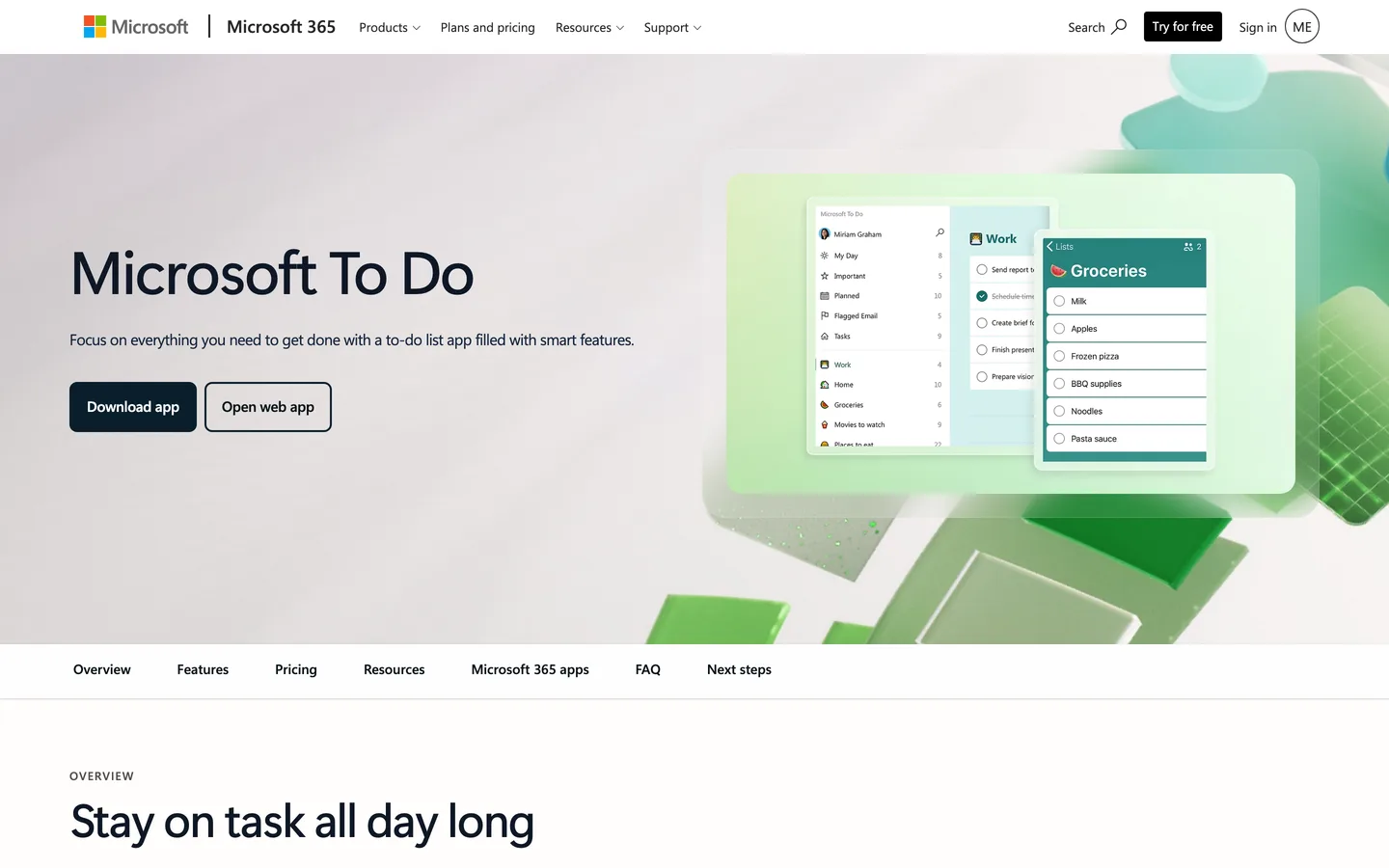
Microsoft To Do is completely free with no premium tier at all, which makes it the most generous option here on paper. You share each list with an invitation link, and members can add, edit, and complete tasks together.
The catches are all about accounts. Microsoft’s own sharing docs explain that personal accounts can only share with other personal accounts, work accounts stay inside the same organization unless an admin enables cross-tenant sharing, and built-in lists like My Day cannot be shared at all.
If everyone in your group already lives in Outlook and Microsoft 365, none of that matters and To Do is a genuinely great pick. If your group mixes personal Gmail and work Microsoft accounts, expect friction.
- Free sharing limit: unlimited lists and members, invitation per list
- Best for: families and teams already committed to the Microsoft ecosystem
- Watch out for: personal-to-work account sharing needs admin approval
4. TickTick: the best personal app that also shares (a little)
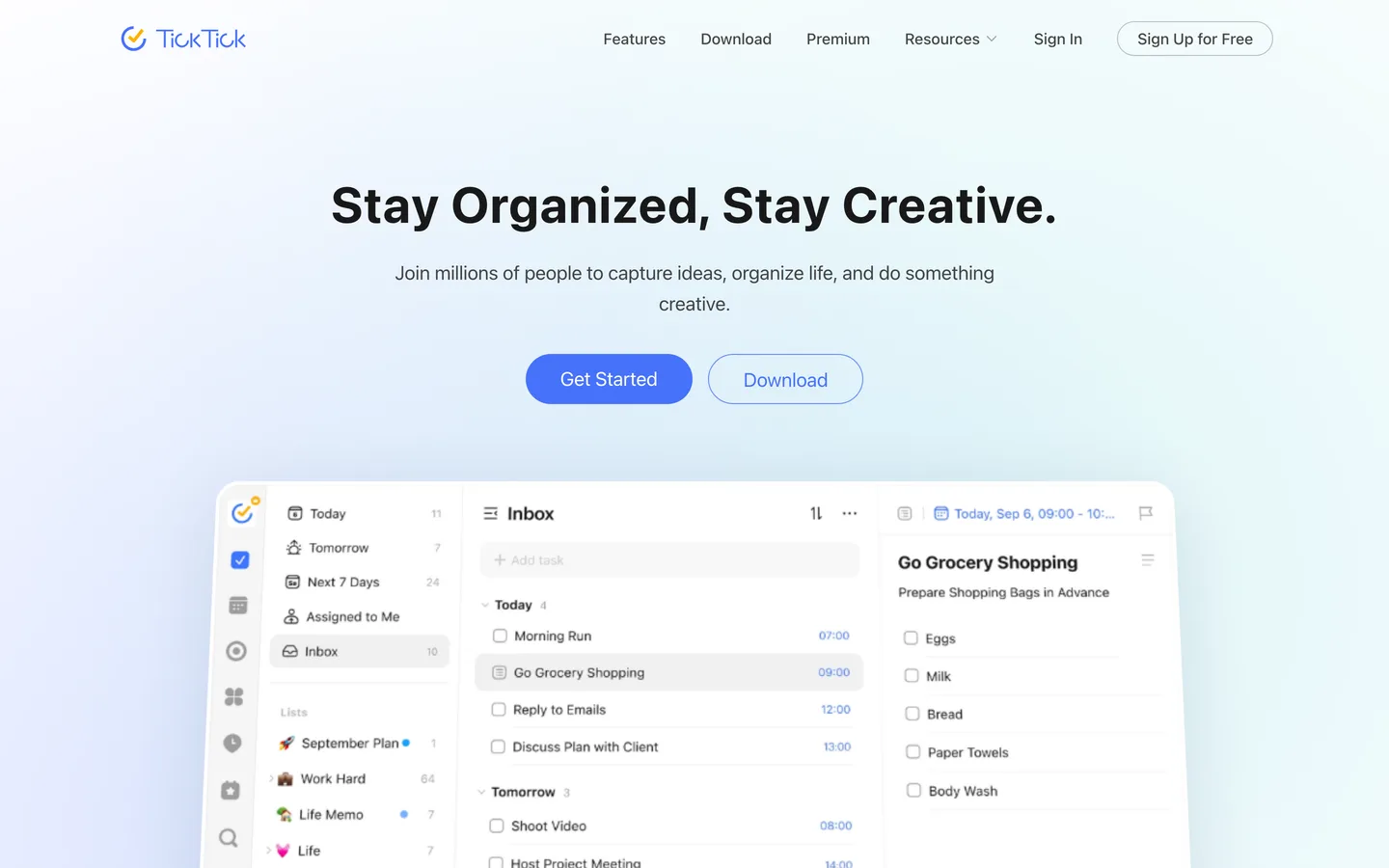
TickTick is loaded with extras that no one else bundles: a built-in pomodoro timer, habit tracking, and a calendar view. As a personal productivity app it is excellent.
As a shared task list app, the free plan is tight. TickTick’s collaboration docs allow only 1 extra member per shared list on free, and the free tier also caps you at 9 lists with 99 tasks each. Premium (around $36 per year) raises sharing to 29 members per list.
That makes free TickTick workable for exactly one scenario: you plus one partner. Anything bigger requires Premium for the list owner.
- Free sharing limit: 2 people per list (you plus 1 member)
- Best for: couples who also want habits and pomodoro in one app
- Watch out for: the 99 tasks per list cap arrives faster than you expect
5. Any.do: the best shared checklist app for families
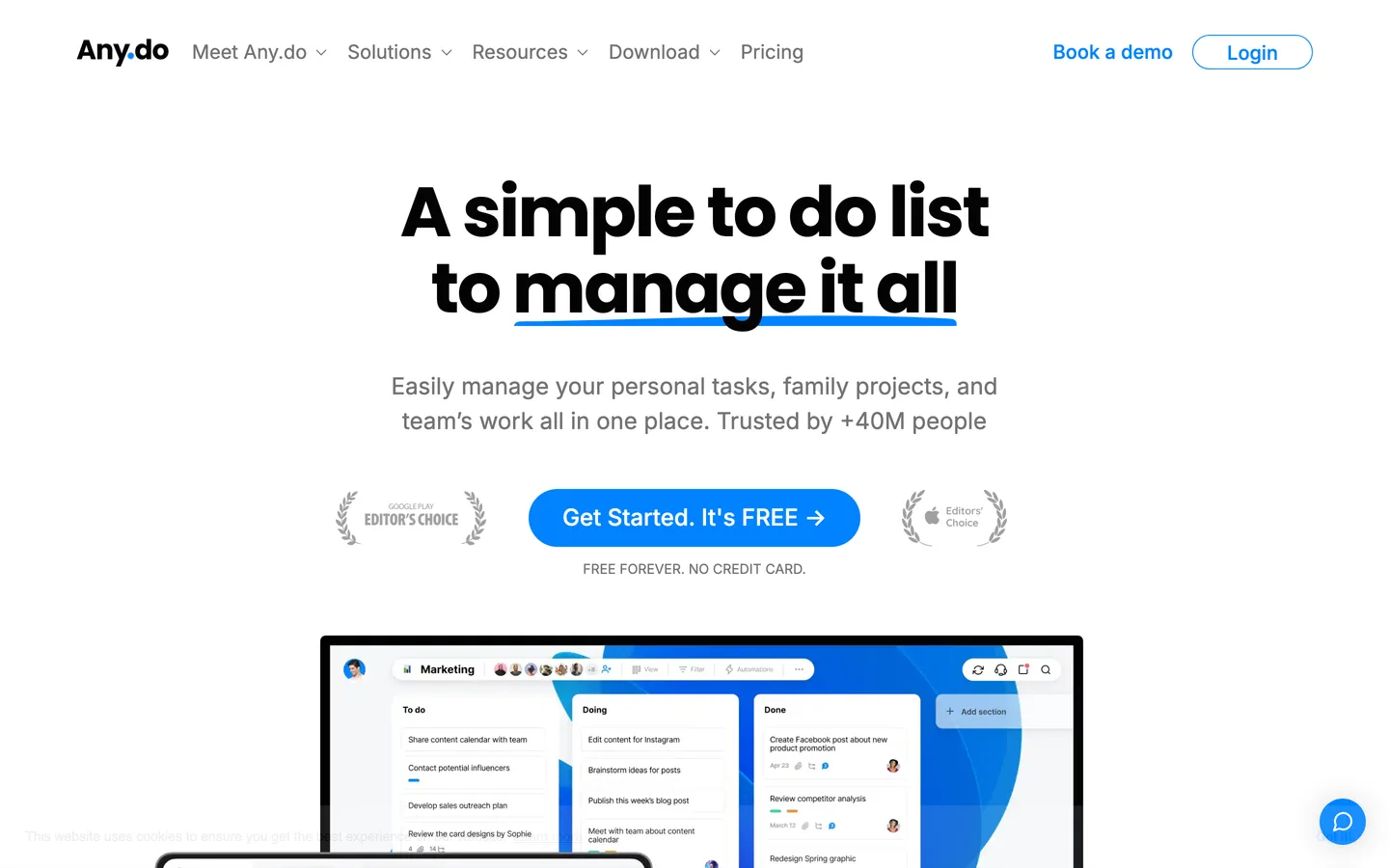
Any.do leans into everyday life sharing rather than work. The free plan includes unlimited tasks and its signature shared grocery lists, which auto-sort items by supermarket aisle.
For structured family use, the dedicated Family plan adds a shared space with up to 4 members and 4 shared boards. Premium for individuals starts at $2.99 per month billed yearly, among the cheapest paid tiers in this roundup.
Power users tend to outgrow it. Advanced filtering, tags, and integrations are thinner than Todoist or TickTick, and serious team features sit in a separate Workspace plan.
- Free sharing limit: basic list sharing, grocery lists included
- Best for: households coordinating groceries, chores, and errands
- Watch out for: work-grade features require the separate Workspace tier
6. Trello: the best pick when your list is really a project
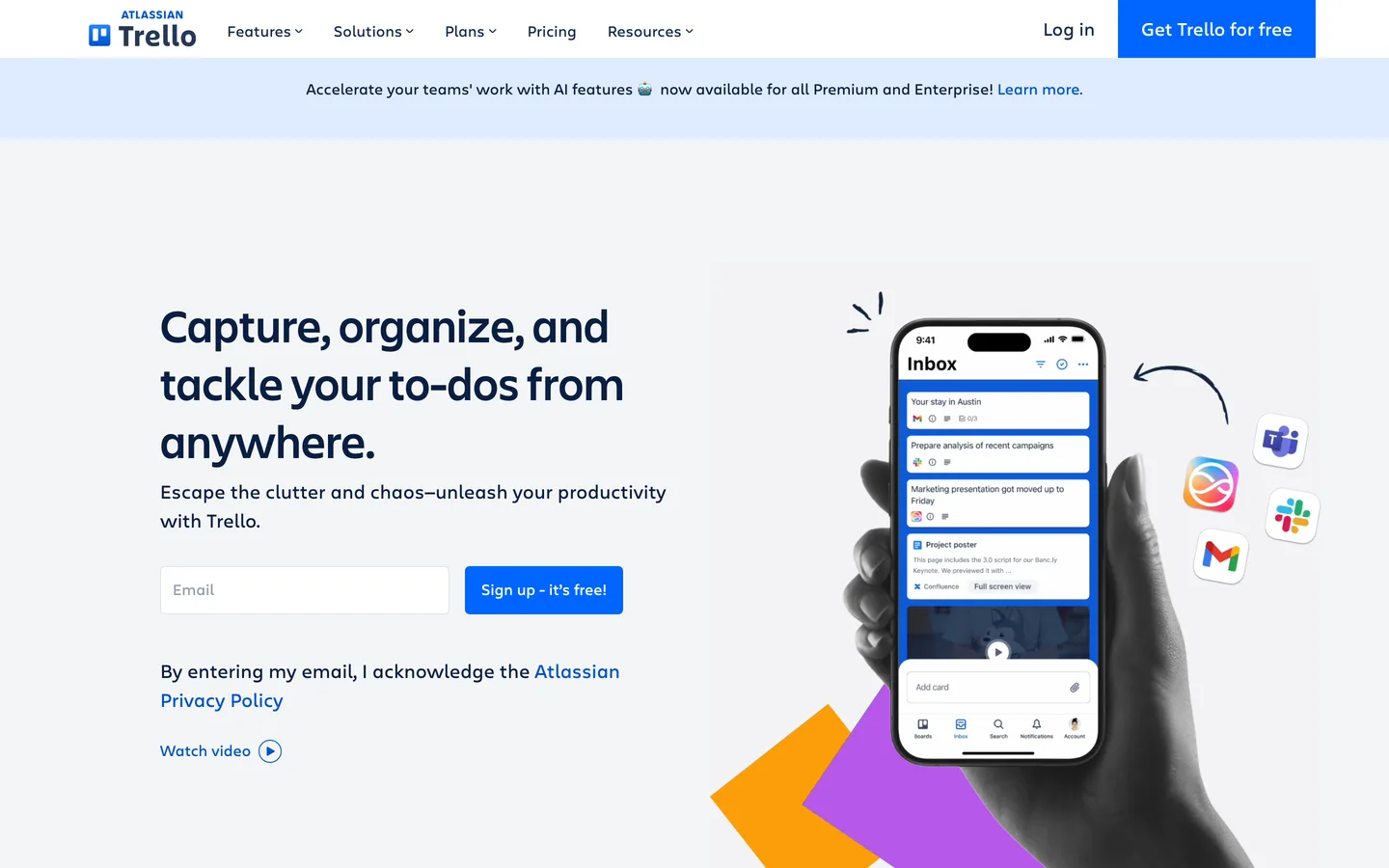
Trello is not a to-do list app in the strict sense, it is a kanban board. But many “shared lists” are actually small projects in disguise, and that is where Trello shines with cards, checklists inside cards, and drag-and-drop columns.
The free plan is workable for small groups: 10 collaborators per workspace, up to 10 boards, and unlimited cards. Calendar, timeline, and table views are paid, starting at $5 per user per month.
The honest caveat is weight. For a simple shared checklist, Trello’s card-first structure adds clicks where a list app adds a checkbox. If you want kanban with less overhead on top of tasks you already have, a Google Tasks kanban board gets you there without a new tool.
- Free sharing limit: 10 collaborators per workspace, 10 boards
- Best for: visual thinkers running lightweight projects
- Watch out for: simple lists feel heavier than they should
Free plan sharing limits at a glance
Pricing pages love the word “free” and hide the sharing limits three scrolls down. Here is the honest side-by-side.
| App | Free sharing limit | Paid starts at | Best for |
|---|---|---|---|
| TasksBoard | 5 shared lists | $3.99/mo (yearly) | Google and Gmail users |
| Todoist | 5 projects, 5 people each | $4/mo | Cross-platform small teams |
| Microsoft To Do | No cap, account-type rules | Free only | Microsoft 365 households |
| TickTick | 2 people per list | ~$3/mo (yearly) | Couples plus habit tracking |
| Any.do | Basic lists, groceries | $2.99/mo (yearly) | Families and errands |
| Trello | 10 people per workspace | $5/user/mo | Lightweight visual projects |
Does Google Tasks have a shared to-do list feature?
Not natively, and this surprises people every year. Google Tasks syncs beautifully across Gmail, Calendar, and its mobile apps, but every list is visible to exactly one account.
The workarounds people try first are painful: a shared Google Doc that nobody checks off, a forwarded email chain, or duplicating the same list in two accounts by hand. Our Google Tasks shared list tutorial walks through why each of these breaks down.
The clean fix is a sharing layer on top. TasksBoard reads and writes the same Google Tasks data through Google’s own API, adds the missing share button, and stays in sync with the Gmail sidebar and Calendar. Your tasks never leave Google’s ecosystem, they just become visible to the people you choose.
For a deeper look at running this with coworkers, see our guide to using Google Tasks for teams.
How to choose the right shared list app
Six apps is five too many, so use the shortcut version.
- Your group lives in Gmail and Google Calendar. Pick TasksBoard. Sharing sits directly on top of the Google Tasks you already have, free for up to 5 shared lists.
- Your group lives in Outlook. Pick Microsoft To Do, it is free and native there.
- You want one dedicated app across every platform. Pick Todoist and accept the 5-project free cap.
- It is just you and one partner, and you want habits too. TickTick free covers exactly that.
- It is mostly groceries and chores. Any.do is built for it.
- Your list has stages, owners, and deadlines. That is a project, take Trello or a kanban view.
Whichever you choose, put one rule in place: the shared list is the single source of truth. Our team task list guide covers the habits that keep a shared list alive after the first week of enthusiasm.
FAQ
What is the best free shared to-do list app?
It depends on where your group already works. TasksBoard offers the most generous free real-time sharing for Google users with up to 5 shared lists, while Microsoft To Do is entirely free for people in the Microsoft ecosystem. Todoist is the strongest platform-neutral option with 5 shared projects on its free plan.
Can you share a to-do list between iPhone and Android?
Yes. Every app in this comparison is cross-platform, so an iPhone user and an Android user can work from the same list. TasksBoard runs in any browser and has mobile apps, and changes made on one device appear on the others in real time.
Can you share a Google Tasks list with someone else?
Not with Google Tasks alone, because Google has never added native sharing. You need a layer like TasksBoard on top: it uses the official Google Tasks API to make your existing lists shareable with one link, and collaborators sign in with their own Google accounts.
What is the difference between a shared to-do list app and a project management tool?
A shared to-do list app keeps a flat list of tasks visible to several people, with minimal setup and no training. Project management tools add timelines, dependencies, workload views, and reporting, which small groups usually do not need. Start with a list, and move up only when tasks regularly wait on other tasks.
How many people can use one shared list for free?
The free caps in 2026 are: Todoist 5 collaborators per project, TickTick 1 extra member per list, Trello 10 collaborators per workspace, and Microsoft To Do effectively uncapped within the same account type. TasksBoard limits the number of shared lists (5 on free) rather than the number of people on them.
Conclusion
The best shared to do list app is the one that meets your group where it already is. Outlook people should take Microsoft To Do, platform-agnostic teams should look at Todoist, and families coordinating errands will be happy with Any.do.
For the enormous group of people whose life runs on Gmail and Google Calendar, the answer is simpler. Your tasks are already in Google Tasks, and TasksBoard makes those exact lists shareable in one click, with real-time sync, permissions, and a free plan that covers 5 shared lists. Try it free and turn the list you already have into the list your whole team sees.
Ready to share your Google Tasks?
Get started with TasksBoard for free, no credit card required.
Sign in