Google Tasks vs Todoist: Which Task Manager Should You Use in 2026?

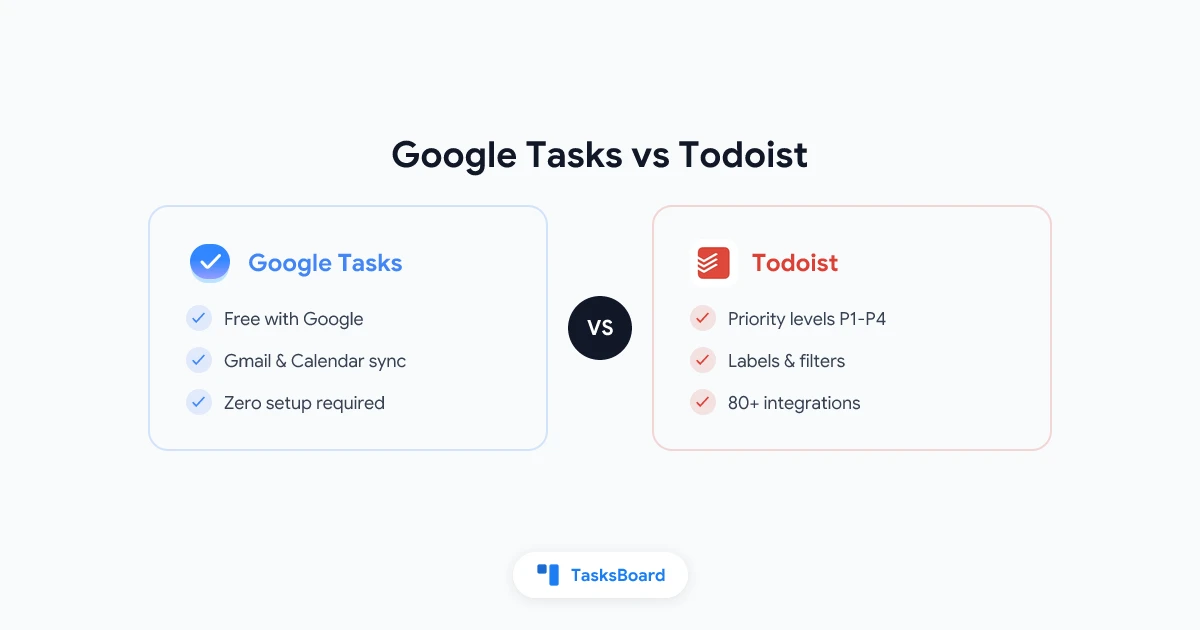
Google Tasks and Todoist are two of the most popular task managers available today. One is free and baked into the Google ecosystem. The other is a feature-rich standalone app used by millions of professionals and students worldwide.
If you are already deep in Gmail and Google Calendar, Google Tasks is already waiting in your sidebar. If you want priority levels, filters, and a polished mobile experience, Todoist is hard to beat.
This guide breaks down Google Tasks vs Todoist across every dimension that matters so you can make the right call for your workflow in 2026.
Google Tasks vs Todoist at a Glance
| Feature | Google Tasks | Todoist |
|---|---|---|
| Price | Free | Free (limited) / Pro $4/mo |
| Platform | Web, iOS, Android | Web, iOS, Android, Windows, Mac |
| Gmail integration | Native sidebar | Via extension |
| Google Calendar sync | Automatic | Limited (via iCal export) |
| Recurring tasks | Yes | Yes (more flexible) |
| Subtasks | One level | Multiple levels |
| Priority levels | No | Yes (4 levels) |
| Labels / Tags | No | Yes (labels, filters) |
| Reminders | Via Calendar | Time-based push alerts |
| Collaboration | No native sharing | Shared projects (Pro) |
| Kanban view | No | Yes (Board view on Pro) |
| Offline access | Limited | Yes |
| API | Yes | Yes |
Both apps solve the same core problem: keeping track of what you need to do. The differences show up in depth, flexibility, and which ecosystem they fit into.
Google Tasks: Free, Minimal, and Built for Google Users
Google Tasks is intentionally simple. You get lists, tasks, subtasks (one level deep), due dates, and notes. That is it. No clutter, no pricing tiers, no learning curve.
The biggest advantage is deep Google Workspace integration. Tasks with due dates appear on your Google Calendar automatically. You can create a task from any Gmail message in one click. The Google Tasks panel is available as a sidebar in Gmail, Google Calendar, Google Docs, and other Workspace apps. For anyone already living in Google, the setup time is zero.
The downside is also obvious: Google Tasks is minimal by design. There are no priority labels, no time-based reminders, no file attachments, no way to share lists with others, and no kanban or board view. For a personal task list tied to your calendar, it does the job well. For structured project work or any kind of team coordination, it quickly hits its ceiling.
Todoist: More Features, More Structure
Todoist is a dedicated task manager built by Doist, a remote-first company. It has been around since 2007 and has accumulated a deep feature set that goes well beyond a basic to-do list.
The free tier is genuinely useful. You get unlimited tasks, 5 projects, and basic recurring tasks. The paid Pro plan ($4/month billed annually) unlocks reminders, labels, filters, and calendar sync.
What makes Todoist stand out:
- Natural language input. Type “every Monday at 9am” and Todoist automatically sets a recurring reminder. Google Tasks requires manual date selection.
- Priority levels. Flag tasks as P1, P2, P3, or P4. This alone is a major feature for anyone managing a busy workload.
- Filters and labels. Build custom views like “all P1 tasks due this week” or “everything tagged @client.”
- Multiple subtask levels. Nest tasks as deep as you need for complex projects.
- Board view. Kanban-style columns are available on the Pro plan for visual project tracking.
- Todoist Karma. A built-in productivity score that gamifies task completion.
Todoist works well on every platform. Native desktop apps exist for Windows and Mac. Offline access is built in. The mobile apps are polished and fast.
The tradeoff is cost and complexity. Todoist’s best features are behind the paid tier. And if you use Google Calendar as your primary schedule, syncing with Todoist requires extra steps (iCal feed or a third-party automation tool like Zapier).
Feature-by-Feature Comparison
Recurring tasks
Both apps support recurring tasks, but Todoist is more flexible. You can enter phrases like “every other Tuesday” or “on the last day of the month” and Todoist parses them correctly. Google Tasks supports daily, weekly, monthly, and yearly recurrence with fixed intervals. For most use cases, Google Tasks is sufficient. For complex schedules, Todoist has the edge.
See our full guide on setting up recurring tasks in Google Tasks for step-by-step instructions.
Reminders and alerts
This is where Google Tasks falls short most noticeably. Google Tasks does not send push notifications for due tasks. Instead, tasks with due dates appear on your Google Calendar, and Google Calendar handles any notification behavior. If you rely on your calendar for alerts, this can work fine. If you expect the task app itself to remind you, it will not.
Todoist sends push notifications on mobile and desktop, with time-based alerts available on the Pro plan. For users who depend on direct reminders to stay on track, Todoist is more reliable out of the box.
Team collaboration
Google Tasks has no native sharing. You cannot share a task list with another person without a third-party tool. Todoist offers shared projects on the Pro plan, with basic task assignment and comment threads.
Neither app is a full team coordination platform. For Google Workspace teams that need real-time shared task lists and a kanban board built on top of Google Tasks, tools like TasksBoard fill that gap without requiring any migration.
Integrations
Google Tasks has a public API and connects natively with every Google app. Todoist integrates with over 80 tools including Slack, GitHub, Google Calendar (via iCal), and Zapier.
If your workflow depends on a rich third-party integration (connecting tasks to Slack messages, GitHub issues, or Notion pages), Todoist has a broader ecosystem. If you live in Google Workspace, Google Tasks is already connected to everything you need.
When to Choose Google Tasks
Google Tasks is the right choice if you:
- Already use Gmail, Google Calendar, and Google Workspace apps daily
- Want your tasks to appear on your calendar automatically without any setup
- Turn Gmail emails into tasks frequently
- Prefer a simple, minimal tool with no learning curve
- Plan to extend Google Tasks with a tool like TasksBoard for kanban views or team sharing
Google Tasks is not ideal if you:
- Need time-based push reminders directly from your task app
- Work on complex projects that require multiple subtask levels or filters
- Collaborate with teammates who are not on Google Workspace
- Want priority levels and custom views
When to Choose Todoist
Todoist is the right choice if you:
- Want priority levels, labels, and powerful filter views
- Need time-based reminders from within the task app itself
- Work on multiple projects with nested subtasks
- Want a native desktop app with full offline access
- Use apps beyond Google (Slack, GitHub, Notion) and want tasks connected to all of them
Todoist is not ideal if you:
- Are fully in Google Workspace and want tasks in your Calendar sidebar
- Are cost-sensitive (the most useful features require the paid plan)
- Prefer a task list that feels like a natural extension of Gmail
Adding Power Features to Google Tasks
One common objection to Google Tasks is its lack of collaboration and visual organization tools. The good news: you do not have to choose between Google’s ecosystem and a more powerful task experience.
TasksBoard is a kanban board for Google Tasks. It reads your existing Google Tasks lists and displays them as a full-screen board with draggable columns, labels, and real-time sharing. Your tasks stay in Google Tasks (and still show up in Gmail and Google Calendar). TasksBoard adds the planning layer on top.
This means you get:
- A full kanban board across all your Google Tasks lists
- Real-time collaboration when you share a board with teammates
- Task labels for visual organization
- A desktop-focused full-screen view built for focused work
- All Google Tasks integrations (Gmail, Calendar) still intact
For Google Workspace teams who want Todoist-style organization without leaving Google, this is the practical path forward.
 Try TasksBoard
Get a full kanban board and team sharing on top of your Google Tasks. No migration needed. Free to start.
Get Started →Frequently Asked Questions
Conclusion
The Google Tasks vs Todoist question comes down to two different philosophies.
Google Tasks is minimal, free, and perfectly woven into Google Workspace. If Gmail and Google Calendar define your workday, Google Tasks fits without friction. You get tasks in your sidebar, due dates on your calendar, and email-to-task conversion without switching apps.
Todoist is more powerful, more flexible, and built for users who want priority levels, natural language input, time-based alerts, and rich integrations across many platforms. The Pro plan is reasonably priced, and the free tier covers a lot of ground.
If you are on Google Workspace and find Google Tasks too bare but do not want to leave the ecosystem, TasksBoard is worth exploring. It gives you a kanban board, team sharing, and visual organization on top of your existing Google Tasks data.
For a broader look at your options beyond both tools, read our guide to the best Google Tasks alternatives in 2026. If you decide to stay with Google Tasks and want to get more out of it, the guide to sharing Google Tasks with your team is a good next step.
Ready to share your Google Tasks?
Get started with TasksBoard for free, no credit card required.
Sign in