Google Tasks vs Asana:2026年に最適なタスク管理ツールはどちら?

Here is a concise, engaging, and informative comparison of Google Tasks and Asana, optimized for search engines and readers:
Google Tasks vs Asana: Which Task Manager Wins in 2024?
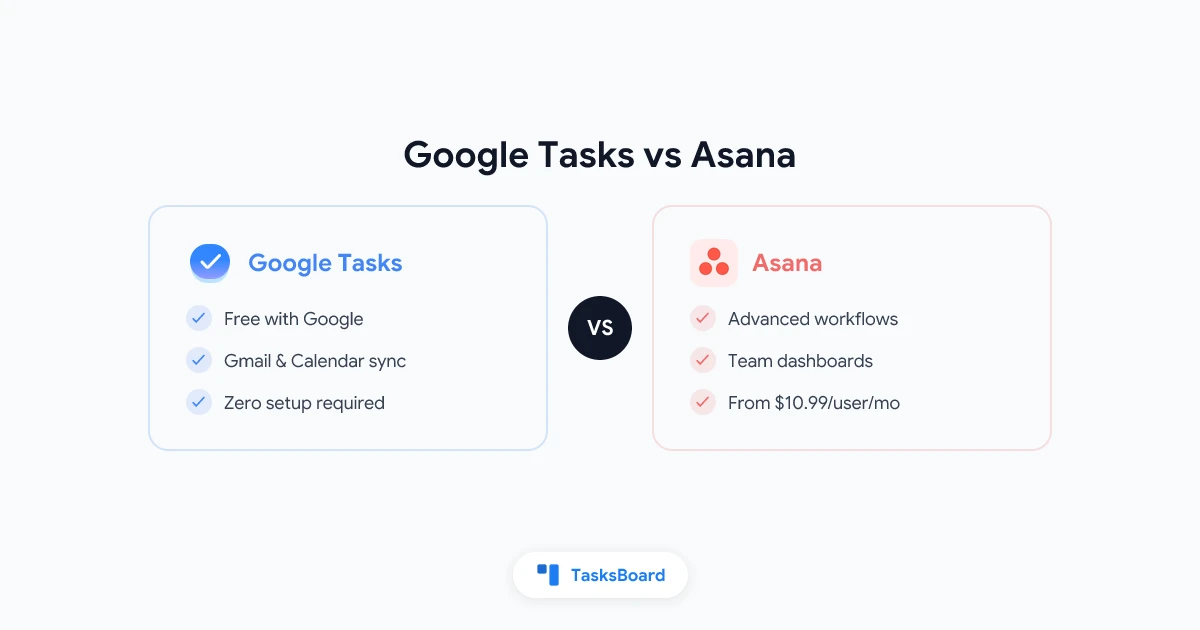
Google Tasks and Asana serve different needs - one excels at simplicity while the other dominates team collaboration. Here’s how to choose:
Key Differences at a Glance
| Feature | Google Tasks | Asana |
|---|---|---|
| Best for | Personal to-dos | Team projects |
| Price | Free | Free-$24.99/user/month |
| Google Workspace Integration | Native | Limited |
| Task Assignments | ❌ | ✅ |
| Kanban Boards | ❌ | ✅ |
| Calendar Sync | Automatic | Manual |
| Learning Curve | None | Moderate |
When Google Tasks Wins
Google Tasks shines when you:
- Need a simple, free to-do list
- Live in Gmail/Google Calendar
- Want zero setup or learning curve
- Work solo (no team collaboration needed)
Pro Tip: Use the Gmail sidebar to quickly convert emails into tasks.
When Asana Dominates
Asana excels for teams that need:
- Task assignments and accountability
- Multiple project views (boards, timelines)
- Progress tracking and reporting
- Workflow automation
Watch Out For: The free plan has significant limitations for teams.
The Best of Both Worlds
For Google Workspace users who outgrow Tasks but don’t need full Asana, consider TasksBoard. It adds:
- Shared kanban boards
- Team collaboration
- Assignments …while keeping Google Tasks’ simplicity and native integration.
Verdict
Choose Google Tasks for personal productivity in Google’s ecosystem. Pick Asana for robust team project management. Try TasksBoard if you want team features without leaving Google Workspace.
Action Step: If you’re on the fence, start with Google Tasks and upgrade only when you hit its limits. Most individuals and small teams can accomplish plenty with Google’s built-in tool.