
Google Tasks 标志资产概览
SVG 格式,缩放清晰
Google Tasks 图标是一个带有白色勾号的蓝色圆圈。我们的 SVG 版本可以缩放至任何尺寸而不会出现像素化,从网站图标到演示幻灯片均可使用。
即时下载
点击下载按钮直接保存 google-tasks-logo.svg。无需帐户,无需电子邮件验证。
随处可用
在 Figma、PowerPoint、Notion、Confluence 或任何网页中使用此 SVG。使用 img 标签内联它,或将其嵌入为背景。
包含使用指南
Google Tasks 是 Google 的商标。本页面解释了在比较和集成文档中引用该标志的合理使用指南。
下载
Google Tasks 图标:蓝色勾号圆圈

下载
Google Tasks 图标:蓝色勾号圆圈
Google Tasks 标志是一个带有白色勾号的简单蓝色圆圈,与您在 Gmail、Google Calendar 和移动应用中看到的图标相同。 下载 SVG 文件并在您的项目中使用。该文件存储在本网站的 /images/google-tasks-logo.svg 路径下。
- 文件:google-tasks-logo.svg
- 格式:SVG(矢量,可缩放)
- 路径:/images/google-tasks-logo.svg
出现位置
Google 应用中的 Google Tasks 图标
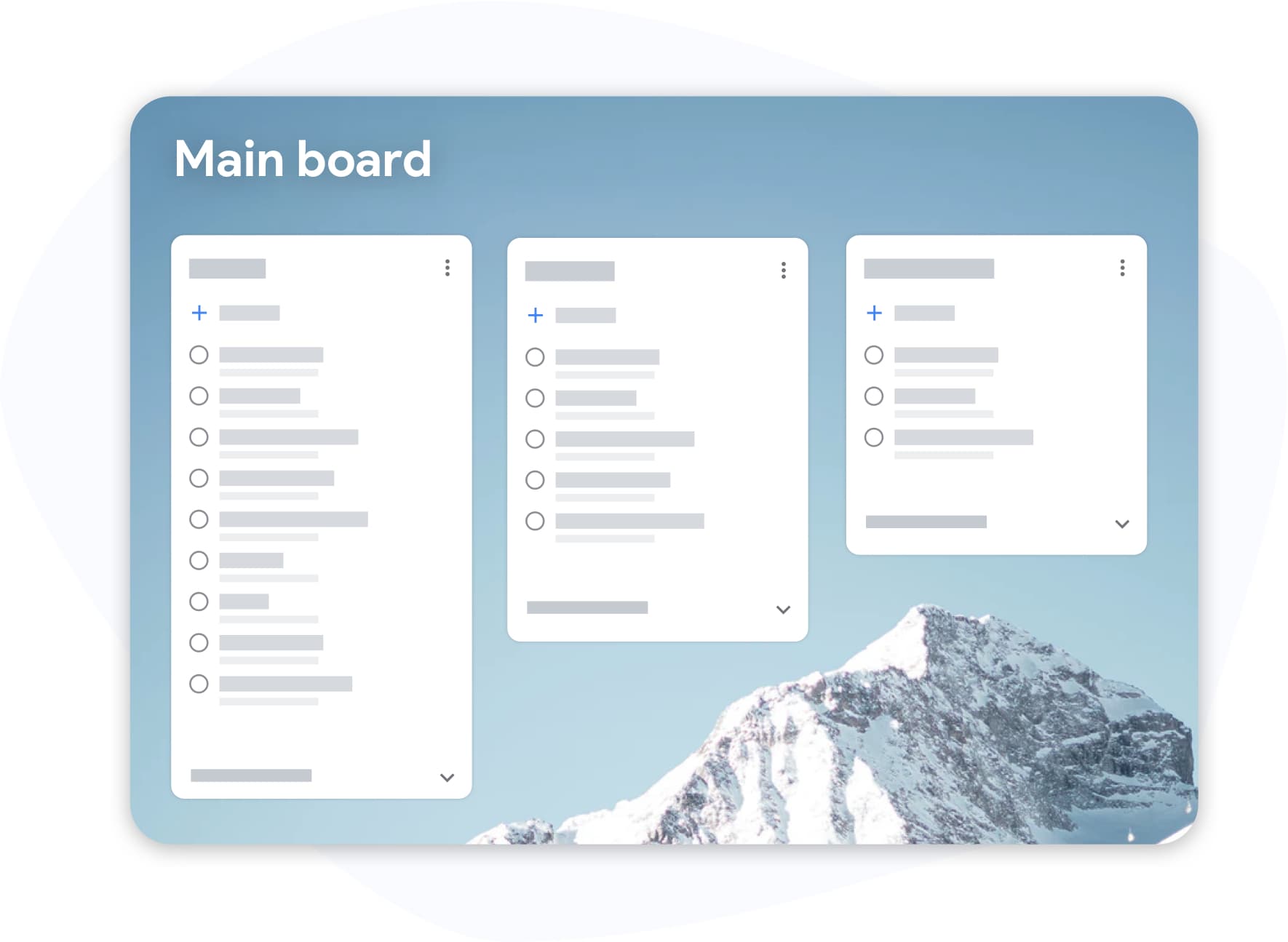
出现位置
Google 应用中的 Google Tasks 图标
您会在 Gmail 的右侧边栏、Google Calendar 的任务面板、独立的 Tasks 移动应用以及 Google Chat 集成中看到 Google Tasks 勾号图标。 它代表 Google 的轻量级任务管理工具,与 Google Keep(黄色灯泡)和 Google Calendar(彩色日历网格)是分开的。
- Gmail 侧边栏:右侧面板中的勾号图标
- Google Calendar:任务侧边栏中的相同图标
- 移动应用:带有此图标的独立 Google Tasks
TasksBoard
在与 TasksBoard 进行比较或集成时使用此标志
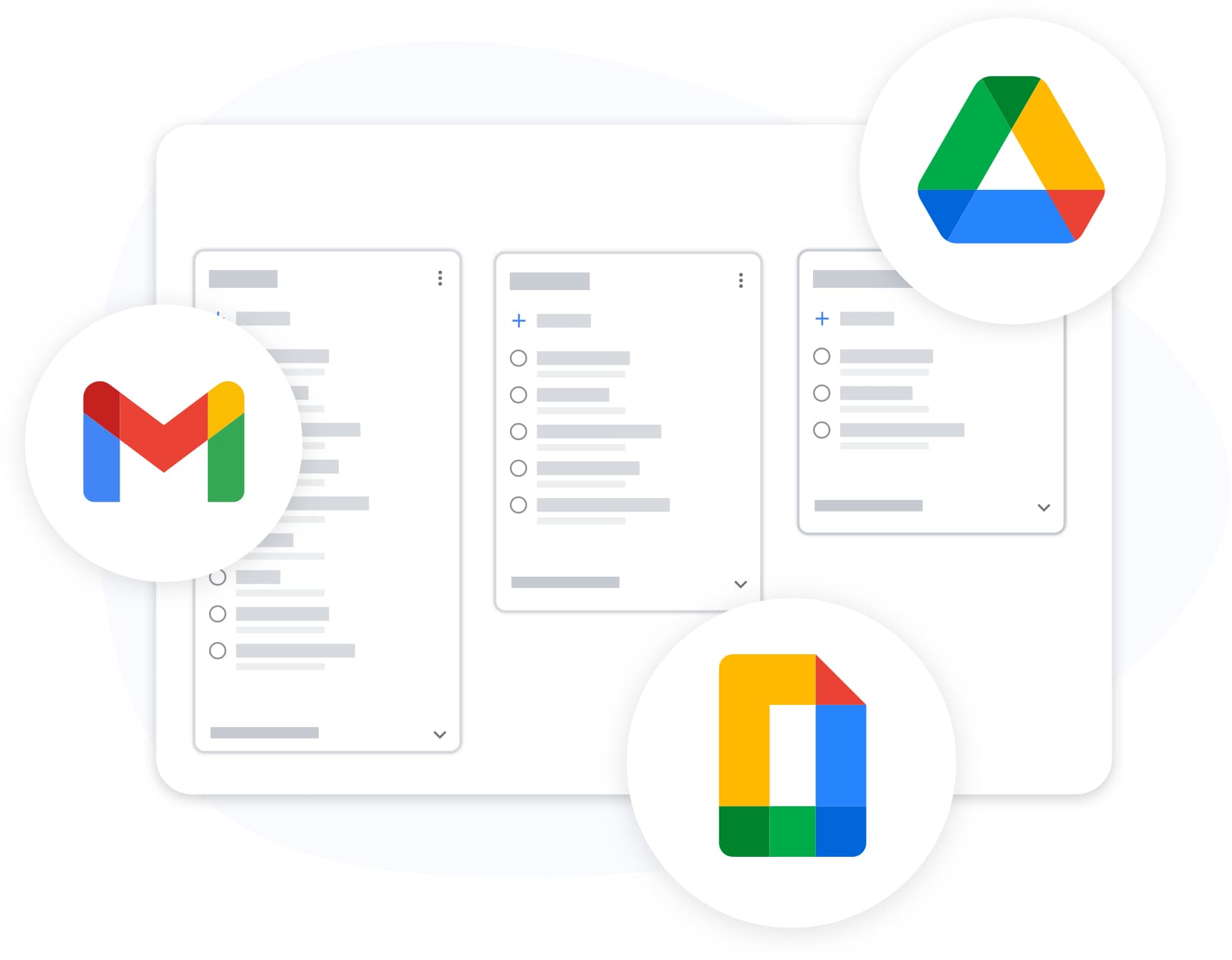
TasksBoard
在与 TasksBoard 进行比较或集成时使用此标志
如果您正在撰写比较文章、集成指南或引用 Google Tasks 和 TasksBoard 的内部文档,此 SVG 资产可为您提供一致的图标。 有关功能详细信息,请参阅我们的 Google Tasks 功能指南。有关 API 集成,请参阅开发者指南。
- 用于比较和教育内容的合理使用
- 与 TasksBoard 截图配对以进行应用比较
- Google Tasks 是 Google LLC 的商标
如何下载和使用 Google Tasks 标志
-
下载 SVG
点击下载按钮或在浏览器中打开 /images/google-tasks-logo.svg。将文件保存到您的项目资产文件夹中。
-
添加到您的文档或网站
将 SVG 导入您的设计工具或使用 img 标签嵌入。矢量格式在任何分辨率下都能保持清晰。
-
遵循使用指南
使用该标志在比较、教程和集成文档中引用 Google Tasks。请勿暗示 Google 的认可。商业用途请参阅 Google 的品牌指南。
深受数千名用户喜爱
在 Chrome Web Store 上获得 1,000+ 条评价,评分 4.8 / 5
"Always have 101 things to do and this helps me organize and prioritize like no other app can. It syncs to my phone and laptop, and when I add dates to tasks, they automatically integrate into my Google Calendar, which is immensely convenient. I can look at my daily, weekly, and monthly overview in Google Calendar and clearly see how much I was able to accomplish! Great tool indeed. Excited to see how it will evolve over time."

"Seriously, makes my tasks easier to share with the team, and the free version is quite nice for our little office. Eventually, we will expand, and this is definitely a great tool to do that! Syncs with my Workspace and Calendar."

"I love the simple, intuitive interface and the Add to Tasks feature, especially as I work through my emails! Sharing my tasks is also easy. Overall, outstanding and simple to use, and that means a lot with too many complex tasks out there!"

"Great too for managing daily routine and plan tasks. Would be perfect if it was updated for generating reports for statistics. For google tasks and google calendar"





常见问题解答
在哪里可以下载 Google Tasks 标志?
从本页面的 /images/google-tasks-logo.svg 下载 SVG。点击下载按钮或右键点击图像并直接保存。
Google Tasks 图标长什么样?
Google Tasks 图标是一个蓝色圆圈,里面有一个白色勾号。它出现在 Gmail、Google Calendar、移动应用和 Google Workspace 集成中。
Google Tasks 标志和 Google Keep 图标一样吗?
不一样。Google Tasks 使用蓝色勾号圆圈。Google Keep 使用黄色灯泡图标。它们是带有不同标志的独立 Google 产品。
我可以在比较文章中使用 Google Tasks 标志吗?
可以,用于合理使用的教育和比较内容。请勿修改标志或暗示 Google 的赞助。如需商业品牌使用,请咨询 Google 的官方品牌资源中心。
Google Tasks 标志下载的文件格式是什么?
下载的是 SVG(可缩放矢量图形)文件。SVG 可缩放至任何尺寸而不会损失质量,并可在浏览器、设计工具和文档编辑器中使用。
Google Tasks 图标与 TasksBoard 标志有何不同?
Google Tasks 图标是 Google 为其任务应用设计的官方圆圈内勾号图案。TasksBoard 有自己的品牌标志。在专门引用 Google 产品时,请使用 Google Tasks SVG。
探索 Google Tasks
了解 Google Tasks 除了图标之外的功能
阅读我们的功能指南以了解 Google Tasks 的每一项功能,并查看 TasksBoard 在此之上的增强功能。
免费 SVG 下载。无需帐户。