
探索主题
清单应用程序
将任何 Google Tasks 列表转换为可重复的清单--非常适合日常工作和重复性工作。
了解更多 →清单模板
Build a checklist once in TasksBoard and duplicate it for any recurring process or project.
了解更多 →列表制作器
Create lists fast with keyboard shortcuts, import from a spreadsheet, and sorting, all synced to Google.
了解更多 →待办事项任务管理器
在免费计划上管理带有子任务、截止日期和 Kanban 看板的多步骤待办事项。
了解更多 →待办事项列表模板
To-do list ideas for daily planning, moving house, trip prep, and more, built as reusable Google Tasks lists.
了解更多 →为什么大多数待办事项列表会失败--以及 TasksBoard 如何解决它
大多数待办事项列表存在于两个地方之一:您忘记打开的移动应用程序,或者您在一周结束时丢失的一张纸。Google Tasks 通过在您拥有的每台设备上同步来解决“它存在于哪里”的问题--但内置界面使其局限在侧边栏中。
TasksBoard gives your Google Tasks a proper home. A full-screen view, drag-and-drop ordering, one-click duplication of any list, and the ability to share any list with family or teammates. Your tasks live in Google Tasks (where they belong) and TasksBoard gives them an interface worth opening.
In this hub you will find guides, list ideas, and tips for using TasksBoard as your everyday to-do list, from simple daily lists to repeating checklists and shared grocery lists.
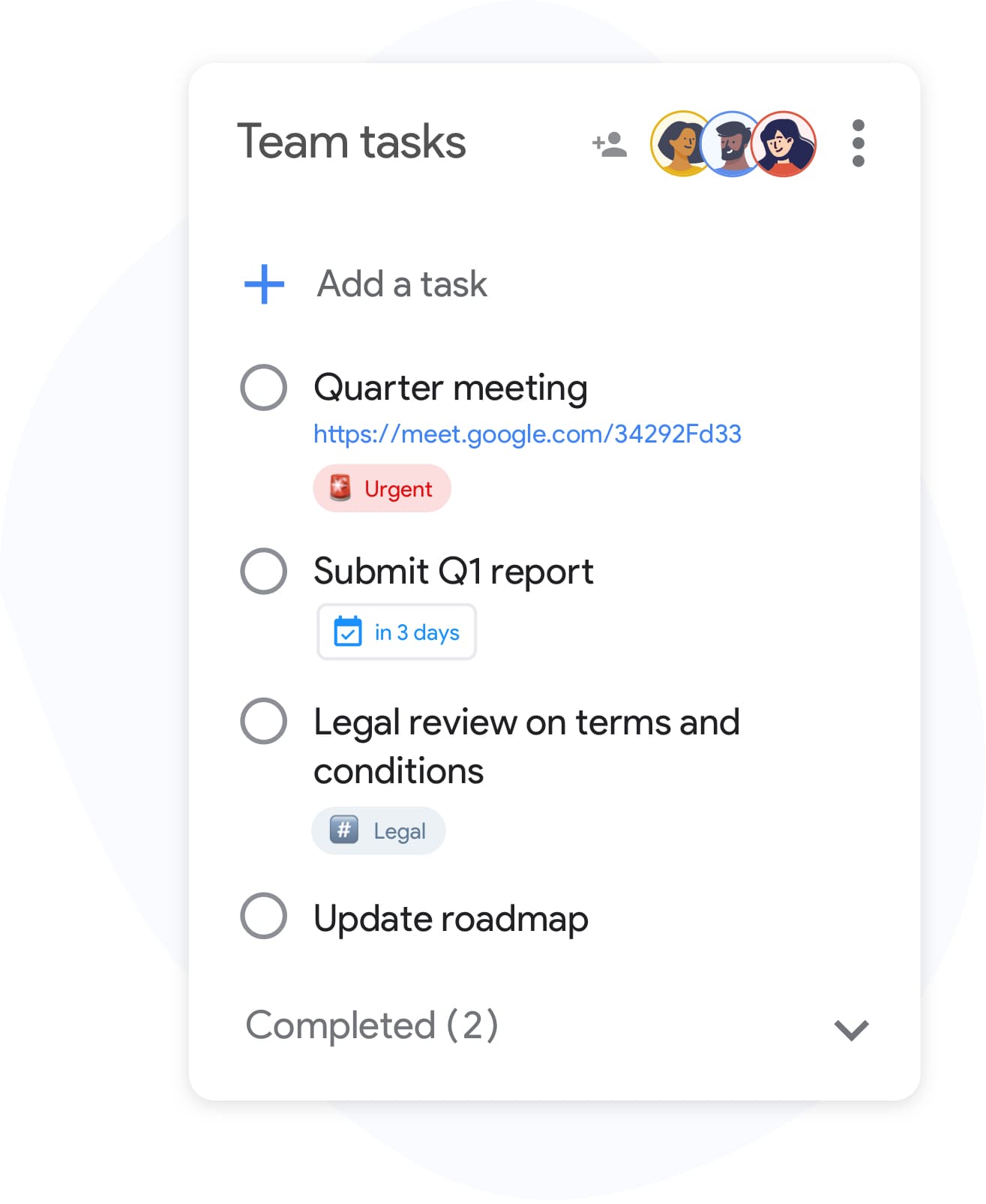
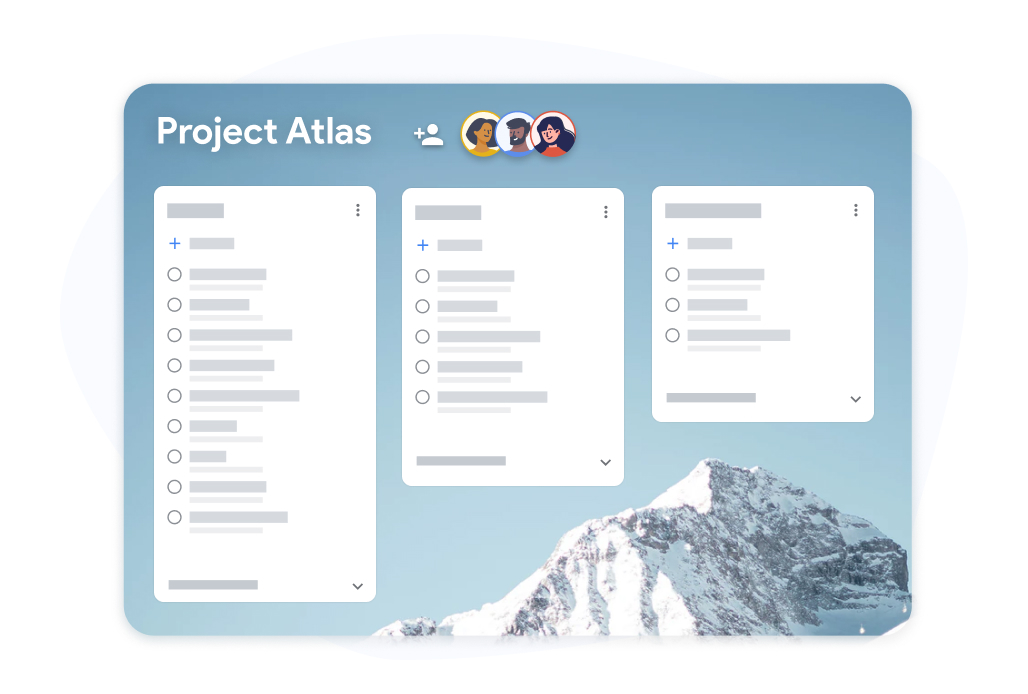
共享列表
与任何人共享待办事项列表
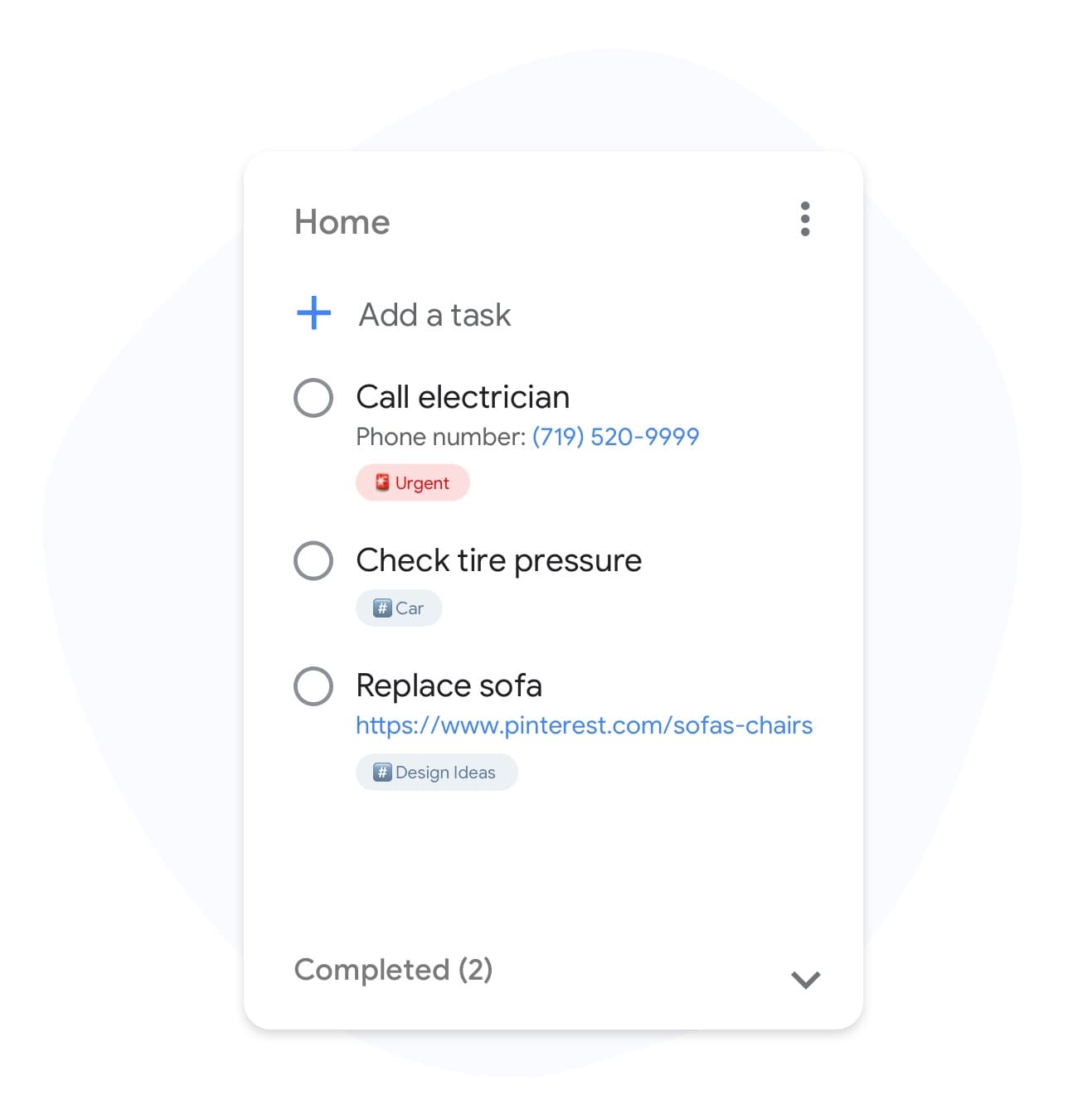
列表标签
标记您的待办事项,让正确的任务脱颖而出
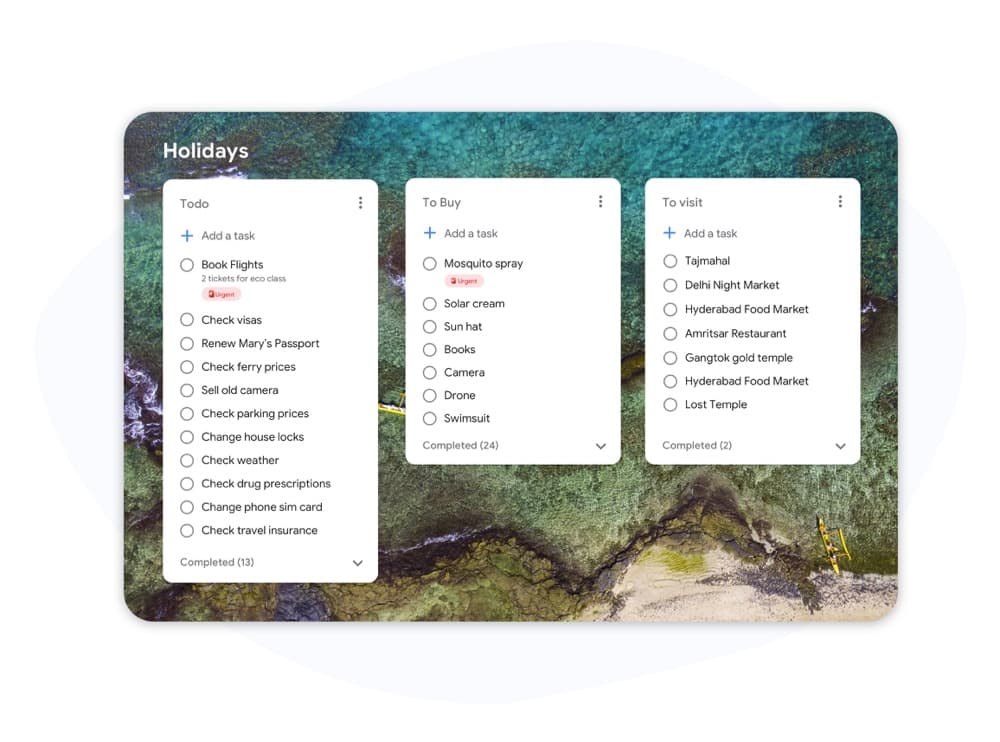
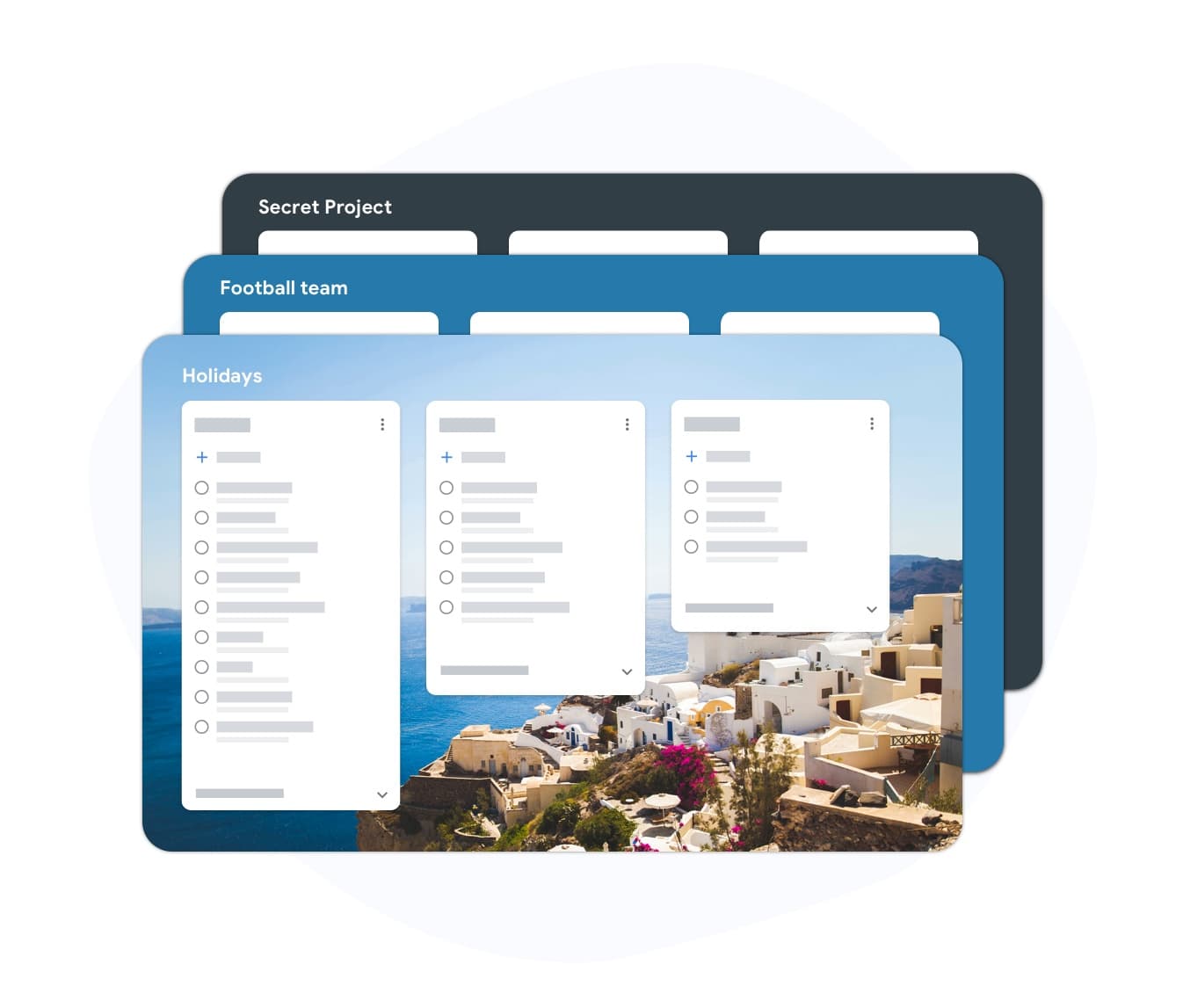
自定义列表背景
让每个待办事项列表感觉像它自己的空间
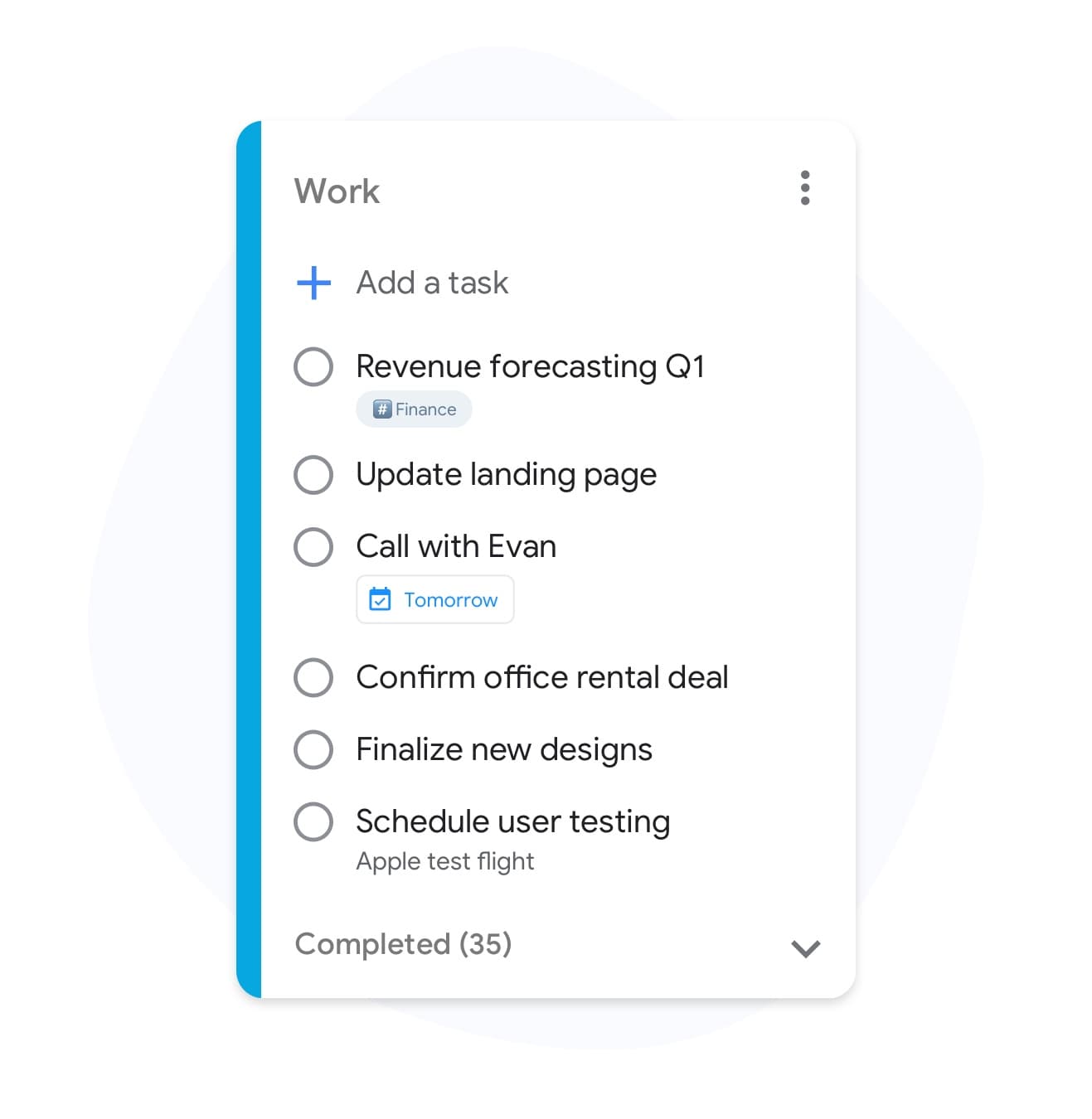
列表颜色
按生活领域为您的待办事项列表着色
多个列表
生活的每个领域都值得拥有自己的列表
Why TasksBoard for 待办事项列表
比您当前的应用程序更快
使用键盘快捷键添加任务,从任何地方批量粘贴列表,并通过拖放重新排序项目。TasksBoard 不会妨碍您。
在您生活的任何地方同步
因为 TasksBoard 由 Google Tasks 提供支持,所以您的列表已经在您的手机、Gmail 和 Google Calendar 中了--无需额外设置。
Duplicate lists you repeat
Duplicate any list in one click: packing lists, onboarding checklists, weekly reviews. One-click copy, zero retyping.
共享列表的最简单方法
发送一个可共享链接,任何人都可以查看或编辑。查看者无需创建帐户,无需尴尬的截图,无需“我会通过电子邮件将列表发给您”。
常见问题解答
TasksBoard 是最好的待办事项列表应用程序吗?
对于任何已经使用 Google 的人来说--它很难被超越。TasksBoard 在 Google Tasks 之上运行,因此您的列表已经在您的手机、Gmail 和 Google Calendar 中了。没有单独的数据库,也没有什么需要迁移的。
有免费的待办事项列表计划吗?
是的。免费计划包括无限任务、Kanban 看板视图、移动应用程序、Google Tasks 同步和完整的 Web 应用程序。标签、自定义背景和团队共享等 Premium 功能是可选的。
我可以将 TasksBoard 用作共享购物清单吗?
是的。创建一个列表,通过链接与您的家庭成员共享,每个人都可以实时勾选项目。Premium 计划解锁了更丰富的共享选项,例如权限。
TasksBoard 支持重复任务吗?
是的。您在 Google Tasks 中创建的重复任务会自动显示在 TasksBoard 中。您还可以复制一个列表以用作每周清单模板。
我可以离线使用 TasksBoard 吗?
No. TasksBoard needs an internet connection to sync with Google Tasks in real time. Your lists stay in Google Tasks, so they are never locked inside TasksBoard.
登录
终于为您服务的待办事项列表
加入 200 多万用户的行列,在 TasksBoard 上运行他们的一天--由 Google Tasks 提供支持,随处同步,免费开始。