
清单模板
清单模板: 构建一次,每次重复使用
Stop rebuilding the same checklist from scratch. TasksBoard lets you build a checklist once, duplicate it in one click, and share it with your team, all backed by Google Tasks so it syncs everywhere.
超过 200 万人正在使用。免费上手。
为什么 TasksBoard 清单模板优于静态电子表格
一键复制
Keep a master checklist you never check off and duplicate it in one click. Your next onboarding, sprint, or review cycle starts clean in seconds.
即时与队友共享
Share a checklist with your whole team via a single link, or duplicate it so each member can run their own copy.
为任何项目添加附件
将 Google Doc、Sheet 或 Drive 文件直接链接到清单项目。执行清单时,正确的参考资料始终触手可及。
跨设备同步
Every checklist lives in Google Tasks. Open it on the web or in the Google Tasks apps for iOS and Android and it is always up to date, no manual sync, no file sharing.
模板创建
在两分钟内构建可重复使用的清单
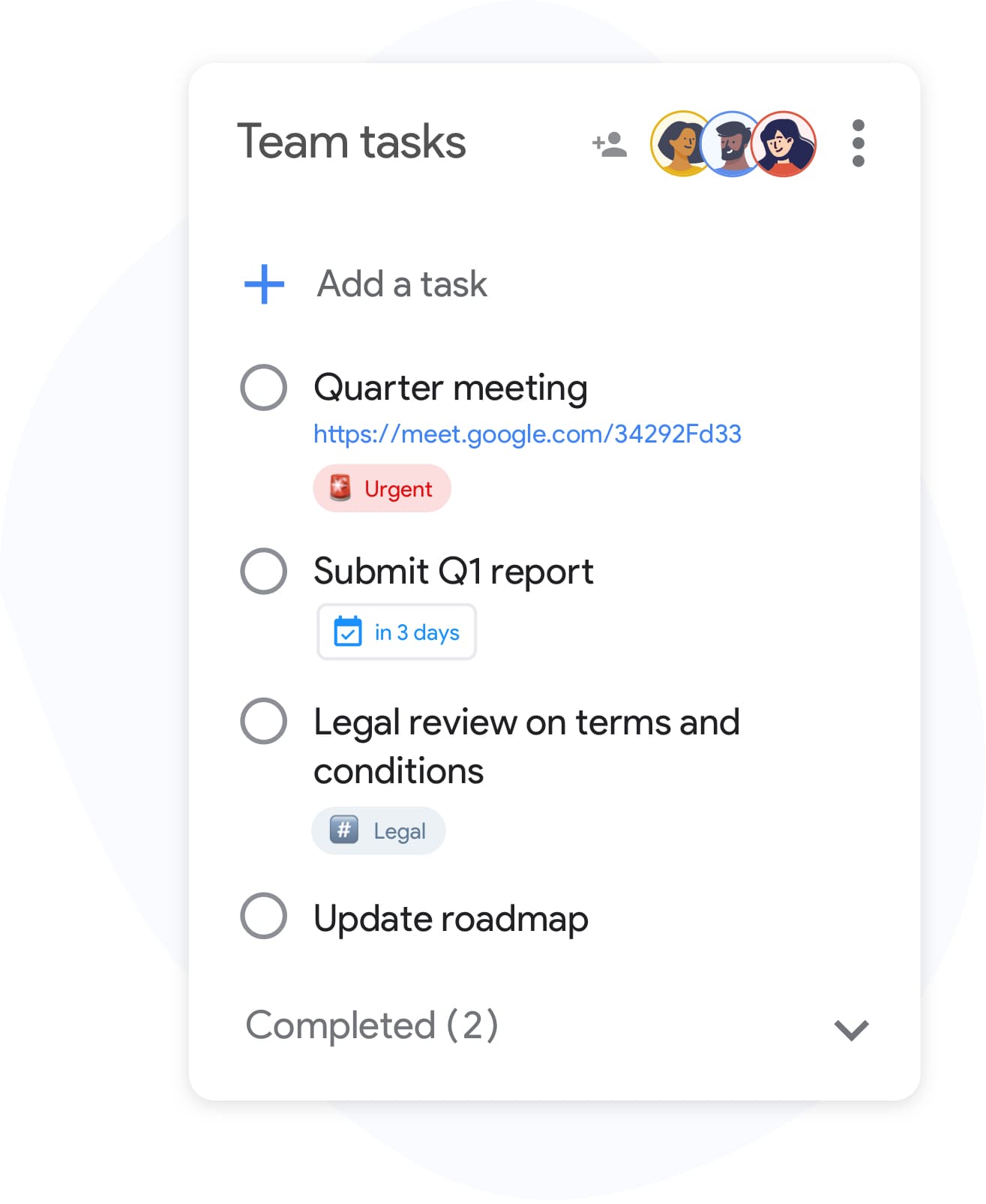
模板创建
在两分钟内构建可重复使用的清单
在 TasksBoard 中创建一个列表,并添加流程所需的每个步骤。为复杂项目包含子任务,并将参考文件附加到各个行。 准备好后,给它起个清晰的名字--“客户入职模板”或“每周回顾”--以便于查找和复制。
- 使用回车键快速添加项目--无需鼠标点击
- 在清单项目下嵌套子任务,处理多步骤流程
- 将 Google Drive 文件附加到单个项目作为参考
团队清单
在整个团队中运行相同的清单
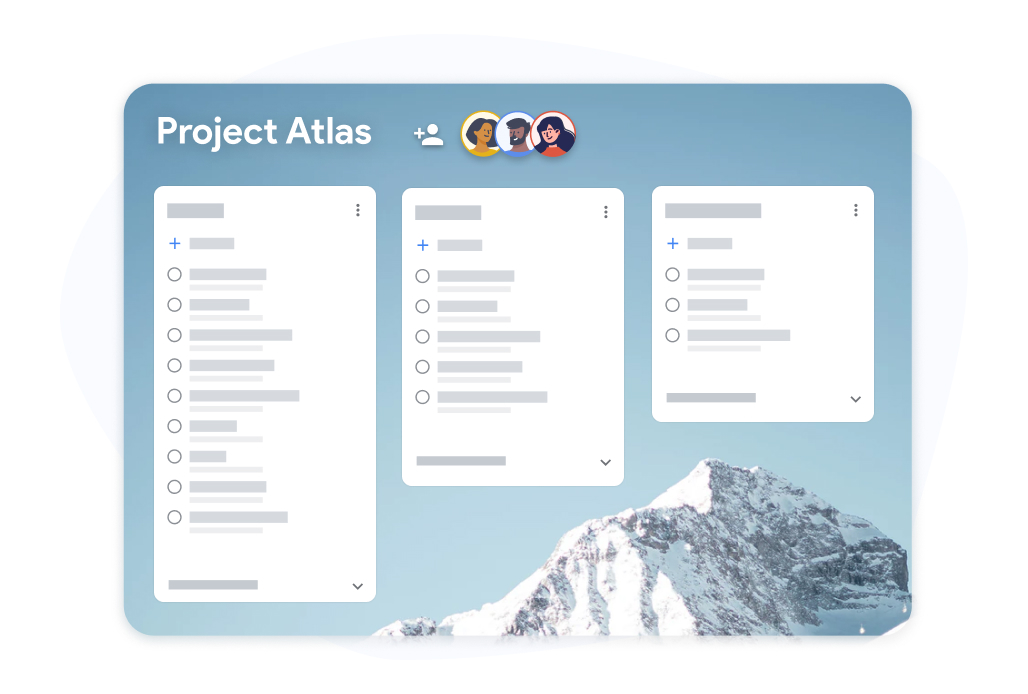
团队清单
在整个团队中运行相同的清单
与队友共享清单模板看板。每个人勾选自己分配的项目,进度对所有人实时可见。 不再需要通过电子邮件来回发送电子表格来跟踪谁做了什么。
- 所有协作者均可实时查看进度
- 每个队友都可以勾选自己分配的项目
- 将已完成的清单导出到 Google Sheets 以便记录
如何在 TasksBoard 中创建和重复使用清单模板
-
构建清单模板
Open TasksBoard and create a new list. Add every step, attach any reference files, and set due dates where needed. This becomes your master checklist: keep it unchecked.
-
为每次运行进行复制
When you need to run the checklist again, duplicate the master list. You get a fresh copy with every step and you are ready to start.
-
共享并跟踪进度
邀请队友加入复制的清单。实时跟踪进度,并在需要完成记录时导出到 Google Sheets。
深受数千名用户喜爱
在 Chrome Web Store 上获得 1,000+ 条评价,评分 4.8 / 5
"Always have 101 things to do and this helps me organize and prioritize like no other app can. It syncs to my phone and laptop, and when I add dates to tasks, they automatically integrate into my Google Calendar, which is immensely convenient. I can look at my daily, weekly, and monthly overview in Google Calendar and clearly see how much I was able to accomplish! Great tool indeed. Excited to see how it will evolve over time."

"Seriously, makes my tasks easier to share with the team, and the free version is quite nice for our little office. Eventually, we will expand, and this is definitely a great tool to do that! Syncs with my Workspace and Calendar."

"I love the simple, intuitive interface and the Add to Tasks feature, especially as I work through my emails! Sharing my tasks is also easy. Overall, outstanding and simple to use, and that means a lot with too many complex tasks out there!"

"Great too for managing daily routine and plan tasks. Would be perfect if it was updated for generating reports for statistics. For google tasks and google calendar"





常见问题解答
什么是清单模板?
清单模板是一个预先构建的清单,你可以将其用于重复性流程。无需每次都重新构建相同的列表,只需复制模板并立即开始执行即可。
Are reusable checklists free in TasksBoard?
Yes. Creating, duplicating, and sharing checklists is included in the free plan. Advanced team features, bulk import, and expanded sharing are available on the premium plan.
如何在 TasksBoard 中重复使用清单模板?
Keep a master checklist you never check off and duplicate it in TasksBoard. All items copy over, so you get a clean copy of the same checklist ready to use in under ten seconds.
我可以与没有 TasksBoard 的人共享清单模板吗?
Collaborators need a Google account to edit a shared checklist so changes sync back to Google Tasks. Everyone you share with can edit the list; to give someone a read-only snapshot, export the list to Google Sheets.
我可以将文件附加到清单模板项目吗?
是的。你可以将 Google Drive 文件(Docs、Sheets、Slides、PDF)链接到任何单个清单项目。这确保了当有人执行清单时,正确的参考资料始终附在其中。
什么样的清单适合作为模板?
入职清单、冲刺回顾模板、活动策划清单、产品发布步骤和每周回顾列表都是很好的候选者。任何你运行超过一次的流程都会受益于可重复使用的清单模板。
TasksBoard 会将清单模板同步到 Google Calendar 吗?
Yes. Items in a checklist that have due dates appear in Google Calendar, including in the copies you duplicate. This keeps deadlines visible without any manual calendar entries.
开始使用
今天就在 TasksBoard 中创建你的第一个清单模板
使用 Google 登录并构建一个你可以永远重复使用的清单。个人用户免费,无需信用卡。
无需信用卡。与你现有的 Google Tasks 配合使用。