
为什么您的规划器应该存在于 Google 中
规划器只有在您真正打开它时才有用。独立的规划器应用在您关闭标签页的那一刻就失去了作用。TasksBoard 通过利用您每天都会打开的两个工具, Google Tasks 和 Google Calendar, 赢得了这场竞争。
Every task you add in TasksBoard syncs to Google Tasks. Every due date shows up in Google Calendar. Nothing lives in a silo. Nothing requires you to remember to sync.
在此中心,您将找到关于日常规划、周回顾、项目规划、工作日结构化和个人目标跟踪的指南, 所有这些都围绕您已经使用的工具构建。
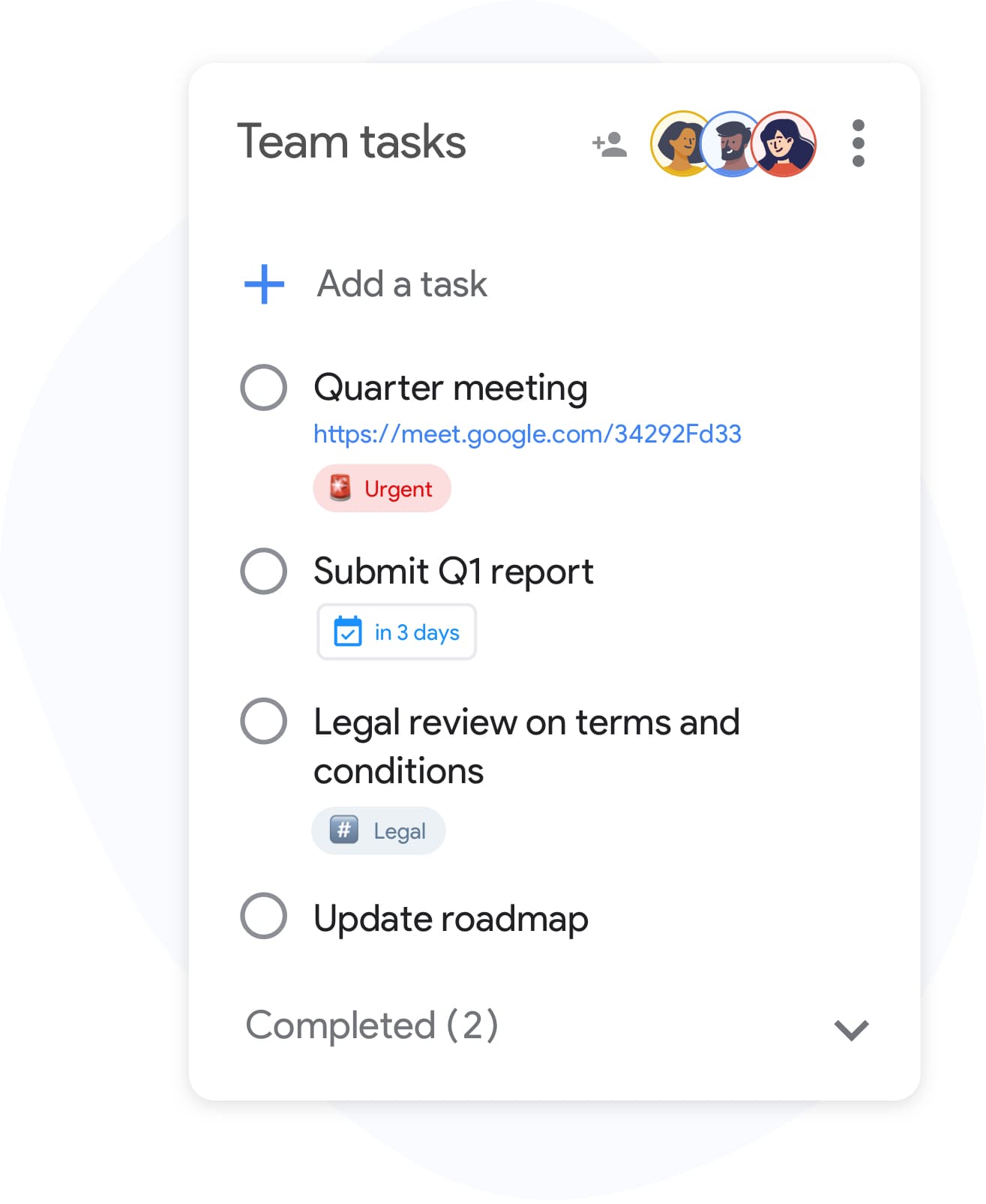
共享计划
与您的家人或团队一起规划
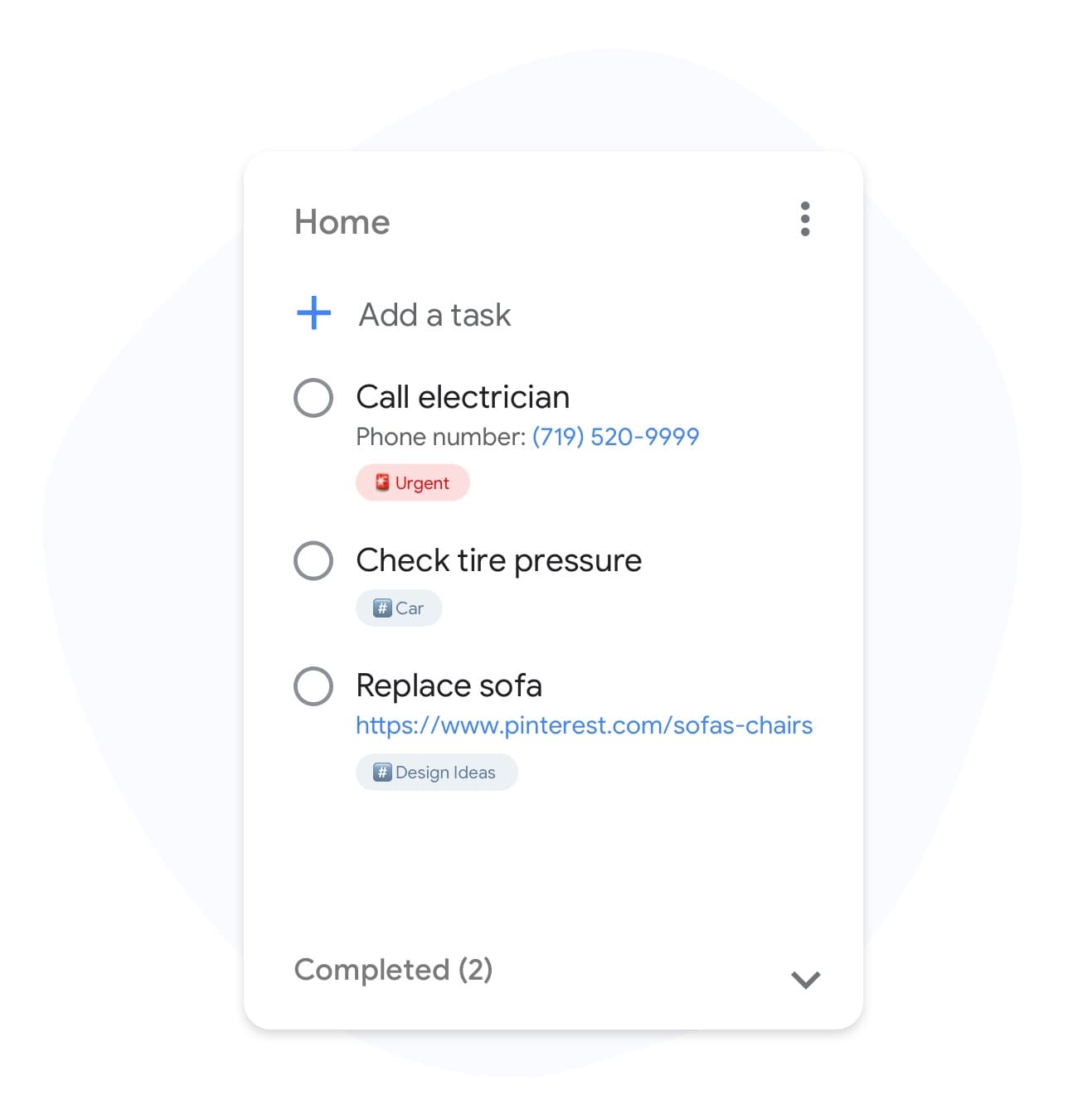
优先级标签
按优先级和能量水平标记计划
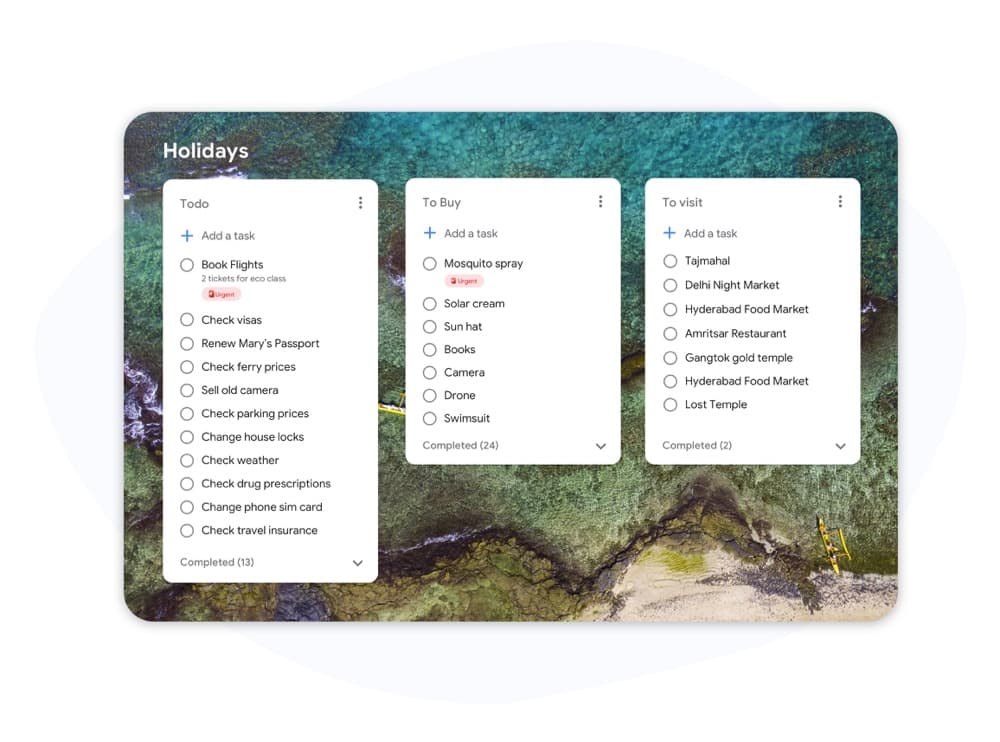
自定义背景
为工作、家庭和项目计划提供不同的外观
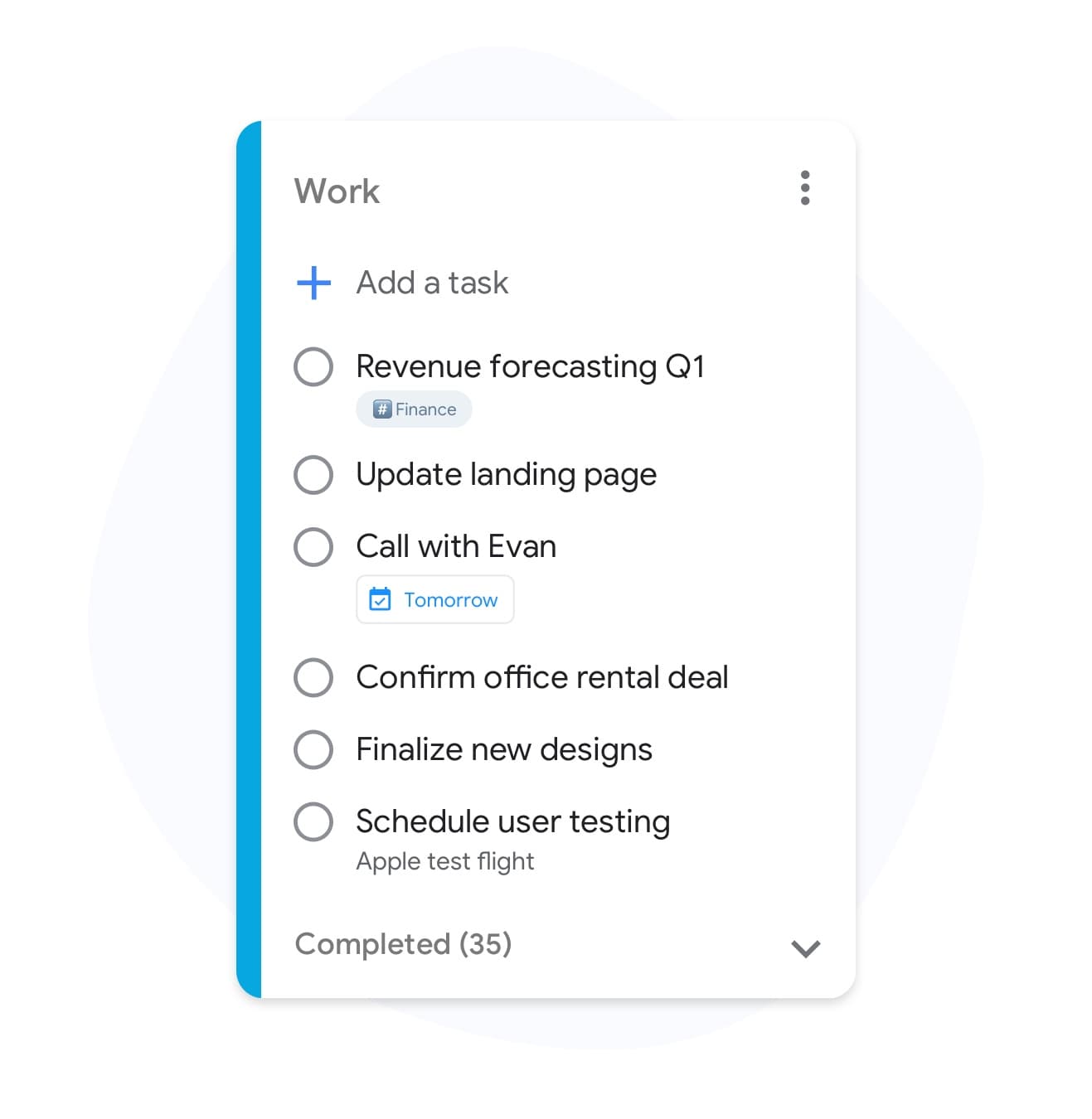
颜色编码的日期
按日期、项目或主题为您的规划器着色
多个规划器
为生活的每个领域提供单独的规划器
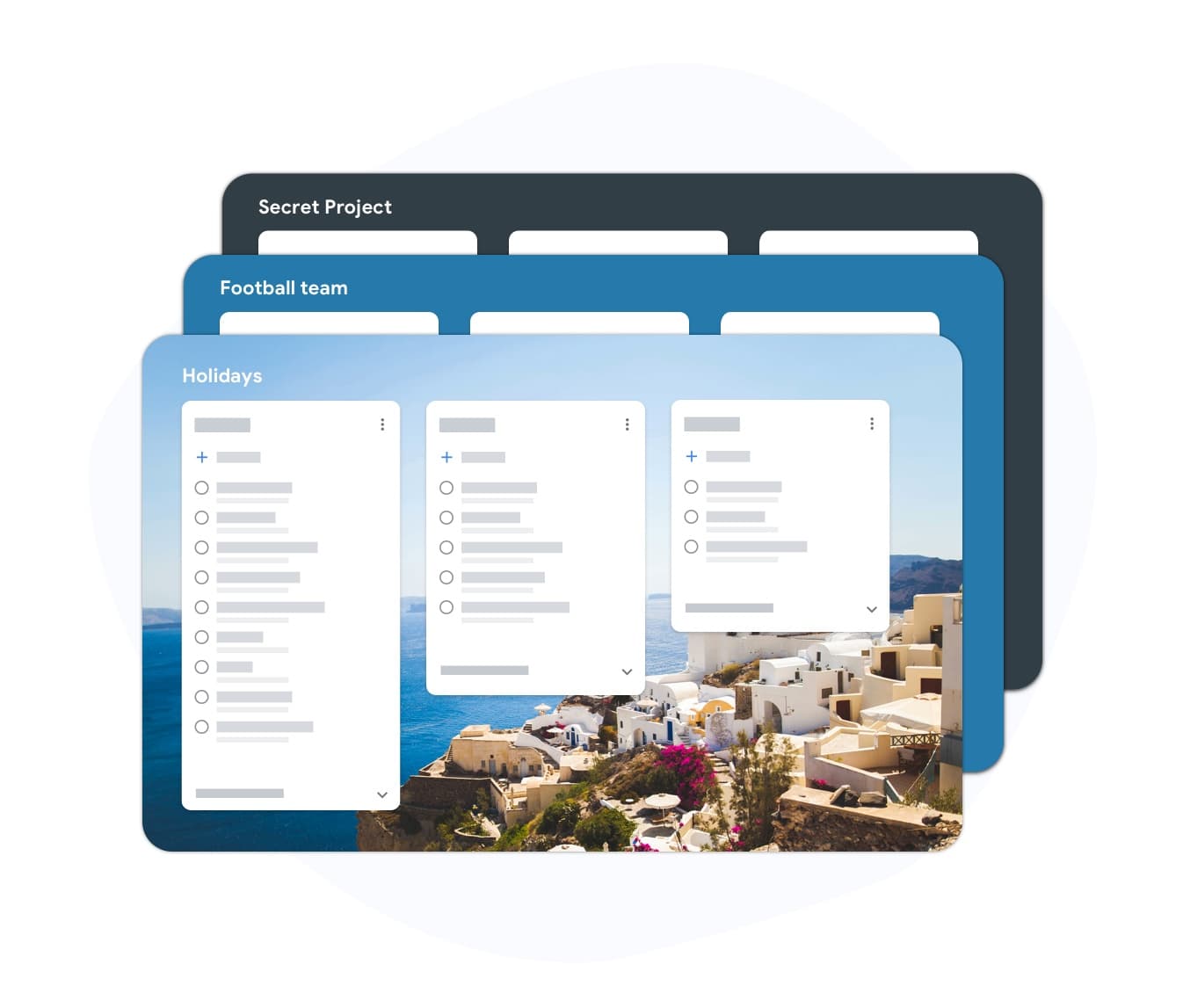
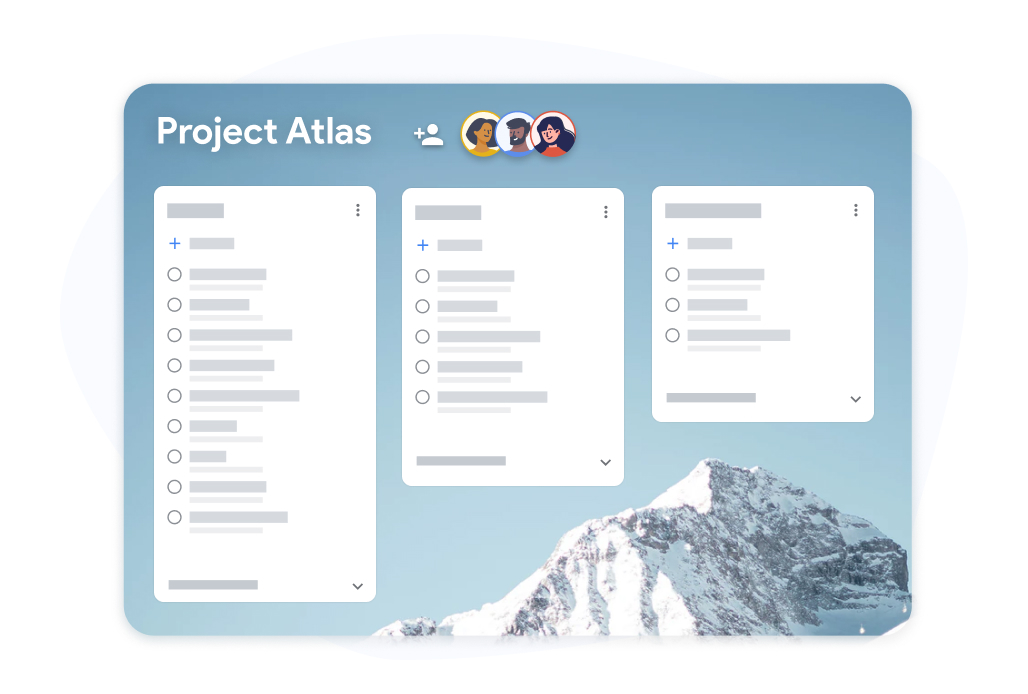
Why TasksBoard for 日常规划器
Due dates that reach Google Calendar
Set a due date in TasksBoard and the task shows up in Google Calendar on that day. The "Due today" smart board collects everything due today in one place.
专为日计划、周计划和项目规划而设计
Switch between a daily list, the "Due today" smart board, and a project Kanban board without leaving TasksBoard. Your plan adapts to your horizon.
与 Google 同步
您在 TasksBoard 中规划的每一项任务都会出现在手机上的 Google Tasks、Gmail 以及设置了截止日期的日历中。无需检查额外的应用程序。
为真正完成工作的人而设计
Set due dates, batch similar tasks, and review your week, all without heavy configuration. Open it in the morning, close it by evening, repeat.
常见问题解答
TasksBoard 支持哪些类型的规划?
日计划、周计划、项目规划和团队规划。您可以使用不同的看板从同一个帐户运行所有这些规划--每日看板、每周看板和特定项目看板。
这个规划器是免费的吗?
是的。免费计划包括无限任务、Kanban 看板视图、Google Tasks 同步和移动应用程序。团队共享、自定义背景和标签等高级功能包含在付费计划中。
Do my tasks show up in Google Calendar?
Yes. Tasks with due dates sync to Google Calendar, so you can plan around real meetings there. TasksBoard itself shows your tasks, not your calendar events.
TasksBoard 可以作为周计划器使用吗?
是的。包含一个包含任务、事件和优先级的 7 天概览。您可以跨天拖动任务、标记优先级,并在周五或周日回顾本周。
我可以用 TasksBoard 为我的团队规划项目吗?
是的。与您的团队共享项目 Kanban 看板,将卡片分配给负责人,并实时观察进度更新。每个人都在同一个看板上工作,因此拥有单一的事实来源。
登录
已经存在于您 Google 帐户中的规划器
加入 200 多万用户的行列,在 TasksBoard 上规划您的一天、一周和项目--与 Google Tasks 和 Google Calendar 同步。免费开始。