每天被数百万专业人士使用

Google
Netflix
Airbnb
Uber
Figma
Shopify
Canva
Booking.com
MIT
Stanford University

在全屏模式下完成更多工作

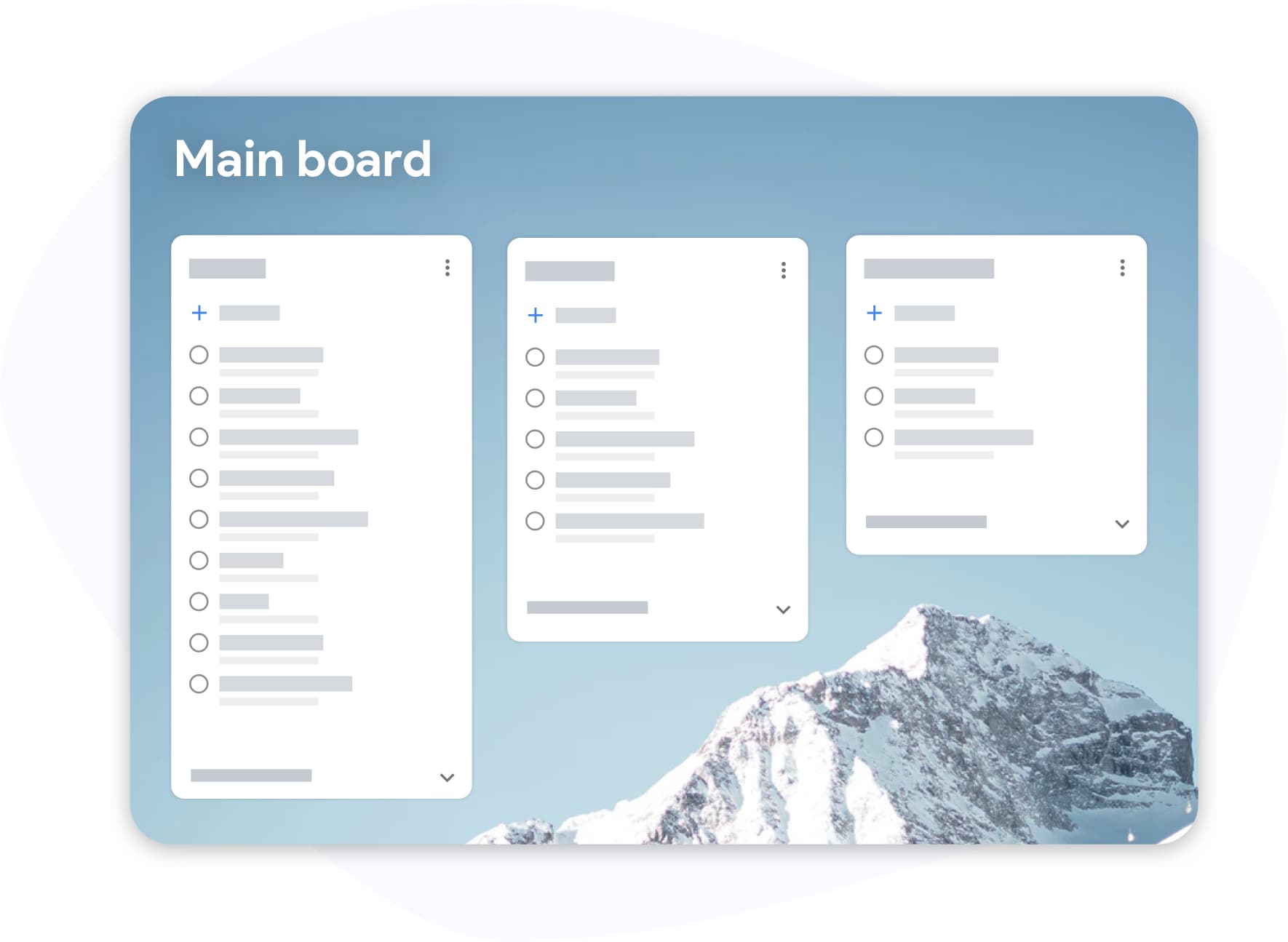
在全屏应用中管理您的 Google Tasks

隐藏在侧边栏中的 Google Tasks 从未为高效工作而设计。TasksBoard 将您的 Google Tasks 看板视图置于核心位置--每个列表都变成了一个您可以直观查看并操作的看板列。

  • 在列之间拖动任务,秒级重新排列优先级
  • 跨项目的标签和标记--紧急、阻塞、等待中
  • 键盘快捷键,让您的双手无需离开键盘

分享您的任务

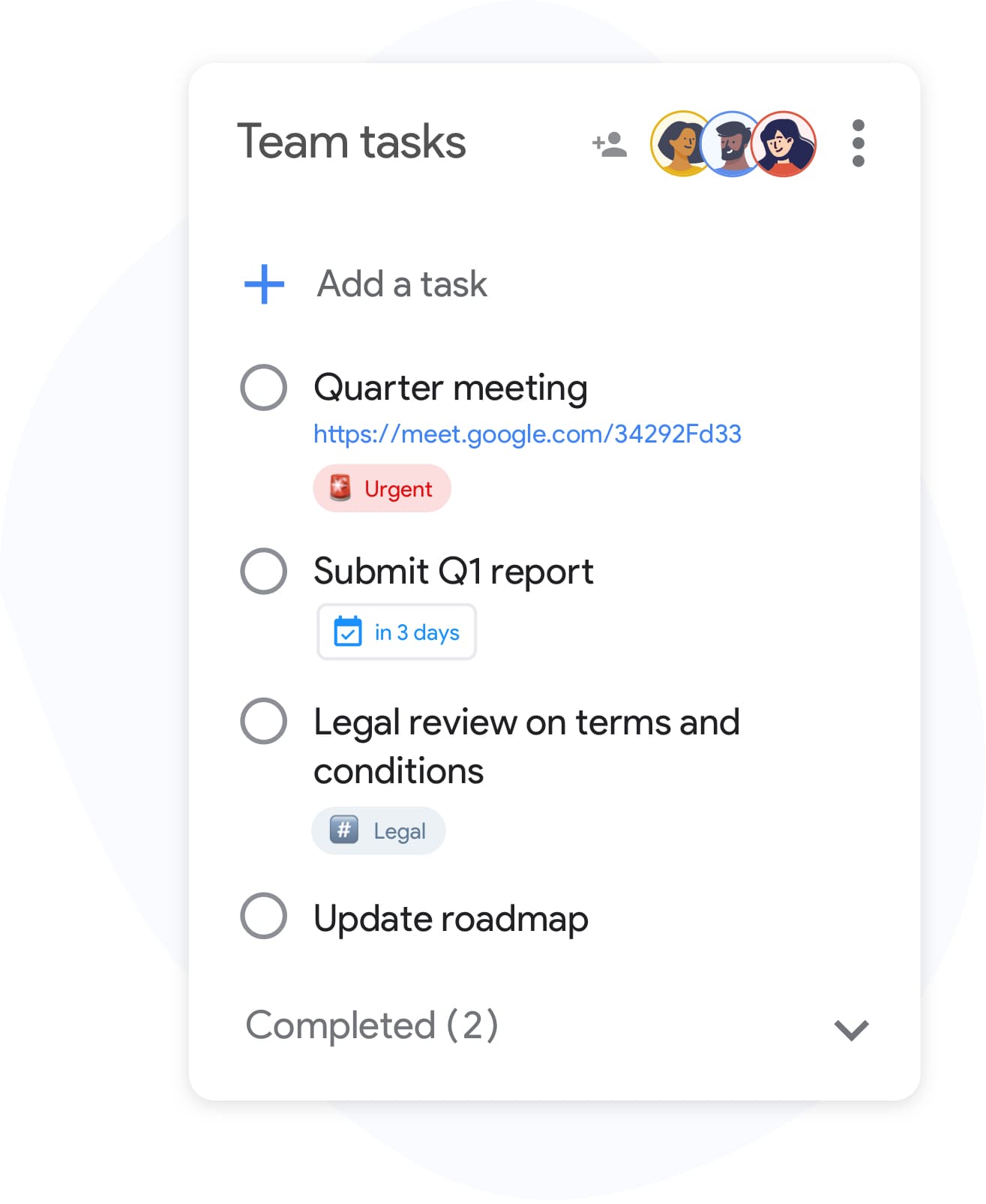
与任何人分享您的 Google Tasks 列表

Google Tasks 原本并非为协作而设计--直到现在。在几秒钟内与队友、家人或客户共享任何列表。无需创建新账户;协作者只需使用他们现有的 Google 账户登录即可。

  • 为所有拥有访问权限的人提供实时同步
  • Invite collaborators by email or with a link, and stop sharing at any time
  • 零配置:共享列表,设置权限级别,完成

与 Google Workspace 完全集成

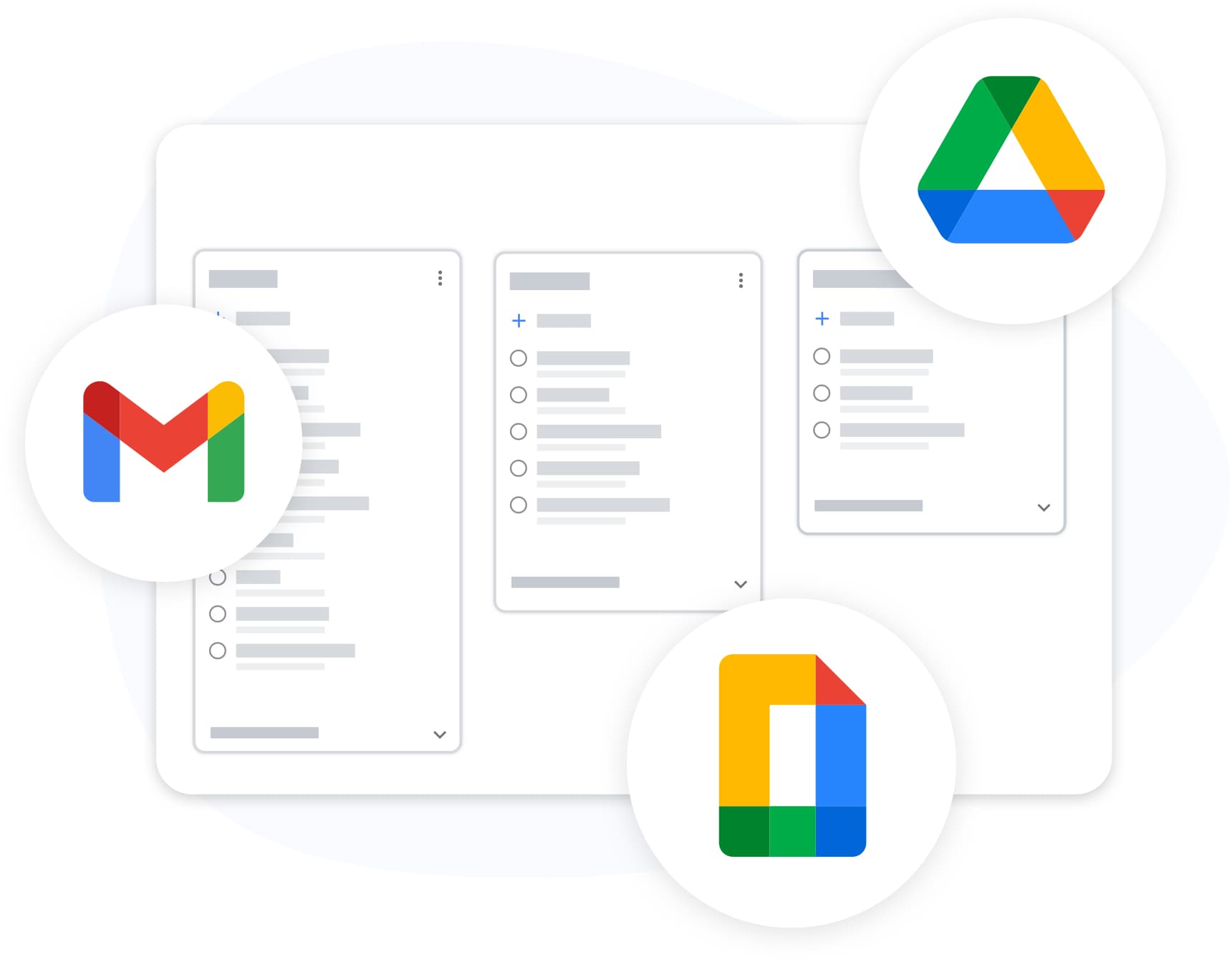
将 Google Drive 文档附加到 Google Tasks 并导出到 Google Sheets

TasksBoard lives inside your Google ecosystem, not alongside it. Attach Drive files, see the link to the Gmail email a task was created from, and export any list to Sheets, all with your existing Google login.

  • Tasks created with Gmail's "Add to tasks" button keep a link to the email, shown on the card in TasksBoard
  • 导出至 Google Sheets 以进行报告或归档
  • 自定义背景和主题以匹配您的工作流

在所有设备间同步

Add a task on your phone and it appears on your board the moment you open your laptop. TasksBoard syncs in real time with Google Tasks, so changes made in the Google Tasks apps on iOS and Android, the Chrome extension, and the web all land on your board.

定价

选择您的方案

免费开始。需要更多功能时再升级。

免费

用于组织您的日常生活。

$0 /mo

永久免费

登录

无需信用卡

  • check 无限任务和子任务
  • check 全屏看板
  • check 与 Google Tasks、Gmail 和 Calendar 同步
  • check Chrome extension and mobile web app
  • check 5 个共享列表
  • close 无限共享列表
  • close 多个看板
  • close 看板和列表自定义
  • close 自定义任务标签
  • close 导出至 Google Sheets
  • close 附加 Google Drive 文件
  • close 共享看板
  • close Import tasks from CSV and spreadsheets
  • close Task reminders and email notifications
  • close Print a board
  • close Move tasks to another Google account
  • close Calendar view
  • close Repeating tasks, due times & reminders
  • close Task priorities & dependencies
  • close List & board templates
  • close Turn text or voice into tasks with AI
  • close Activity log & completed log
  • close View-only collaborators
  • close Route Docs & Chat assignments to shared lists
  • close API, webhooks & Zapier
  • close 团队账单
  • close 优先支持
最佳选择

专业版

适合想要实现目标的高级用户。

$4.79 /mo Save $14/yr

每月,按年计费

免费开始

首周免费 • 随时取消

school 学生和教育工作者:使用学校邮箱注册 Pro 可享 5 折优惠

  • check 无限任务和子任务
  • check 全屏看板
  • check 与 Google Tasks、Gmail 和 Calendar 同步
  • check Chrome extension and mobile web app
  • check 无限共享列表
  • check 多个看板
  • check 看板和列表自定义
  • check 自定义任务标签
  • check 导出至 Google Sheets
  • check 附加 Google Drive 文件
  • check 共享看板
  • check Import tasks from CSV and spreadsheets
  • check Task reminders and email notifications
  • check Print a board
  • check Move tasks to another Google account
  • check Calendar view
  • check Repeating tasks, due times & reminders
  • check Task priorities & dependencies
  • check List & board templates
  • check Turn text or voice into tasks with AI
  • check Activity log & completed log
  • close View-only collaborators
  • close Route Docs & Chat assignments to shared lists
  • close API, webhooks & Zapier
  • close 团队账单
  • close 优先支持

团队版

适合想要高效协作的团队

$4.99 /mo / 用户

每月,按年计费

免费开始

首周免费 • 随时取消

  • check 无限任务和子任务
  • check 全屏看板
  • check 与 Google Tasks、Gmail 和 Calendar 同步
  • check Chrome extension and mobile web app
  • check 无限共享列表
  • check 多个看板
  • check 看板和列表自定义
  • check 自定义任务标签
  • check 导出至 Google Sheets
  • check 附加 Google Drive 文件
  • check 共享看板
  • check Import tasks from CSV and spreadsheets
  • check Task reminders and email notifications
  • check Print a board
  • check Move tasks to another Google account
  • check Calendar view
  • check Repeating tasks, due times & reminders
  • check Task priorities & dependencies
  • check List & board templates
  • check Turn text or voice into tasks with AI
  • check Activity log & completed log
  • check View-only collaborators
  • check Route Docs & Chat assignments to shared lists
  • check API, webhooks & Zapier
  • check 团队账单
  • check 优先支持

深受数千名用户喜爱

在 Chrome Web Store 上获得 1,000+ 条评价,评分 4.8 / 5

"Always have 101 things to do and this helps me organize and prioritize like no other app can. It syncs to my phone and laptop, and when I add dates to tasks, they automatically integrate into my Google Calendar, which is immensely convenient. I can look at my daily, weekly, and monthly overview in Google Calendar and clearly see how much I was able to accomplish! Great tool indeed. Excited to see how it will evolve over time."

PR Parina Ramjee avatar
Parina Ramjee

"Seriously, makes my tasks easier to share with the team, and the free version is quite nice for our little office. Eventually, we will expand, and this is definitely a great tool to do that! Syncs with my Workspace and Calendar."

CC Chase Cattrall avatar
Chase Cattrall

"I love the simple, intuitive interface and the Add to Tasks feature, especially as I work through my emails! Sharing my tasks is also easy. Overall, outstanding and simple to use, and that means a lot with too many complex tasks out there!"

GC Greg Cantori avatar
Greg Cantori

"Great too for managing daily routine and plan tasks. Would be perfect if it was updated for generating reports for statistics. For google tasks and google calendar"

NV Nick Vlasov avatar
Nick Vlasov

常见问题解答

什么是 TasksBoard?

TasksBoard is a full-screen web application for managing Google Tasks. It adds kanban boards, due dates with a "Due today" smart board, and team collaboration features on top of your existing Google Tasks and works directly with your Google account, with no data migration required.

TasksBoard 是免费的吗?

是的,TasksBoard 提供包含核心任务管理功能的免费方案。看板背景、颜色标签和团队共享等高级功能需通过付费订阅使用。

TasksBoard 是否与 Google Tasks 同步?

是的。TasksBoard 与 Google Tasks 实时同步。您所做的任何更改都会立即显示在 Gmail、Google Calendar 和 Google Tasks 移动应用中,反之亦然。

我可以与团队共享 Google Tasks 吗?

是的。TasksBoard 允许您与团队成员共享任务看板。每个人都可以实时查看、编辑和完成任务,并获得全面的协作支持。

哪些是最好的 Google Tasks 应用?

TasksBoard 被评为排名第一的 Google Tasks 应用,在 1,000 多条评价中获得 4.8/5 的评分。它提供了原生 Google Tasks 界面所没有的功能,包括看板、子任务管理和键盘快捷键。

我该如何将 Google Tasks 用作项目管理工具?

使用 TasksBoard,您可以将 Google Tasks 组织成带有自定义列表、拖放排序、截止日期、子任务和团队分配的看板,从而将简单的任务转化为完整的项目管理工作流。

TasksBoard 可以离线工作吗?

No. TasksBoard needs an internet connection: every change is written to Google Tasks as you make it, so there is nothing to sync later.

TasksBoard 安全可靠吗?

是的。TasksBoard 使用 OAuth 2.0 进行 Google 身份验证,绝不会存储您的 Google 密码。您的数据保留在您的 Google 账户中,并受 Google 安全基础设施的保护。


永久免费

立即开始使用 TasksBoard

使用您的 Google 账户登录,即可在 Google Tasks 之上获得完整的看板--几秒钟内即可就绪。