Google Tasksالمهام الفرعيةالإنتاجيةإدارة المهامGoogle Workspace
المهام الفرعية في Google Tasks: كيفية تقسيم المهام خطوة بخطوة

TasksBoard Team
Here’s a concise, structured answer based on the guide:
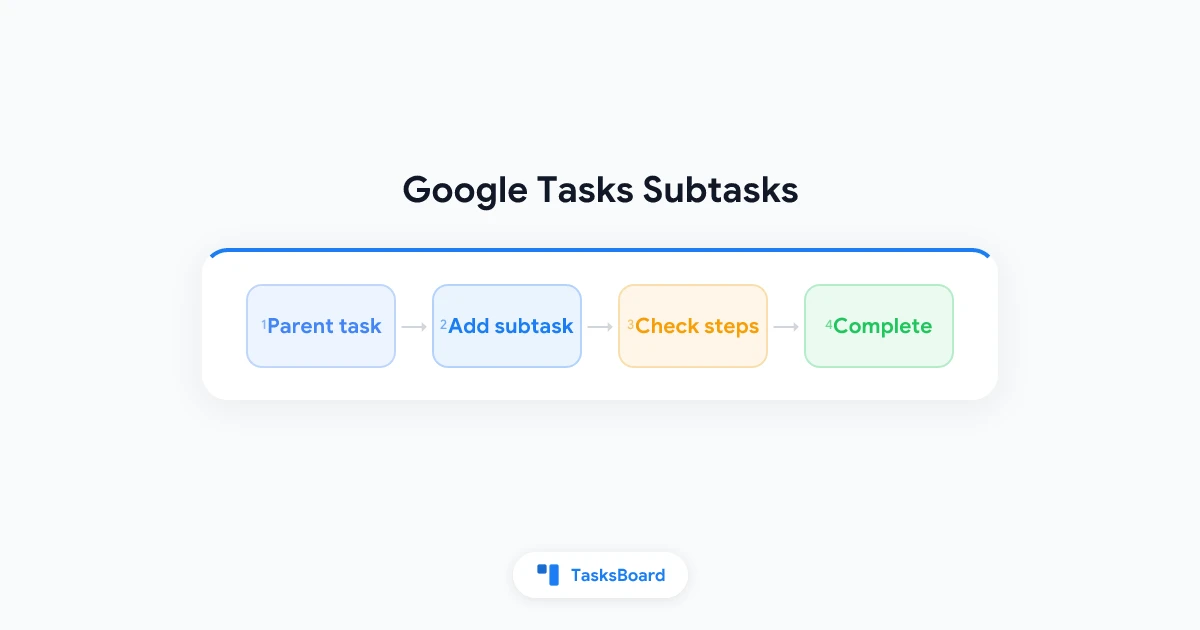
How to Add Subtasks in Google Tasks:
- Create a parent task (or use an existing one)
- Add subtasks by:
- Clicking the 3-dot menu → “Add subtask” (web)
- Tapping ”+” under the task (mobile)
- Keyboard shortcut:
- Windows:
Ctrl + ]to indent a task as subtask - Mac:
Command + ]
- Windows:
Key Limitations:
- Only 1 level of nesting (no subtasks of subtasks)
- No individual due dates on subtasks
- Parent tasks lose repeat functionality when subtasks exist
- Subtasks only visible when parent is expanded
Workarounds for complex projects:
- Use multiple lists as pseudo-levels
- Promote critical subtasks to main tasks with their own dates
- Connect to TasksBoard for kanban visualization while keeping Google Tasks sync
The system works best for simple checklists within a single deliverable rather than complex project management. For deeper hierarchies, consider combining Google Tasks with a visual layer or evaluating alternative tools.
هل أنت مستعد لمشاركة مهام Google الخاصة بك؟
ابدأ مع TasksBoard مجاناً، لا حاجة لبطاقة ائتمان.
تسجيل الدخول