Google Tasks contre Microsoft Planner : Quel outil de gestion de tâches pour équipe domine en 2026 ?

Google Tasks vs Microsoft Planner: Which Free Task Manager Wins in 2024?
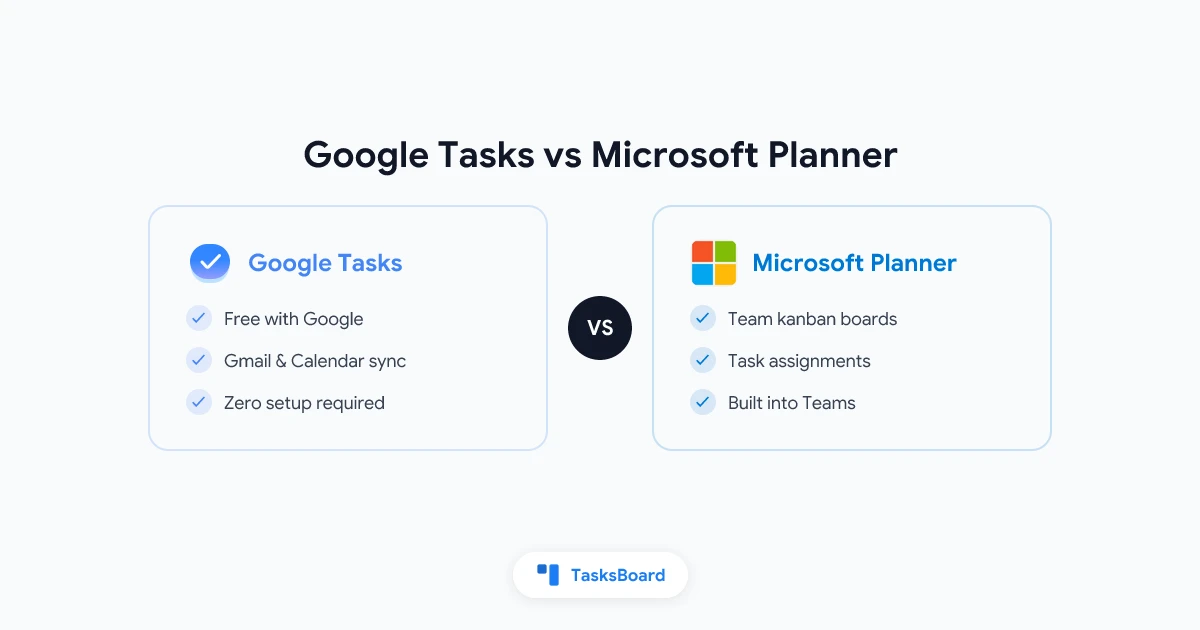
Google Tasks and Microsoft Planner are both free task management tools built into major productivity ecosystems, but they serve different purposes. Google Tasks is a simple to-do list integrated with Gmail and Google Calendar, while Microsoft Planner is a team task board built into Microsoft Teams and Microsoft 365.
Key Differences at a Glance
| Feature | Google Tasks | Microsoft Planner |
|---|---|---|
| Best for | Personal task management | Team collaboration |
| Price | Free with Google account | Free with Microsoft 365 |
| Core View | Simple lists | Kanban boards |
| Team Features | None (personal only) | Task assignments, shared boards |
| Calendar Sync | Automatic with Google Calendar | Works with Outlook Calendar |
| Mobile Apps | Yes (iOS/Android) | Yes (iOS/Android) |
When to Choose Google Tasks
Google Tasks shines when you:
- Need a simple, no-frills to-do list
- Already use Gmail and Google Calendar daily
- Work primarily as an individual (not with a team)
- Want tasks to automatically appear on your calendar
When Microsoft Planner Works Best
Microsoft Planner excels for teams that:
- Already use Microsoft 365/Teams
- Need to assign tasks to team members
- Prefer visual kanban boards
- Require file attachments and priority labels
The Middle Ground: TasksBoard
For Google Workspace teams needing Planner-like features, TasksBoard adds kanban views and team collaboration to Google Tasks without switching ecosystems.
Bottom Line: Choose the tool that matches your existing workflow - Google Tasks for personal use in Google’s ecosystem, Microsoft Planner for team collaboration in Microsoft 365.
Prêt à partager vos Google Tasks ?
Commencez avec TasksBoard gratuitement, aucune carte de crédit requise.
Se connecter