Google Tasks vs Trello: ¿Qué herramienta se adapta mejor a tu equipo en 2026?

Google Tasks vs Trello: Which Task Management Tool is Best in 2024?
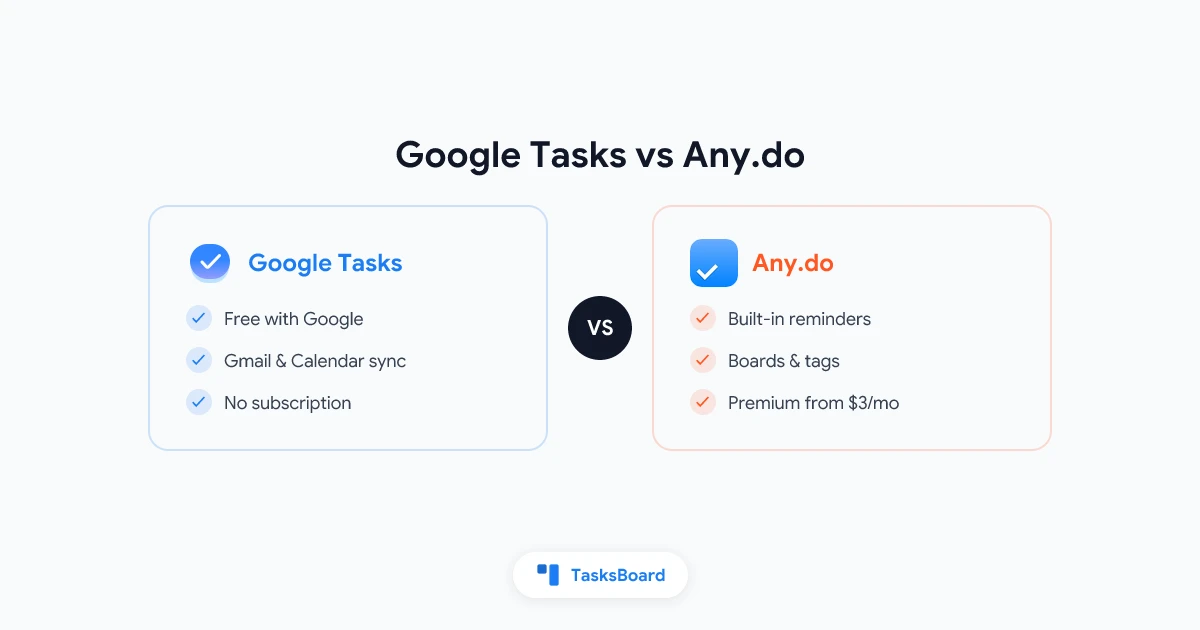
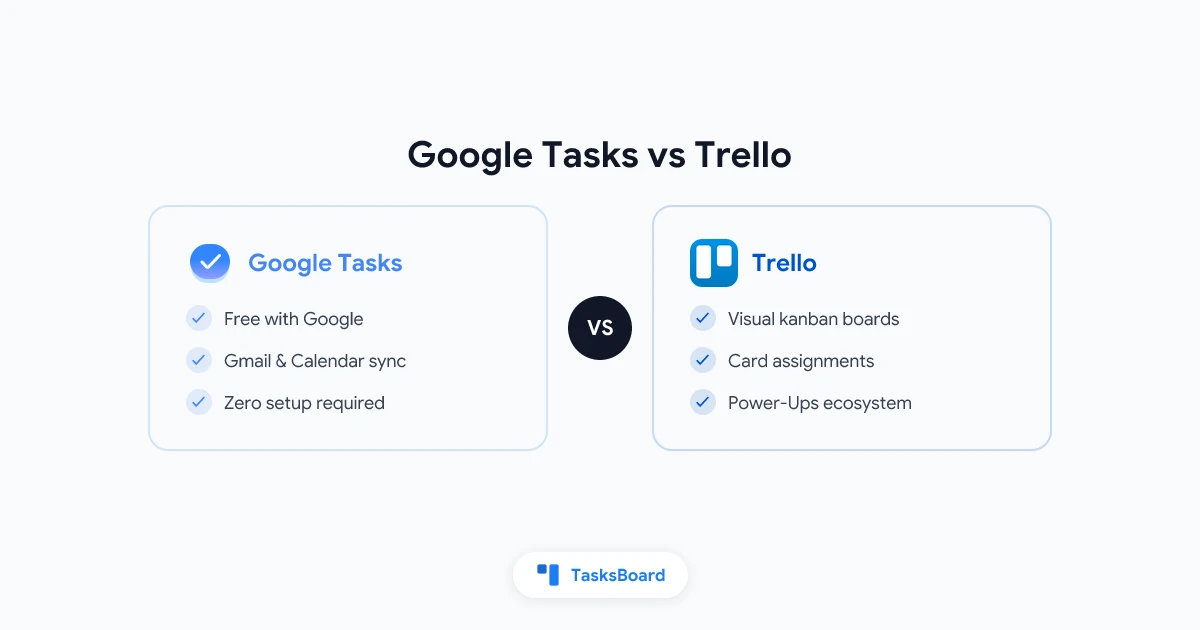
Google Tasks and Trello are two popular task management tools, but they take very different approaches. Google Tasks is a simple, lightweight to-do list integrated with Gmail and Google Calendar. Trello is a visual kanban-style project management tool designed for team collaboration.
In this comprehensive comparison, we’ll examine the key differences between Google Tasks and Trello to help you determine which is the best fit for your needs in 2024.
Key Differences at a Glance
| Feature | Google Tasks | Trello |
|---|---|---|
| Pricing | Free | Free plan available; paid plans from $5/user/month |
| Platform | Web, mobile apps (iOS/Android) | Web, mobile apps, desktop apps |
| Core Functionality | Simple task lists | Kanban boards with cards |
| Integrations | Native with Google Workspace | 100+ Power-Ups (integrations) |
| Team Features | Limited | Robust collaboration tools |
| Views | List only | Board, timeline, calendar, table, dashboard |
| Automation | None | Butler automation tool |
| Best For | Personal task management | Team project management |
Google Tasks Overview
Google Tasks is a straightforward task management tool that’s fully integrated with Google Workspace. It’s designed for individuals who need a simple way to track to-do items alongside their email and calendar.
Key Features
- Tight Gmail integration: Create tasks directly from emails
- Google Calendar sync: Tasks with due dates appear on your calendar
- Mobile apps: Available for iOS and Android
- Subtasks: Create nested tasks under main items
- Simple interface: Minimal learning curve
Pros
- Completely free with Google account
- Seamless integration with Gmail and Calendar
- Extremely easy to use
- Lightweight and fast
Cons
- Very basic functionality
- No team collaboration features
- Limited organization options
- No attachments or rich formatting
Trello Overview
Trello is a visual project management tool based on kanban methodology. It uses boards, lists, and cards to help teams organize and prioritize work.
Key Features
- Kanban boards: Visual workflow with lists and cards
- Power-Ups: 100+ integrations (Slack, Google Drive, etc.)
- Butler automation: Custom rules and commands
- Multiple views: Board, timeline, calendar, dashboard
- Team collaboration: Comments, mentions, file sharing
Pros
- Highly visual interface
- Excellent for team collaboration
- Flexible for different workflows
- Robust free plan available
Cons
- Can become cluttered with complex projects
- Some key features require paid plans
- Steeper learning curve than Google Tasks
Detailed Feature Comparison
Task Creation and Management
Google Tasks offers basic task creation with:
- Simple text entries
- Due dates
- Subtasks (one level deep)
- Basic prioritization (manual ordering)
Trello provides more advanced options:
- Rich card descriptions
- Checklists within cards
- Multiple due dates
- Labels and tags
- File attachments
- Custom fields
Collaboration
Google Tasks has very limited collaboration:
- No native sharing features
- Workarounds possible via shared Google accounts
Trello excels at team collaboration:
- Board and card sharing
- Comments and @mentions
- Activity tracking
- Voting and approvals (with Power-Ups)
- Card assignments
Views and Organization
Google Tasks offers:
- Simple lists
- Grouping by date (Today, Tomorrow, etc.)
Trello provides multiple views:
- Kanban board (default)
- Timeline view
- Calendar view
- Table view
- Dashboard/reporting
- Custom fields for filtering
Integrations
Google Tasks integrates natively with:
- Gmail
- Google Calendar
- Google Workspace apps
Trello connects with:
- 100+ Power-Ups (Slack, Jira, Dropbox, etc.)
- API for custom integrations
- Email-to-board functionality
Mobile Experience
Both offer mobile apps, but:
Google Tasks mobile:
- Simple and fast
- Syncs instantly with web
- Limited functionality
Trello mobile:
- Nearly full desktop functionality
- Some Power-Ups available
- Can be slower with complex boards
Pricing Comparison
Google Tasks
- Price: Free (included with Google account)
- Limits: No known task limits
Trello
- Free plan: Unlimited cards, 10 boards, basic features
- Standard ($5/user/month): Unlimited boards, advanced checklists, custom fields
- Premium ($10/user/month): Timeline, dashboard, workspace views
- Enterprise ($17.50/user/month): Organization-wide controls
Use Cases: When to Choose Each Tool
Choose Google Tasks if:
- You need a simple personal to-do list
- You primarily work in Gmail/Google Workspace
- You want zero learning curve
- You don’t need team collaboration
- You prefer lightweight, fast access
Choose Trello if:
- You manage projects with a team
- You prefer visual organization
- You need multiple views of your work
- You require automation
- You use multiple tools that integrate with Trello
The Best Alternative: TasksBoard
For Google Workspace users who need more than Google Tasks but want to stay in the Google ecosystem, TasksBoard is an excellent alternative. It adds powerful features to Google Tasks:
✔ Kanban board view
✔ Team collaboration
✔ Advanced task management
✔ Multiple list views
All while maintaining full sync with Google Tasks, Gmail, and Calendar.
Verdict
Google Tasks and Trello serve different purposes. Google Tasks is best for simple personal task management within Google’s ecosystem. Trello excels at team project management with its visual interface and collaboration features.
For Google Workspace users who need more than Google Tasks but want to avoid the complexity of Trello, TasksBoard provides the perfect middle ground - adding powerful features while maintaining Google’s simplicity and integration.
Try TasksBoard today to enhance your Google Tasks experience with kanban boards and team collaboration!
¿Listo para compartir tus Google Tasks?
Empieza con TasksBoard gratis, no se requiere tarjeta de crédito.
Iniciar sesión