Google TasksとMicrosoft Planner徹底比較:2026年、チームタスク管理ツールの勝者は?

Google Tasks vs Microsoft Planner (2024 Comparison)
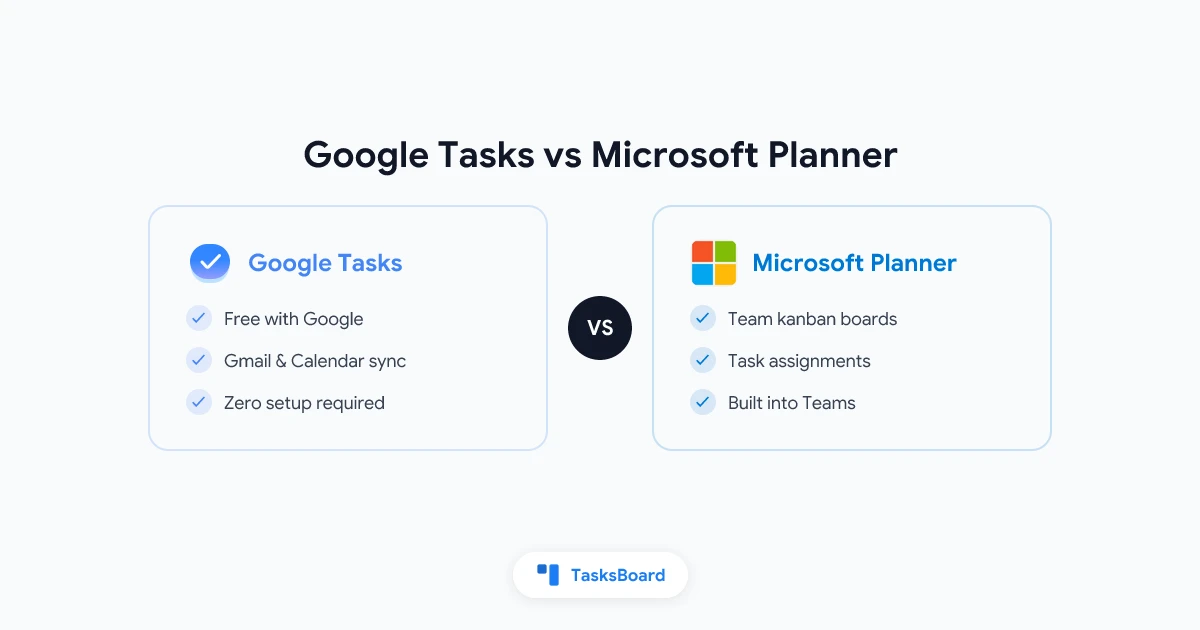
Google Tasks and Microsoft Planner are both free task management tools, but they serve very different purposes. Google Tasks is a simple to-do list built into Gmail and Google Calendar, while Microsoft Planner is a team collaboration tool integrated with Microsoft 365 and Teams.
Key Differences at a Glance
| Feature | Google Tasks | Microsoft Planner |
|---|---|---|
| Price | Free with Google account | Free with Microsoft 365 subscription |
| Best For | Personal task management | Team project management |
| Core Features | Basic task lists, due dates, subtasks | Kanban boards, task assignments, file attachments |
| Collaboration | No sharing features | Full team collaboration |
| Integrations | Google Workspace apps | Microsoft 365 apps |
| Mobile Apps | Yes (iOS/Android) | Yes (iOS/Android) |
Google Tasks: Simple Personal Task Management
Google Tasks is a no-frills task manager that integrates seamlessly with Gmail and Google Calendar. It’s ideal for:
- Individual to-do lists
- Quick task capture from Gmail
- Syncing tasks with Google Calendar
- Simple personal productivity
Pros:
- Completely free
- Instant access in Gmail/Calendar
- Minimalist interface
- Good mobile apps
Cons:
- No team features
- No file attachments
- Limited organization options
Microsoft Planner: Team Project Management
Microsoft Planner is a full-featured project management tool for teams using Microsoft 365. Key features include:
- Kanban-style boards
- Task assignments
- File attachments
- Progress tracking
- Team collaboration
Pros:
- Visual project management
- Strong Microsoft 365 integration
- Good reporting
- Free with M365 subscription
Cons:
- Requires M365 account
- Steeper learning curve
- Overkill for personal use
Which Should You Choose?
Choose Google Tasks if:
- You use Google Workspace
- You need simple personal task management
- You want tight Gmail/Calendar integration
Choose Microsoft Planner if:
- Your team uses Microsoft 365
- You need team collaboration features
- You prefer visual project management
For Google Workspace teams needing more advanced features, consider TasksBoard which adds kanban boards and team collaboration to Google Tasks.
FAQ
Is Microsoft Planner free? Yes, with a Microsoft 365 subscription.
Can I share Google Tasks? Not natively, but tools like TasksBoard add this functionality.
Which has better mobile apps? Both have good mobile apps, with Planner offering more team features.
Can I use both together? Yes, they serve different purposes - Tasks for personal, Planner for team work.