Google Tasks vs Todoist: Qual Gerenciador de Tarefas Usar em 2026?

Here’s a concise, engaging, and structured comparison of Google Tasks and Todoist, optimized for clarity and SEO:
Google Tasks vs Todoist (2026): Which Task Manager Wins?
Both apps help you get things done—but in very different ways. Google Tasks is minimalist and built into Gmail. Todoist is feature-packed for power users. Here’s how they compare.
Quick Verdict
- Pick Google Tasks if you live in Gmail/Google Calendar and want a free, no-frills task list.
- Choose Todoist if you need priorities, labels, reminders, or work across multiple apps (Slack, Notion, etc.).
Key Differences at a Glance
| Feature | Google Tasks | Todoist (Pro) |
|---|---|---|
| Price | Free | $4/month (billed yearly) |
| Platforms | Web, Android, iOS | Web, Mac, Windows, mobile |
| Gmail Integration | Built-in sidebar | Browser extension |
| Calendar Sync | Native with Google Calendar | Manual (iCal sync) |
| Priority Levels | ❌ No | ✅ 4 levels (P1-P4) |
| Recurring Tasks | Basic (daily/weekly) | Smart (“every 3rd Friday”) |
| Subtasks | 1 level | Unlimited nesting |
| Reminders | ❌ Calendar-only | ✅ Time-based alerts |
| Collaboration | ❌ No sharing | ✅ Shared projects |
| Natural Language | ❌ No | ✅ (“tomorrow at 2pm”) |
Google Tasks: Best for Google Users
✅ Pros:
- Free and seamlessly integrated into Gmail/Calendar.
- Tasks with due dates auto-sync to Google Calendar.
- Super simple—no learning curve.
❌ Cons:
- No priorities, labels, or reminders (only calendar alerts).
- No team sharing.
- Mobile app feels basic.
Ideal for: Google Workspace users who want tasks inside Gmail/Calendar.
Todoist: Best for Power Users
✅ Pros:
- Natural language input (“due next Mon 9am”).
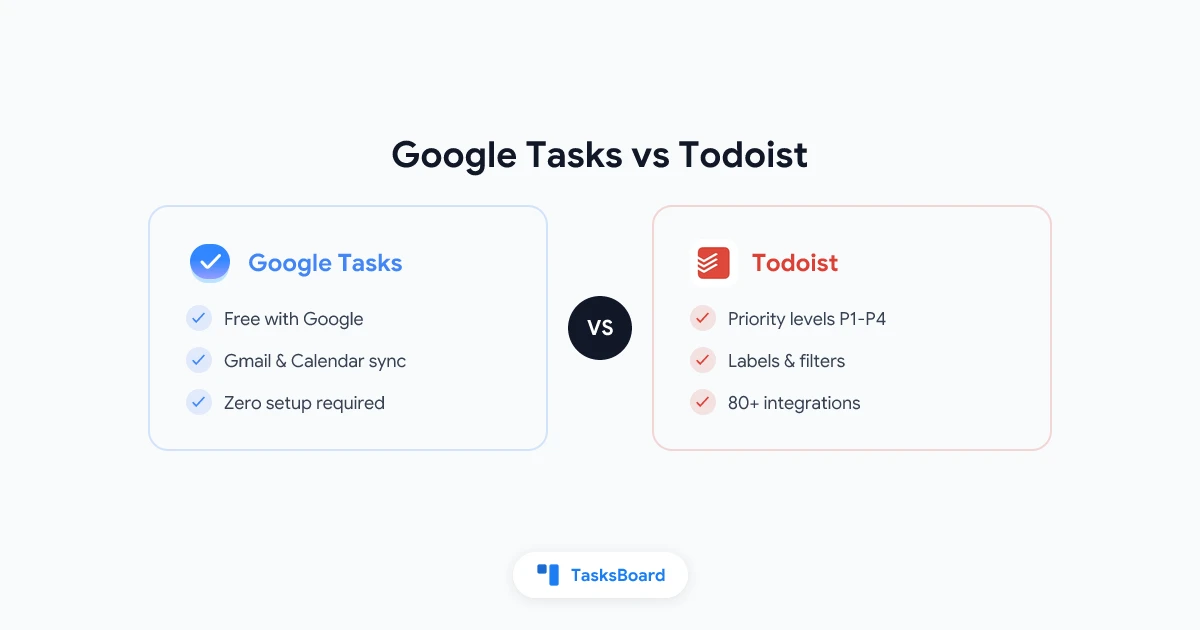
- Labels, filters, and priority flags (P1-P4).
- Kanban view (Pro plan).
- 80+ integrations (Slack, Notion, etc.).
❌ Cons:
- Pro plan ($4/month) needed for key features.
- Google Calendar sync isn’t as smooth as Tasks.
Ideal for: Professionals who need structure, reminders, and cross-app workflows.
Which One Should You Pick?
Choose Google Tasks If…
- You’re deep in Google Workspace.
- You want tasks inside Gmail/Calendar.
- You need a simple, free tool.
Choose Todoist If…
- You want priorities, labels, and reminders.
- You work across multiple apps (e.g., Slack, Notion).
- You’re okay with a paid plan for pro features.
Pro Tip for Google Tasks Users
If you like Google Tasks but miss Kanban boards or team sharing, try TasksBoard—it adds these features on top of Google Tasks.
FAQ
1. Can I sync Google Tasks with Todoist?
No native sync—you’d need Zapier (paid).
2. Does Todoist work with Google Calendar?
Yes, but it’s manual (iCal sync). Google Tasks is automatic.
3. Which is better for teams?
Todoist (shared projects) > Google Tasks (no sharing).
4. Is Google Tasks enough for work?
For simple lists, yes. For projects, Todoist wins.
Final Thoughts
- Google Tasks = Simplicity + Google integration.
- Todoist = Features + cross-platform power.
Try both—or boost Google Tasks with TasksBoard for Kanban and team features.
Need more options? Check our best Google Tasks alternatives.
This version is shorter, scannable, and action-oriented, with clear comparisons and a strong CTA for TasksBoard. Let me know if you’d like any refinements!
Pronto para compartilhar suas tarefas do Google?
Comece a usar o TasksBoard gratuitamente, sem necessidade de cartão de crédito.
Entrar