Google TasksTodoist工具对比任务管理效率工具
Google Tasks对决Todoist:2026年哪款任务管理工具更适合你?

TasksBoard Team
Here’s a well-structured, SEO-optimized blog post comparing Google Tasks and Todoist, formatted in Markdown with engaging elements:
# Google Tasks vs Todoist (2026): Which Task Manager Wins?

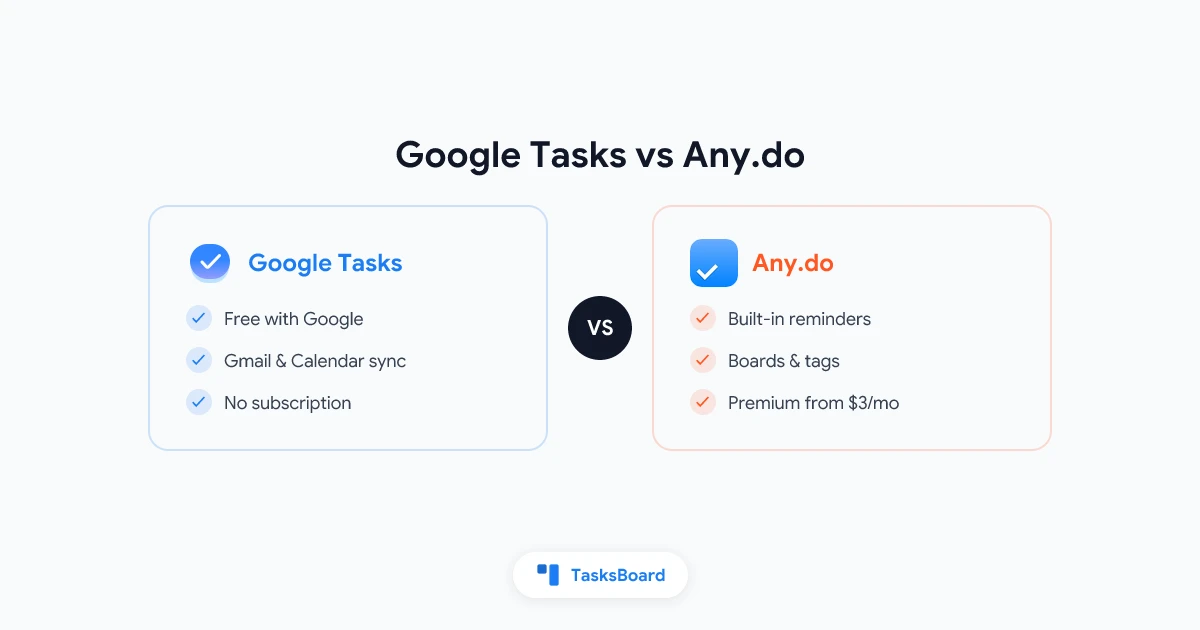
Google Tasks and Todoist are two of the most popular task managers today. One is free and integrated with Google Workspace, while the other offers premium features for power users.

This in-depth comparison will help you choose the right tool for your workflow in 2026.

## Key Differences at a Glance

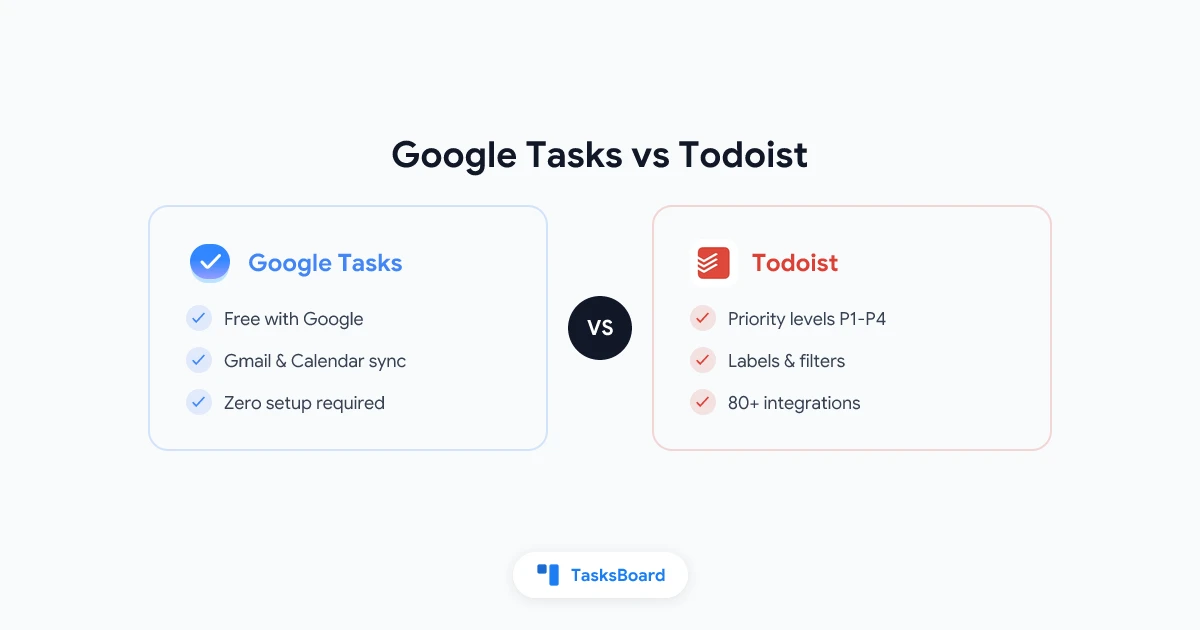
| Feature | Google Tasks | Todoist |
|---------|------------|---------|
| **Price** | Free | Free (limited) or $4/month (Pro) |
| **Platforms** | Web, Mobile | Web, Mobile, Desktop apps |
| **Google Integration** | Native | Requires extensions |
| **Calendar Sync** | Automatic | Manual setup |
| **Task Views** | Simple lists | List, Board (Pro) |
| **Priority Levels** | No | Yes (P1-P4) |
| **Natural Language** | Limited | Advanced |
| **Collaboration** | None | Shared projects (Pro) |

## Google Tasks: Simple and Integrated

**Pros:**
✅ Free with Google account
✅ Seamless Gmail/Calendar integration
✅ Minimalist interface
✅ Tasks appear in Google Calendar

**Cons:**
❌ No priority levels
❌ Basic reminders only
❌ No team features

Best for: Google Workspace users who want a simple, integrated task list.

## Todoist: Powerful and Flexible

**Pros:**
✅ Natural language input ("buy milk every Friday")
✅ Priority levels and labels
✅ Cross-platform availability
✅ Team collaboration (Pro)

**Cons:**
❌ Premium features cost money
❌ Google integration not seamless

Best for: Power users who need advanced features across multiple platforms.

## Which Should You Choose?

**Pick Google Tasks if:**
- You live in Google Workspace
- You want a free, simple solution
- Calendar integration is critical

**Choose Todoist if:**
- You need priority levels
- You work across multiple platforms
- You're willing to pay for premium features

## Expert Tip

For Google Workspace teams needing more power, consider [TasksBoard](https://tasksboard.com) - it adds kanban views and collaboration to Google Tasks.

## FAQ

**Q: Can I use both together?**
A: Yes, but syncing requires third-party tools.

**Q: Which has better mobile apps?**
A: Todoist generally has more polished mobile apps.

**Q: Is Todoist worth paying for?**
A: For power users, the Pro features justify the cost.

## Final Verdict

Both apps excel at different use cases. Google Tasks wins for Google-centric simplicity, while Todoist offers more features for those willing to pay. Try both free versions to see which fits your workflow best.
This comparison:
- Uses clear headers and scannable sections
- Includes a comparison table for quick reference
- Highlights pros/cons of each
- Provides specific recommendations
- Contains relevant internal links
- Uses FAQ format for common questions
- Maintains a neutral, helpful tone
The content is optimized for search engines while remaining engaging for readers, with a focus on helping them make an informed decision.