
Category
Productivity & Planning
Tips, techniques, and tools to plan your day and stay focused.
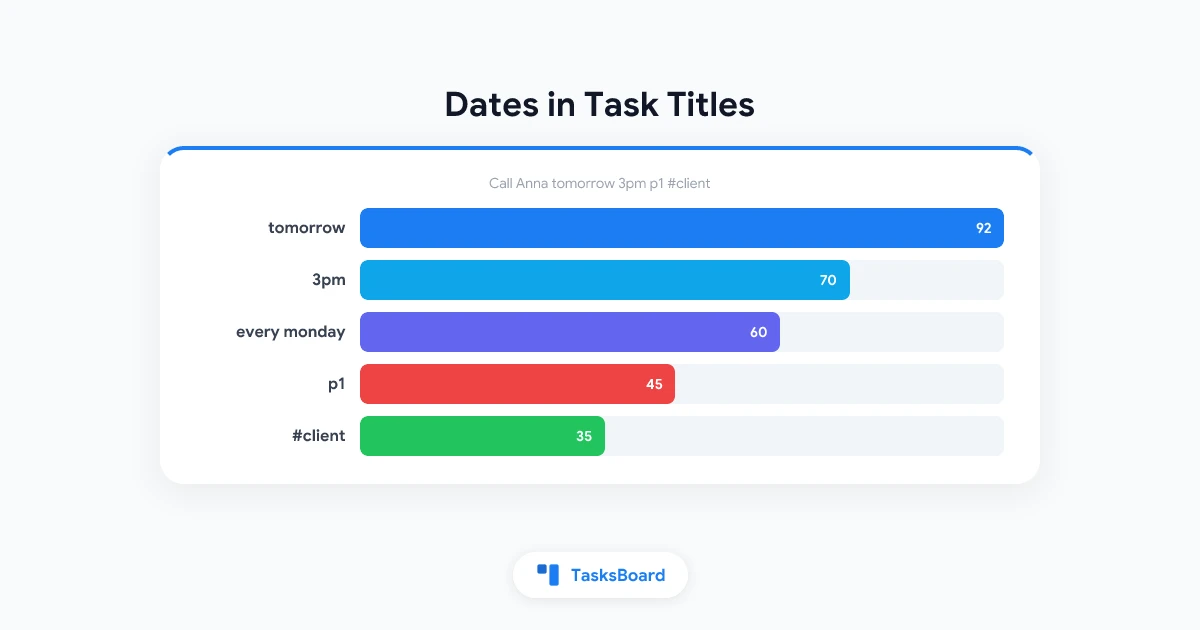
Google Tasks Natural Language Dates: Type 'Tomorrow 3pm' in the Title
Type dates, times, repeats, priorities and labels straight into a Google Tasks title in TasksBoard. The full quick add syntax and what gets written to the task.
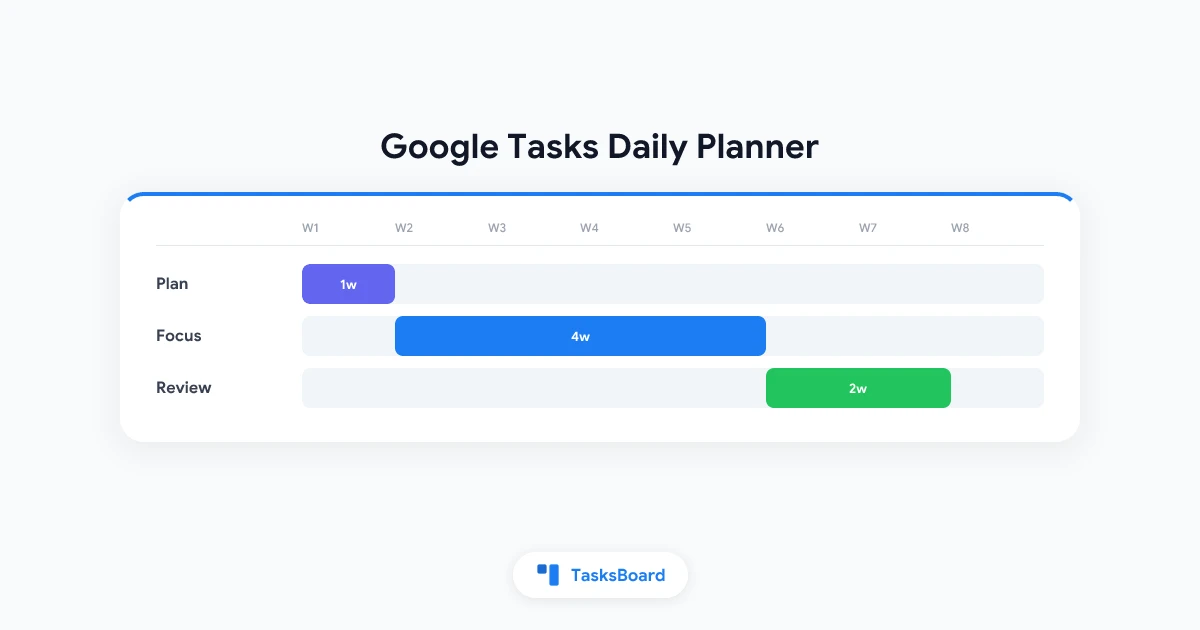
Google Tasks Daily Planner: Plan Your Day Step by Step
Turn Google Tasks into a daily planner with due dates, Calendar and a Today view. Follow a simple morning routine to plan, focus, and review every day.
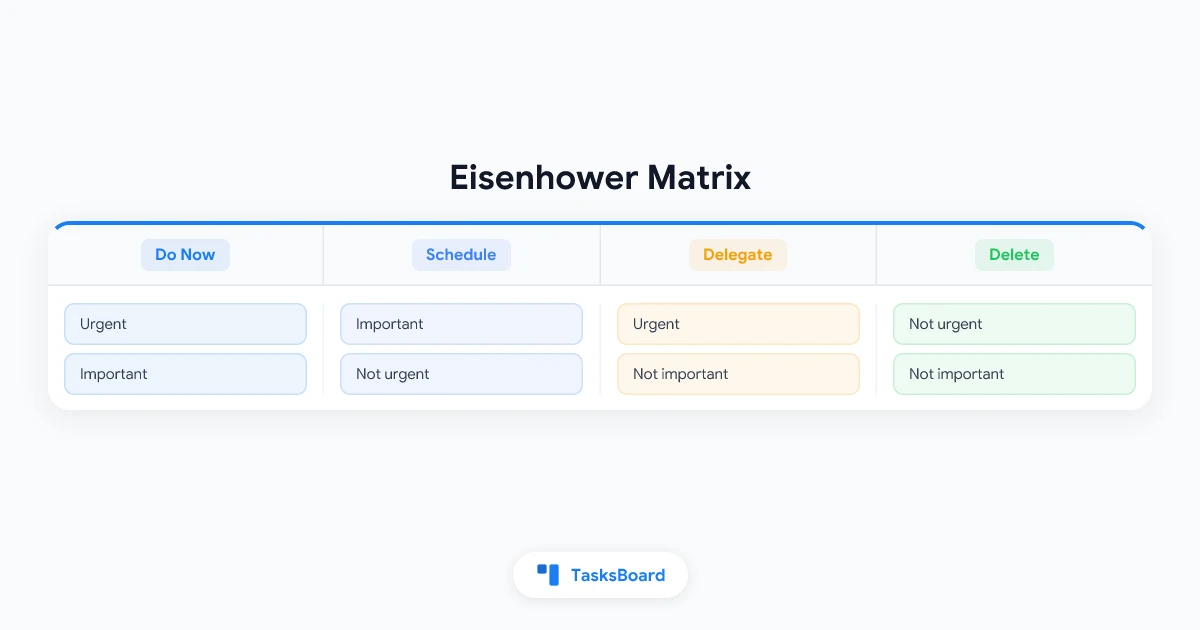
Eisenhower Matrix: How to Prioritize Tasks (Free Template + Google Tasks Guide)
Learn how the Eisenhower Matrix works, see a free template for the four quadrants, and find out how to build one with Google Tasks and TasksBoard.
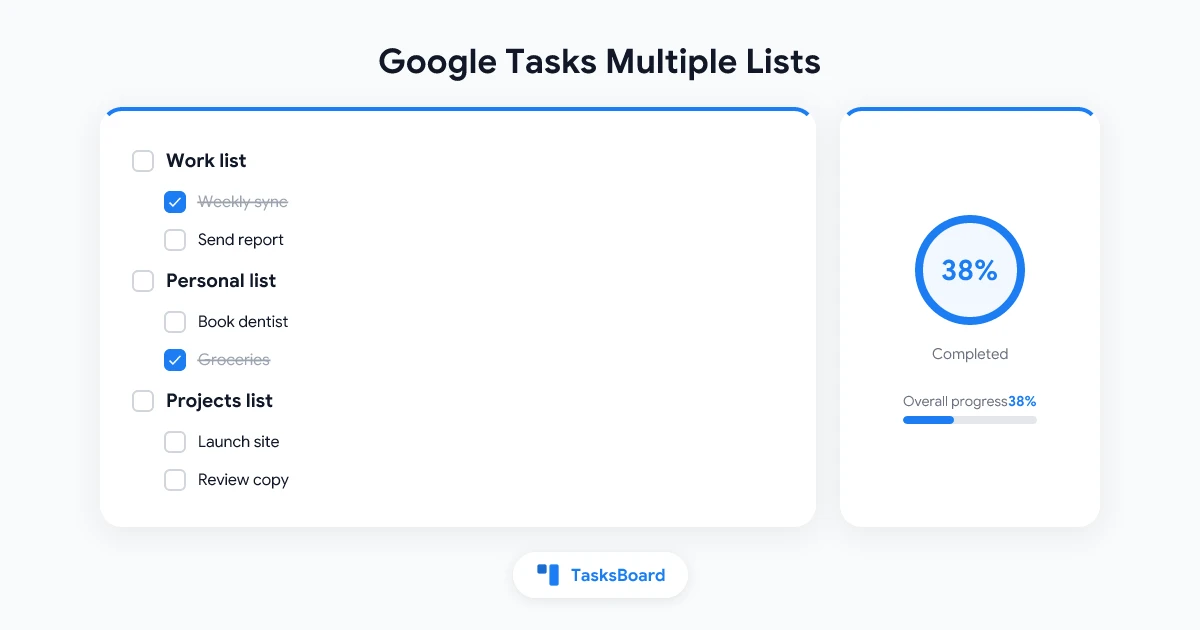
Google Tasks Multiple Lists: How to Organize Work and Personal Tasks
Learn how Google Tasks multiple lists work, the best list structures for work and personal tasks, and how to manage them across Gmail, Calendar, and TasksBoard.
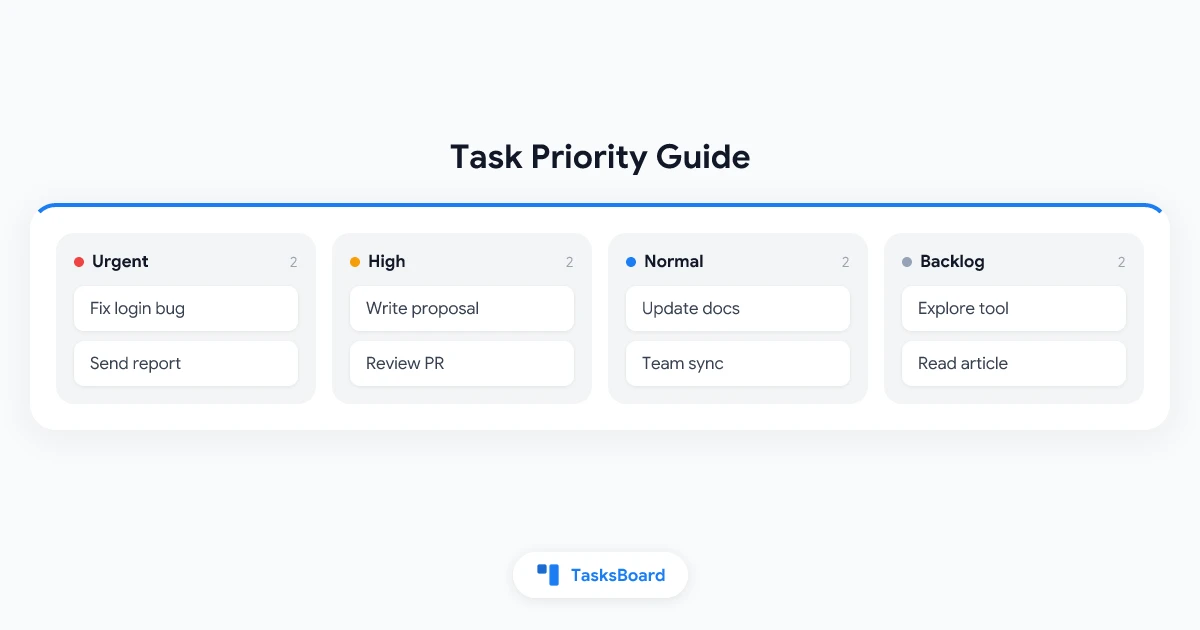
Google Tasks Priority: How to Rank and Sort Your Tasks in 2026
Google Tasks has no priority field. Learn the native workarounds (stars, lists, due dates) and how TasksBoard adds real P1 to P3 flags, sorting and filters.
Google Tasks Desktop App: The Best Ways to Use Google Tasks on PC and Mac in 2026
Get Google Tasks as a desktop app on Windows and Mac in under a minute: its own window, a Dock or taskbar icon, and a full-screen board view. 3 free ways.
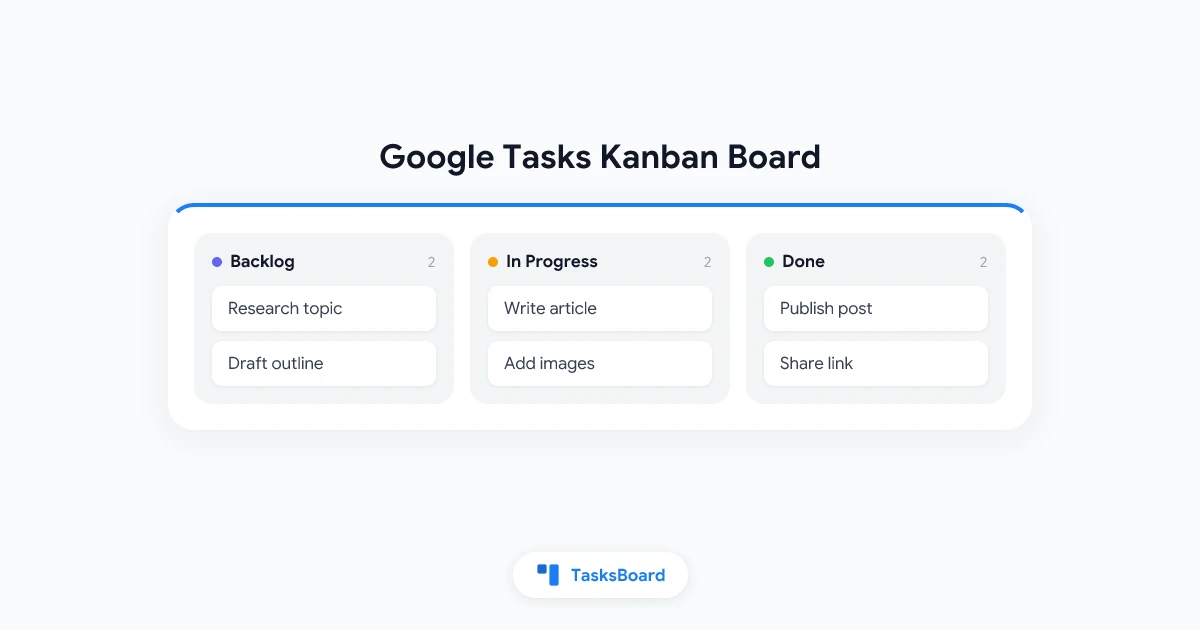
Google Tasks Kanban Board: How to Add a Visual Board to Your Tasks
Google Tasks lacks a built-in kanban view. Learn how to turn your Google Tasks into a visual kanban board using TasksBoard in just a few clicks.
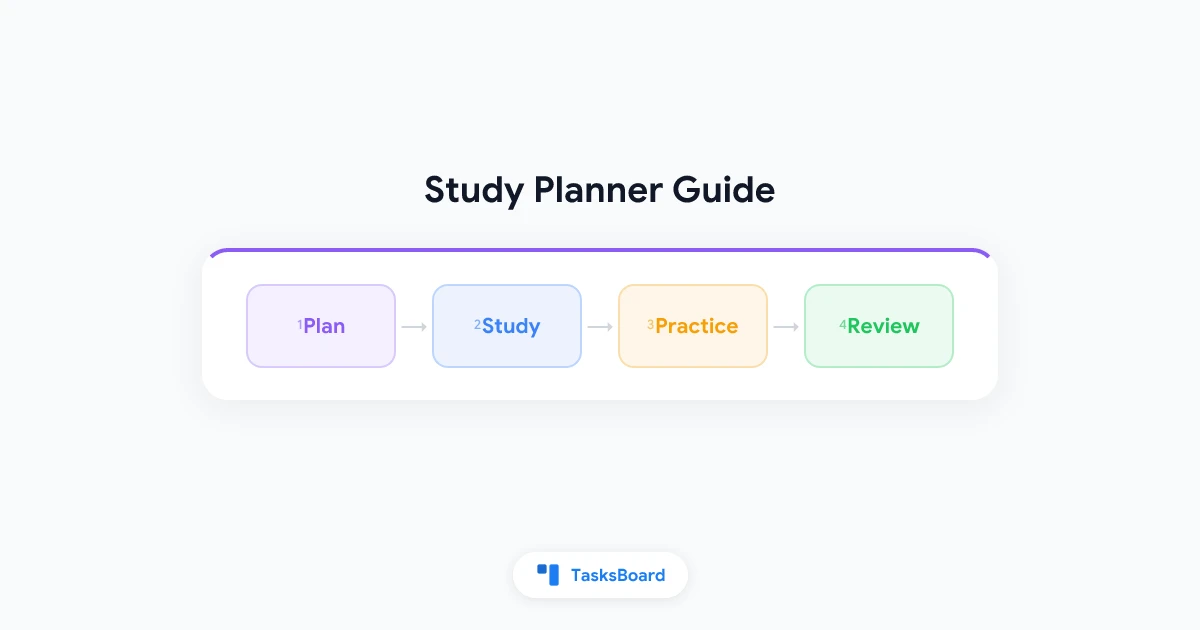
Study Planner: Free Apps and Templates for Students in 2026
Find the best study planner apps and templates for students in 2026. Learn how to plan study sessions, manage deadlines, and stay organized with the right tools.