Study Planner: Free Apps and Templates for Students in 2026

Every student has experienced the panic of realizing an assignment is due tomorrow or an exam is next week with almost no preparation done. A study planner does not eliminate the pressure of academic deadlines, but it does mean you stop discovering them at the worst possible moment.
The right study planner organizes your coursework, surfaces upcoming deadlines before they become emergencies, and helps you allocate study time in a way that matches the actual difficulty and weight of each task. This guide covers how to build one that works, along with the best apps to support it.
What Is a Study Planner?
A study planner is a system for tracking academic tasks, deadlines, and study sessions. At minimum, it captures:
- All assignments, exams, and project deadlines
- The estimated time each task requires
- When you plan to work on each item
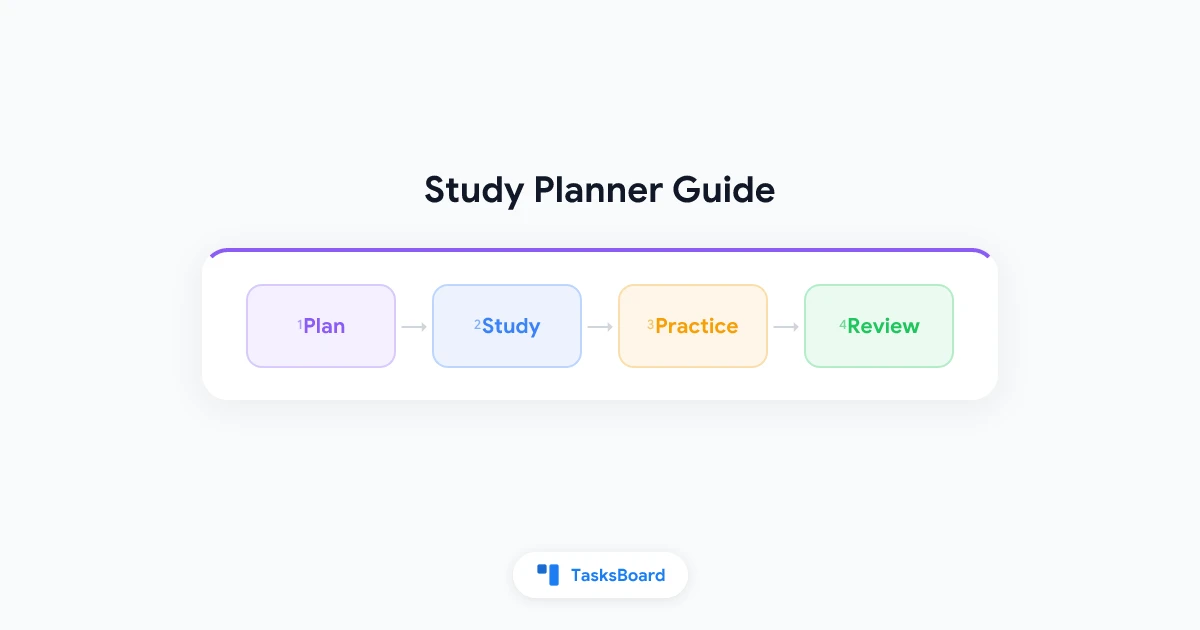
A good study planner goes further. It breaks large projects into smaller steps, helps you identify busy periods in advance, and creates a daily study routine that is sustainable rather than reactive.
The difference between a study planner and a simple to-do list is scheduling. A list tells you what needs to be done. A planner tells you when you will do it.
Why Students Struggle Without a Study Planner
Most academic stress traces back to one of three failure modes:
Recency bias. Without a planner, students work on whatever is most recently assigned or most urgent. Long-term projects get ignored until the deadline is close.
Underestimating workload. A research paper sounds manageable until you realize it requires two weeks of reading, an outline, a draft, and revisions. Without breaking it into steps, students start too late.
No study routine. Studying in reactive bursts, such as cramming before exams, produces worse retention than spaced, consistent study sessions. A planner creates the structure for distributed practice.
A study planner addresses all three by giving you a complete view of upcoming work and the ability to allocate time in advance.
How to Build a Study Planner That Works
Step 1: Capture All Deadlines
At the start of each semester or term, enter every deadline for every course into your planner. Include:
- Assignment due dates
- Exam dates and formats (written, multiple choice, open book)
- Project milestones
- Lab reports, presentations, readings
This full-capture step is often skipped, and it is the most important one. You cannot plan around deadlines you have not recorded.
Step 2: Estimate Time Required
For each item, estimate how long it will actually take. Use a realistic estimate that includes reading, drafting, revision, and review, not the minimum optimistic time. Students consistently underestimate by two to three times. Round up.
Step 3: Work Backward from Deadlines
For a paper due in four weeks, identify when each component needs to be done: research complete by week 1, outline by week 2, first draft by week 3, final draft by week 4. Enter these as separate tasks with individual due dates.
Step 4: Schedule Study Sessions
Open your calendar and block time for each study session. Treat study blocks like classes: fixed appointments that do not move unless absolutely necessary.
Step 5: Review Weekly
Every Sunday (or the start of the week), review the coming week. Check upcoming deadlines, confirm that your study sessions are scheduled, and adjust if anything has shifted.
Best Study Planner Apps in 2026
| App | Best For | Key Feature | Price |
|---|---|---|---|
| TasksBoard | Google Workspace students | Kanban view for Google Tasks | Free / Premium |
| Notion | Notes + planning combined | Flexible databases, templates | Free / $8/mo |
| Todoist | Simple task lists | Clean UI, deadline reminders | Free / $4/mo |
| Google Tasks | Minimal, Gmail-integrated | Native Google integration | Free |
| My Study Life | Academic-specific | Timetable, exam tracking | Free |
| Structured | Visual daily planning | Timeline view, drag-and-drop | Free / $3/mo |
For students already using Google Workspace (which many universities provide), TasksBoard is a practical choice. It adds a visual kanban board to Google Tasks, lets you organize assignments by course or project, and integrates directly with Google Calendar.
Using TasksBoard as a Study Planner
TasksBoard works with Google Tasks, which is free and available to anyone with a Google account. Here is how to adapt it for academic planning:
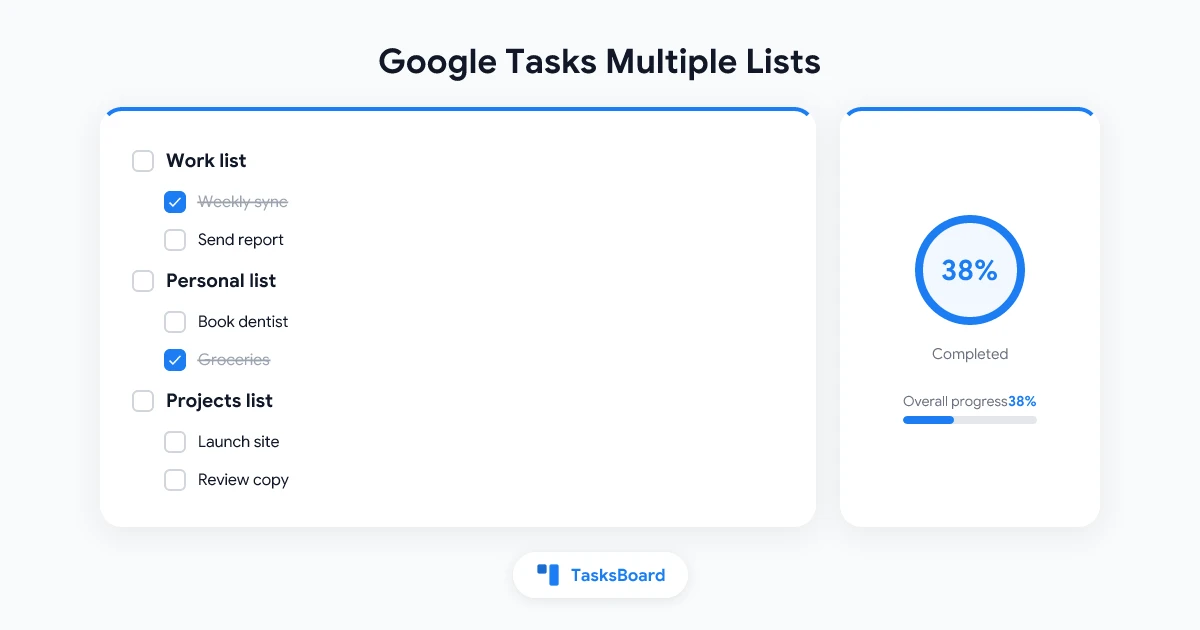
Create one task list per course. For example: “ECON 101,” “History Thesis,” “Chemistry Lab.” This keeps assignments organized by course without mixing everything into one pile.
Add tasks with due dates. Every assignment gets a task with the actual due date. Subtasks handle the steps. For a research paper, subtasks might include “Find 5 sources,” “Write outline,” “Draft introduction,” and so on.
Use the board view. Move assignments across columns as they progress: To Do → In Progress → Review → Done. This gives a quick visual snapshot of where everything stands.
Check the board each morning. A two-minute morning review of what is due this week and what is due today replaces the anxious scrambling that happens when deadlines arrive as surprises.
Study Planner Templates
Many students find it useful to start with a template rather than building a system from scratch. Here are the most common formats:
Weekly Study Schedule Template
A grid with days across the top and time slots down the left. Courses and study sessions fill the cells. This works well for building a consistent routine but does not handle deadline tracking on its own.
Assignment Tracker Template
A table with columns for course, assignment, due date, estimated time, status, and notes. Sorted by due date, it provides a running list of all upcoming work. Google Sheets works well for this.
Semester Overview Template
A monthly calendar view showing all major deadlines across the whole semester. Created at the start of term, it provides the high-level view that prevents mid-semester surprises.
Project Breakdown Template
For large projects, a table that breaks the project into phases with individual deadlines for each phase. Combined with an assignment tracker, it handles both the macro view and the day-to-day steps.
Study Planning Methods for Students
Pomodoro for Study Sessions
The Pomodoro technique uses 25-minute work blocks with 5-minute breaks. For studying, each Pomodoro covers one focused topic or task. After four Pomodoros, take a longer break.
This method works particularly well for students who struggle with distraction. Short, bounded sessions are less daunting than “study for three hours.”
Spaced Repetition
Spaced repetition distributes study over multiple sessions rather than cramming. Review material one day after learning, then three days later, then a week later. Each review session reinforces retention more than an equivalent amount of cramming would.
A study planner makes spaced repetition practical by scheduling the review sessions in advance.
Time Blocking
Block specific hours for specific courses each day. For example: 9–10am is always Economics, 2–4pm is always History reading. This creates a predictable routine that reduces the daily decision overhead of “what should I study now?”
Coordinating Study Plans with Google Calendar
Students who use Google Calendar alongside their study planner get the best of both. Fixed commitments such as classes, lab sessions, and tutorials live on the calendar. Study tasks live in the task planner. The two systems connect when you:
- Block study sessions on the calendar as events
- Use Google Tasks with due dates that sync to Calendar
- Use TasksBoard to surface upcoming tasks alongside your calendar view
This integration prevents the common failure mode where your calendar is full of classes but there is no time blocked for actually doing the work.
Building a Sustainable Study Routine
A study planner is not useful if it demands more effort to maintain than it saves. Here is a minimal routine that works:
Sunday evening (20 minutes): Review the coming week. Check all deadlines. Confirm study sessions are blocked on your calendar. Add any tasks you missed.
Each morning (5 minutes): Check what is due today and this week. Confirm your plan for the day.
After each study session (2 minutes): Mark completed tasks done. Note any blockers or things that need to carry over.
That is it. Less than 30 minutes per week of planning overhead in exchange for a system that keeps you organized throughout the semester.
FAQ
What is the best free study planner app for students?
Google Tasks with TasksBoard is among the most practical free options for students in Google Workspace environments. Notion is excellent for students who want to combine notes and planning in one place. My Study Life is purpose-built for academic planning with timetable and exam tracking.
How far in advance should I plan my studying?
Plan the full semester view at the start of term (capturing all deadlines), then do a weekly plan every Sunday, and a quick daily check each morning. The key is having multiple horizons so long-term projects do not sneak up on you.
Should I use a digital or paper study planner?
A digital planner is more practical for most students because it syncs across devices, sends reminders, and can be shared with study groups. Paper planners work well for people who think better on paper, but they do not surface reminders or sync with your calendar.
How do I handle a week with multiple deadlines?
Identify the deadline collision early, ideally weeks before it arrives, and work backward. Schedule extra study sessions for the higher-stakes items first. Accept that lower-priority tasks may get less time and plan accordingly.
What should I put in a study planner?
Every assignment due date, every exam, every project milestone, every major reading with a deadline. Then break large items into smaller steps and add those as subtasks with intermediate deadlines.
Can a study planner reduce academic stress?
Yes, significantly. Most academic stress comes from uncertainty: not knowing what is coming up or feeling behind on things. A planner replaces that uncertainty with a clear picture of upcoming work and a concrete plan for handling it.
Build Your Study Planner with TasksBoard
The best study planner is the one you will actually use. Start simple: create one task list per course, add your deadlines, and do a five-minute daily review.
TasksBoard makes this easy if you are already in the Google ecosystem. It is free, works directly with Google Tasks, and gives you a visual board view that makes upcoming work easy to see at a glance.
Your grades do not improve because you have a better system. They improve because a better system ensures you actually do the work, consistently, before deadlines arrive.
Ready to share your Google Tasks?
Get started with TasksBoard for free, no credit card required.
Sign in